
How IP cameras get power
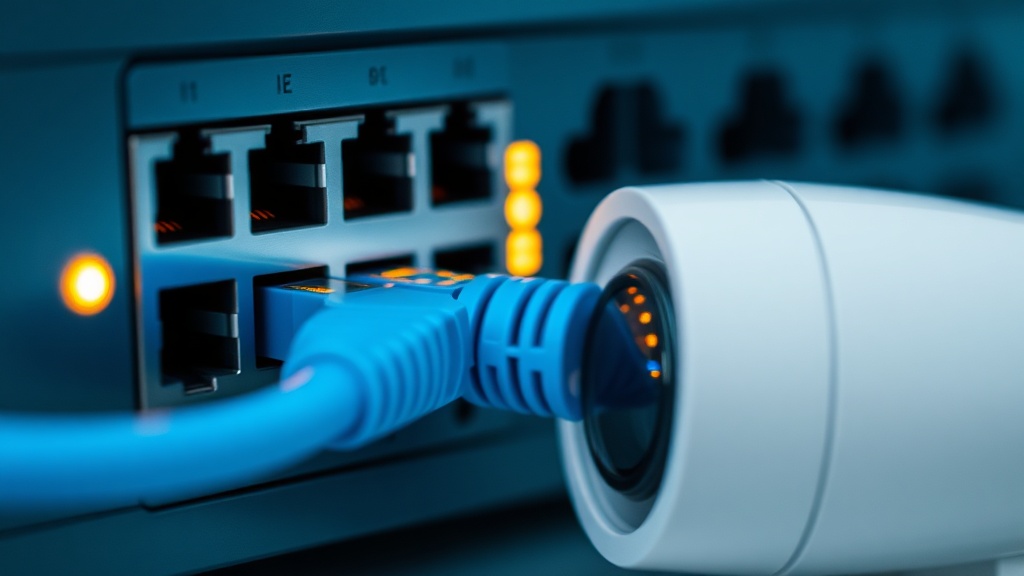
Option one: a classic 12V power supply next to each camera plus a separate power cable. Option two: PoE (Power over Ethernet, 802.3af/at) — power and data travel over one twisted pair from a PoE switch, up to 100 meters with no extra wiring or outlets.
Economics and reliability
For one or two cameras, power supplies are cheaper. But from 3–4 cameras the economics flips: every supply needs an outlet next to its camera (that means electrical work), every supply is a separate point of failure, and backing them up individually against blackouts is nearly impossible.
PoE solves all of that with one node: the switch sits in a cabinet with a single UPS — and the whole CCTV system survives a power cut. Diagnostics get easier too: a frozen camera can be rebooted remotely by cycling PoE on its port instead of driving to the site.
An example with 8 cameras
With supplies: 8 PSUs, 8 outlets (installation!), a basic switch, and almost nowhere to fit a UPS. With PoE: one 8+ port PoE switch, one UPS in the cabinet, zero extra outlets. Upfront cost is similar; total cost of ownership favors PoE: fewer failure points, backup in one place, remote management.
The one thing to calculate in advance is the PoE power budget: the sum of all cameras' consumption (regular — 5–7 W, PTZ and heated — 15–25 W) must fit the switch's budget with 20–30% headroom.
Typical power-selection mistakes
The main mistake is counting ports instead of watts: an '8-port PoE' switch with a 65 W budget will not carry eight cameras with IR and heaters at 12–15 W each. Always sum the maximum draw of every camera and keep 20–30% headroom — in winter illumination and heating run at the same time.
The second mistake is passive PoE instead of the standard: cheap 'PoE injectors' push voltage without negotiation and can burn the port of a camera built for 802.3af/at. The third is length: beyond 100 meters of copper you need a PoE extender or fiber with a media converter, not wishful thinking.
Conclusion
Up to 2–3 cameras with outlets already in place — power supplies are acceptable. From 3–4 cameras, and in any system that must survive blackouts, — PoE, no question. We will help you pick a PoE switch for your camera count and calculate the power budget — message us in chat or Telegram.
FAQ
Can PoE power more than cameras?
Yes: Wi-Fi access points, IP phones, intercom panels and access controllers also run on standard PoE — one infrastructure covers the whole low-voltage stack.
What happens if the switch runs out of power?
The switch drops the lowest-priority ports, or cameras start rebooting at night when IR turns on — a floating fault that is hard to diagnose.
Does a PoE switch need grounding?
Yes, like any active gear: grounding and surge protection on outdoor lines protect both the switch and the cameras — especially on long runs between buildings.
Installation works cost calculator
Set the number of points — the calculator lays out a site plan and shows the range from our standard price list. One minute, no phone calls.
Read also

Related services
Catalog on the topic