Signal boosters
Found: 7
Signal boosters — guide & FAQ
Wi-Fi signal boosters (repeaters, extenders) are devices that receive the existing wireless signal of a router and retransmit it further, expanding the coverage area into those zones of an apartment, house or office that the wave from the main router already does not reach or reaches weakened. They solve the typical problem of thick walls, long corridors, multi-room layouts and a second floor, where the speed drops and the connection constantly breaks off. It is convenient to buy Wi-Fi signal boosters in Tashkent for a specific layout and for an already installed router through the SAT Solutions catalog: we select a model by area, band and required speed, rather than selling a "box at random".
Unlike a full-fledged mesh system or laying new cable, a booster is a fast and inexpensive solution that is set up in minutes: the device plugs into a socket, synchronizes with the router via the WPS button and immediately starts distributing the network in the problem zone. For most household and small commercial tasks this is enough: to extend the signal to a distant bedroom, to a warehouse behind a wall, to a meeting room at the end of a corridor or to a lounge area in the yard of a private house. Some devices in this category can also work as a standalone access point if twisted pair is brought to them.
In Uzbekistan, where there are many private houses with solid brick and concrete walls, multi-story offices and retail premises with display windows and shelving, a correctly selected booster noticeably raises network stability without a costly infrastructure rebuild. It is important to understand the limitation of the technology: a repeater retransmits exactly the signal it receives itself, so it must be placed at a point of confident reception, not where there is almost no internet left. Below are the selection criteria, usage scenarios and models from our catalog.
How to choose
- **Band (Single-band / Dual-band):** models like the Mercusys MW300RE and ME30 operate in the 2.4 GHz band — it has a longer range and passes through walls better, suitable for household tasks and a large area. The dual-band ME50G and ME80X add 5 GHz for high speed over short distances — this is the choice for streaming, video calls and dense traffic.
- **Speed and Wi-Fi standard:** assess the actual need. The MW300RE/ME30 are rated for N300 (up to 300 Mbit/s) — this is enough for web surfing and video. The ME50G and especially the ME80X with Wi-Fi 6 (AX) support provide a substantially greater reserve in speed and the number of simultaneous connections.
- **Presence of an Ethernet port:** models with a gigabit port (for example, ME50G, ME80X) allow you to connect a TV, set-top box, PC or IP camera by cable and simultaneously serve as a wired "bridge" — this is critical where the device has no Wi-Fi of its own or where stability is needed.
- **Operating mode (repeater / access point):** the ME80X and a number of devices can work not only as a repeater but also as an access point from a cable. If network expansion is planned — take a model with AP mode so as not to change equipment later.
- **Area and wall material:** for concrete and brick, allow a reserve of power and the 2.4 GHz band for penetration capability. For open offices and apartments with plasterboard walls, more compact models are sufficient.
- **Compatibility with the router:** boosters work with a router of practically any manufacturer, but it is more convenient when the router and repeater are of the same brand (unified setup logic, seamless OneMesh roaming with Mercusys/TP-Link).
- **Power and form factor:** all devices in the category are wall-mounted, plugging directly into a socket. Take into account the location of the socket at the point of confident signal reception and a signal-level indicator for correct installation.
Applications
- **Apartments and private houses:** extending the signal to distant rooms, the second floor, the attic, the basement or the yard — the most common scenario in the residential sector.
- **Small offices and coworking spaces:** covering meeting rooms, distant offices and zones at the end of a corridor without laying additional cable.
- **Retail (shops, showrooms):** expanding the network into the retail hall, the warehouse and back rooms, where metal shelving and display windows muffle the signal.
- **Cafes, restaurants, guest areas:** stable guest Wi-Fi on summer terraces, patios and in banquet halls.
- **Residential complexes and apartments:** boosting the network in large apartments with a complex layout and solid partitions.
- **Warehouse and utility premises:** connection by cable in access-point mode for areas that the main router physically does not reach.
Brands and models in the catalog
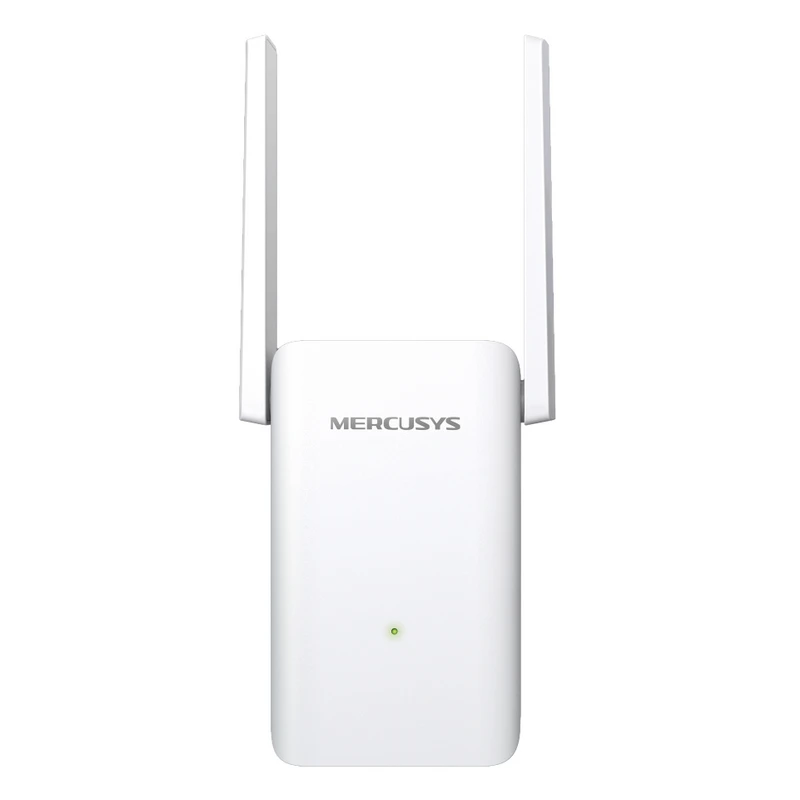
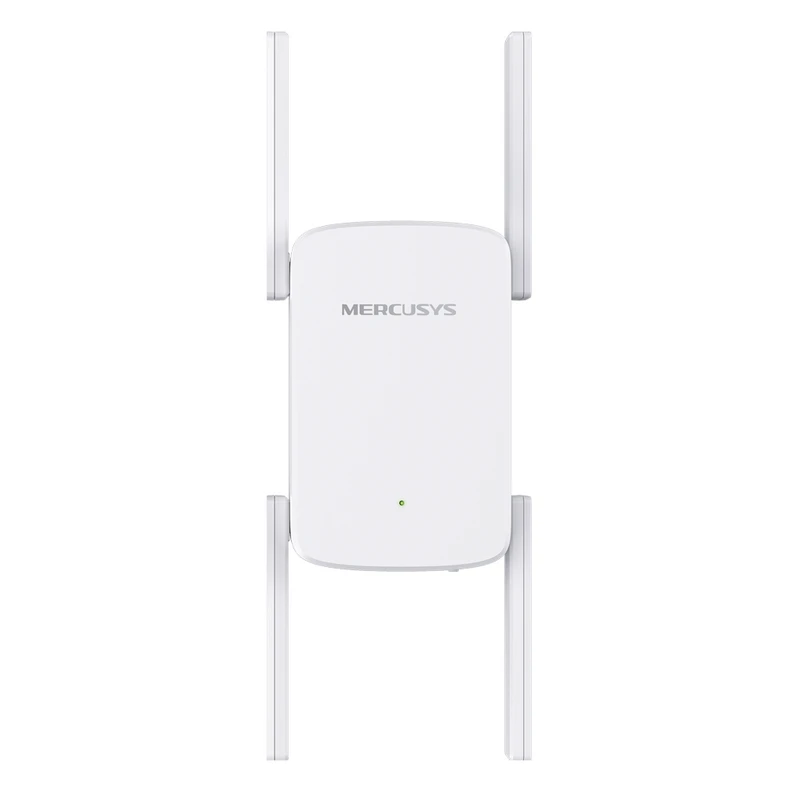
- **Mercusys ME80X** — the flagship of the category: a dual-band booster with Wi-Fi 6 (AX) support, a gigabit port and access-point mode. Maximum speed and a reserve in connections for modern tasks.
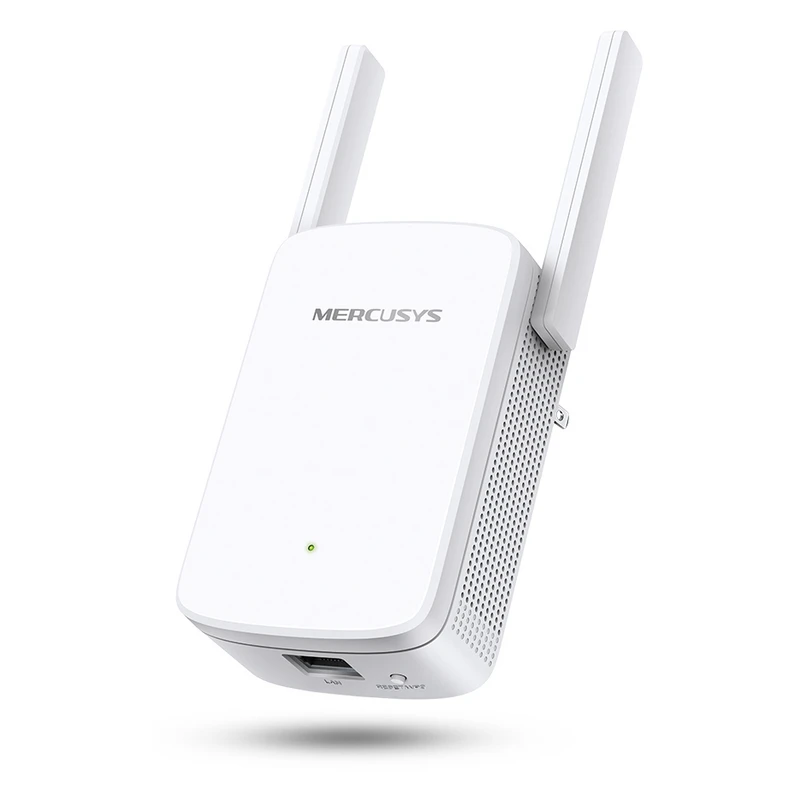
- **Mercusys ME50G** — a dual-band model (2.4 + 5 GHz) with a gigabit Ethernet port. A balance of speed and stability for apartments and medium-sized offices.
- **Mercusys ME30** — a compact booster for basic coverage expansion in household scenarios, simple WPS setup.
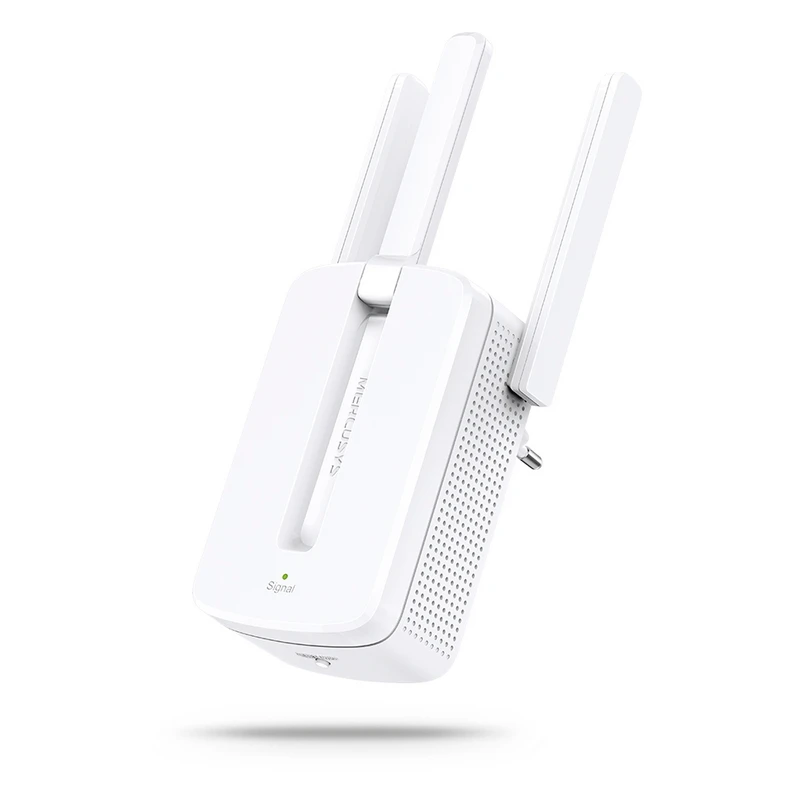
- **Mercusys MW300RE** — a budget N300 repeater of the 2.4 GHz band for long-range coverage of a house and a small office.
- All items are original Mercusys products (a brand of the TP-Link group), which ensures compatibility with the ecosystem and predictable operation with routers of the same family.