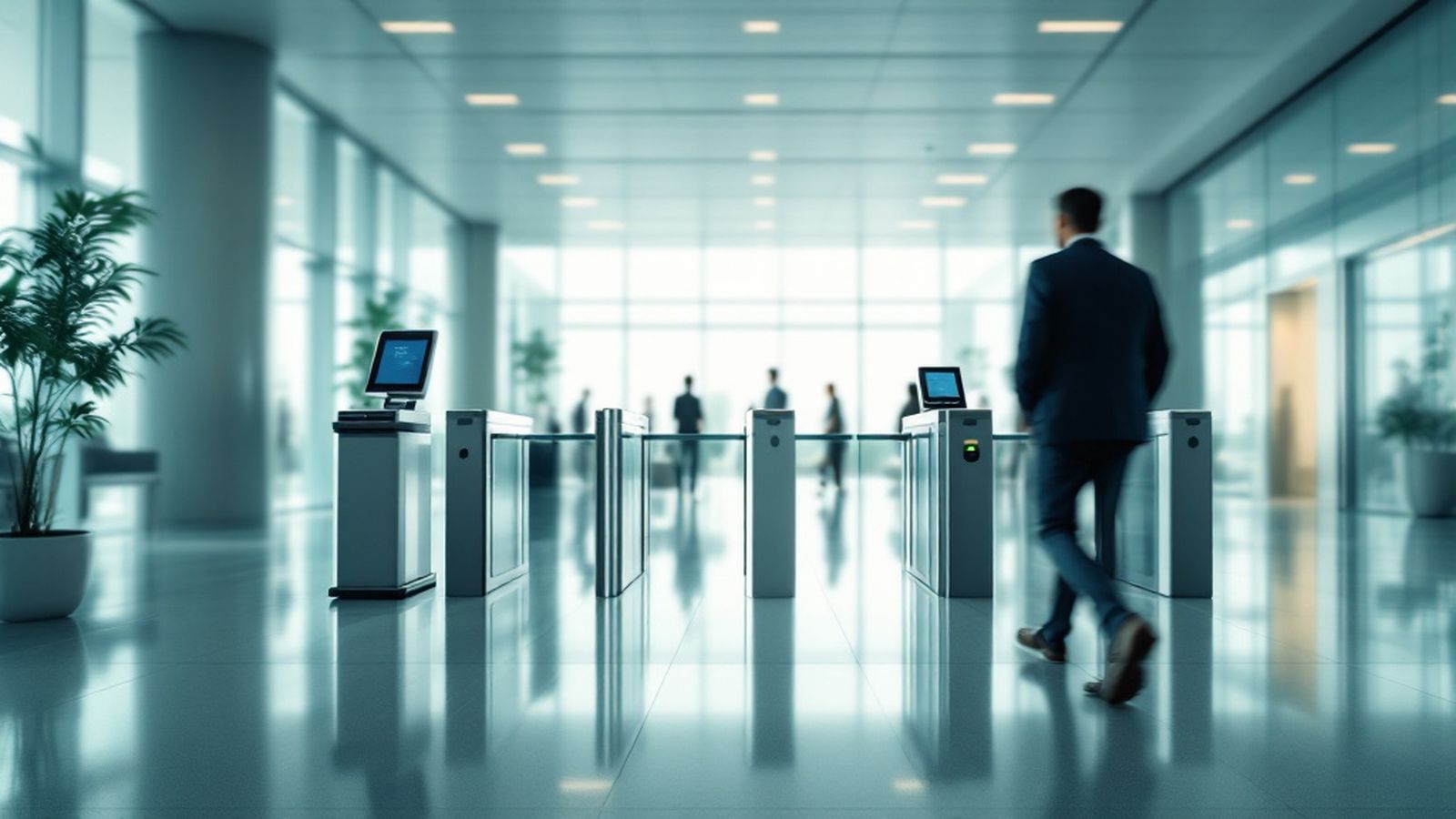
SAT Davomat — face-based time and attendance
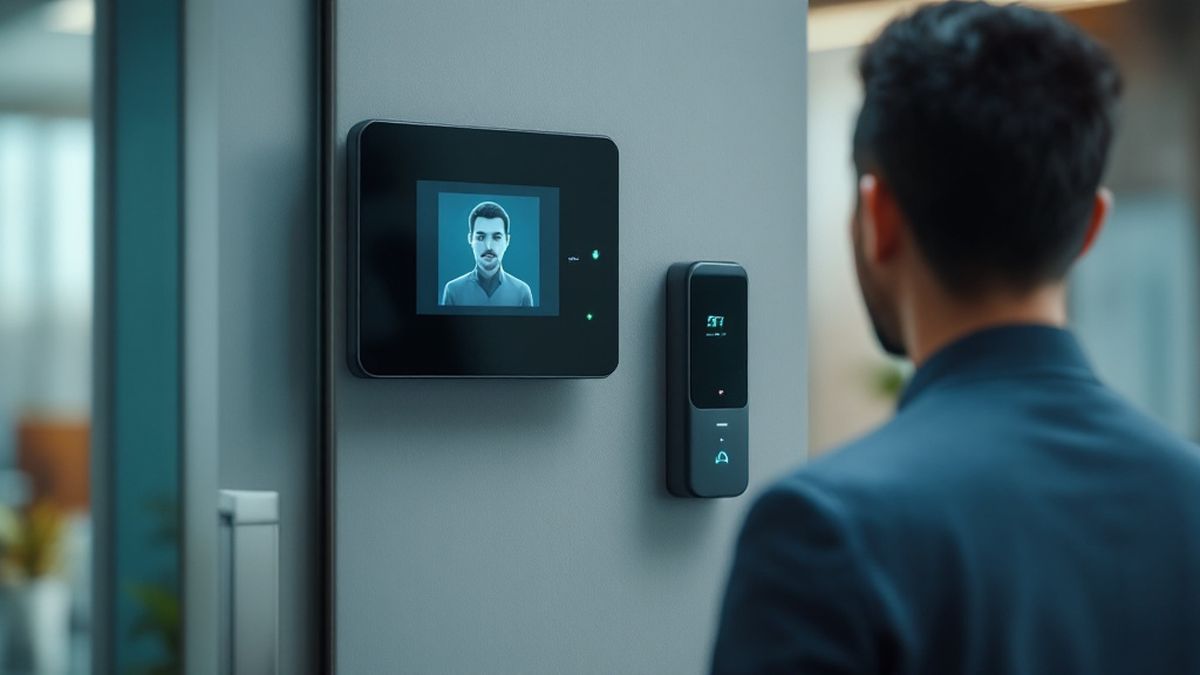
An employee steps up to the terminal, it recognises the face in a fraction of a second and records the arrival. At month end the accountant opens a finished timesheet instead of collecting guard logbooks. The software works with terminals already installed at the entrance.
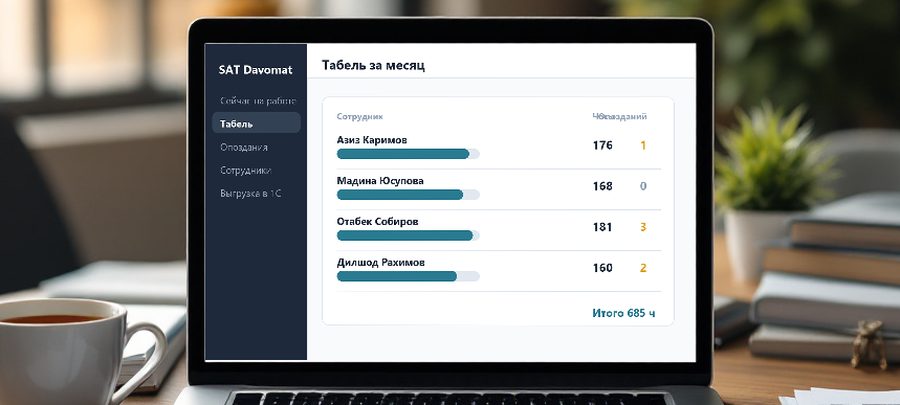
What the dashboard shows
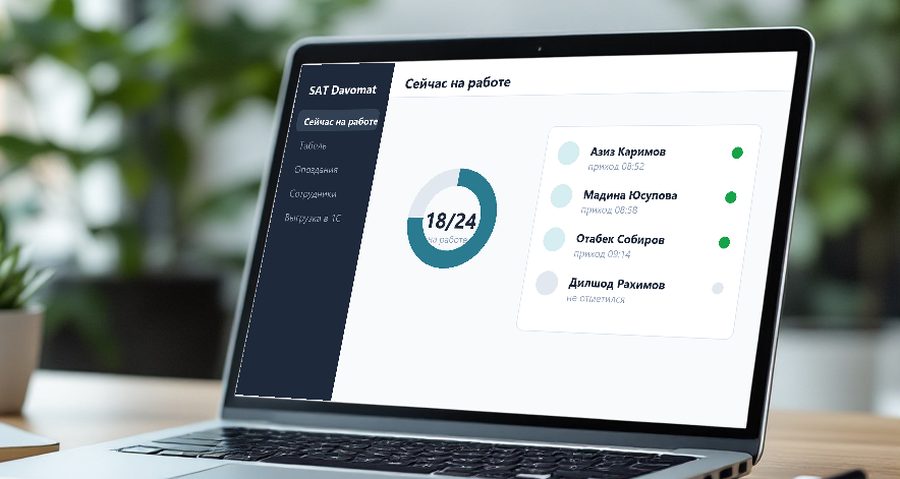
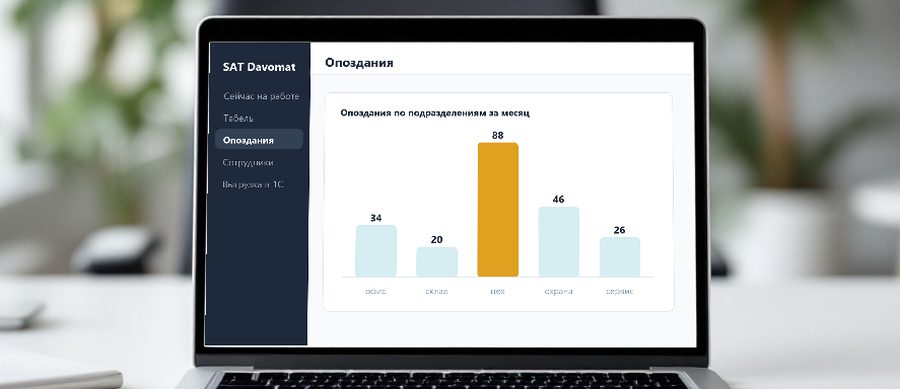
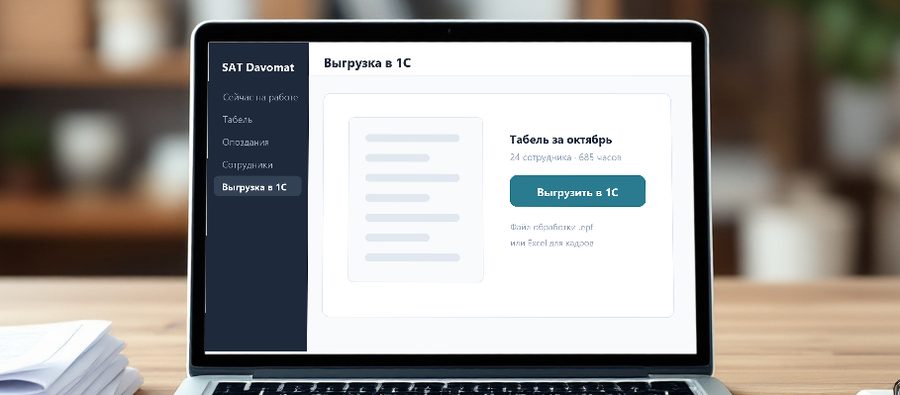
What the manager sees
Sample reports: when people arrive and where late arrivals pile up.

Features
A check-in takes under a second, nobody can clock in for a colleague and no pass can be forgotten.
Hours per shift, day and month. HR marks holidays, sick leave and business trips.
Work schedules are set per department and the system calculates deviations by itself.
The finished timesheet moves into 1C through a processing file, with no hours retyped by hand.
Office, warehouse and workshop in one dashboard, with a live view of who is at work and where.
Excel export, reports by department and per employee for any period.
Who it fits
Shifts, night hours and overtime are calculated automatically; disputed hours are backed by entry records.
Flexible start, lunch breaks and remote days are configured as rules instead of being counted by hand.
Cafés, shops and branches: one dashboard for the whole network with a schedule per location.
A checkpoint in the site cabin, a terminal on battery and mobile internet, crews tracked per site.
How we roll it out
- 1. Count the checkpoints
We look at how many entries and exits there are, whether turnstiles exist and what hardware is already installed.
- 2. Install terminals
We mount face terminals or connect existing ones, and add a turnstile where it is needed.
- 3. Enrol employees
We register faces, import the staff list from 1C or Excel and set schedules and departments.
- 4. Train and hand over
We show the dashboard to HR and accounting and set up the 1C export and reports.
Supported hardware
Common time and attendance terminals are supported. We confirm compatibility during the survey — usually nothing needs replacing.
- ZKTeco, Dahua and Hikvision face terminals
- Card and fingerprint readers
- Turnstiles and gates
- 1C: timesheet transfer via a processing file
- Internet on site and a small gateway
Related services
Biometrics and timesheets with export to 1C and HR systems.
Tripods, full-height and speed gates integrated with access control.
Turnstiles, readers, electronic locks and checkpoints.
Barriers, license plate recognition and parking control.
Related articles
Frequently asked questions
Is collecting employees' faces legal?
Yes, with the employee's consent and proper wording in company rules. We help prepare the consent form and the time-tracking policy.
What about employees without a smartphone?
No smartphone is needed: the employee checks in at the terminal by face or card.
Does tracking work without internet?
Yes. The terminal stores records locally and uploads them once the connection is back.
Can it handle several shifts and night work?
Yes, schedules are configured per department, including night and rotating shifts.
Tell us the headcount and the number of checkpoints — we will pick the terminals and demo the dashboard.