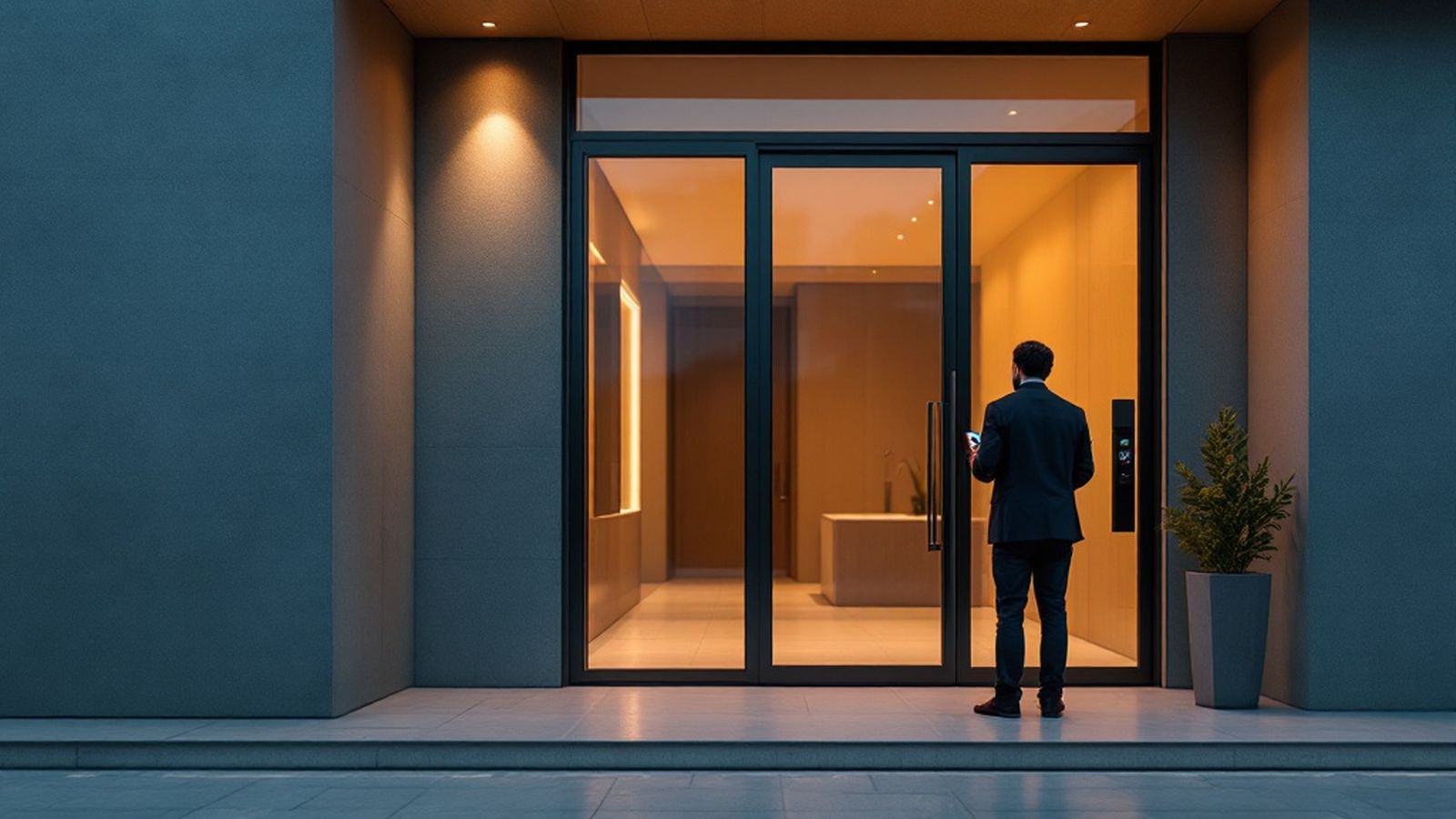
SAT Uy — resident app and management company dashboard
Residents open doors with a phone, call a plumber without phoning the dispatcher and see what they pay for. The management company runs requests, charges and the access log in one dashboard. The app works with intercoms, face terminals and controllers already installed on site.
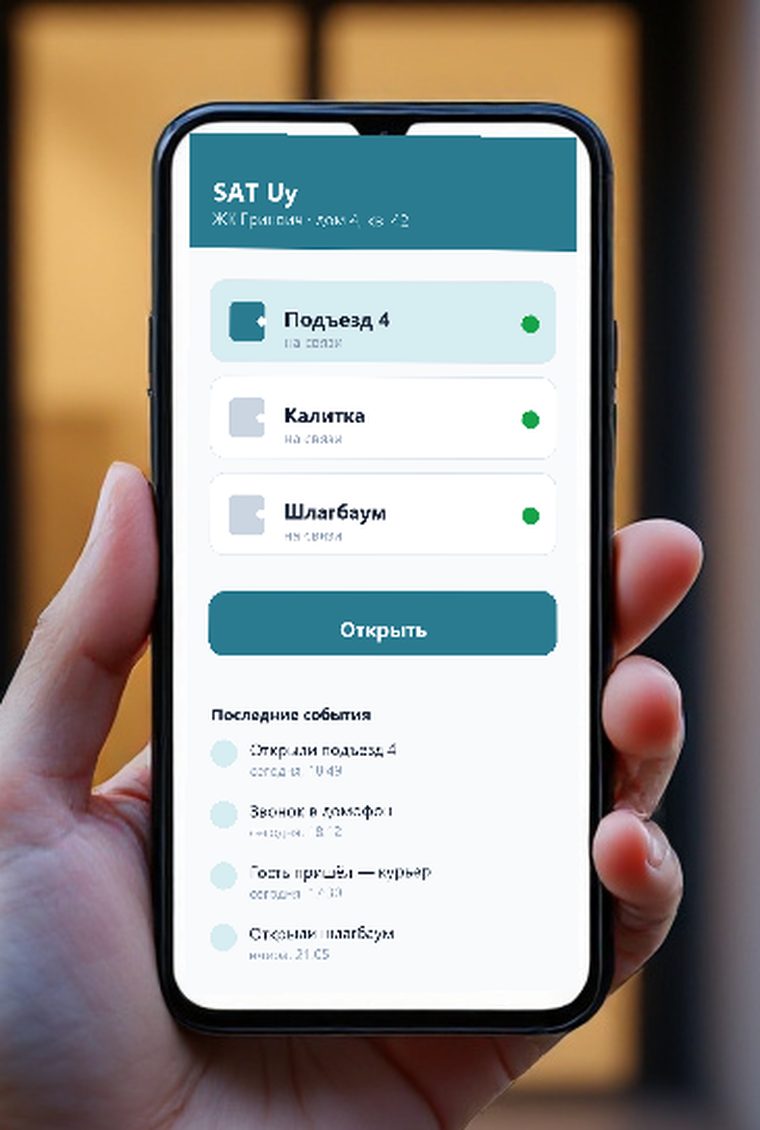
What a resident sees
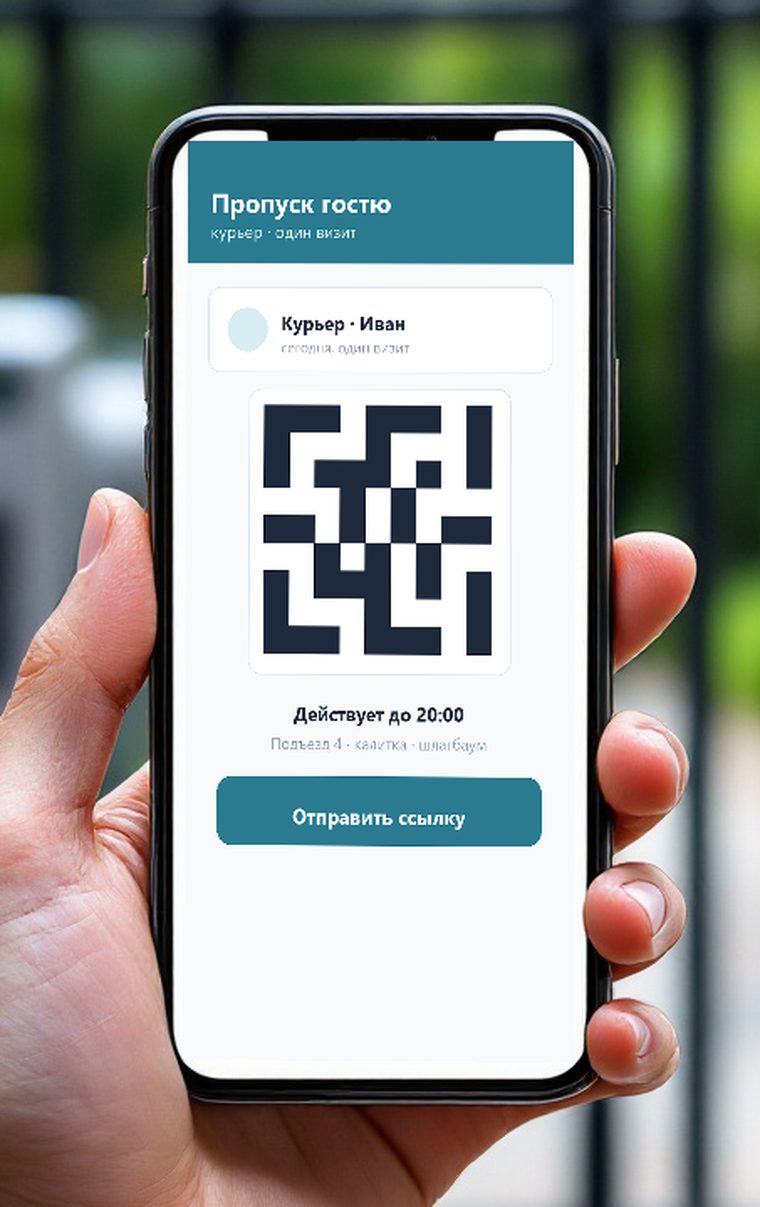
How a guest gets in
The resident issues the pass; no call to the front desk.
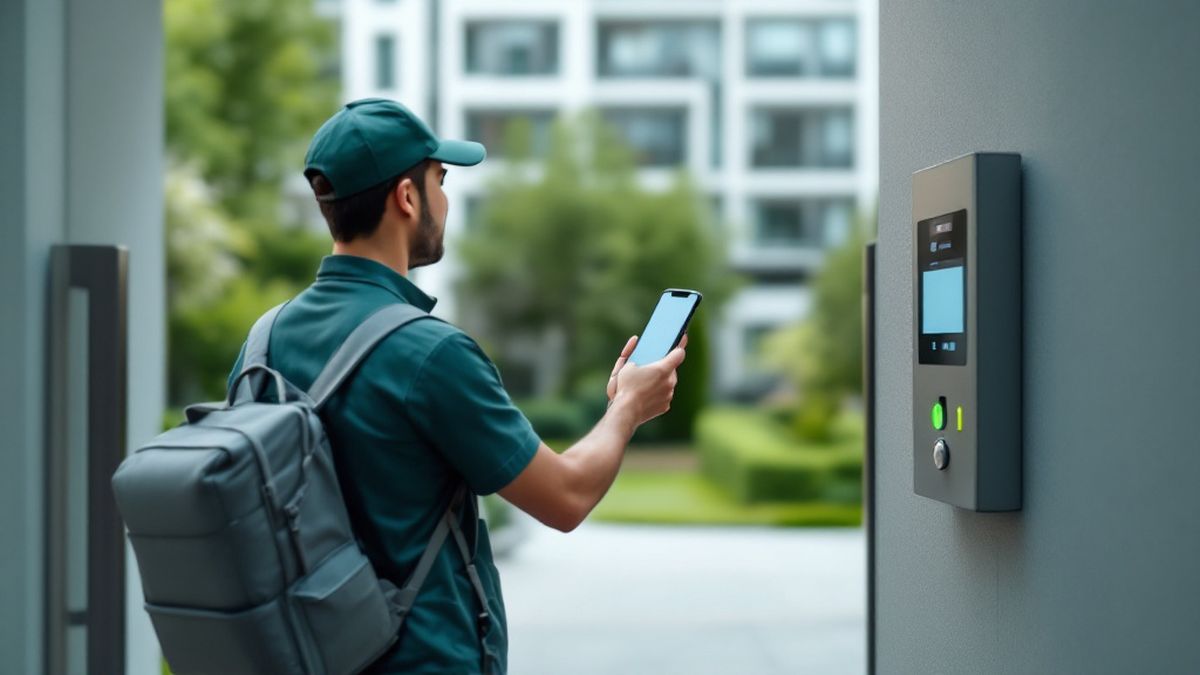
- 1Resident creates a passfor one visit or for a period
- 2The guest gets a linkwith a button and a QR code
- 3QR at the terminalor a tap inside the link
- 4The door opensthe entry is written to the log
For residents
Your own doors sit on the home screen; one tap opens them, even with the phone in your pocket at the gate.
A resident issues a pass for a period or a single visit. The guest opens the door by link or shows the QR to the terminal.
You see who is at the door and open it straight from the notification, even when you are away.
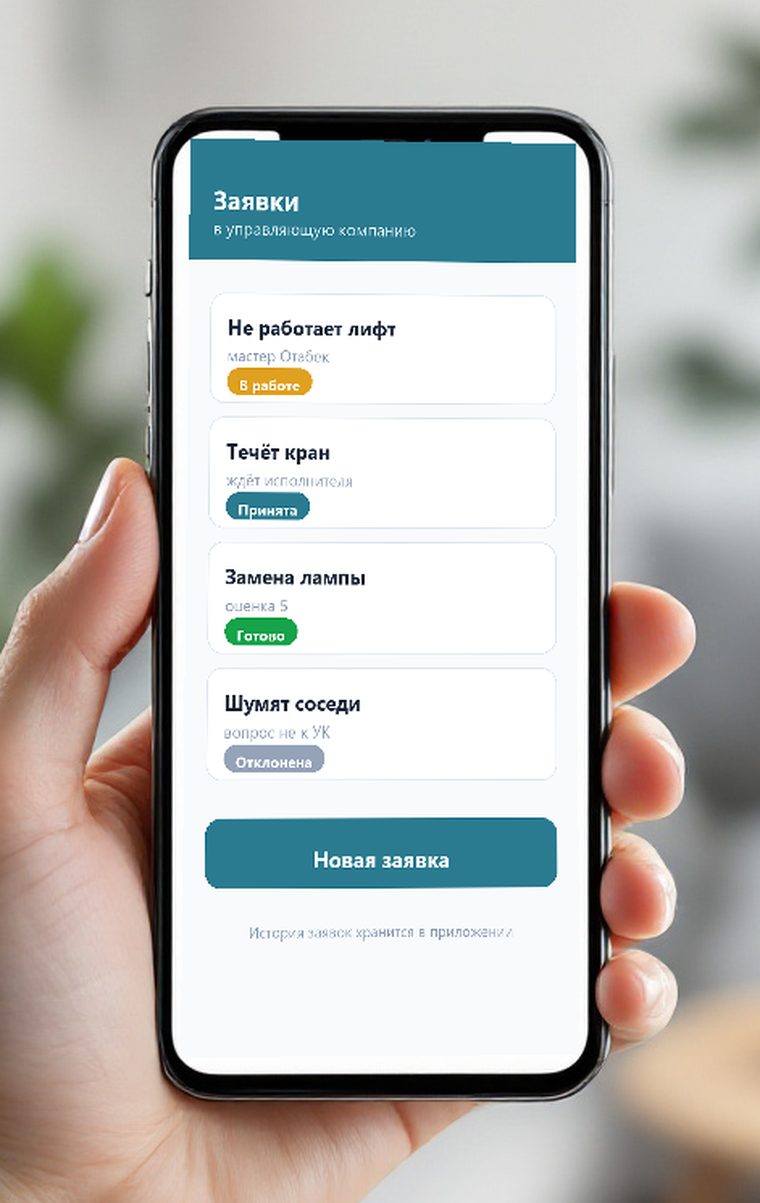
A request moves through accepted, in progress and done; the assignee and dispatcher replies stay visible.
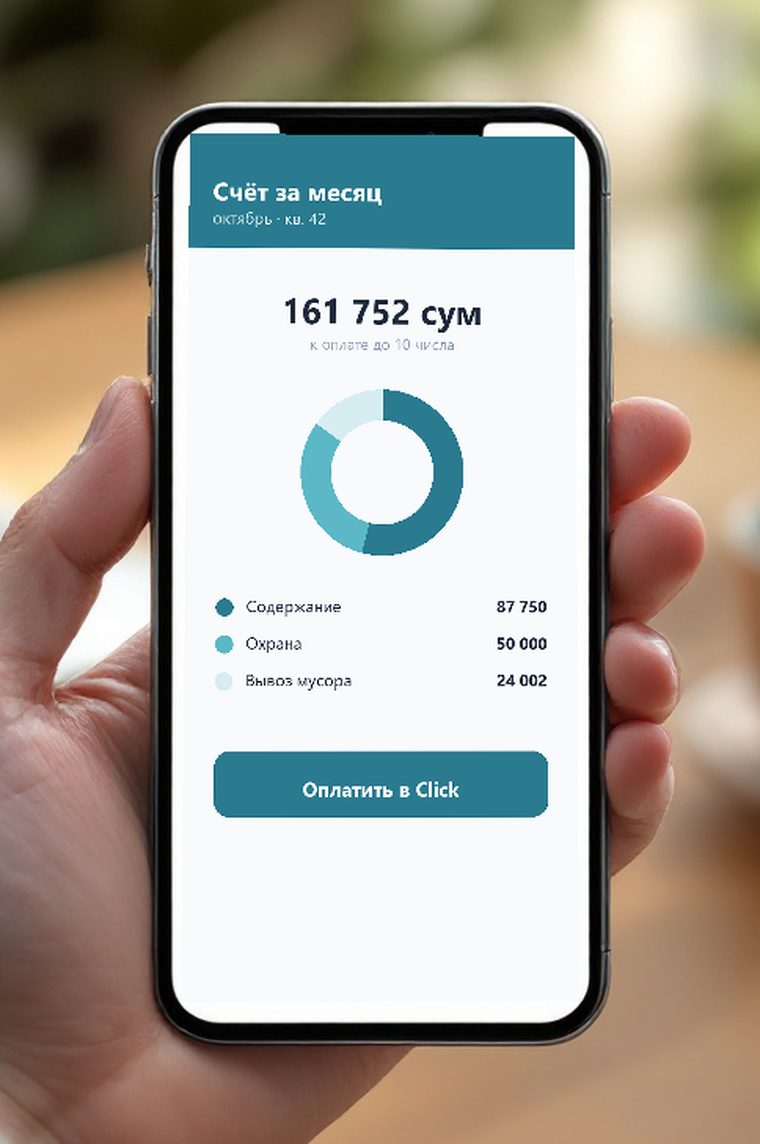
Monthly charges, debt and payment via Click. Meter readings are submitted from the app.
The owner invites family members and a tenant for a fixed term and decides who may see the bill.
For the management company
Buildings, apartments, residents and access rights in one place. Doors can be opened from the dashboard too.
The dispatcher assigns a plumber or an electrician, the resident sees the stage, and the history keeps who did what and when.
Tariffs per square metre, per apartment or per resident. Ready-made charges import from Excel or 1C.
A water shutdown notice reaches the whole building as a notification, and residents reply in chat.
Who opened a door, when and how: phone, face, card or a guest QR code.
Manager and dispatcher roles, two-factor sign-in and a tamper-proof log of staff actions.
The log: every entry is visible
Events reach the resident and the management company alike.
- Entrance 4 openedAziz · today, 18:49
- Intercom callside gate · today, 18:12
- Guest arrived — courierQR pass · today, 17:30
How we connect it
- 1. Survey the site
We check intercoms, controllers, network and power. Working hardware stays, missing parts are added.
- 2. Install the gateway
A small gateway in the server room links the hardware to the SAT server. Equipment passwords stay on site.
- 3. Load buildings and apartments
We transfer the list of apartments and residents and set up staff accounts and their rights.
- 4. Launch for residents
A resident installs the app and signs in with their email. We demo the dashboard and train the dispatcher.
Supported hardware
The app controls equipment over the network, so most modern systems fit. Compatibility is confirmed during the survey.
- Hikvision and Dahua door stations and intercoms
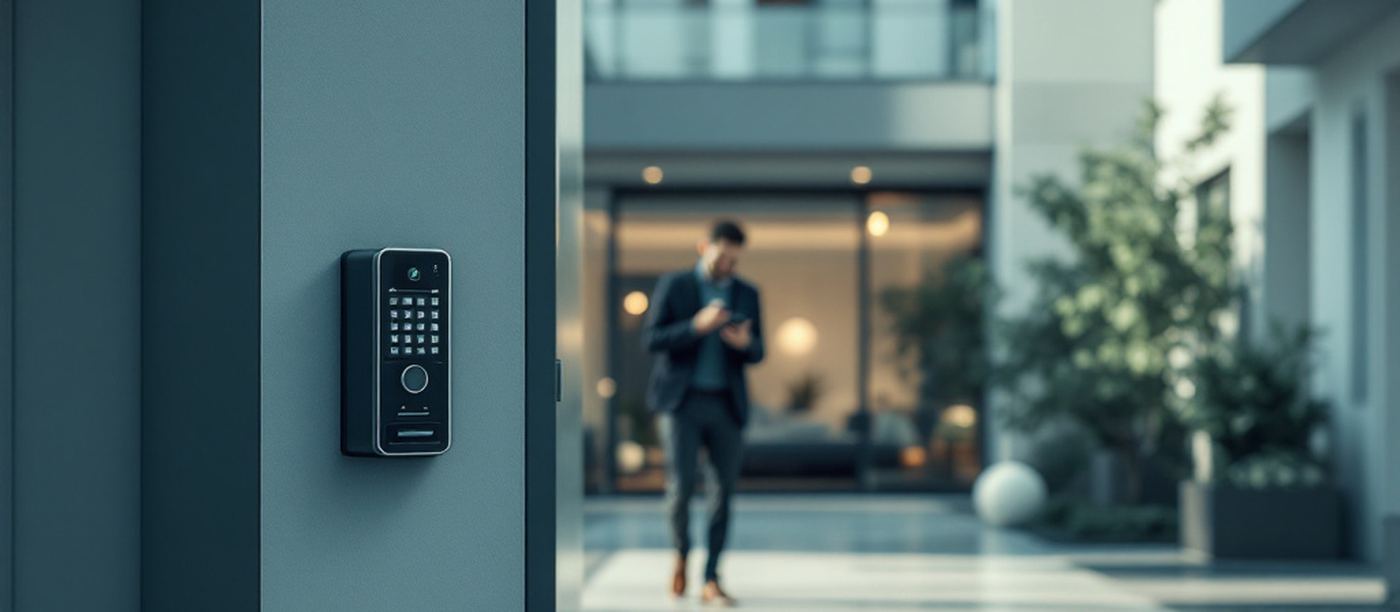
- Dahua face recognition terminals, including QR entry
- ZKTeco door and barrier controllers
- Magnetic locks, door closers, exit buttons
- Internet on site and a small gateway in the server room
What changes for the management company
| Before | After |
|---|---|
| Requests in a notebook and private chats | A request with stages: accepted, in progress, assignee, resident's rating |
| Keys and fobs get lost and cost money to replace | Access is granted and revoked in the dashboard in a second |
| Nobody knows who came in | Entry log: who, where, when and how they opened it |
| Bills are delivered by hand | Charges in the app, payment through Click |
Related services
Audio and video intercoms for homes, offices and residential complexes.
Turnstiles, readers, electronic locks and checkpoints.
Barriers, license plate recognition and parking control.
Intercom, CCTV and barriers for residential complexes.
Related articles
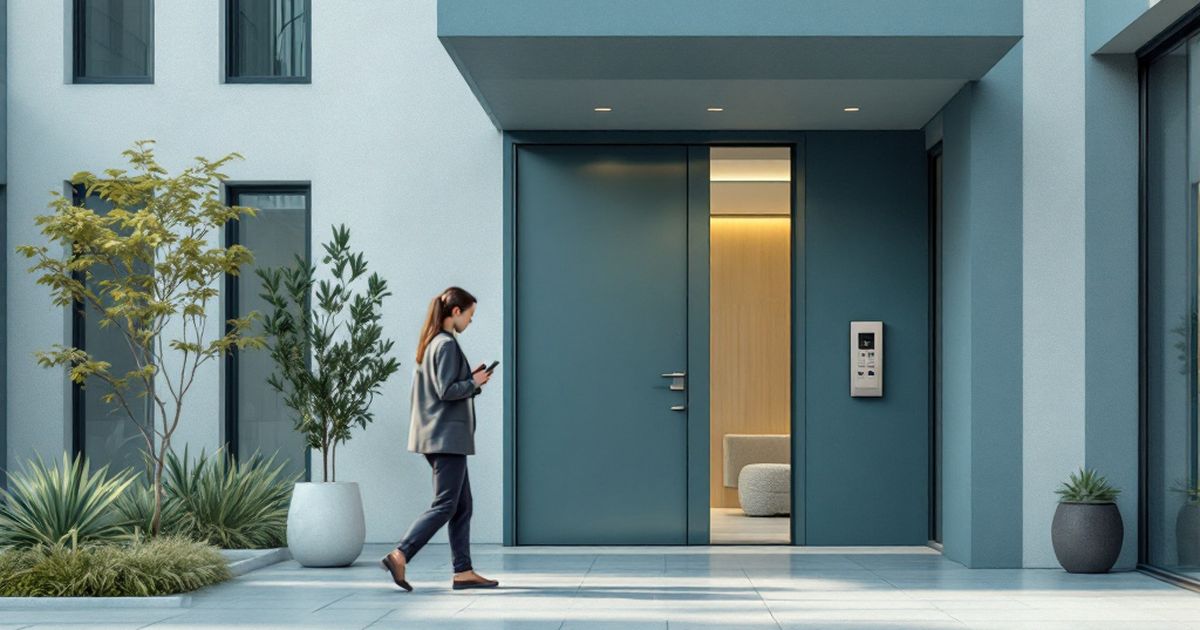
Intercom on the phone, guest passes by link, requests with visible stages and the monthly bill. What the app actually solves, what hardware it needs and why it is usually installed on equipment that is already there.
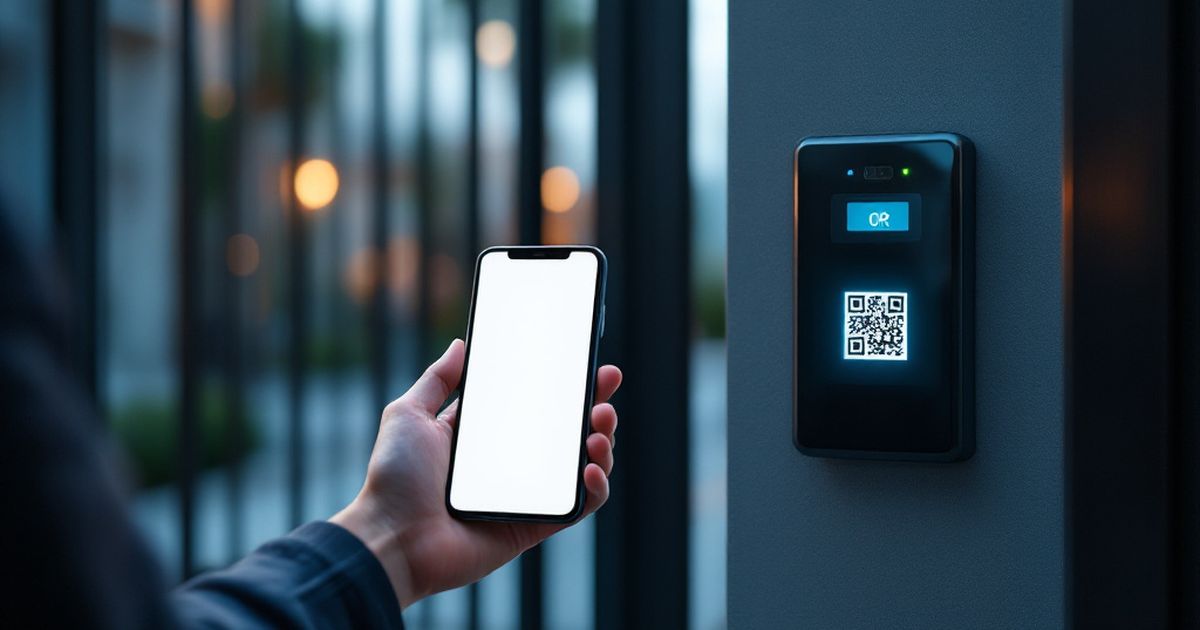
A single-visit pass instead of a spare fob: how the link with a QR code works, why it is safer than a door code, what the terminal needs and which rules a management company should set.
Frequently asked questions
Do residents pay for the app?
The management company decides: most often the app is part of the building service fee. We agree the tariff with the company, not with each resident.
What if a resident changes phones?
Sign-in is by email with a code, so the new phone just signs in again while the old one loses access.
How do you stop a stranger linking to someone else's apartment?
The management company creates the apartment and attaches the owner's email. The owner invites everyone else, and a tenant only for a set term.
Does the app work without internet in the building?
Face and card access is decided by the terminal, so it always works. Phone unlocking, guest QR codes and requests need a connection.
Can we connect a single entrance first?
Yes. You can start with one entrance or one barrier and expand step by step.
We run a demo at your site and calculate what the launch needs: what hardware stays and what is added.