SAT Parking — Paid Parking Without a Cashier
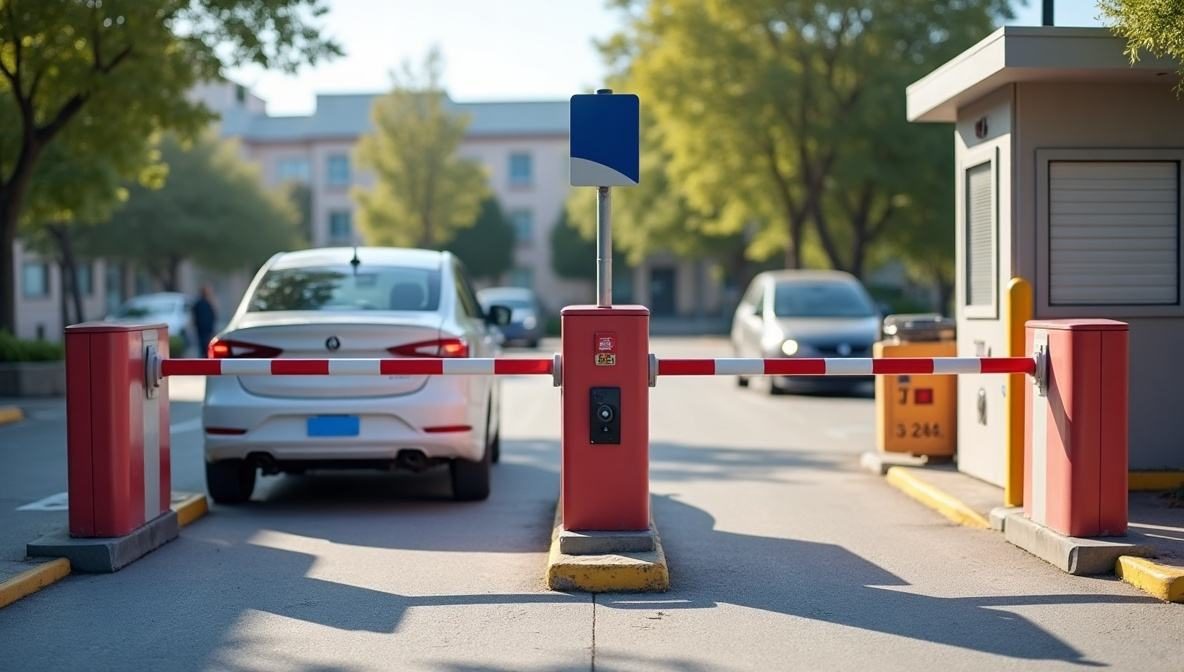
A car pulls up to the barrier, the camera reads the number plate and the barrier opens. At the exit the system works out the time and the fee on your tariff. The driver scans the QR code on the post and pays with Payme or Click, and the exit opens by itself once paid. The money goes straight to the car park owner's merchant account. We are now onboarding our first sites.
What it looks like
Features
A plate recognition camera reads the plate, the system opens a parking session and raises the barrier. Your own cars and subscribers enter by whitelist.
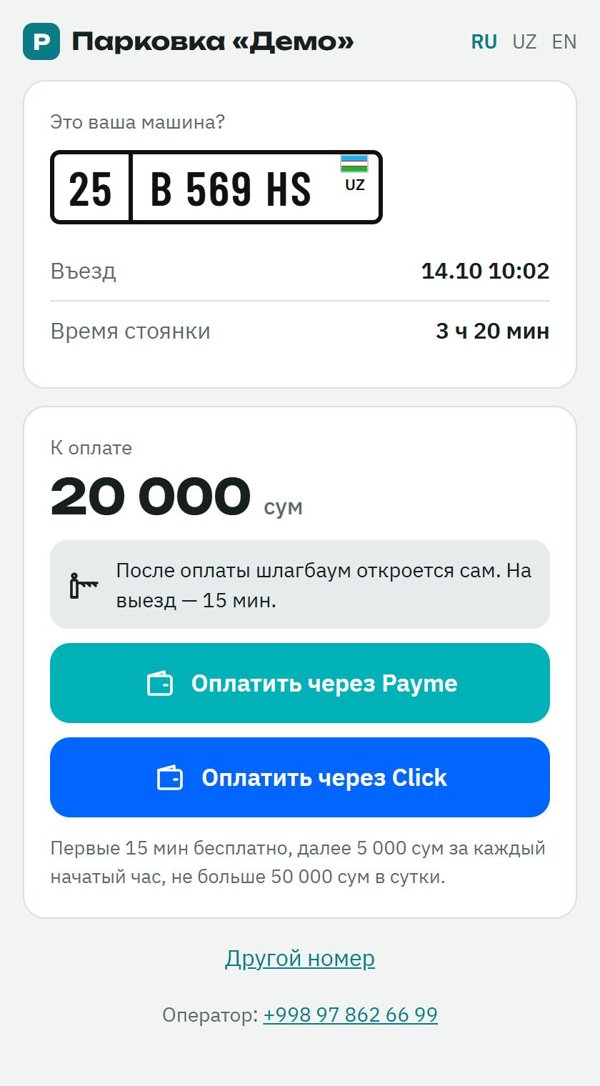
The driver scans the QR code on the post, sees their car and the fee, and pays in a familiar app. A phone is all it takes: no sign-up on the SAT website.
Free minutes, charging per started hour and a daily cap — the owner sets them for each car park.
Payments land in the car park owner's Payme or Click account, and the receipt is issued in the owner's name.
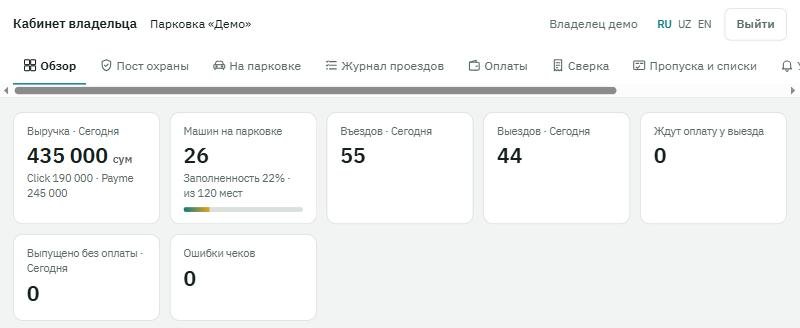
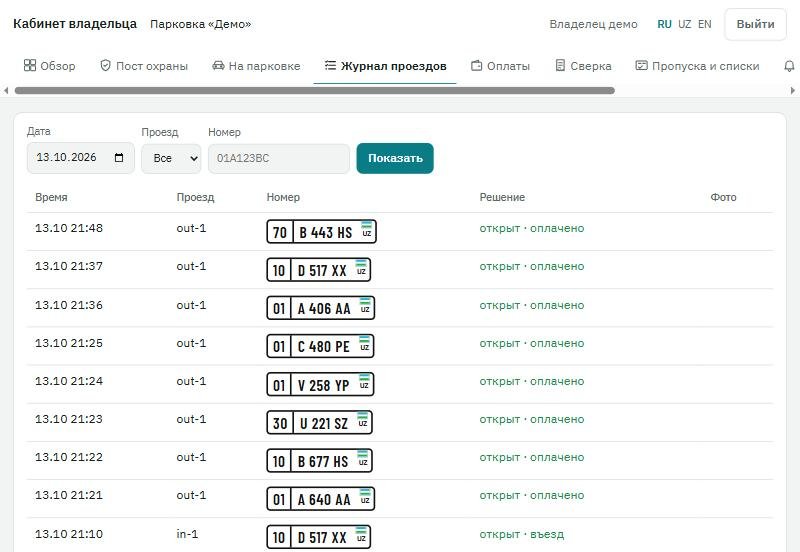
Revenue, cars currently parked, a pass log with photos and payment export to Excel — from a computer or a phone.
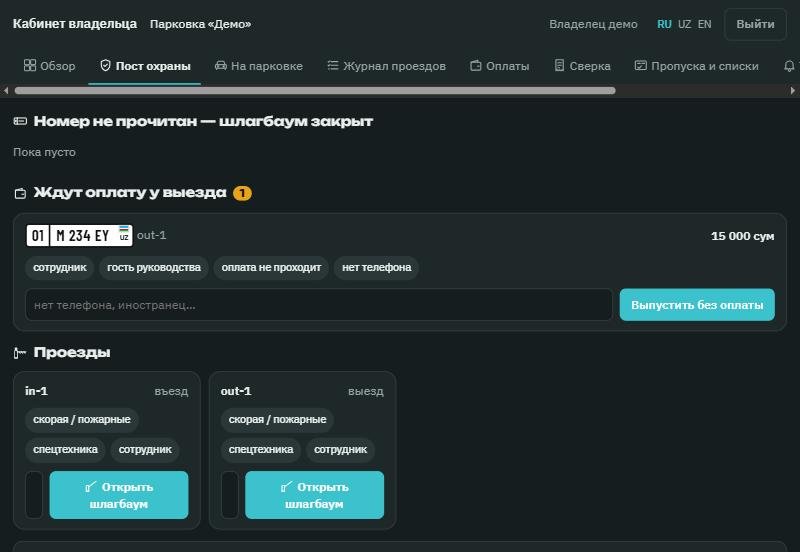
If a plate is not read or a driver cannot pay, the guard lets the car out from the console and records the reason. Every such pass stays in the log.
Who it is for
Visitors drive in without a ticket and pay from their phone on the way out.
Tenants and residents pass free by whitelist, guests pay the tariff.
Short stays with free minutes and charging per started hour.
Parking without a cashier or a booth: a camera, a barrier and a QR code on the post.
How we set it up
- 1. We survey the entrance
We look at the entry and exit lanes, power, internet and the equipment already in place.
- 2. We install the equipment
Plate recognition cameras, barriers and a small computer on site. Some existing equipment can stay.
- 3. We configure tariffs and payments
We set up tariffs and whitelists and connect your Payme and Click merchant account.
- 4. We train security and hand over
We walk you through the console and the dashboard and test entry, exit and payment on site.
Compatible equipment
The software works with common cameras and barriers; we check compatibility during the survey:
- Hikvision and Dahua plate recognition cameras
- Hikvision, ZKTeco and Dahua barrier gates
- ZKTeco controllers and network relays
- An on-site computer running Windows or macOS
- Internet access on site
Related services
Barriers, license plate recognition and parking control.
ANPR for entrances, parking and barrier integration.
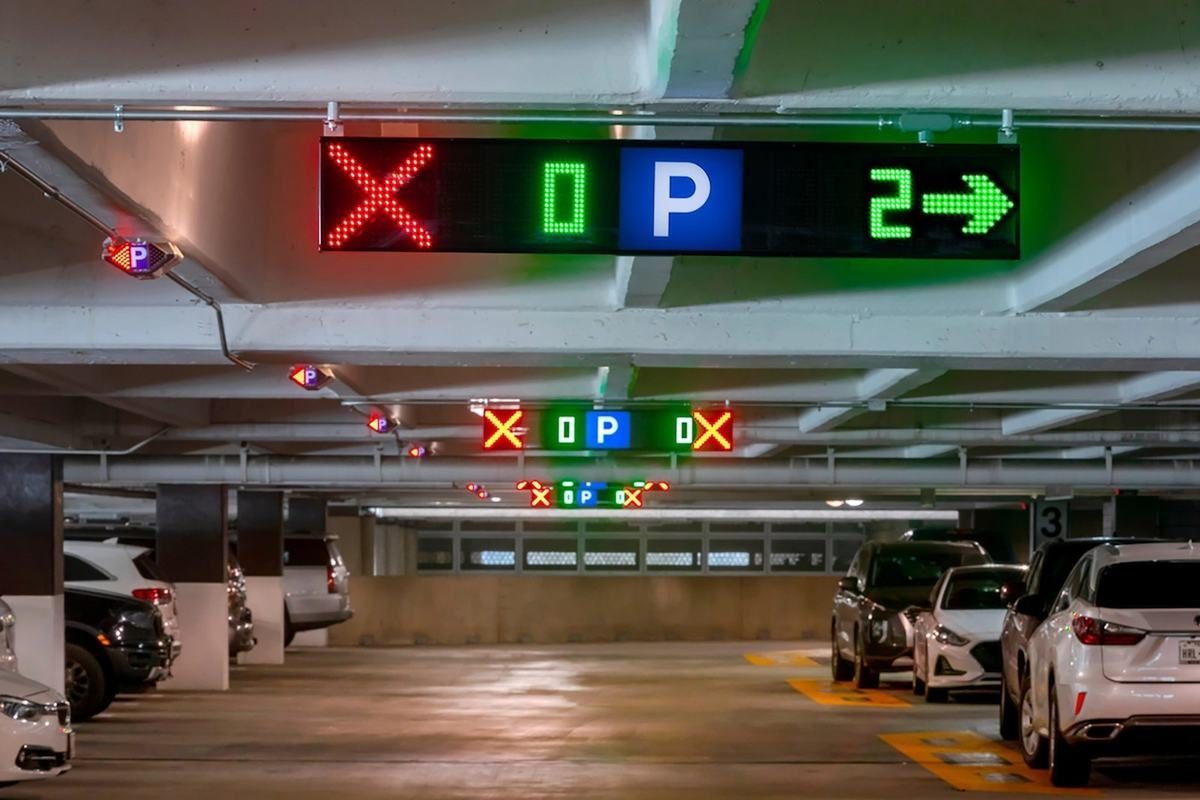
ANPR, bay sensors, guidance displays and automated parking payment.
Order on the parking of a mall, residential or business center: bays, visitors, reports.
Related articles
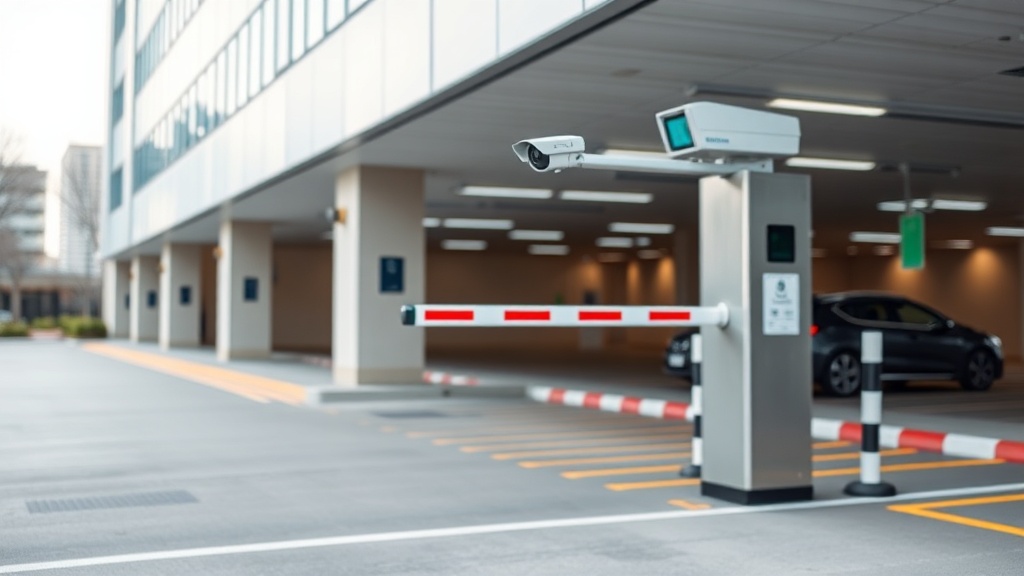
How an ANPR camera opens the barrier for residents and keeps strangers out, what an entrance kit consists of, what to configure for residents and guests — and why recognition accuracy is decided by installation, not camera price.
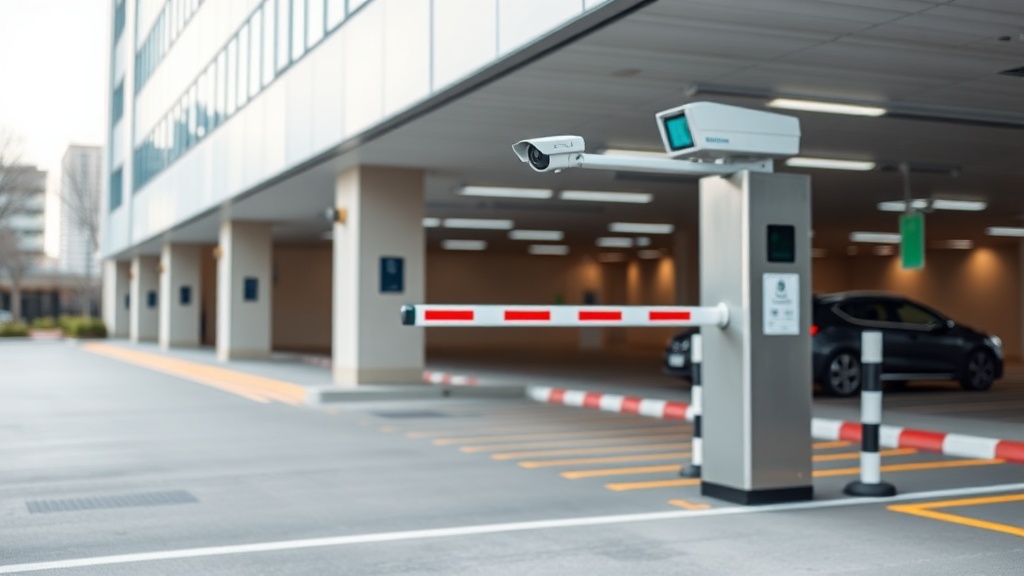
Automatic barrier prices in Tashkent: boom length, remotes and plate recognition (ANPR). What installation costs and what to choose for a yard, a car park and a checkpoint.
Frequently asked questions
What does a driver need to pay?
A phone with Payme or Click is enough: the driver scans the QR code on the post and the payment page opens in the browser.
Where does the money go?
To the car park owner's Payme or Click account. The receipt is issued in the owner's name.
What if a plate is not recognised?
The guard sees the photo on the console, enters the plate manually and lets the car through. The pass is saved in the log.
Can drivers pay in advance?
Yes. On the payment page a driver can enter the plate and pay before leaving, and after payment there is time to reach the barrier.
How do we become a pilot site?
Leave a request: we will survey the entrance, choose the equipment and connect your car park among the first.
Tell us how many entrances and spaces you have — we will look at the site and propose a set.