In short
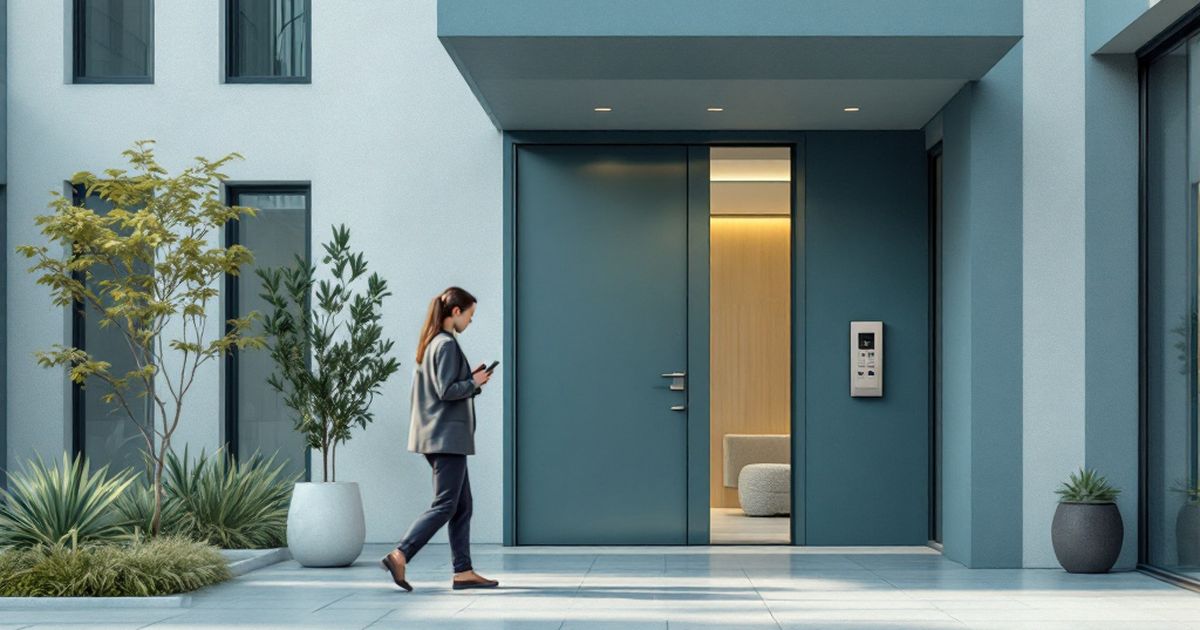
- The entrance, gate and barrier open from a phone — no keys or fobs
- A request to the management company shows its stages: accepted, in progress, assignee
- Charges and payment live in the same app, and every entry stays in the log
Life in a building without an app
A typical complex runs on intercom handsets, key fobs and the dispatcher's phone. A resident loses a fob and walks to the management office. Someone waits for a courier and sits by the handset. A pipe bursts, the resident calls the dispatcher and then spends the day guessing whether a plumber will arrive.
None of this is fixed by buying a more expensive intercom. What is missing is a layer that connects the hardware to residents' phones and to the dispatcher's desk: an app for the resident, a dashboard for the management company and one shared database of apartments, rights and events.
Doors on the phone instead of fobs
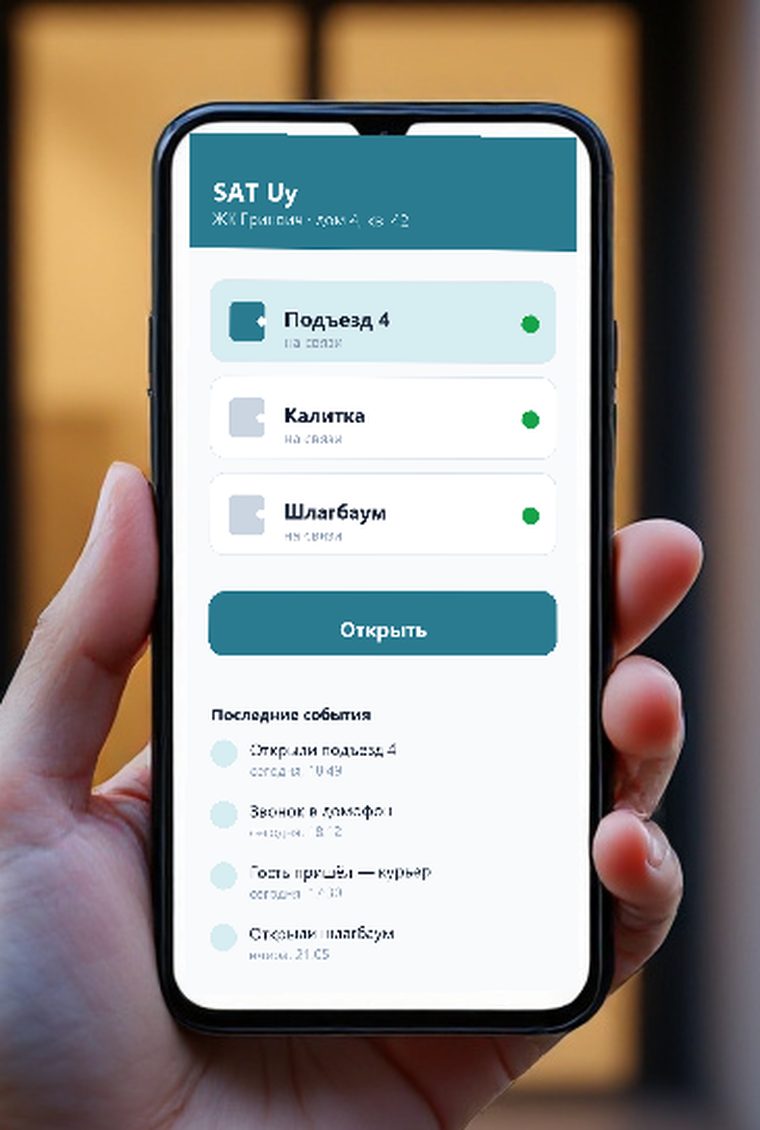
In the app a resident sees only their own doors: their entrance, gate and barrier. Opening takes one tap, and the internet is needed by the phone rather than by the person at the door: the command travels through our server to the site, where the hardware executes it.
Fobs and cards keep working, because the decision to let a person in is made by the terminal itself. The app adds a convenient option instead of removing the familiar one. A lost phone is not a problem: sign-in is by email with a code, so a new phone simply signs in again and the old one loses access.
- Hardware on siteintercom, face terminal, barrier
- Local gatewaya small box in the switchboard room
- Server in Uzbekistandata stays in the country
- Phone and dashboardresident, employee, management company
Guests by link and QR code
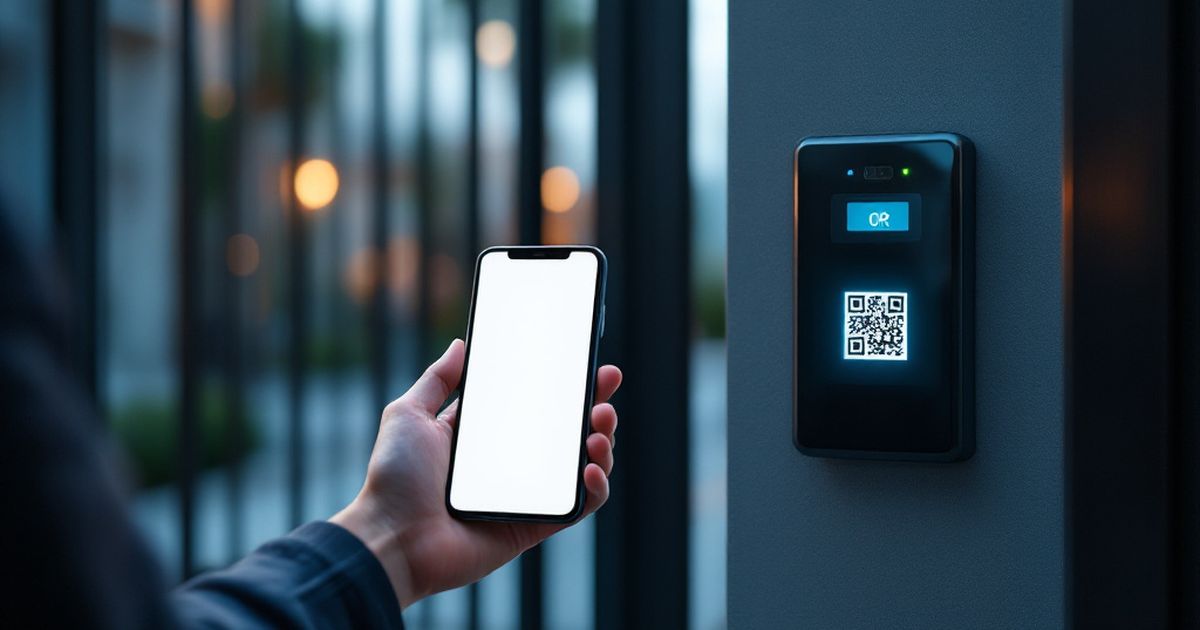
A resident issues a pass for a period or a single visit and sends the link in a messenger. The guest opens it and taps the door they need; if there is a terminal with a camera at the entrance, they simply show the QR code on the phone screen.
For the management company this is discipline rather than a security hole: every guest entry lands in the log under the resident's name, the validity is limited and the pass can be revoked at any moment. Couriers, a plumber on call, wedding guests — none of it turns into a call to the dispatcher at one in the morning.
Requests you can actually follow
A request in the app is not a message into the void. The resident picks a topic, describes what happened and then follows the stages: accepted, in progress, done. The assignee and the dispatcher's replies are visible, and a clarification can be added to the same request.
For the management company it saves working hours. The dispatcher no longer answers "when is the plumber coming" — the resident sees it. A manager sees how many requests are open, who is holding them and how residents rate finished work. Disputes are settled by the request history, not by memory.
A bill that raises no questions
Charges in the app are broken down by month and service, with payments and the balance next to them. Payment goes through the app, and meter readings are submitted by the resident instead of being written on a scrap of paper by the lift.
The management company either calculates charges from tariffs in the dashboard — per square metre, per apartment or per resident — or imports ready figures from Excel or 1C. The second path matters for buildings where accounting is already set up: the app does not force a change of bookkeeping, it shows residents what accounting has already calculated.
What the site needs
The app needs three things: networked hardware at the doors, internet on site and a small gateway in the server room that links the equipment to the server. Hikvision, Dahua and ZKTeco intercoms and controllers usually connect as they are.
If the building runs an old analogue system with no network, it does have to be replaced at least at the entrances where calls to a phone are required. That is why the first step is a survey: what is installed, what connects and what is cheaper to replace. You can start with one entrance and expand later.
FAQ
Do intercoms have to be replaced to launch the app?
In most cases no. Networked intercoms and controllers connect without replacement. Only outdated analogue systems that cannot work over a network have to go.
What happens if the building loses internet access?
Face and card access keeps working: the terminal at the door decides locally. Phone unlocking, guest QR codes and requests resume as soon as the connection is back.
How is the management company protected from unauthorised links?
The management company creates the apartment and attaches the owner's email. The owner invites the rest of the household, and a tenant only for a set term. A resident cannot attach themselves to someone else's apartment.
Who pays for the app — residents or the management company?
Usually it is part of the building service: the contract is signed with the management company and residents use the app without a separate fee. Terms are agreed per site.
Installation works cost calculator
Set the number of points — the calculator lays out a site plan and shows the range from our standard price list. One minute, no phone calls.
Read also
Related services
Catalog on the topic