In short
- A face check-in takes under a second and nobody can clock in for a colleague
- The timesheet follows the department's schedule: late arrivals and overtime show up at once
- The finished timesheet exports into 1C — no hours retyped by hand
Why a company needs it
A paper logbook at the gate and a guard with a pen produce numbers nobody trusts. Hours in the timesheet drift from reality, late arrivals surface only during a conflict, and disputed days are reconstructed from memory. Meanwhile the company pays for time that was never actually counted.
Face-based tracking closes exactly that gap: a check-in takes under a second, nobody can clock in for a colleague, and every record stays in the system. At month end the accountant opens a finished timesheet instead of collecting notes from security.
What sits at the checkpoint
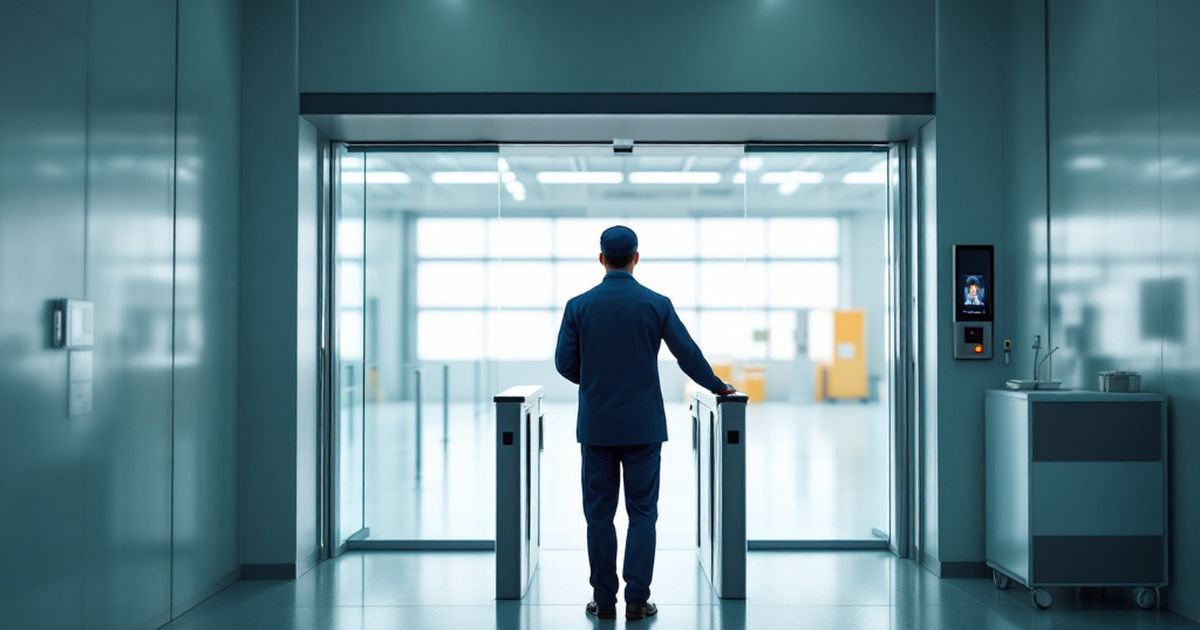
A face recognition terminal is installed at the entrance: it recognises the employee by face and, if needed, accepts a card or a fingerprint. One terminal is enough for a small office; a factory usually gets one terminal for entry and one for exit.
If the passage has to be physically restricted, a turnstile or a gate is added: the terminal sends the command and the turnstile lets one person through. Tracking works without a turnstile too, but then the company relies on discipline rather than hardware.
Where the timesheet comes from
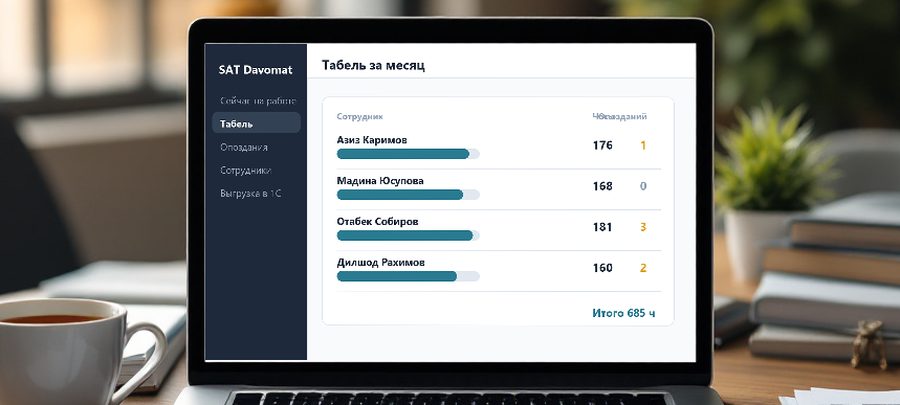
Records from the terminals are collected into one database and sorted into shifts: arrival, departure and lunch if it is recorded. Hours are then calculated per day, per shift and per month.
Work schedules are defined per department: an office starting at nine, production with night shifts, shops on rotating rosters. Late arrivals and overtime are measured against that schedule rather than by hand. Holidays, sick leave and business trips are marked by HR in the dashboard and land in the same timesheet.
How the data reaches 1C
The timesheet is exported into 1C through a processing file: the accountant does not retype hours or reconcile two spreadsheets. That matters where payroll already lives in 1C — time tracking joins the existing process instead of replacing it.
Next to the timesheet a manager gets reports: who is at work right now, how many late arrivals per department this month, how much overtime. Excel export is used when the figures feed HR reporting or an internal bonus calculation.
Employee consent and the law
A face image is personal data, so tracking rests on the employee's consent and an internal document — the time-tracking policy. It states what data is collected, why and for how long it is kept.
The practice is simple: consent is signed on hiring or when the system is introduced, and anyone who refuses keeps a card or fingerprint. We help draft the wording so HR has the full package before launch.
What the site needs and how long it takes
You need terminals at the checkpoints, network and power beside them, and a small gateway linking the hardware to the server. ZKTeco, Dahua and Hikvision terminals connect to our system; if they are already installed, replacement is usually unnecessary.
For a company of up to a hundred people the rollout takes a few days: installation and setup, face enrolment, importing the staff list from 1C or Excel, configuring schedules and training HR. After that the system runs unattended, and if the internet drops the terminal stores records locally and uploads them once the link is back.
FAQ
Can the terminal be fooled with a photo?
Modern face terminals check that a live person is in front of the camera and reject a photo on a phone screen. On critical sites face recognition can be combined with a card.
What about employees who refuse to enrol their face?
They keep a card or fingerprint: the system counts hours the same way regardless of the check-in method. Refusing biometrics must not stop someone from working.
Does tracking work without internet?
Yes. The terminal decides locally and stores records in its own memory, uploading them once the connection returns. The timesheet for that period is not lost.
Does the system suit several sites?
Yes, sites are managed in one dashboard: each has its own terminals and schedules, and reports can be viewed per location or across the whole company.
Installation works cost calculator
Set the number of points — the calculator lays out a site plan and shows the range from our standard price list. One minute, no phone calls.
Read also

Related services
Catalog on the topic