How it works
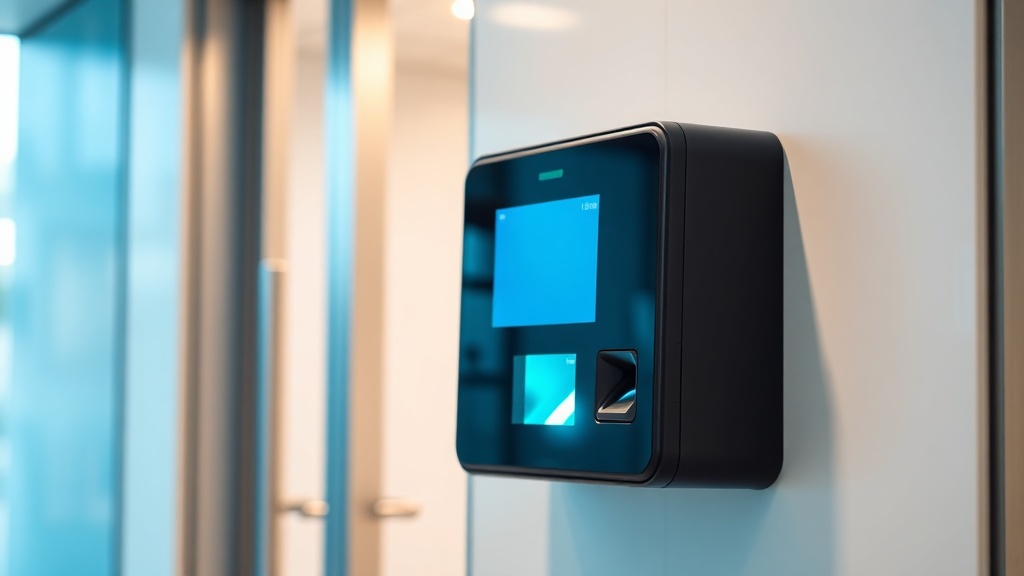
An access control system decides who gets in and where. An employee presents a card, a finger or a face; the controller checks the identifier against the database and opens the lock or the turnstile. Every event — a pass, a denial, a door left open — is logged with an exact timestamp.
The real value is not "a door with a card" but manageability: access is configured by zone and schedule. Accounting is open to its staff from 8 to 20, the warehouse only to storekeepers, the server room to two admins. When someone leaves the company, their pass is blocked with one click — no changing locks as in the world of mechanical keys.
What the system consists of
The minimum for one door: a controller (the brain), a reader by the door, an electromagnetic or electromechanical lock, an exit button, a closer and a power supply with a backup battery — so the door works during outages. At a staffed entrance a turnstile replaces the lock; at a vehicle gate, a barrier.
From there the system grows without replacing the core: networked controllers join dozens of doors into one database with a common log, software assigns rights by group, and guests get temporary passes. A home or a small office can even run on an autonomous kit with no computer at all.
Card, finger or face
Cards and fobs are the cheapest and most familiar, but a card can be forgotten, lost or handed to a colleague to "clock in". A fingerprint cannot be lent, but reads poorly in production with dirty or dry hands. Facial recognition removes both limits: the terminal passes a person in a fraction of a second, nothing needs presenting, and a photo cannot fool a modern terminal — it checks the face in 3D.
In practice the methods are combined: staff pass by face or card, the server room takes card plus PIN, guests get a QR code for one visit. ZKTeco and Hikvision equipment lets any scenario run in a single system.
The integrations that pay for the system
Access control rarely lives alone. Linked with time attendance, the same terminal counts hours and lateness, and the timesheet goes to the ERP without HR. Linked with CCTV, every pass ties to footage — the "who entered" dispute takes a minute. The link with the fire alarm is mandatory: on alarm, doors on evacuation routes unlock automatically.
Starting is easier than it seems: one door with a controller and a reader takes a day. We survey the site for free, count the access points and propose a configuration for the budget — from a single office door to a factory entrance with turnstiles. Equipment from Tashkent stock, warranty and service across Uzbekistan.
FAQ
How is access control different from an intercom?
An intercom answers "talk to a guest and open the door". Access control manages regular people: rights by zone and time, a pass log, attendance integration. In practice both merge into one system.
What happens to the doors during a power outage?
Electromagnetic locks open (which is why they go on evacuation routes); electromechanical locks stay shut and open with a key. A battery-backed power supply keeps the system running for hours — a mandatory part of the kit.
Can I start with one door and expand later?
Yes, that is the typical path: an autonomous or networked controller for one door, then more points in the same system. The key is choosing an expandable platform from the start — we factor that into the selection.
How much does office access control cost?
A card door is the base budget: controller, reader, lock, button, power. A Face ID terminal costs more but removes cards and adds time tracking. An exact quote follows a free site survey.
Installation works cost calculator
Set the number of points — the calculator lays out a site plan and shows the range from our standard price list. One minute, no phone calls.
Read also
Related services
Catalog on the topic