


● TP-Link In stock
TP-Link ES208G switch
8-port Easy Managed gigabit switch with centralized management.
▸
Ports
8 × Gigabit RJ45
▸
Housing
Metal, fanless
▸
Features
VLAN, LAG, QoS, Port Mirroring
▸
Management
Omada SDN
Specifications
- Ports
- 8 × Gigabit RJ45
- Housing
- Metal, fanless
- Features
- VLAN, LAG, QoS, Port Mirroring
- Management
- Omada SDN
TP-Link ES208G is an eight-port gigabit switch of the Easy Managed series in a silent fanless metal housing, designed for small offices and workgroups with growing network requirements. The device is part of the Omada SDN ecosystem, which allows the administrator to manage the entire infrastructure from one point. A rich set of Layer 2 functions, including VLAN, LAG, QoS, and port mirroring, provides flexibility without the complexity of enterprise solutions.
Advantages
- Eight gigabit RJ45 ports: sufficient to connect all devices of a typical workplace or small office
- Silent fanless operation: ideal for open office spaces and meeting rooms
- LAG link aggregation: combining several ports increases uplink throughput
- VLAN and traffic isolation: clear demarcation of working, guest, and technical network segments
- QoS and port mirroring: prioritizing critical traffic and diagnostics without interrupting operation
- Metal housing: strength and durability under round-the-clock operation
Applications
- Small and medium business offices: a reliable gigabit network for workstations and IP telephony
- Video surveillance facilities: connecting IP cameras with traffic separation via VLAN
- Shops and cafes: separate networks for staff, cash terminals, and guests
- Educational institutions: managing the classroom network from a single Omada console
- Small server rooms: a compact managed switch for aggregating devices
Frequently asked questions
How does the ES208G differ from a regular unmanaged TP-Link switch?
The ES208G supports VLAN, QoS, LAG, and monitoring via Omada SDN, which is unavailable on unmanaged models.
Is it necessary to purchase a hardware Omada controller separately?
No, management is possible through the free Omada cloud application or mobile application without additional equipment.
Does the switch heat up at full load?
The metal housing acts as a radiator, efficiently dissipating heat without a fan under normal operating conditions.
💬
Need help choosing?
Our engineer will pick the right equipment for your needs and send a quote within one business day.
Product reviews
Questions & answers
Similar: Switches
Whole category →
PoE++ switch L2+ Tp-Link SX3206HPP
from 5 846 900 UZS
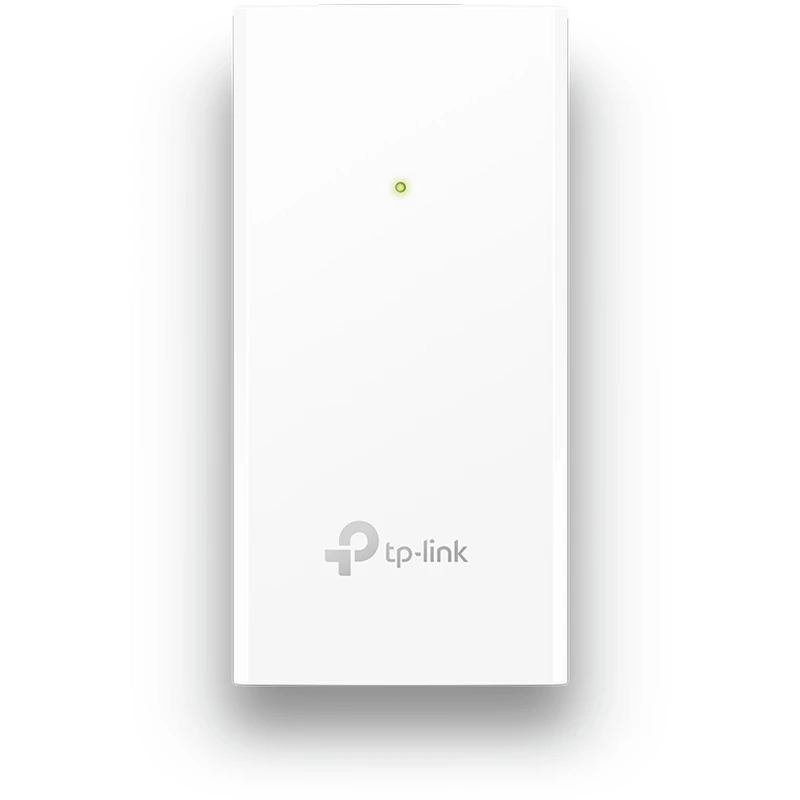
PoE injector Passive Tp-Link POE2412G
from 135 900 UZS

PoE injector Passive Tp-Link POE4818G
from 147 900 UZS

PoE injector Passive Tp-Link POE4824G
from 197 900 UZS

PoE injector Tp-Link POE150S
from 234 900 UZS

TP-Link SG3428MP L2+ PoE switch
from 4 636 900 UZS
Frequently bought together
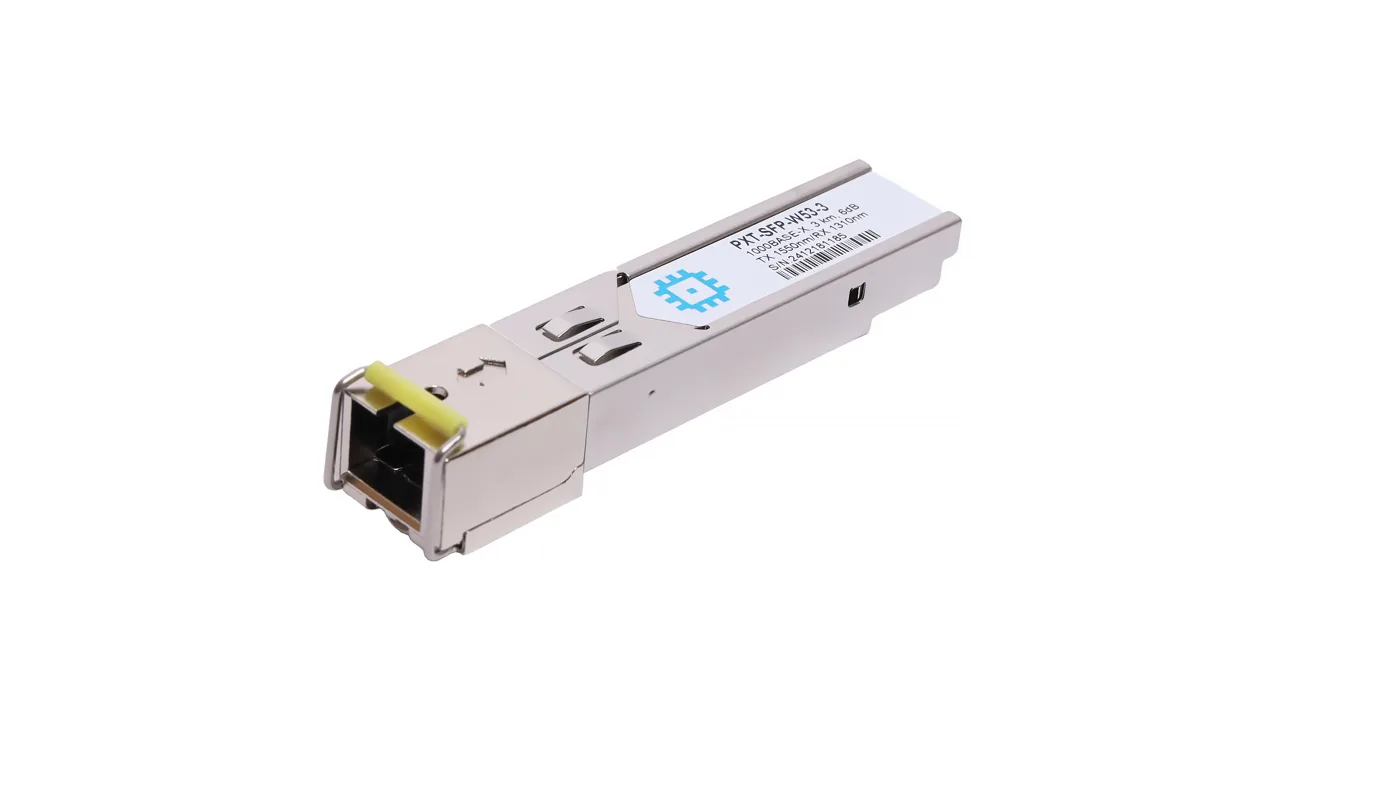
SFP WDM module, range up to 3km (6dB), 1550nm
from 168 900 UZS
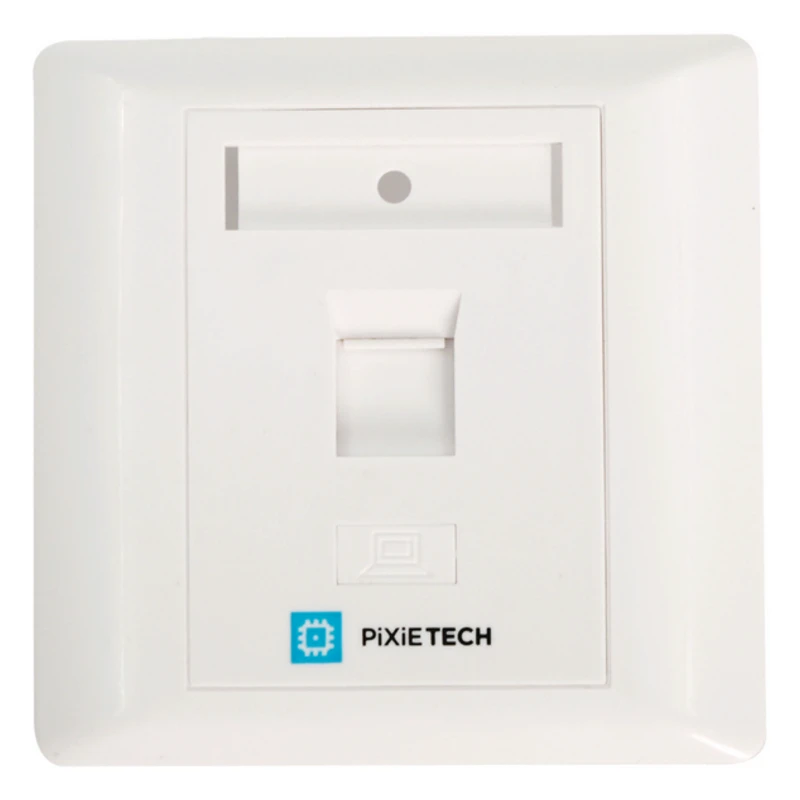
Pixietech subscriber outlet, flush-mount, for Keystone modules, 1 port
from 12 190 UZS
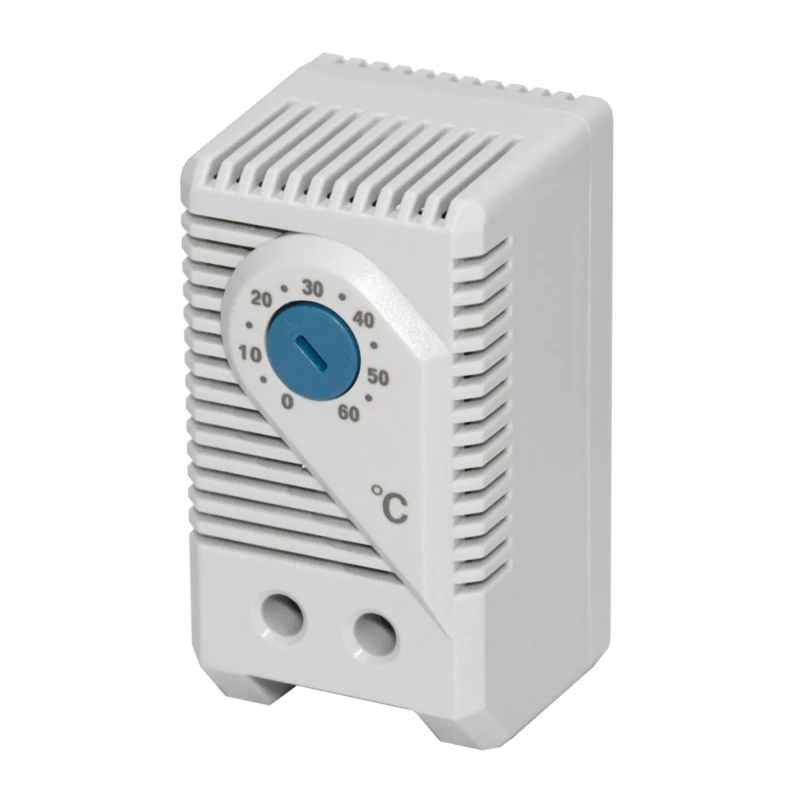
Climate Control Unit (Thermostat) for Fans and Fan Trays
from 99 900 UZS
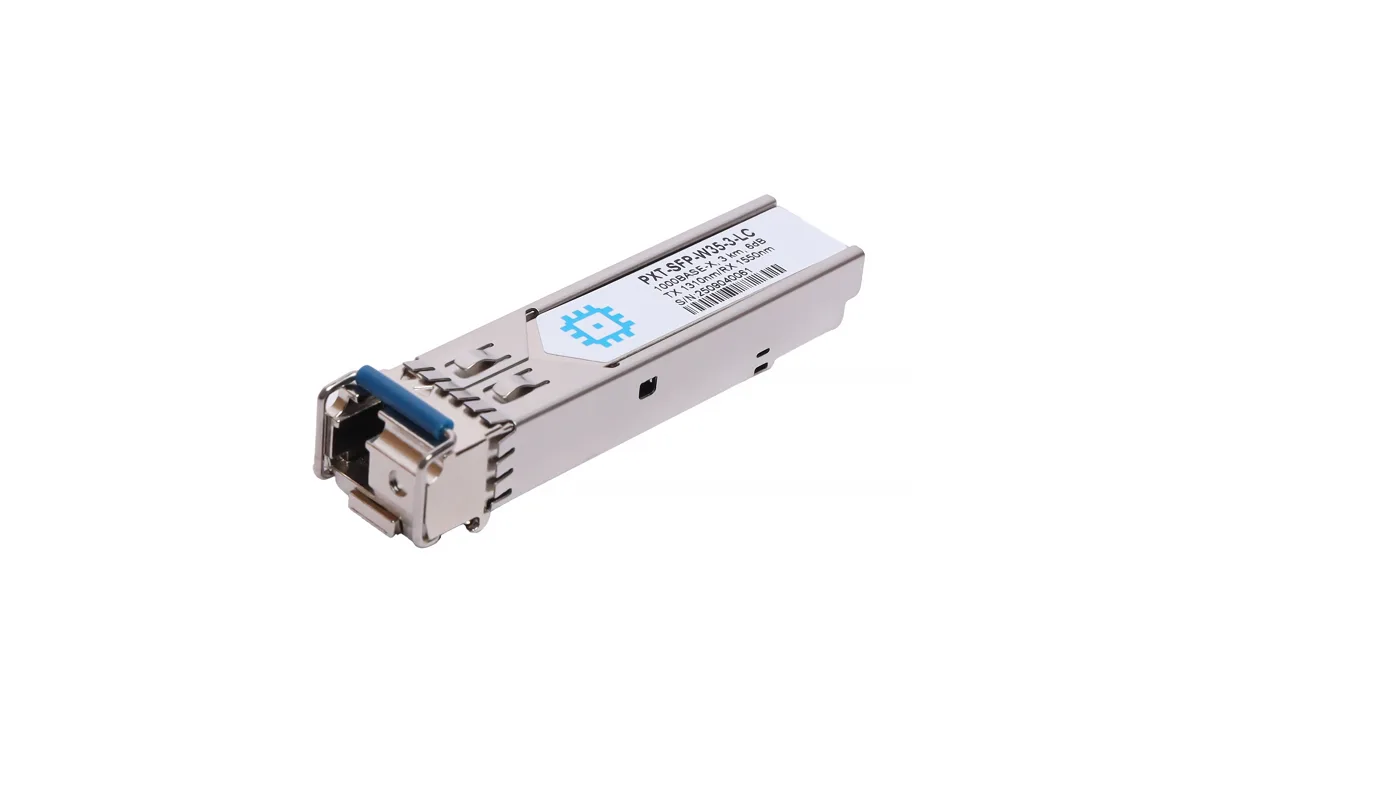
SFP WDM module, range up to 3km (6dB), LC Simplex, 1310nm
from 175 900 UZS
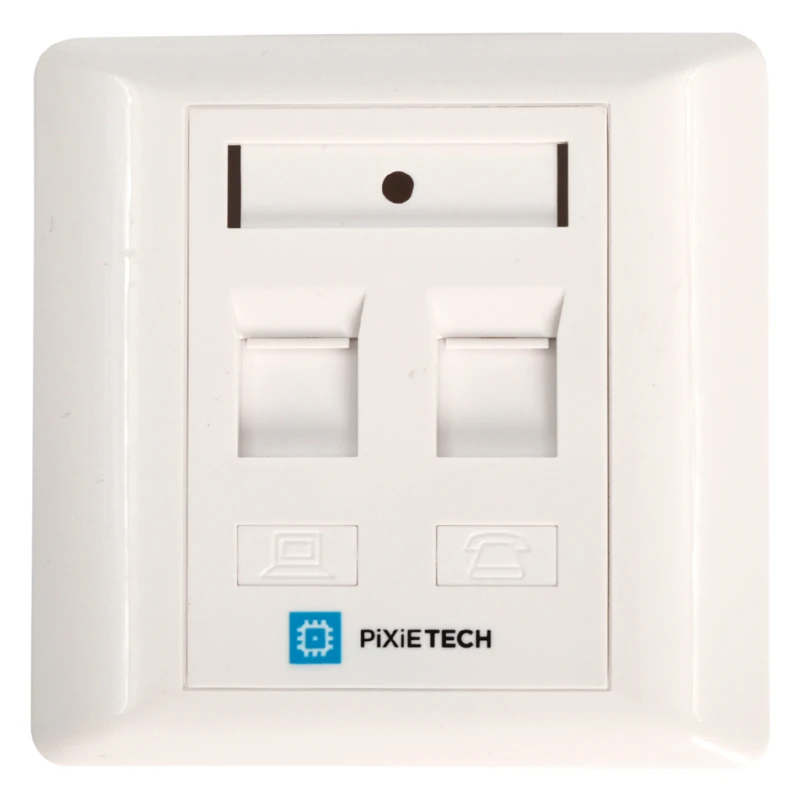
Pixietech subscriber outlet, flush-mount, for Keystone modules, 2 ports
from 13 990 UZS
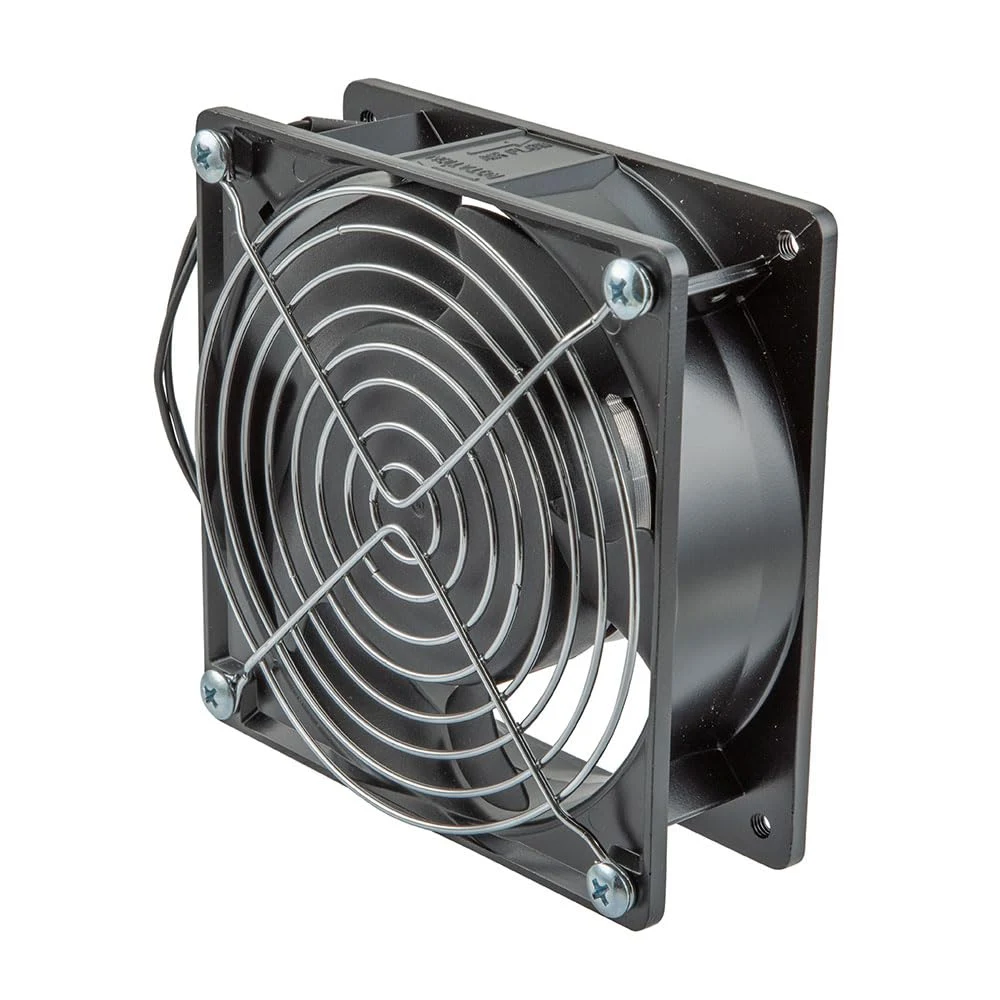
KANIHAD Cooler 1x Cooling Fan for Unit
from 122 900 UZS