What a 'point' is and why it is a handy unit
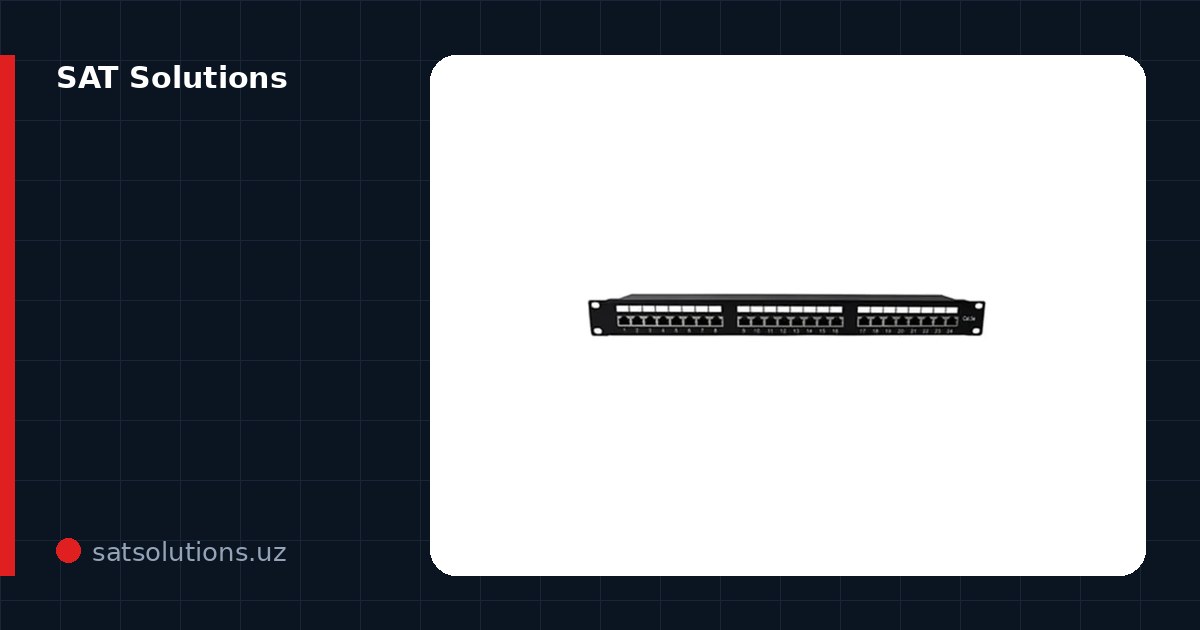
An SCS point is one network workplace: the path from the patch panel in the cabinet to the desk outlet — cable, outlet, panel port, labeling and testing included. Per-point pricing makes offers comparable: a 40-desk office is 40–80 points (one or two per desk).
But only identical scope compares: one contractor's 'point' includes trunking and testing, another's is bare cable. That is where the multi-fold spread comes from.
Structured Cabling & LAN Installation in Tashkent, Uzbekistan →
What makes up the point price
Materials: cable (35–60 metres per point in an average office), an outlet, a patch panel module, trunking or tray, patch cords on both ends. Catalogue prices: a metre of indoor UTP cat.5e is 6 090 UZS, outdoor 5 890 UZS, shielded FTP cat.5e 7 290 UZS and UTP cat.6 8 190 UZS; an RJ-45 cat.5e connector is 690 UZS, cat.6 1 190 UZS, shielded cat.6 2 190 UZS; a surface outlet is 22 690 UZS and a 0.15 m patch cord 9 590 UZS. So the cable alone for a 45-metre point in cat.5e comes to about 274 050 UZS. Labour: routing, mounting, termination at both ends, labelling. And the parts people forget: testing every line and as-built documentation.
The shares are roughly 40–50% materials, 40–50% labour, the rest documentation and overhead. The move to Cat6 can be costed exactly: 45 metres × (8 190 − 6 090) = 94 500 UZS more cable per point, plus dearer connectors (1 190 against 690 UZS). Across the whole point that is the familiar 10–15% — and in return you get headroom to 10 gigabit on short runs.
Why quotes differ several-fold
First, site condition: pulling along open construction trays versus chasing a finished renovation are different universes of labor. Second, run lengths: a point 20 meters from the cabinet and one 70 meters away cost differently, though both are 'points' in the quote.
Third, scope: shielded cable, fire-rated lines for fire systems, trunking versus existing trays. An honest quote therefore always comes with a plan and a specification, not a single number.
How to compare contractor quotes
Demand identical scope: cable category and maker, run lengths from the plan, channel type, testing, documentation. An 'all-inclusive per point' quote without a plan cannot be compared — it hides either the contractor's margin or future extras.
The red flag is a price notably below market: usually uncertified cable, skipped testing or an 'unforeseen works' bill at the end. A cabling system lives 10–15 years — a mistake in it outprices the savings.
Where you can and cannot save
You can: merge SCS with other low-voltage systems into shared routes (cameras, telephony, Wi-Fi — one tray), build the network during renovation rather than after, use Cat5e where 10G will definitely never come.
You cannot: on testing (an unverified line is a future floating network glitch), on patch panels and the cabinet (the network's heart), on spare points — adding cable after renovation costs more than the whole original quote.
Let us price your office
Send the floor plan with workplaces — we return an estimate with a route plan, a specification and a per-point price in your scope. Ballpark the budget in the online calculator on our site; the engineer's visit is free in Tashkent.
We build SCS with every line tested and as-built documentation; cable, cabinets, panels and switches are supplied by us — from the unmanaged Wi-Tek WK-S205 at 61 790 UZS and the eight-port Hikvision DS-3E0108D-E at 95 190 UZS to PoE models such as the Dahua S3010-8ET2ET-60 at 321 900 UZS.
FAQ
How many points per workplace?
The standard is two: the computer and the phone/spare. Trimming to one point per desk takes revenge at the first employee move or added printer.
Cat5e or Cat6?
Cat5e covers gigabit and nearly all office tasks. Cat6 gives 10G headroom on short runs for +10–15% per point — sensible for new offices, server zones and 4K CCTV.
What is as-built documentation for?
The real routing scheme, the cable log and test results. Without it any network repair becomes an excavation: the next contractor hunts lines blindly at your expense.
Installation works cost calculator
Set the number of points — the calculator lays out a site plan and shows the range from our standard price list. One minute, no phone calls.
Read also


Related services
Catalog on the topic