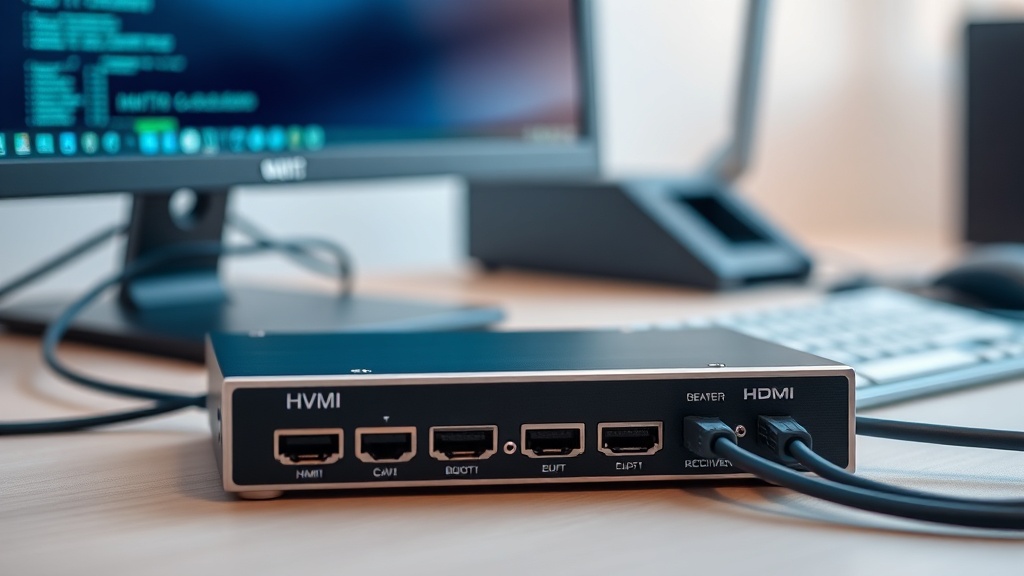
What a KVM extender is
KVM stands for Keyboard, Video, Mouse. A KVM extender carries the computer's video output and its controls (keyboard + mouse) over a distance — via ordinary twisted-pair cable. The PC sits in a server room or utility closet while the operator works at a monitor in another room.
The kit consists of a transmitter at the computer and a receiver at the workstation, connected by a single UTP cable up to 60–120 meters long depending on the model.
How KVM differs from an HDMI extender
An HDMI extender carries video only — good for moving a TV or a digital-signage screen. A KVM extender also carries USB: a keyboard and mouse plug into the receiver side, giving you full control of the remote computer.
If you just need to show a picture, an HDMI Extender is enough. If you need to work, get a KVM.
Where it is used
The classic case is a security post: the surveillance recorder is locked in a server room while the guard browses cameras with a monitor and mouse at the post. Also: control and dispatch rooms, cash desks and terminals, industrial PCs on factory floors, and noisy desktop towers moved out of an executive's office.
In server rooms, KVM extenders do away with the 'monitor on a stool' next to the rack.
What to look at when choosing
Range: typical models cover 60 and 120 meters over cat5e/cat6. Resolution: 1080p is enough for office work; for surveillance with multi-screen views, 4K models are the better choice. Latency: on quality extenders it is imperceptible when working with a mouse.
Also check the number of USB ports on the receiver: besides a keyboard and mouse, you may occasionally need to plug in a flash drive or a scanner.
Installation and common mistakes
Use a single continuous run of twisted pair with no splices or couplers, terminated to T568B. Route it away from power cables: interference from 220 V lines causes image artifacts. Power the transmitter and receiver from the adapters supplied in the kit.
If the picture flickers or drops out, the cable is almost always to blame: splices, a run beyond the spec, or cheap copper-clad aluminum instead of pure copper.
KVM over IP and matrix systems
The classic transmitter–receiver pair links one workplace to one computer. With many machines and operators, KVM-over-IP pays off: transmitters and receivers plug into an ordinary gigabit switch, and any operator hot-keys to any computer. That is how control rooms, guard posts and server rooms with dozens of machines are built.
Matrix mode adds video walls: one source goes to several screens, or several sources to one wall. Plan a dedicated VLAN or a physically separate switch for KVM-over-IP: the uncompressed video stream loads the network, and sharing it with office traffic spoils both the picture and the network.
What we have in stock
The SAT Solutions catalog offers HDMI and KVM extenders for 30, 60 and 120 meters, in stock in Tashkent, with warranty and delivery across Uzbekistan. We will help you choose the right model for your task and install the cable run turnkey.
FAQ
What cable does a KVM extender need?
A single continuous run of UTP cat5e or cat6, terminated to the T568B standard, with no splices or couplers along the route. Pure copper, not copper-clad aluminum.
Is there any lag when controlling the computer?
With quality extenders the latency is imperceptible: the cursor moves as if on a local machine. Noticeable lag points to cable problems or a cheap unit.
Can the signal go farther than 120 meters?
Yes: with two extenders in cascade, over fiber with media converters, or with KVM over IP solutions across a local network — we will match one to your distance.
Will a KVM extender work with a video recorder?
Yes, that is the most common use case: the recorder in a server room, the monitor and mouse at the security post. Full control of the recorder is preserved.
Installation works cost calculator
Set the number of points — the calculator lays out a site plan and shows the range from our standard price list. One minute, no phone calls.
Related services
Catalog on the topic