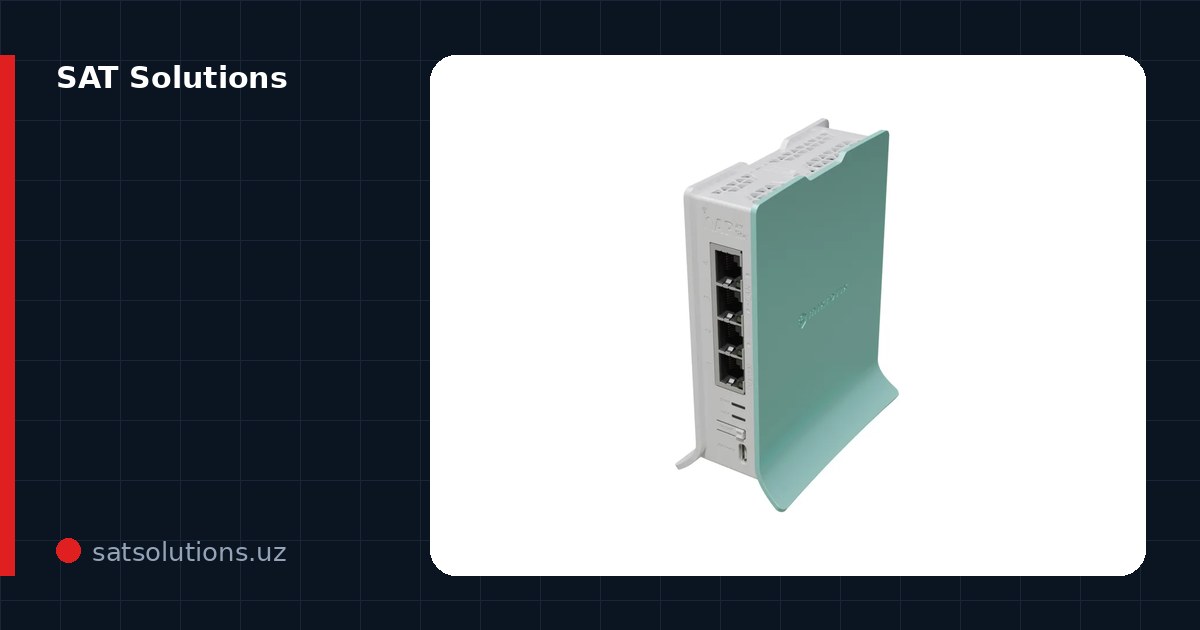
Step 1: change both passwords
A router has two passwords, and people mix them up constantly: the Wi-Fi password (to join the network) and the admin password (to enter the settings). A factory admin password like admin/admin is known to every bot on the internet — change both at first power-on.
A good Wi-Fi password is a long phrase, not eight characters with a capital letter. Cracking is brute force, and length beats complexity: three unrelated words are stronger than 'Qwerty1!'.
Structured Cabling & LAN Installation in Tashkent, Uzbekistan →
Step 2: update the firmware
Routers are broken not by 'hackers in hoodies' but by automated networks scanning the internet for old holes. A firmware update closes the known vulnerabilities — five minutes in the Update menu or the vendor's mobile app.
While there, check that remote access to the settings from the internet is off unless you use it deliberately. It is the most common door for strangers into your network.
Step 3: pick the band and channel wisely
A modern router broadcasts on 2.4 and 5 GHz. The rule is simple: everything that supports 5 GHz and sits nearby goes there (fast and clear); smart-home sensors and distant devices stay on 2.4 (longer reach).
In an apartment block set the channels manually: for 2.4 GHz — 1, 6 or 11, guided by an analyzer app. Cheap routers' auto-select often sticks to a congested channel.
Step 4: create a guest network
A guest network is a separate Wi-Fi for visitors and smart devices: they get no access to your computers, drives and cameras. A hacked smart bulb in the guest network cannot crawl any further.
In an office it is not an option but the norm: guests and personal phones in the guest segment, work machines and printers in the main one. On decent equipment this is done with VLANs.
Step 5: DHCP and address reservation
Give fixed IP addresses via DHCP reservation to the devices you address — the printer, camera, recorder, NAS. Otherwise the address changes one day and the whole office hunts for the 'missing' printer.
Leave the DHCP range with headroom: a typical mistake is a 50-address pool in an office with fifty phones plus laptops, and new devices stop connecting at midday.
Step 6: outside access to cameras — without port forwarding
Classic port forwarding is a method from the last decade: an open recorder port is found by scanners within hours. The right ways: the vendor's cloud P2P access (Hik-Connect and the like) or a VPN to the router.
A VPN is the most reliable option for business: nothing is open to the outside, and from anywhere you enter the network as if from the office. Modern routers bring up WireGuard in an evening.
Step 7: measure the speed and write the settings down
After the setup, measure the speed over cable and over Wi-Fi next to the router: you learn the real ceiling and stop blaming the ISP in the far room. And write the admin password somewhere safe — resetting a router over a forgotten password means configuring everything again.
If after all the steps the network still lags or falls short, the problem is no longer settings but coverage or hardware. We configure and build networks of any scale — from an apartment to an office: we come, figure it out and do it.
FAQ
Should I reboot the router 'preventively'?
A healthy router runs for months without reboots. If only a daily reset helps, the device overheats, cannot carry the load or hits a firmware bug; that is a reason to update or replace it, not a ritual.
The ISP's router — keep it or install my own?
The ISP's box usually covers the basics. People install their own for proper Wi-Fi, VPN, guest networks and VLANs. Often the best option is bridging the ISP router and letting your own do everything.
How many devices can a home router carry?
Budget models honestly carry 15–25 active clients, then drops begin. A smart home easily reaches fifty — then look at a higher class of router or a router-plus-access-points combination.
Installation works cost calculator
Set the number of points — the calculator lays out a site plan and shows the range from our standard price list. One minute, no phone calls.
Read also
Related services
Catalog on the topic