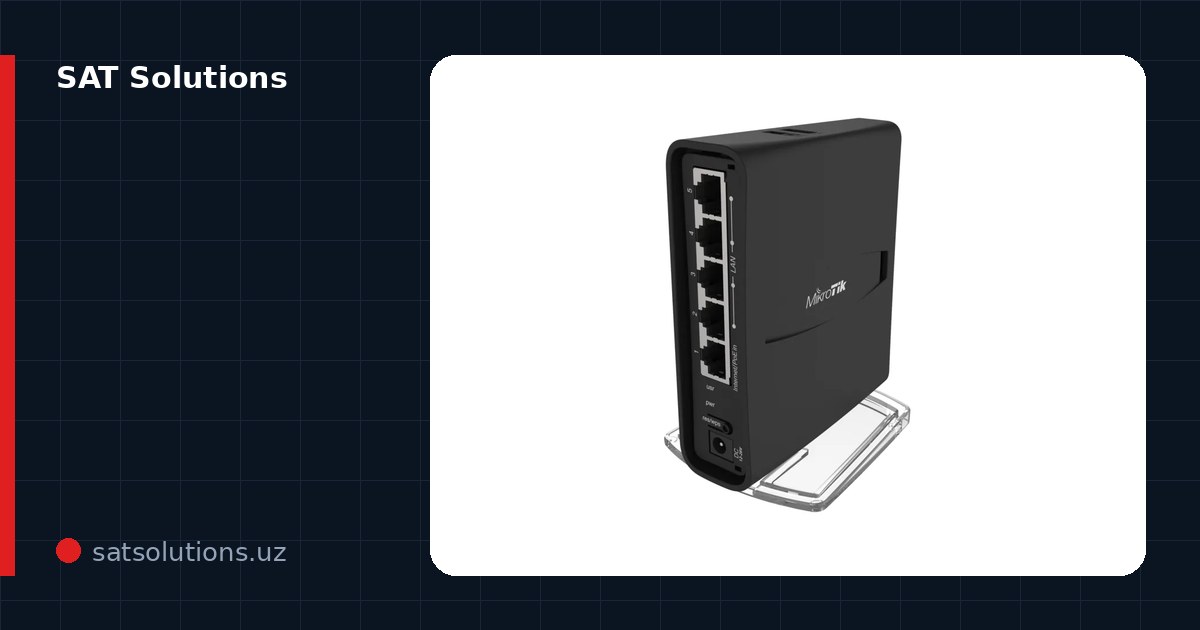
Why the signal is weak
Wi-Fi is radio, and everything a building is made of interferes: reinforced concrete walls eat the signal most, followed by mirrors, metal doors and heated floors. Few routers push confidently through two concrete walls, and practically none through three.
The second reason is the neighbors. In an apartment block, dozens of networks share the same 2.4 GHz channels at once. Speed drops not because the signal is weak, but because the air is busy.
What to try for free
Placement first: the router belongs in the center of the home, up high, not in a cabinet or behind the TV. Every meter from the center toward a corner costs coverage in the opposite corner.
Then the channel: switch automatic channel selection to a specific free one (1, 6 or 11 for 2.4 GHz). A free analyzer app shows channel congestion. And check the band: if your devices support 5 GHz, move them there — it is faster and less crowded.
Repeaters: when they help and when they hurt
A repeater catches the router's signal and passes it on — but halves the speed and adds latency. Fine for a TV or a camera in a far room; annoying for work and games.
The classic mistake is placing the repeater where the signal is already poor: it amplifies and relays a poor signal. It belongs halfway, where the router's signal is still solid.
The right solution — a wired access point
What solves the problem radically is not amplification but a second distribution point: a network cable runs to the far part of the building and an access point sits on it. Cable loses no speed to obstacles, and the AP serves full Wi-Fi in its zone.
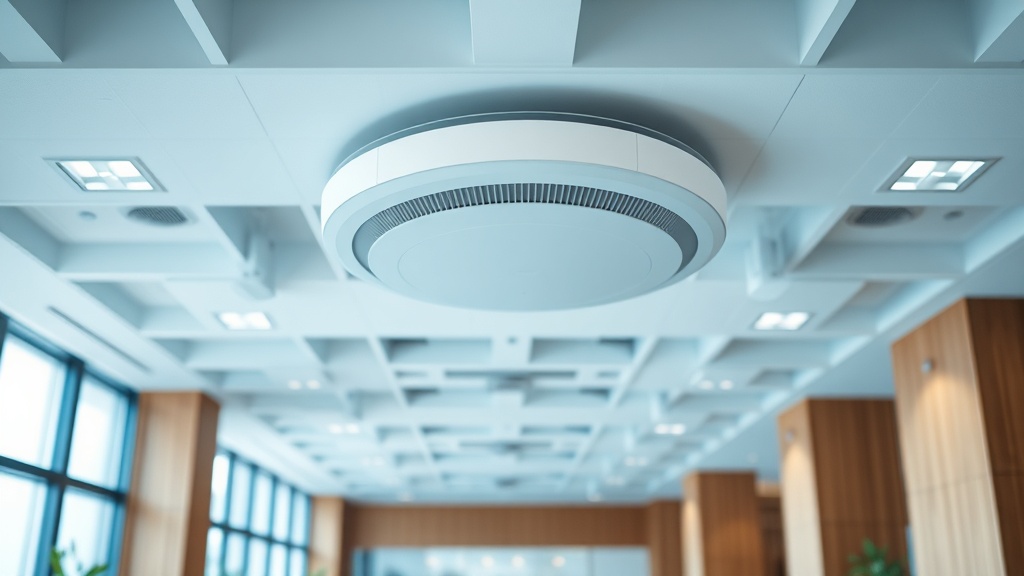
In offices this is the only right way: PoE-powered ceiling access points, one network with seamless roaming — the phone switches to the nearest AP by itself, and a call survives the walk between rooms.
Mesh systems: what you pay for
Mesh is several nodes that build one network themselves and hand devices from node to node. It installs in an evening without cables, looks neat and clearly beats a repeater — the nodes talk over a dedicated radio link.
An honest caveat: radio mesh still trails wired access points. The scheme that works is mesh nodes linked by cable (Ethernet backhaul): mesh simplicity plus wire speed.
What to choose for your case
An apartment up to three rooms — a well-placed modern router, one mesh node if needed. A large apartment or house — a 2–3 node mesh, ideally cabled between floors. An office — wired PoE access points with a controller, calculated from the floor plan.
We run a radio survey, calculate the number and placement of points and install turnkey — from an apartment to an office of a hundred staff. We work with TP-Link, MikroTik, Ubiquiti and Ruijie: access points, switches and controllers are supplied by us, and the platform is chosen to match the scale.
FAQ
Will a more powerful router help?
Transmit power is capped by law, and a flagship router will not pierce a concrete wall. It helps through better antennas and 5/6 GHz near it, but far rooms are only solved by a second distribution point.
Is Wi-Fi 6 worth it?
Yes, with many devices: Wi-Fi 6 shares the air between dozens of clients more efficiently. For two laptops and a TV, you will not notice a difference from a recent Wi-Fi 5 router.
What does proper office Wi-Fi cost?
It depends on the area and headcount: we calculate from the floor plan free of charge — with a radio survey, an AP layout and an estimate.
Installation works cost calculator
Set the number of points — the calculator lays out a site plan and shows the range from our standard price list. One minute, no phone calls.
Read also
Related services
Catalog on the topic