
It is capacity, not range
A home router in an office is the most common cause of "the internet is slow" complaints. It is built for a dozen devices, while a twenty-person office carries fifty: laptops, phones, printers, the meeting room TV, POS terminals. The problem is not "weak signal" — the antennas are visible from every corner — but capacity: the router's chip lacks the resources to serve everyone at once.
An enterprise access point holds dozens of active clients, and several points are managed by a central controller and balance the load between themselves. The network does not degrade when everyone joins video calls — that, not the price on the box, is what separates an office solution from a household one.
Roaming: so the call does not drop
The second office disease is dead zones and drops when walking between rooms. The phone clings to the far access point until the last moment; the call croaks and dies. The cure is seamless roaming: points supporting 802.11k/v/r hand the client to each other smoothly, and a Zoom call survives a walk across the whole floor.
This requires design: a site survey, a placement plan with correct cell overlap, power tuning — a too-loud point hurts roaming as much as a weak one. "Just hang more routers" without a plan produces an airspace jammed with mutual interference.
Guest network and security
Sharing the office Wi-Fi password with guests means letting strangers' devices into the network where servers, printers and accounting live. The proper scheme: the corporate and guest segments are isolated with VLANs and a firewall, and guests get internet through a captive portal with code or one-click authorization and a speed cap.
Separate segments go to cameras, POS and IoT devices: a hacked "smart speaker" must not see the file server. This is not paranoia but basic hygiene — configured once, invisible to everyone's daily work.
What we do and what you get
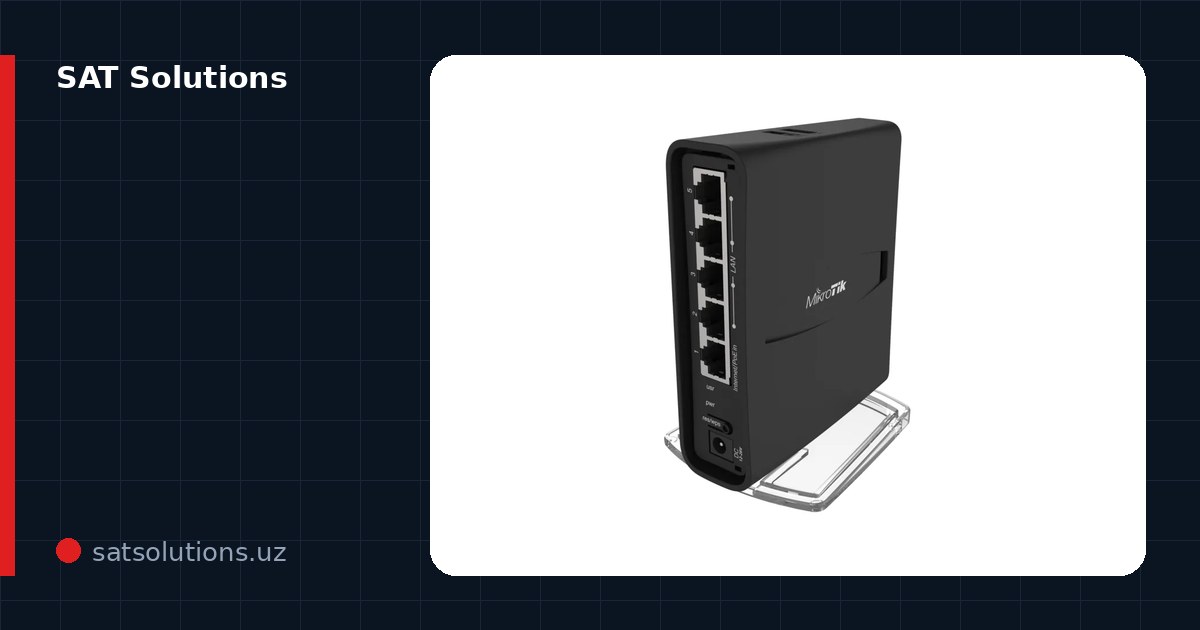
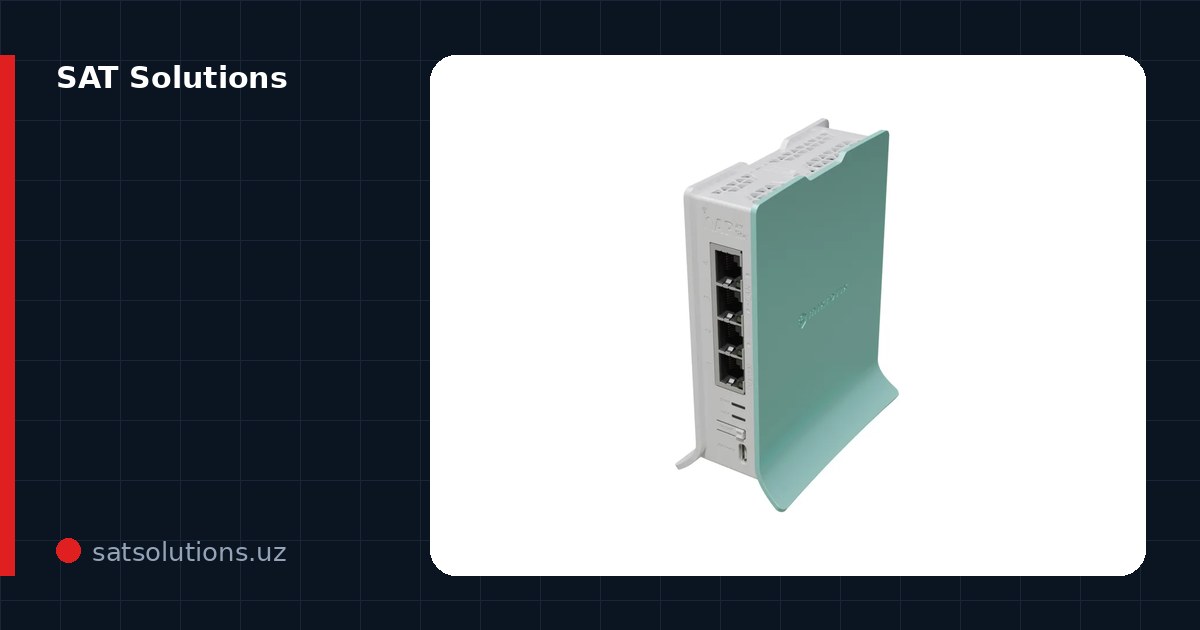
We design the network from the floor plan accounting for walls and interference, run structured cabling and install PoE switches — access points take power over the same cable that carries data, no ceiling outlets needed. We work with Ubiquiti UniFi, MikroTik, TP-Link Omada and Ruijie from Tashkent stock, choosing the platform for your scale and budget.
The result is a network with a clear diagram, controller credentials and guest code instructions. We provide a warranty and ongoing support: monitoring, updates, and "it's slow" investigated with controller graphs rather than guesswork. The survey and quote are free; we work across Tashkent and all of Uzbekistan.
Access point placement mistakes
Access points in corridors and server rooms give an even map on paper and dead spots in meeting rooms. Hardware belongs where people actually work, not where the nearest socket is; metal racking, mirrors and glass partitions absorb the signal far more than drywall.
The second common mistake is running every access point at full power: clients cling to a distant one and never hand over. Power is turned down, channels are spread out, and a verification survey follows the installation.
FAQ
How many access points does a 30-person office need?
Usually two to four, depending on the layout, walls and meeting rooms. The exact answer comes from a site survey — free as part of our project calculation.
Can we keep the ISP's router?
Yes, as the internet gateway: your own network with access points and a switch goes behind it. Just do not trust the ISP box with Wi-Fi distribution — it is the bottleneck.
What is seamless roaming and is it really seamless?
The 802.11k/v/r standards help a device switch between points in milliseconds — a call does not notice the handover. It works when cell overlap is engineered properly; merely "many points" gives no roaming.
How do you cover a warehouse with metal racking?
Metal shields the signal, so a warehouse is designed with overlap margin and directional antennas along the aisles. Barcode terminals are roaming-sensitive — that is factored into the placement plan.
Installation works cost calculator
Set the number of points — the calculator lays out a site plan and shows the range from our standard price list. One minute, no phone calls.
Read also


Related services
Catalog on the topic