
What a local network consists of
An office network is a structured cabling system: twisted-pair cable to every workplace, sockets, a patch panel and a server cabinet. A switch sits at the centre, a router distributes the internet, and Wi-Fi points cover wireless devices.
In a properly built network, printers, cameras, IP phones and computers work as one system. Adding CCTV or telephony later is easy — the cable is already in place.
Structured Cabling & LAN Installation in Tashkent, Uzbekistan →
What drives the price
Three main factors: the number of workplaces, cable run lengths and the state of the premises. A new build is easy to cable; a finished office needs conduit, trunking and careful work, which takes longer.
Cable category matters too: Cat5e is enough for most offices, Cat6 is faster with headroom. The server cabinet, switch class and Wi-Fi coverage also go into the estimate.
Average prices
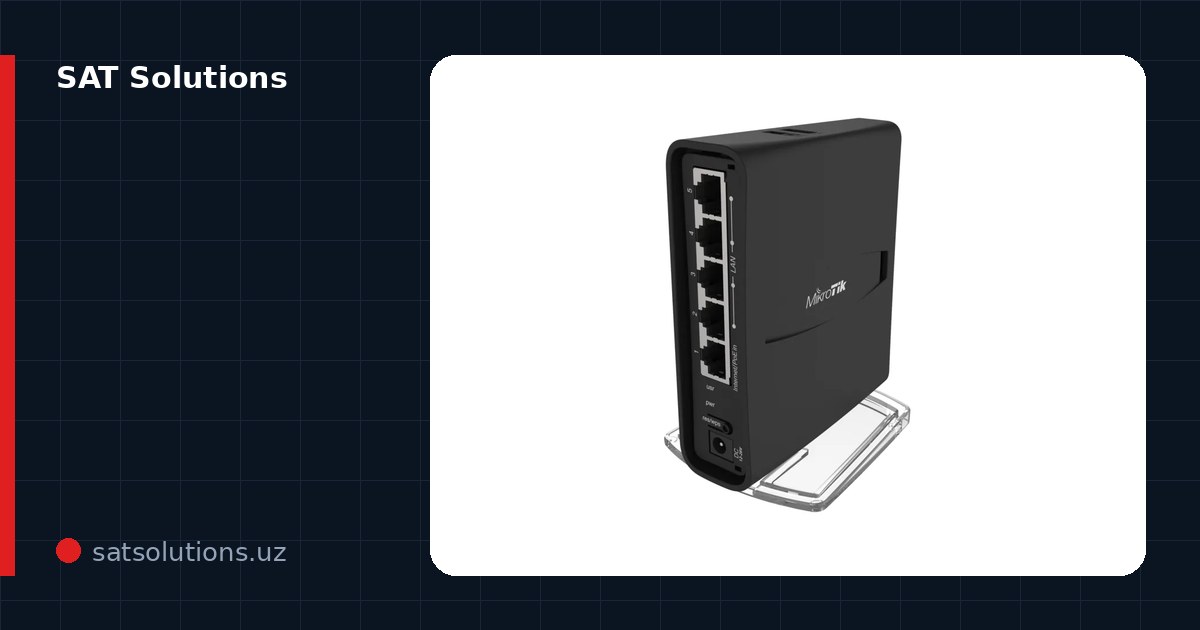
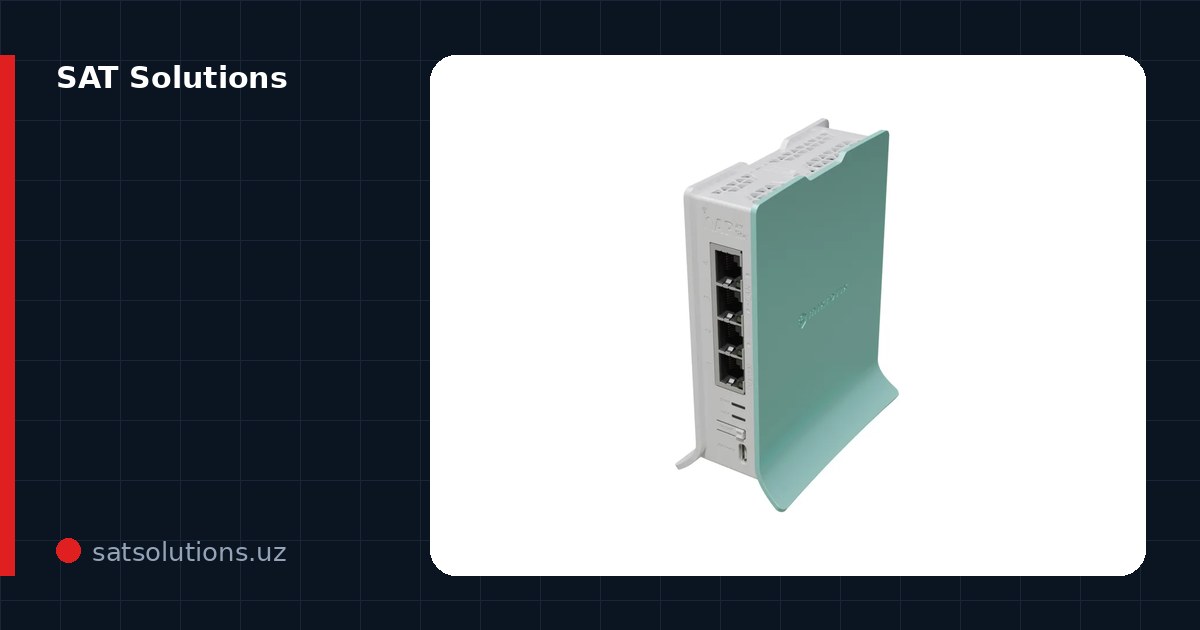
In practice the count is per workplace, and the materials for a point break down straight from the catalogue: 40 metres of UTP cat.5e at 6 090 UZS each is 243 600 UZS, a surface socket 22 690 UZS, two RJ-45 connectors 1 380 UZS and a patch cord 9 590 UZS — about 277 260 UZS of materials per point, with labour on top. Cat.6 instead of cat.5e raises the cable part to roughly 327 600 UZS. The active side of a 10–15 seat office: a Hikvision DS-3E0108D-E switch at 95 190 UZS, the PoE Dahua S3010-8ET2ET-60 at 321 900 UZS, a Ruijie RG-EW300 PRO router at 235 900 UZS. Catalogue prices as of October 2026, installation not included.
The engineer's visit and the estimate are free: we look at the plan, measure the runs and name the exact price. Cable, sockets and switches are supplied by us — from the five-port unmanaged Wi-Tek WK-S205 at 61 790 UZS up to managed models, where the category median is around 1 917 900 UZS.
When fibre is needed
Between buildings, along long corridors and beyond 90 metres copper does not work — optical fibre is used. Fibre resists lightning, is fast and indifferent to distance.
We lay and splice fibre, measure it with an OTDR and hand it over with a passport. The office LAN and inter-building fibre go in one project.
Headroom for the future: cable category and PoE
Cabling goes in for ten years or more, so saving on category does not pay: Cat5e covers gigabit, but Cat6 at a 10–15% price difference gives headroom up to 10G on short runs. The cable itself is a small share of the estimate, while re-laying it after renovation costs more than the whole original network.
The second reserve is power over the cable: a PoE switch instead of a plain one lets you add cameras, Wi-Fi points and IP phones later without an electrician or new outlets. Plan spare ports too: in practice an office grows by 30–50% of connections within a couple of years — put in outlets and patch panel capacity from the start.
Work stages
First the design: workplaces, routes and the cabinet location on the plan. Then installation: cabling, sockets, patch panel and switch. Finally every line is tested and handed over with diagrams.
A small office is usually ready in 1–3 days. We work with legal entities under VAT contracts and warranty the work.
FAQ
How much does one workplace cost?
The materials for a point on a 40-metre run: cable 243 600 UZS, socket 22 690 UZS, two connectors 1 380 UZS, patch cord 9 590 UZS — about 277 260 UZS. Labour is quoted separately and depends on run lengths and the state of the site; the estimate is free.
What does a 10-person office network cost?
Twenty points (two per seat) come to about 5 545 000 UZS of materials, plus a switch from 95 190 UZS, a router from 235 900 UZS, the cabinet and the labour. An engineer visits and prepares the exact estimate from the plan; we reply to requests within the working day.
Cat5e or Cat6?
Cat5e is enough for a regular office. For heavy files, video and future headroom we recommend Cat6 — the price difference is small.
Will you add Wi-Fi too?
Yes, we plan Wi-Fi points for coverage within the network design — stable signal in every corner.
How long does the work take?
A small office — 1–3 days. Larger sites follow the design; the timeline is stated in the estimate.
Installation works cost calculator
Set the number of points — the calculator lays out a site plan and shows the range from our standard price list. One minute, no phone calls.
Read also


Related services
Catalog on the topic