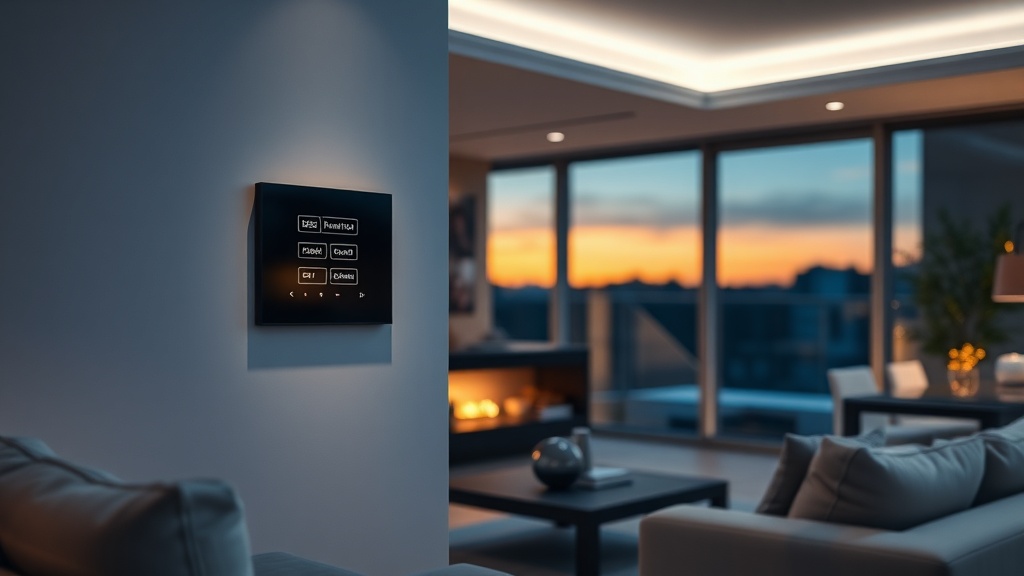
Start with scenarios, not gadgets
A smart home is bought not for a phone-controlled bulb but for scenarios that remove routine. "Morning": curtains open, light fades in, the air conditioner leaves night mode. "Away": all lights off, the iron's socket de-energised, security armed. "Vacation": the house switches lights on in the evenings, simulating presence. A scenario configured once fires by button, schedule or geofence.
The practical first step is choosing the three scenarios you personally need and building the system around them. Expanding is easier than redoing: the platform stays, devices get added.
Safety pays off first
The most rational smart home investments are protective. A leak sensor with a motorised valve shuts the water in seconds, before the neighbours below are flooded; a smoke sensor wakes you at night and sends an alert even when you are away; contact and motion sensors become a burglar alarm with a siren and phone notifications.
Add cameras and a video intercom in the same app: the doorbell rings on your smartphone wherever you are. This circuit pays for itself with the first prevented flood — and floods happen more often than fires and burglaries combined.
Wired or wireless
The fork depends on the renovation stage. Wireless solutions on Zigbee and Wi-Fi (Tuya, TP-Link Tapo) install onto a finished interior with no chasing: relays hide in wall boxes, sensors stick on and run on batteries for years. A wired bus is laid during construction: more robust, independent of the radio environment, made for large houses with complex automation.
The honest answer for most apartments: wireless is enough. Build lighting on smart switches, not just smart bulbs: the ordinary wall key keeps working for everyone who does not want to reach for a phone — which saves you from the family's number one complaint about smart homes.
The main DIY mistake
A zoo of apps: bulbs in one, sockets in another, cameras in a third — and nothing talks to anything. The "away" scenario is impossible in such a home: there is nobody to switch everything off at once. We build on a single platform: devices see each other, scenarios are shared, and the family uses one app with sensible permissions.
The survey and scenario design are free; a starter apartment kit takes a week from request to working scenarios. Equipment from Tashkent stock, warranty, support and system growth on demand — across Uzbekistan.
Questions to ask before signing
Before signing, find out whether the scenarios still run when the internet is down, who owns the system account, and what hardware it depends on. The answers show whether the house stays manageable after the contractor changes.
Ask separately about the installation warranty, the response time for a site visit, and the option to add sensors a year or two later without replacing the controller. Compatibility is cheaper to plan at the start than to rebuild after renovation.
FAQ
Can a smart home be added to a finished apartment?
Yes — wireless systems install without chasing: relays go into wall boxes, sensors are adhesive. The renovation is untouched; installation takes a day or two.
What to install first on a limited budget?
The protective circuit: leak sensors with a motorised valve, smoke, door contacts. Then scenario lighting and climate. Entertainment — speakers and curtains — joins the same platform later.
Does the system work without internet?
Local scenarios on a Zigbee hub work offline: lighting, sensors, automations. Internet is needed for control from outside the home and for notifications.
Is a smart home expensive?
A starter apartment kit is comparable to a mid-range smartphone. The system then grows at your pace — the platform stays, you only add devices.
Installation works cost calculator
Set the number of points — the calculator lays out a site plan and shows the range from our standard price list. One minute, no phone calls.
Related services