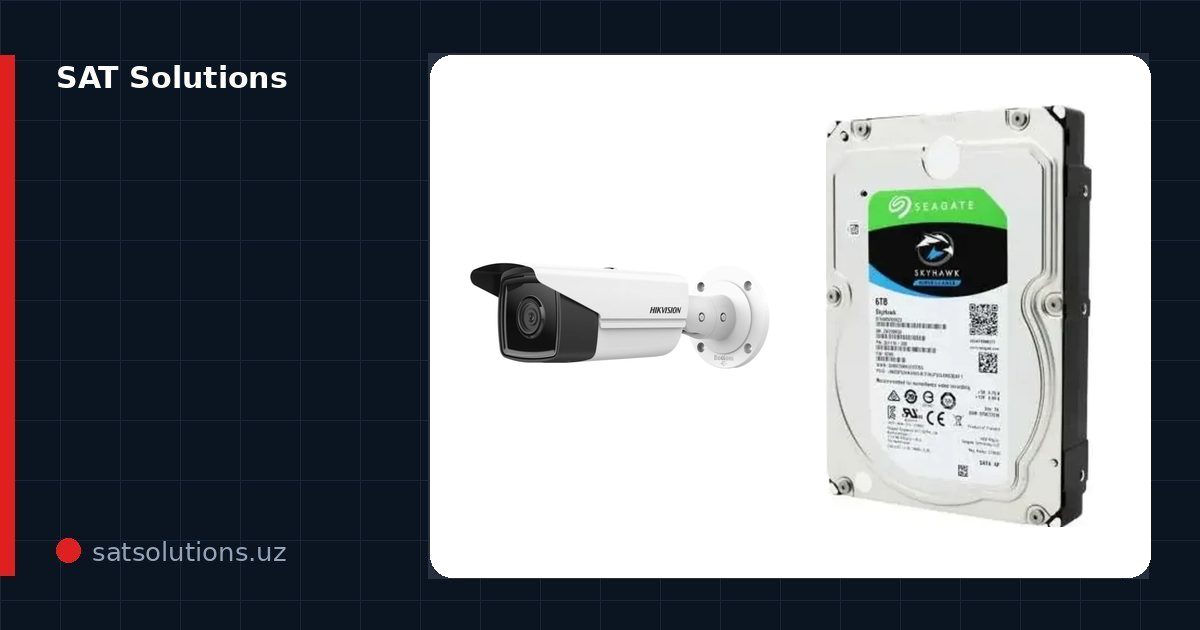
In short
- At satsolutions.uz catalog prices as of 10 November 2026 and our labour rates, a system of 32 IP cameras at 4 MP with about one month of archive costs roughly 85.1 million UZS: about 63.1 million for equipment, about 2.2 million for consumables and about 19.8 million for works.
- The largest lines are cameras (about 36%), archive disks (about 13%) and the network (about 13%), and more than half of the works (58%) is cable laying.
- What moves the budget most is archive depth multiplied by camera bitrate.
What parts make up a business CCTV budget?
A video surveillance budget consists of six groups: cameras; a network video recorder (NVR) or server; archive disks; the network — PoE switches and cable; power and enclosure — a UPS and a network cabinet; and works — installation, cable routes, commissioning and remote-access setup. Consumables — patch panels, patch cords, connectors, corrugated conduit, cable trays and fixings — are counted separately. In the example below, patch panels, patch cords, connectors and conduit are included as an estimate at catalog prices, while cable trays and fixings are priced from the cable-route design after a site survey.
Three terms are needed to read an estimate. Bitrate is the size of one camera's video stream in megabits per second; it determines how many terabytes the archive needs. Archive depth is how many days of recording are kept before they are overwritten in a loop. PoE (Power over Ethernet) means the camera is powered over the same twisted pair that carries video, so each camera needs a single cable.
Below are the shares for a typical 32-camera site (the full calculation is in the next section).
| Line | Amount, UZS | Share |
|---|---|---|
| Cameras (32 pcs) | 30 780 800 | 36.2% |
| Archive disks (4 × 6 TB) | 10 887 600 | 12.8% |
| Network: PoE switches and cable | 10 837 200 | 12.7% |
| Cabinet and UPS | 8 161 800 | 9.6% |
| 32-channel recorder | 2 474 900 | 2.9% |
| Consumables (estimate) | 2 208 580 | 2.6% |
| Works | 19 764 000 | 23.2% |
| Total | 85 114 880 | 100% |
The recorder, which usually attracts the most debate, is only about 3% of the budget. The disks cost more than four times as much as the recorder, and the UPS with the cabinet more than three times. Saving "on the recorder" therefore barely changes the total, while the decision on archive depth changes it noticeably. Per camera, the system costs about 2.66 million UZS including all equipment, consumables and works — a convenient figure for comparing proposals of different size.
Example: how much does a 32-camera system cost at catalog prices?
The site is a warehouse or production building, in a configuration typical for such sites: 24 indoor dome cameras covering halls and aisles and 8 outdoor bullet cameras for the perimeter, gates and loading ramps. The recorder, switches and UPS sit in one wall-mounted cabinet. The average route is 40 m to an indoor camera and 60 m to an outdoor one, giving 960 + 480 = 1 440 m of cable.
| Item | Qty | Price, UZS | Amount, UZS |
|---|---|---|---|
| Dome IP camera 4 MP Hikvision DS-2CD2143G2-I (2.8 mm), IR up to 30 m, AcuSense, PoE | 24 | 890 900 | 21 381 600 |
| Bullet IP camera 4 MP Hikvision DS-2CD2T43G2-4I (2.8 mm), IR up to 80 m | 8 | 1 174 900 | 9 399 200 |
| Recorder Hikvision DS-7732NI-K4(STD): 32 channels, 4 SATA, 256 Mbps incoming, 1.5U | 1 | 2 474 900 | 2 474 900 |
| Surveillance disk Seagate SkyHawk 6 TB | 4 | 2 721 900 | 10 887 600 |
| PoE switch Hikvision DS-3E1526P-SI-24P2F: 24 PoE + 2 SFP, 370 W budget | 2 | 4 082 900 | 8 165 800 |
| Wall cabinet 15U 600×600 | 1 | 1 422 900 | 1 422 900 |
| UPS Pixietech On-line 2 kVA | 1 | 6 738 900 | 6 738 900 |
| Indoor UTP Cat 5e cable, 305 m reel | 4 | 432 900 | 1 731 600 |
| Outdoor UTP Cat 6 cable, 305 m reel | 2 | 469 900 | 939 800 |
| Equipment total | 63 142 300 |
| Item | Qty | Price, UZS | Amount, UZS |
|---|---|---|---|
| Patch panel, 24 ports, Cat 5 | 2 | 234 900 | 469 800 |
| Patch cord Cat 6 UTP, 0.5 m | 32 | 20 990 | 671 680 |
| RJ-45 connector Cat 5e (Pixietech) | 100 | 690 | 69 000 |
| Corrugated conduit 25 mm, 50 m coil — about a third of the routes | 9 | 110 900 | 998 100 |
| Consumables total | 2 208 580 |
| Work | Qty | Rate, UZS | Amount, UZS |
|---|---|---|---|
| Indoor camera installation | 24 | 155 000 | 3 720 000 |
| Outdoor camera installation | 8 | 180 000 | 1 440 000 |
| Camera setup and commissioning | 32 | 77 000 | 2 464 000 |
| Recorder installation and setup (over 16 cameras) | 1 | 450 000 | 450 000 |
| Remote access setup for phones | 1 | 170 000 | 170 000 |
| Cable laying inside the building, m | 960 | 7 000 | 6 720 000 |
| Cable laying on façades and outdoors, m | 480 | 10 000 | 4 800 000 |
| Works total | 19 764 000 |
Grand total: 85 114 880 UZS — equipment 63 142 300, consumables 2 208 580, works 19 764 000. Equipment prices are from the satsolutions.uz catalog as of 9 November 2026, re-checked on 10 November 2026 and unchanged; prices change over time. Consumable prices are from the catalog as of 10 November 2026, and the quantities are our estimate. Labour rates are from the "Video surveillance" service page as of 9 November 2026; cable laying on façades and outdoors is 10 000 UZS per metre (as of 10 November 2026). The lines to the 8 outdoor cameras (8 × 60 = 480 m) are priced at the outdoor rate, and the 960 m to the indoor cameras at 7 000 UZS per metre. Cable trays and fixings, as well as special conditions such as work at great height or over finished interiors, are priced from the cable-route design after a site survey. Six cable reels (1 830 m) allow a margin for offcuts and cabinet wiring.
How long the UPS will run. We take the load from Hikvision datasheets: the DS-2CD2143G2-I draws up to 6.5 W over PoE and the DS-2CD2T43G2-4I up to 12.5 W, so 24 × 6.5 + 8 × 12.5 = 256 W. The recorder with four disks and the two switches' own electronics are assumed at about 100 W; with PoE conversion losses, the total comes to about 400 W. The built-in battery of a 2 kVA online UPS is typically 4 × 12 V 9 Ah, about 430 Wh; the exact capacity is taken from the UPS passport. At this discharge rate and with inverter efficiency, about half of it is usable — about 215 Wh. Runtime: 215 Wh ÷ 400 W ≈ 0.5 h, i.e. about 30 minutes. For 1–2 hours of autonomy, a UPS with an external battery pack is chosen.
The models were chosen as typical for this task, not as the only possible option. The same estimate structure applies to Dahua equipment — for example, with the 32-channel DHI-NVR5232-EI recorder at 3 394 900 UZS; the shares hardly change.
How do you calculate the archive size?
The archive size is calculated with the formula V (TB) = N × B × 86 400 × D ÷ 8 ÷ 1 000 000, where N is the number of cameras, B the bitrate of one camera in Mbps, D the archive depth in days and 86 400 the seconds in a day; dividing by 8 converts bits to bytes and dividing by 1 000 000 converts megabytes to terabytes.
Step-by-step calculation for the example:
- Total stream: 32 cameras × 2 Mbps = 64 Mbps. 2 Mbps is a typical setting for a 4 MP camera with H.265 on continuous recording; we use it in the calculation, and the actual bitrate is checked against the settings on site.
- Per day: 64 × 86 400 ÷ 8 = 691 200 MB, i.e. about 691 GB (21.6 GB per camera).
- For 30 days: 691 GB × 30 ≈ 20.7 TB.
- Capacity in the example: 4 disks × 6 TB = 24 TB, i.e. 24 ÷ 0.691 ≈ 34 days of recording.
- Recorder check: 64 Mbps against the permitted 256 Mbps — there is headroom on incoming bandwidth.
| Option | Total stream | Per day | Depth on 24 TB | Needed for 30 days |
|---|---|---|---|---|
| 2 Mbps per camera, no RAID | 64 Mbps | ≈691 GB | ≈34 days | ≈20.7 TB |
| 2 Mbps, RAID 5 (18 TB usable) | 64 Mbps | ≈691 GB | ≈26 days | ≈20.7 TB |
| 4 Mbps per camera, no RAID | 128 Mbps | ≈1.38 TB | ≈17 days | ≈41.5 TB |
| 8 Mbps per camera (recorder limit) | 256 Mbps | ≈2.76 TB | ≈9 days | ≈82.9 TB |
Five things affect bitrate. Resolution: more pixels mean a bigger stream. Codec: H.265 is more efficient than H.264, and H.265+ further compresses the static picture of an empty hall. Scene: motion, foliage, rain and sensor noise at night raise the stream. Frame rate: 25 frames per second produce noticeably more data than 12. Recording mode: recording on motion or on analytics events instead of continuously shrinks the archive in zones where nothing happens most of the day. A practical rule is to check the actual bitrate in the recorder a week after start-up and recalculate the archive.
RAID 5 on four disks gives the capacity of three to the archive but survives the failure of one disk without losing recordings. Whether a particular recorder supports RAID is checked in the manufacturer's documentation. If the archive depth is set by a regulation — for example, at least 6 months for non-state educational organisations under Cabinet of Ministers Resolution No. 271 of 21 May 2026 — the calculation starts from that figure, not from the budget.
Why is an 8 TB disk more expensive per terabyte, and which size should you choose?
Disk price does not grow evenly with capacity. In the catalog as of 9 November 2026 a terabyte costs almost the same in 4 TB and 6 TB disks, but 1.6 times more in an 8 TB disk.
| Disk | Price, UZS | Price per 1 TB | 4 disks — capacity | Depth at 64 Mbps |
|---|---|---|---|---|
| Seagate SkyHawk 4 TB | 1 768 900 | ≈442 thousand | 16 TB | ≈23 days |
| Seagate SkyHawk 6 TB | 2 721 900 | ≈454 thousand | 24 TB | ≈34 days |
| Seagate SkyHawk 8 TB | 5 815 900 | ≈727 thousand | 32 TB | ≈46 days |
Four 8 TB disks cost 23 263 600 UZS against 10 887 600 for four 6 TB disks: the extra 8 TB (12 days of archive) cost 12 376 000 UZS. If a month of archive fits into 24 TB, 6 TB disks are the better buy. Before choosing 8 TB disks, check in the manufacturer's documentation the maximum disk size the specific recorder supports.
The limit is the number of drive bays. The DS-7732NI-K4 recorder has four, so the maximum archive equals "4 × disk size"; the maximum supported size of a single disk is given in the manufacturer's documentation. If more is needed, the options are a recorder with more bays, a second recorder for part of the cameras, or a lower bitrate. Only surveillance-grade disks are used — they are designed for round-the-clock recording of multiple streams; the calculation is covered in more detail in our article on choosing a disk for video surveillance.
How much does the network cost, and why does the 100-metre limit matter?
The network in the example is 10 837 200 UZS, or 12.7% of the budget: two switches with 24 PoE ports each plus cable. Each switch serves 16 cameras, 8 more ports stay in reserve, and two SFP optical ports allow the switches to be linked to the server room or remote cabinets over fibre.
The PoE budget of the chosen switch is 370 W for all ports. Before purchase, add up the maximum consumption of the cameras from the manufacturer's documentation — at night, with IR illumination on, it is higher than in the daytime — and leave a reserve. That way the switch does not shut ports down at the worst moment. Check for the example: the first switch with 16 dome cameras carries about 104 W, the second with 8 dome and 8 bullet cameras about 152 W — both well within 370 W.
Under the Ethernet standard, twisted pair is designed for up to 100 m from the switch port to the camera. Distant points — a gate, a fence corner, a neighbouring building — are connected through a remote switch in an intermediate cabinet with a fibre link to the server room. In large warehouses and plants, switches are placed closer to camera groups: routes get shorter, and a fibre backbone is cheaper than dozens of long copper lines. Cameras are moved to a separate virtual network (VLAN) so that office computers cannot see them — see our article on protecting IP cameras from hacking.
Why does cable laying cost more than installing the cameras?
In the example, cable laying is 11 520 000 UZS out of 19 764 000, or 58% of all works, while installing all 32 cameras costs 5 160 000 UZS. Inside the building the rate is 7 000 UZS per metre, on façades and outdoors 10 000 UZS; in the example the lines to the 8 outdoor cameras (480 m) are priced at the outdoor rate. But the rate is not the main factor: on a large site route length grows faster than the number of cameras — each new camera is further from the cabinet than the previous one.
Building conditions change the cost of routes. Existing cable trays or a suspended ceiling make laying easier; open walls and ceilings need conduit or trunking; the great height of a workshop needs lifting equipment; outdoor sections along façades and between buildings need protected cable and fixings. That is why two systems with the same number of cameras can differ several times in the cost of works.
Three decisions help reduce this line: put switches closer to camera groups, use existing trays, and run CCTV routes together with the building's other low-voltage systems — the local network and access control — in shared channels.
What raises the budget, and what lowers it without losing quality?
- Split zones into overview and identification zones. For halls and aisles, 4 MP with a 2.8 mm lens is enough; for faces at the checkpoint and number plates at the entrance, separate cameras with a suitable lens are placed at the right point instead of raising the resolution of every camera.
- Use 4 MP instead of 8 MP where it is sufficient: smaller stream and archive, cheaper disks.
- Enable recording on motion or analytics events (for example, AcuSense, the "human/vehicle" filter) in zones without constant activity: the archive grows more slowly.
- Choose 6 TB disks instead of 8 TB if there are enough bays: a terabyte is 1.6 times cheaper.
- Build in spare ports from the start: the two 24-port switches in the example leave 16 of 48 ports free. The 32-channel recorder in the example is fully used, so if growth is expected, spare channels are planned when the recorder is chosen.
- Build in stages: first the perimeter, entrance and valuables zones, then the rest — on the same scheme and the same equipment.
Three things should never be cut. Disks — surveillance-grade only: desktop disks are not designed for round-the-clock recording. The UPS — during a power cut the recorder and switches keep working and recording continues. As-built documentation — the layout, the equipment list with serial numbers, network addresses and accounts: this is how we hand over a system, with the set handed to the customer against signature. Without it, any expansion starts with a survey.
How do you get an accurate estimate for your site?
- Prepare a floor plan or site layout and mark the surveillance zones.
- For each zone, state the task: general overview, face recognition or number-plate recognition.
- State the required archive depth and recording mode; if the depth is set by a regulation or internal policy, name the document.
- Describe the conditions: are there trays and a suspended ceiling, where will the cabinet be, is there backup power.
- Specify installation heights and outdoor sections.
- List platform requirements: a single brand, integration with access control, viewing from phones, multiple sites.
The calculator on the website gives a first estimate. A plan or specification can be sent via the "Supply and tenders" page or to sales@satsolutions.uz. The estimate comes back in the same structure as the example above: equipment line by line, works at the published rates, consumables on a separate line — so you can see exactly what you are paying for. Send us your technical specification — we will prepare a quotation with an equipment specification and a bill of works within 24 hours.
About the company
- SAT Solutions is a brand of SUPPLY AND TRANSPORTATION LLC, TIN 308603912. Tashkent, 5 Katta Darkhon Street; +998 97 862-66-99; sales@satsolutions.uz; Mon–Fri 9:00–18:00.
- Video surveillance, access control and turnstiles, time attendance, intrusion and fire alarms, intercoms, structured cabling and LAN, Wi-Fi, fibre, server rooms: equipment supply and installation; installation by our own staff: 3 engineers and 15 installers.
- Documents: National Guard permit No. 1554491 (installation, adjustment and maintenance of security equipment); Ministry of Emergency Situations permit No. 913518 of 23 July 2025 (installation, adjustment and maintenance of fire alarm and automatic fire suppression systems) — both under the notification procedure of Cabinet of Ministers Resolution No. 88 of 25 February 2022.
- 3-year warranty on installation works; equipment carries the manufacturer's warranty of 1 to 3 years.
- satsolutions.uz catalog: more than 2,500 items; prices in UZS including VAT — we work with VAT. Own warehouse in Tashkent, fast-moving items in stock. E-invoices (ESF) are issued through an electronic document-exchange operator.
- All prices in this article are satsolutions.uz catalog prices and labour rates: equipment as of 9 November 2026 (the estimate's equipment re-checked on 10 November 2026), consumables and the façade cable-laying rate as of 10 November 2026.
Product from this article
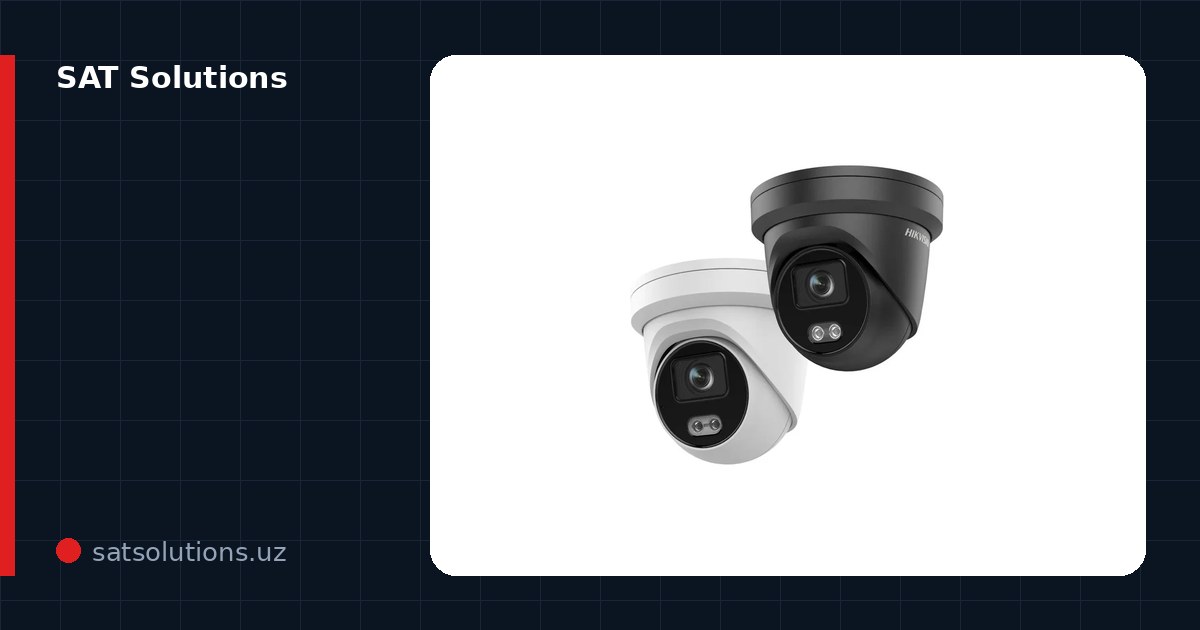
- Hikvision DS-2CD2143G2-I 4 MP dome IP camera (2.8 mm, IR up to 30 m)Price and specifications in the catalog →
- Hikvision DS-2CD2T43G2-4I 4 MP bullet IP camera (2.8 mm, IR up to 80 m)Price and specifications in the catalog →
- Hikvision DS-7732NI-K4 32-channel NVR (4 SATA, 256 Mbps)Price and specifications in the catalog →
- Seagate SkyHawk 6 TB surveillance hard drivePrice and specifications in the catalog →
- Hikvision DS-3E1526P-SI-24P2F 24-port PoE switch (2 SFP, 370 W budget)Price and specifications in the catalog →
FAQ
How much does a 32-camera video surveillance system cost for a business?
At satsolutions.uz catalog prices as of 10 November 2026 and the labour rates — about 85.1 million UZS: 63.1 million for equipment, 2.2 million for consumables and 19.8 million for works, for 32 cameras at 4 MP with about a month of archive. Cable trays, fixings and special installation conditions are priced after a site survey.
How much does one camera cost in such a system?
About 2.66 million UZS per point if the whole estimate — cameras, recorder, disks, network, UPS, consumables and works — is divided by 32 cameras. The 4 MP dome camera itself costs 890 900 UZS in the example, the outdoor one 1 174 900 UZS.
How many terabytes do 32 cameras need for a month?
About 20.7 TB at 2 Mbps per camera (4 MP, H.265, continuous recording) and about 41.5 TB at 4 Mbps. Formula: number of cameras × bitrate × 86 400 × days ÷ 8 ÷ 1 000 000.
Which costs more — equipment or installation?
Equipment: together with consumables it is about 76.8% of the budget in the example, with works at about 23.2%. Within the works, 58% is cable laying, so route length affects the estimate more than the number of cameras.
Can the archive be kept in the cloud instead of on disks?
Technically yes, but a month of recording from 32 cameras is more than 20 TB plus a permanent upstream channel. Under Article 27-1 of Law No. ZRU-547 (as amended by Law No. ZRU-1125 of 26 March 2026), biometric data such as face templates in access control must be stored only in Uzbekistan; there is no direct rule for ordinary video, but keeping the archive on a recorder in the building or on a server in the country is the safer choice — this is not a legal requirement but practitioners' advice.
Can such a system be built on Dahua?
Yes, the estimate structure is the same: cameras, a 32-channel recorder (for example, the DHI-NVR5232-EI at 3 394 900 UZS), disks, PoE switches and works at the same rates. How to choose a brand for a site is covered in our separate article on Hikvision and Dahua.
What warranty does the system have?
3 years on installation works; for equipment, the manufacturer's warranty of 1 to 3 years depending on the model.
Installation works cost calculator
Set the number of points — the calculator shows the price range from our standard price list. One minute, no phone calls.
Read also
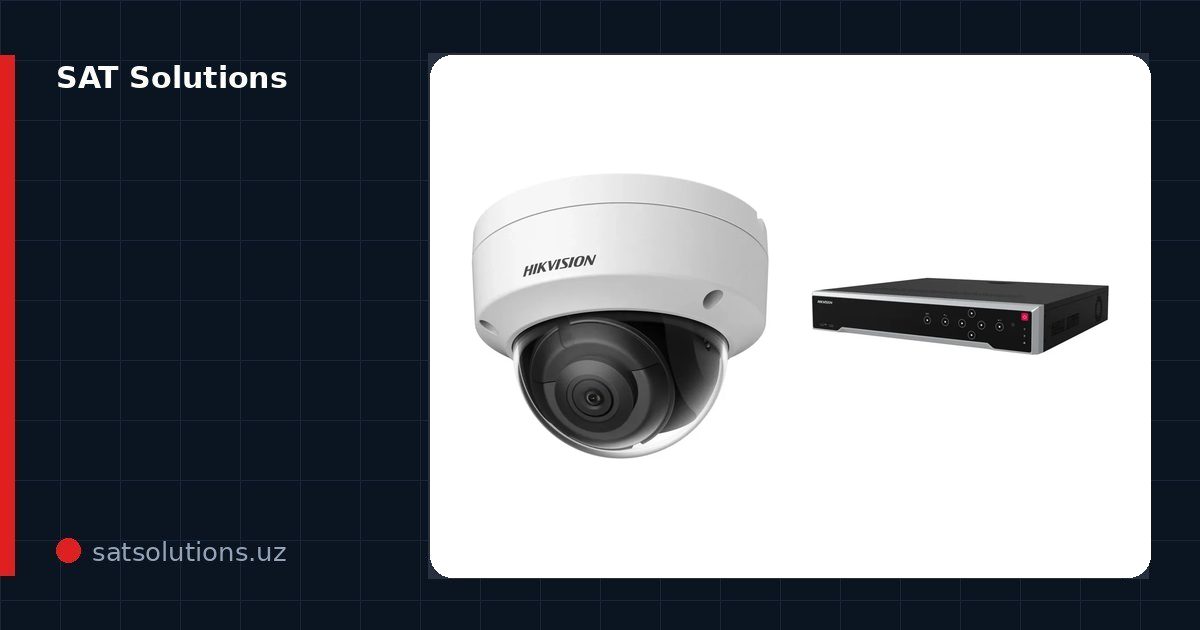 How to Write a CCTV Technical Specification for a Tender: Structure, Parameters and Uzbek Regulations
 How to size a hard drive for CCTV
 SAT Solutions price index, September 2026: what makes up the budget for video surveillance, access control and fire alarms
 How many cameras does a warehouse need: worked examples
Related services