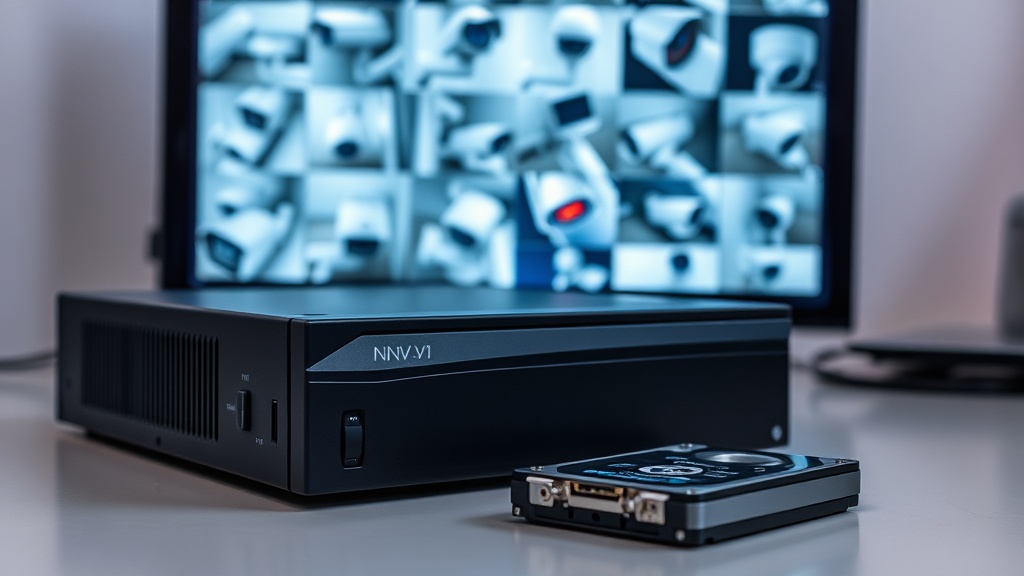
NVR or DVR: What's the Difference
An NVR (network video recorder) works with IP cameras over twisted-pair cabling and understands their smart features — human and vehicle detection, line crossing. A DVR (hybrid/analog recorder) takes cameras over coaxial cable and is mainly needed where legacy analog wiring is still in place.
For new sites the standard choice today is an NVR with IP cameras: higher resolution, power over the same cable (PoE), and smart analytics instead of false alarms triggered by swaying leaves.
How Many Channels Do You Need
Channels define how many cameras the recorder can handle at once. The rule is simple: leave about a third in reserve. Installing 4 cameras? Get an 8-channel unit — adding a camera later is cheaper than replacing the recorder. Typical lineups come in 4, 8, 16 and 32 channels.
Look beyond the channel count at the incoming bandwidth (Mbps): a budget 8-channel recorder may choke on eight 8 MP cameras streaming at full bitrate.
Resolution and Decoding
The recorder should support your cameras' resolution with headroom: for 4 MP cameras, pick models rated up to 8 MP. The second figure to check is how many streams it can display on a monitor simultaneously: cheap models switch to sub-streams in a 4×4 layout, and the picture turns blurry.
A valuable feature is the H.265 codec: it halves archive size compared to H.264 with no loss in quality.
Hard Drive and Archive Depth
The drive is bought separately and must be a surveillance-grade series (WD Purple, Seagate SkyHawk) — regular desktop drives are not built for 24/7 recording and fail quickly. As a capacity benchmark: 4 cameras at 4 MP with H.265 fill about 1 TB in 8–10 days of continuous recording.
Motion-triggered recording extends archive depth by 2–4 times. For 30 days of footage from 8 cameras, 6–8 TB is usually enough.
PoE Recorders: When They Make Sense
An NVR with built-in PoE ports powers the cameras itself: plug in the cable and the camera is running — no separate switch required. For a home or a small office with 4–8 cameras it is the leanest option by parts count: minimal hardware and setup.
On larger sites a layout with dedicated PoE switches is more flexible: cameras are grouped by floor, and a single trunk cable runs to the recorder.
Camera compatibility and ONVIF
A recorder from one brand does not always work fully with another vendor's cameras: the basic stream over ONVIF will come through, but detection, audio and parameter setup from the interface are not guaranteed. If the cameras are already in place, the recorder is chosen to match them, not the other way round.
Check codec support separately: H.265+ saves up to half the disk space, but older cameras will not deliver it. A mixed fleet is easier to build around a single product line, leaving two or three free channels for later.
Bottom Line: How to Get It Right
The selection formula: channels with a ×1.5 reserve, support for your cameras' resolution, H.265, a Purple/SkyHawk drive of the right capacity, and cloud access from your phone. Everything else comes down to the specifics of your site.
Send us your camera list or a site plan — we'll match a recorder and drive to the archive depth you need, install everything and set up mobile viewing.
FAQ
How many days of footage are stored?
It depends on drive capacity, the number of cameras and the recording mode. A typical example: 8 cameras at 4 MP, H.265, motion-triggered recording, a 6 TB drive — about a month of archive.
Which hard drive does a video recorder need?
A surveillance-grade one: WD Purple or Seagate SkyHawk. They are designed for 24/7 recording and for RAID/multi-drive NVR operation.
Will cameras from another brand work with my recorder?
Yes — via the ONVIF protocol most IP cameras are compatible with any NVR. However, smart analytics and fine-grained settings work fully only when the camera and recorder come from the same brand.
Do I need a monitor for the recorder?
It's handy for initial setup but not required: the recorder can be configured through its web interface from a computer, while day-to-day viewing happens on your phone.
Installation works cost calculator
Set the number of points — the calculator lays out a site plan and shows the range from our standard price list. One minute, no phone calls.

Related services
Catalog on the topic