Why the paper timesheet lies
A manual timesheet does not survive contact with reality: "9:00" gets written for everyone who arrived before ten, evening overtime goes unrecorded, and "clock me in, I'm running late" is part of the office culture. At month end HR spends days reconciling, and both sides lose: the company pays for hours not worked, and honest employees are not paid for overtime.
Automated tracking removes not people but the grounds for argument: time is captured at the moment of passage by a terminal that does not care who is whose friend. The timesheet assembles itself and is ready for any audit at any moment — a labor inspection or your own.
A terminal instead of a logbook
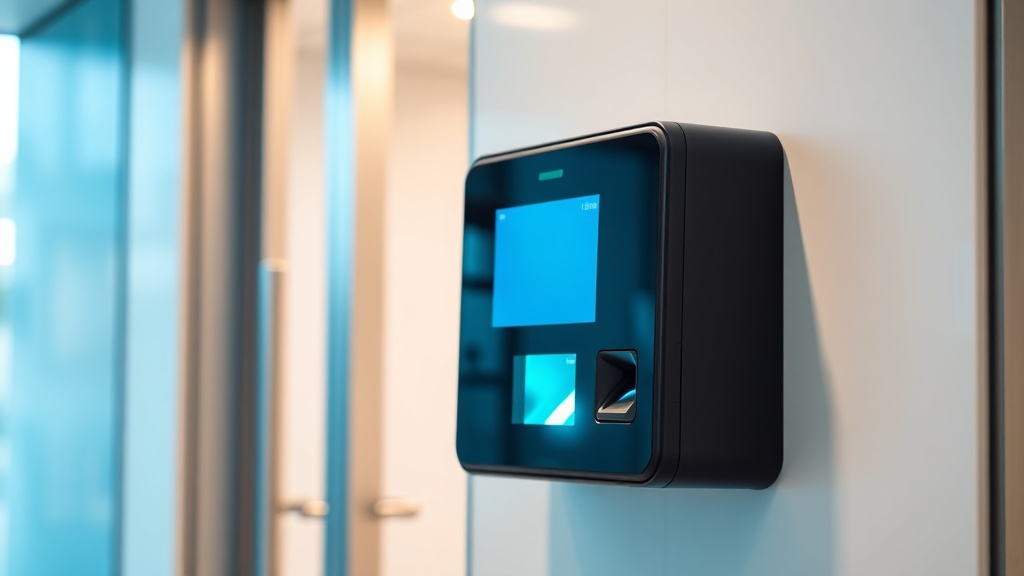
A biometric terminal recognises an employee by face or fingerprint — clocking in for a colleague is physically impossible. Facial recognition works on the move with no hygiene questions; fingerprints are cheaper but fussy in production with dirty hands. Offices with lighter requirements can stay on cards; field crews check in through a mobile app with geolocation.
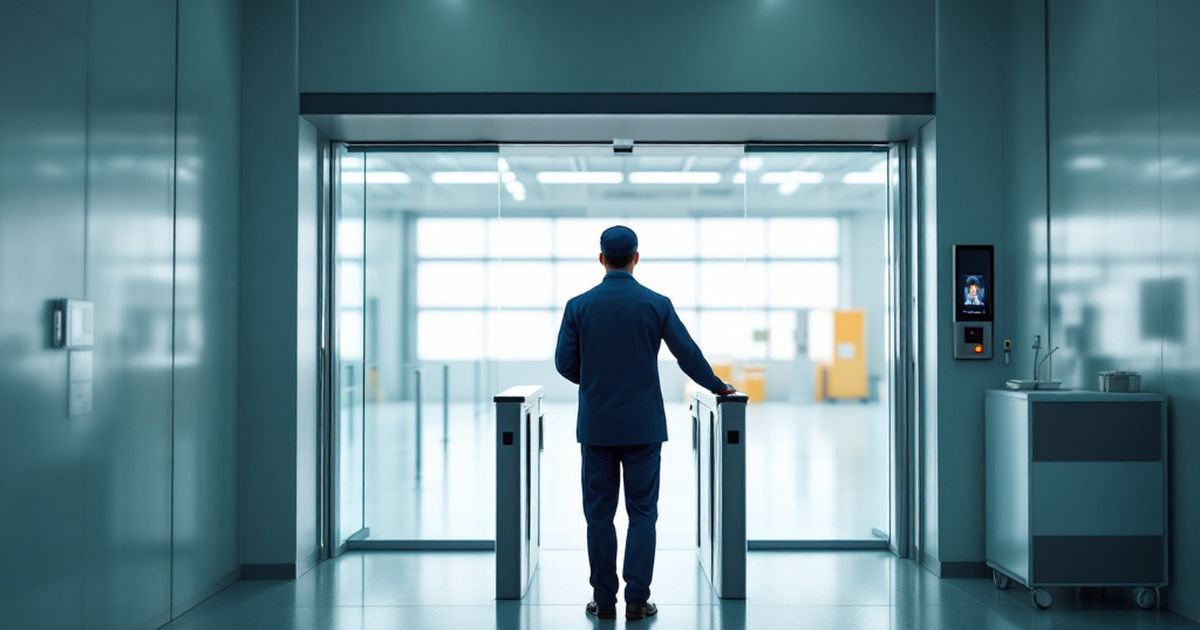
A ZKTeco or Hikvision terminal combines attendance with access control: one device opens the door and logs the time. No separate "timesheet turnstile" needed — one line item fewer in the estimate.
The rules that make the system useful
The system's value is in tuning it to your policy. Schedules and shifts, including night and rotating ones; a lateness allowance of 5 minutes or zero — your call; fixed or floating lunch; business trips and vacations. The system itself counts lateness, early departures, overtime and night hours — by rules you set once.
A manager gets the day's picture in real time: who is in, who is late, who is absent. Not a month-end report but an operational tool: an understaffed shift in the workshop is visible in the morning, not in the weekly summary.
The legal part of the setup is as compulsory as the technical one. A fingerprint and a face image are biometric personal data, and they cannot be collected without the employee's written consent: the consent is drawn up as a separate document or an annex to the employment contract, stating what is captured, for what purpose, where it is stored and for how long. The same document records the right to withdraw consent — in which case the employee keeps an alternative, a card or a PIN. Alongside the consents come a data processing policy, an order appointing the responsible officer and an access log for the database: that set answers both an inspection and a labour dispute.
The data's road to payroll
Tracking for its own sake is pointless — the data must reach payroll. We configure timesheet export to 1C and other ERP systems: worked hours, overtime and night shifts land in the calculation without manual transfer or human-factor errors. Reports come by department, site and project.
Deployment does not stop the business: terminals at the entrance take a day to install, enrolling staff another day (for large headcounts we import the list from 1C or Excel). We train HR and the administrator, and the system then runs on its own. The survey and quote are free, equipment from Tashkent stock, warranty and support across Uzbekistan.
Where biometrics fails
Fingerprints read poorly on worn skin — construction, warehouses, kitchens. At an entrance in direct sun, face recognition drifts as well: backlight shifts the exposure. The fix is straightforward — a terminal with several identification methods (face, card, PIN) plus a small canopy or a mounting angle turned away from the window.
The second source of failures is the network. If a terminal loses the server, punches must be stored in its own memory and uploaded later; otherwise the shift reaches the timesheet empty.
FAQ
How long does deployment take?
A typical office or workshop: a day for terminal installation, a day for enrolling staff and configuring schedules. By Monday the system is already counting.
What about field staff and construction sites?
Mobile check-in with geolocation: the employee checks in from a phone, and the system verifies they are actually on site. Portable terminals exist for temporary sites.
Employees object to biometrics — what then?
Start with an honest answer. The common claim that a terminal keeps only a mathematical template is wrong: Hikvision and ZKTeco terminals store the enrolment photograph alongside the biometric template. So the conversation rests not on a promise of anonymity but on how the data is handled: written consent, a short list of administrators, an access log for the database, deletion of the profile on dismissal, and a card or PIN as an alternative. Plus the plain benefit to the staff themselves — overtime stops getting lost.
Can attendance connect to an existing access control system?
Often yes, but it is done as an upgrade project: the audit records which controllers and readers are supported, and the specification says what is reused and what is replaced with equipment we supply. We answer for the system as a whole, so the loop includes nodes that come with documentation and a known wiring map.
Installation works cost calculator
Set the number of points — the calculator lays out a site plan and shows the range from our standard price list. One minute, no phone calls.
Read also
Catalog on the topic