● Components & Accessories In stock
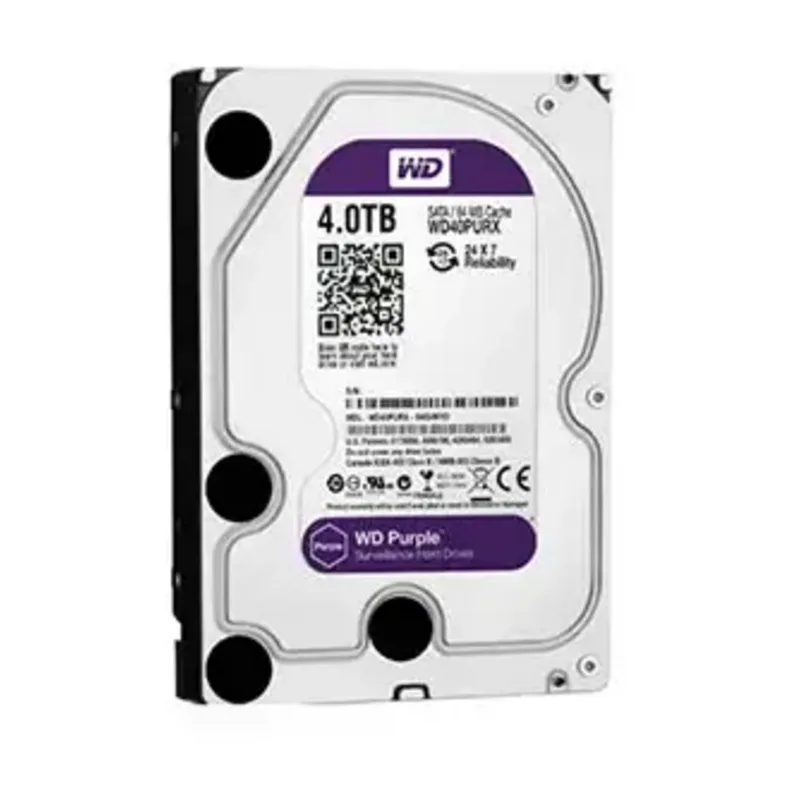
Hard drive (HDD) DS WD40PURX-78 (Original) HDD-4tb
Hard drive with 4 TB capacity for video surveillance systems and data storage.
▸
Type
Hard drive (HDD)
▸
Capacity
4 TB
▸
Application
For video surveillance (24/7)
Specifications
- Type
- Hard drive (HDD)
- Capacity
- 4 TB
- Application
- For video surveillance (24/7)
The WD40PURX-78 hard drive with a 4 TB capacity is an original drive from the Western Digital Purple series for video surveillance and data storage systems. The drive is created for continuous recording of video streams in DVRs and NVRs, providing a reliable and long-lasting video archive. It is suitable for commercial facilities for which capacity, stability, and compatibility with existing equipment are important.
Advantages
- 4 TB capacity: provides a long video archive for multi-channel surveillance systems
- WD Purple series for video surveillance: optimized for the DVR/NVR workload profile
- Continuous 24/7 operation: the drive withstands a constant recording load without degradation
- Wide compatibility: a standard form factor for recorders of most brands
- Original product: a guarantee of authenticity and compliance with specifications
- Scalability: several drives in one recorder increase the total storage capacity
Applications
- Shopping centers and large stores with an extensive network of video cameras
- Industrial enterprises and production workshops
- Banks, insurance, and financial organizations
- Educational institutions with security requirements
- Medical clinics and hospitals with video surveillance systems
Frequently asked questions
Does the WD40PURX-78 drive differ from other WD Purple versions?
The model index indicates a specific modification in the Purple lineup. All versions of the series are optimized for working with video surveillance; check the differences in detail with the managers when ordering.
Is special software needed to work with the drive?
No, the drive works as a standard HDD. All necessary settings are made through the video recorder menu without additional software.
How can you tell that a drive in the recorder is about to fail?
Most modern recorders have built-in drive condition diagnostics and notify of problems in advance. Regular checking through the menu helps avoid sudden failures.
💬
Need help choosing?
Our engineer will pick the right equipment for your needs and send a quote within one business day.
Product reviews
Questions & answers
Similar: Hard drives
Whole category →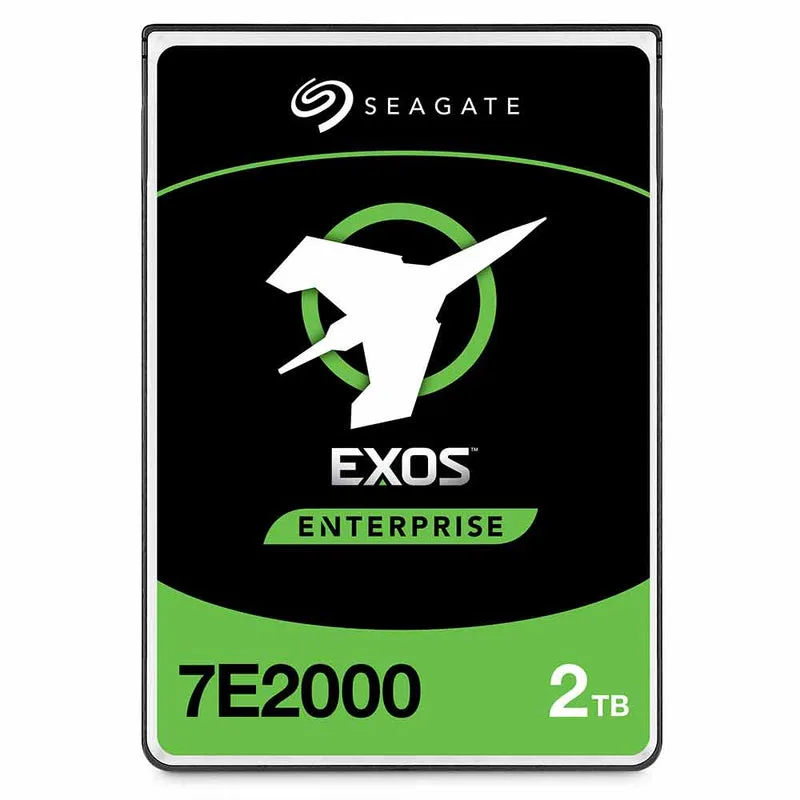
Seagate Enterprise Capacity V.3 2TB 7.2k 2.5" SATA hard drive
from 5 977 900 UZS
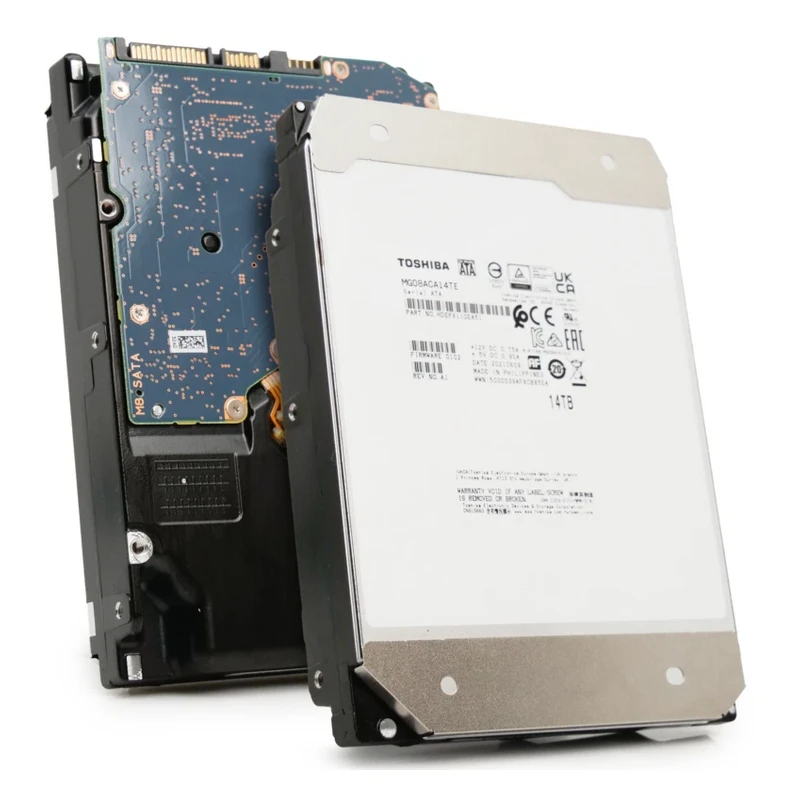
Toshiba Enterprise 14TB 7.2k SATA 6Gb/s 3.5" hard drive
from 5 996 900 UZS
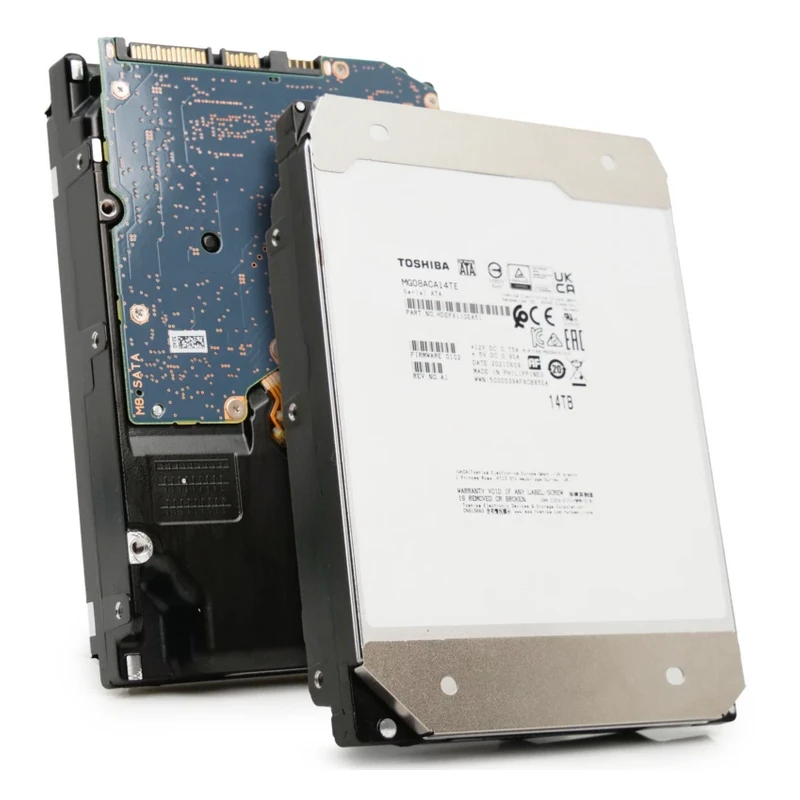
Toshiba Enterprise 18TB 7.2k SATA 6Gb/s 3.5" hard drive
from 7 086 900 UZS
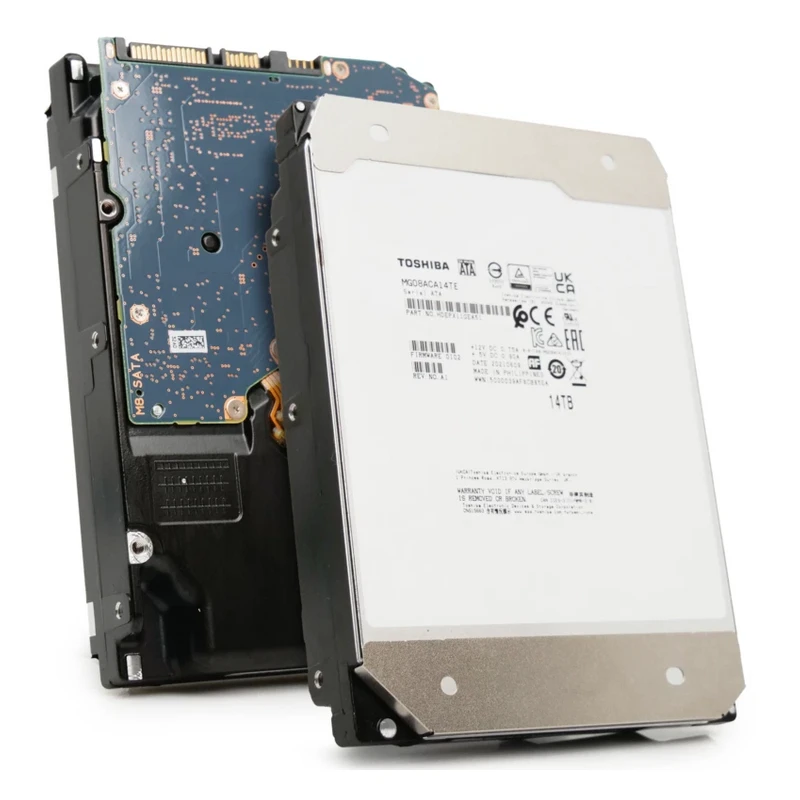
Toshiba Enterprise 20TB 7.2k SATA 6Gb/s 3.5" hard drive
from 7 449 900 UZS
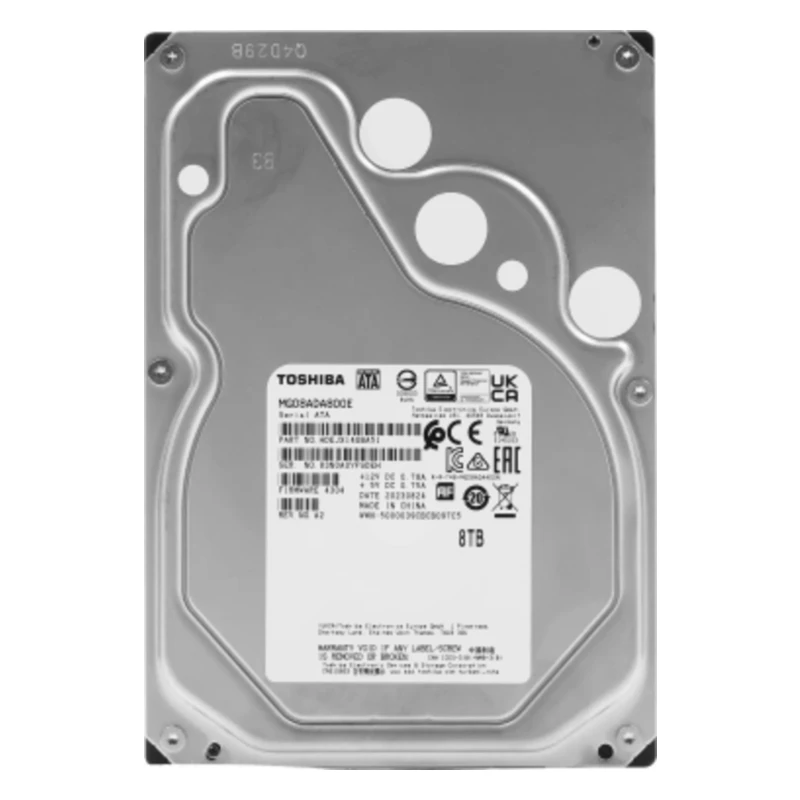
Toshiba Enterprise 8TB 7.2k SATA 6Gb/s 3.5" hard drive
from 4 192 900 UZS
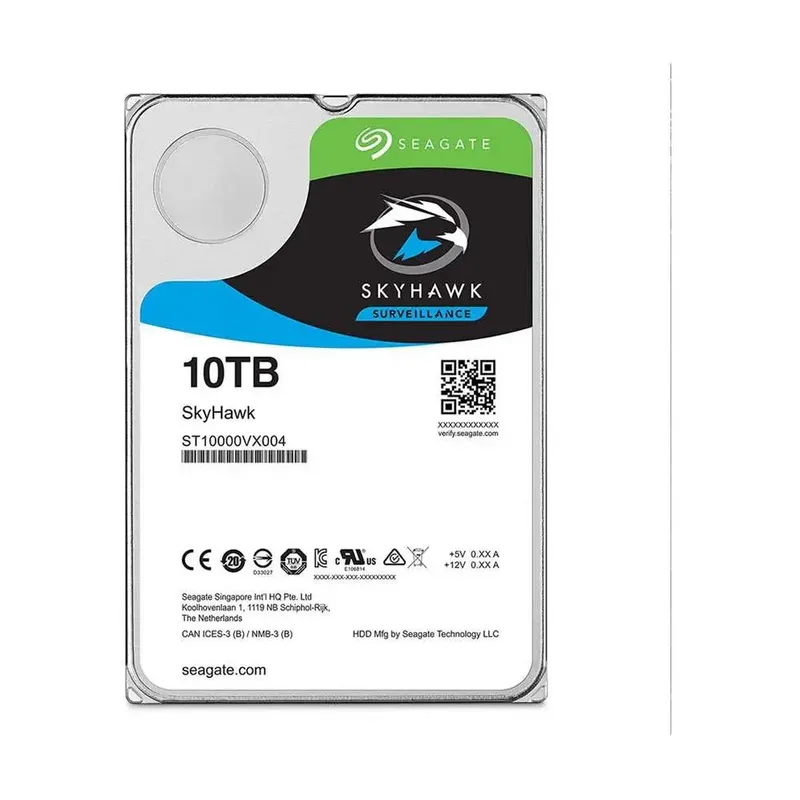
SEAGATE SKYHAWK HDD-10TB (DUBAI) surveillance hard drive
from 5 567 900 UZS
Frequently bought together

Dahua DHI-NVR2104HS-I2 IP network video recorder (NVR)
from 989 900 UZS
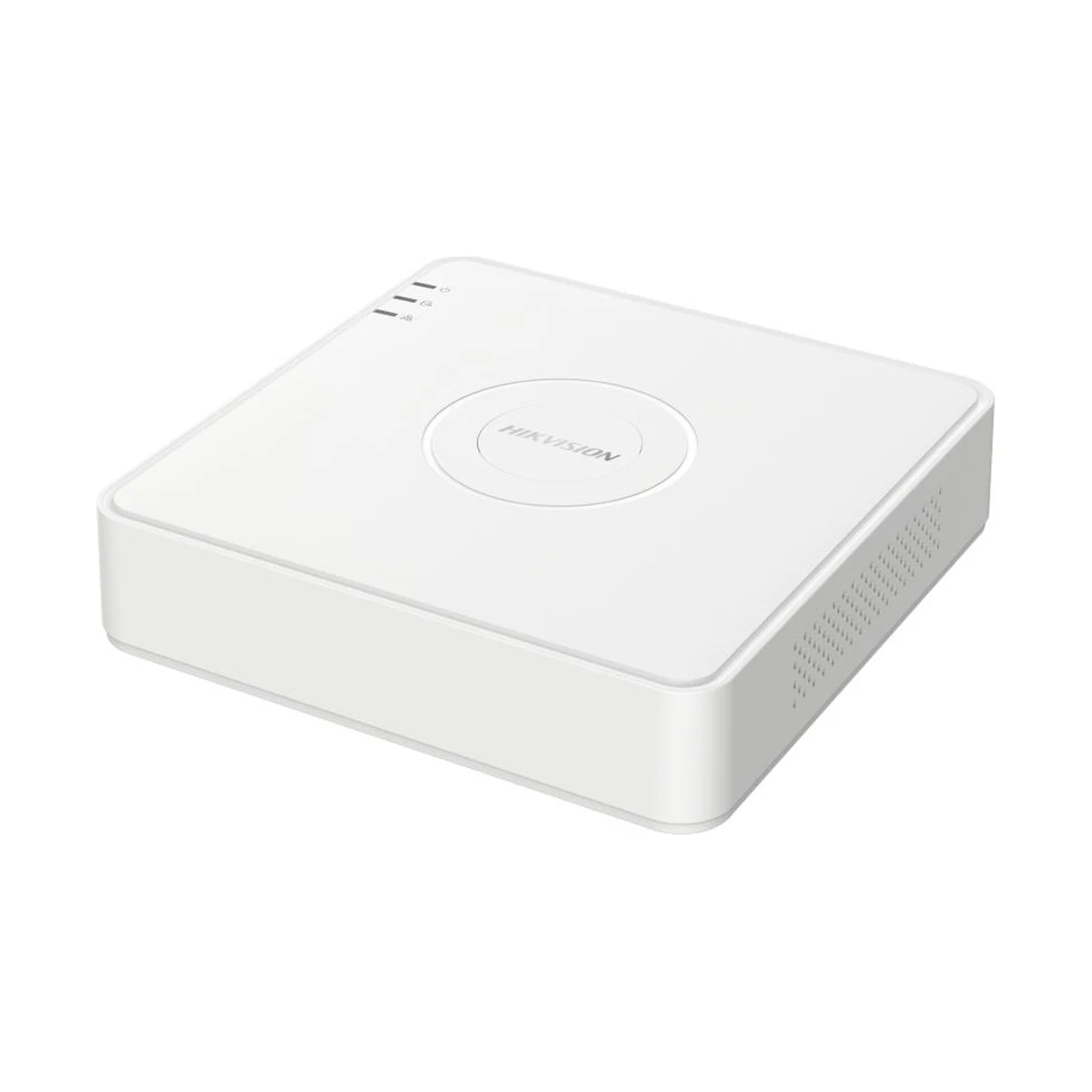
Video recorder (DVR) Hikvision DS-7104HUHI-K1(STD)(S)
from 630 900 UZS

Dahua DHI-NVR2108-4KS3 IP network video recorder (NVR)
from 865 900 UZS
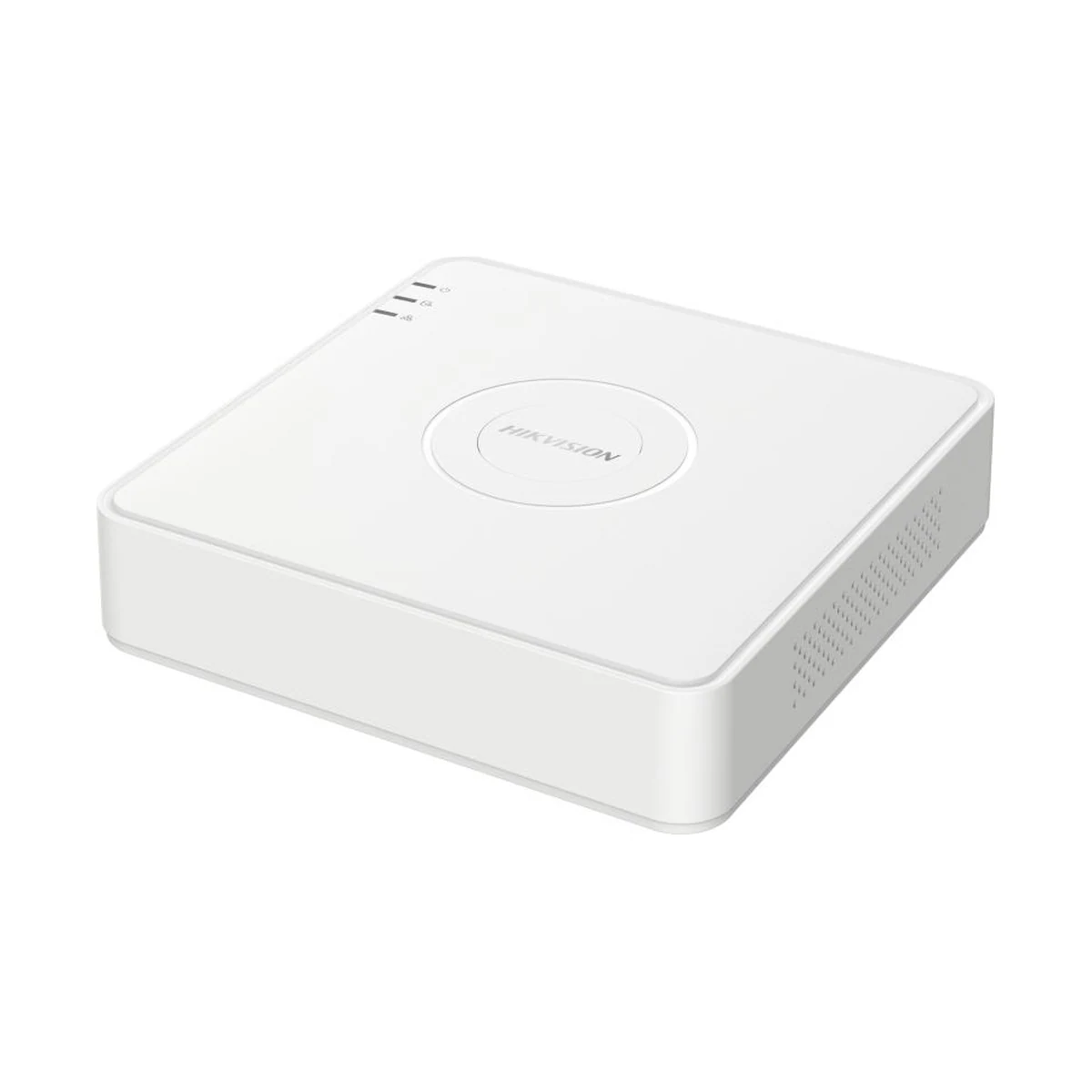
Video recorder (DVR) Hikvision DS-7108HGHI-K1
from 555 900 UZS

Dahua DHI-NVR2108-S3 IP network video recorder (NVR)
from 714 900 UZS
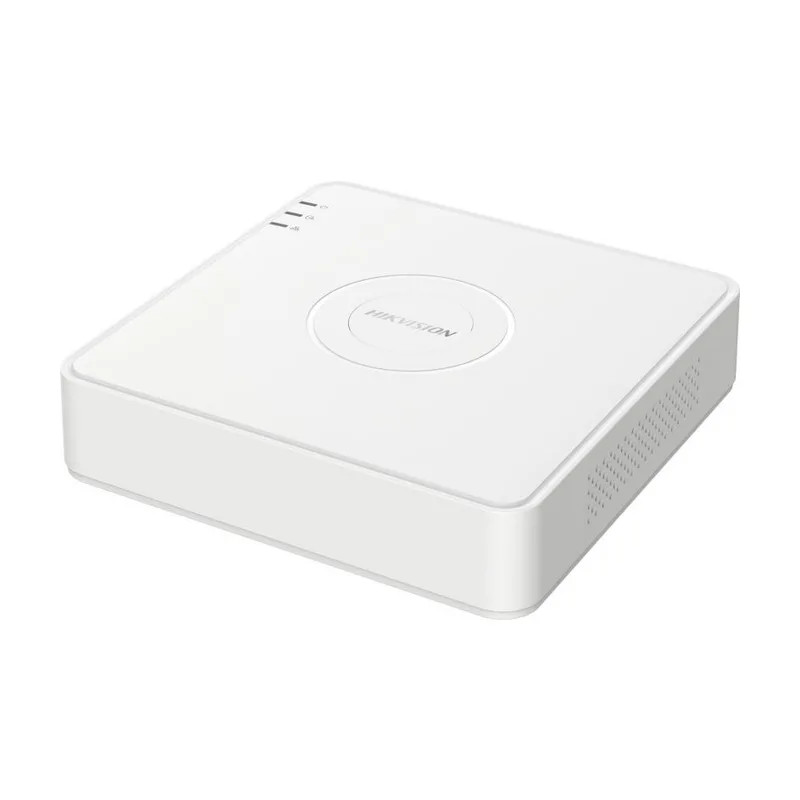
Video recorder (DVR) Hikvision DS-7108HGHI-M1(C)
from 593 900 UZS