PoE in plain terms
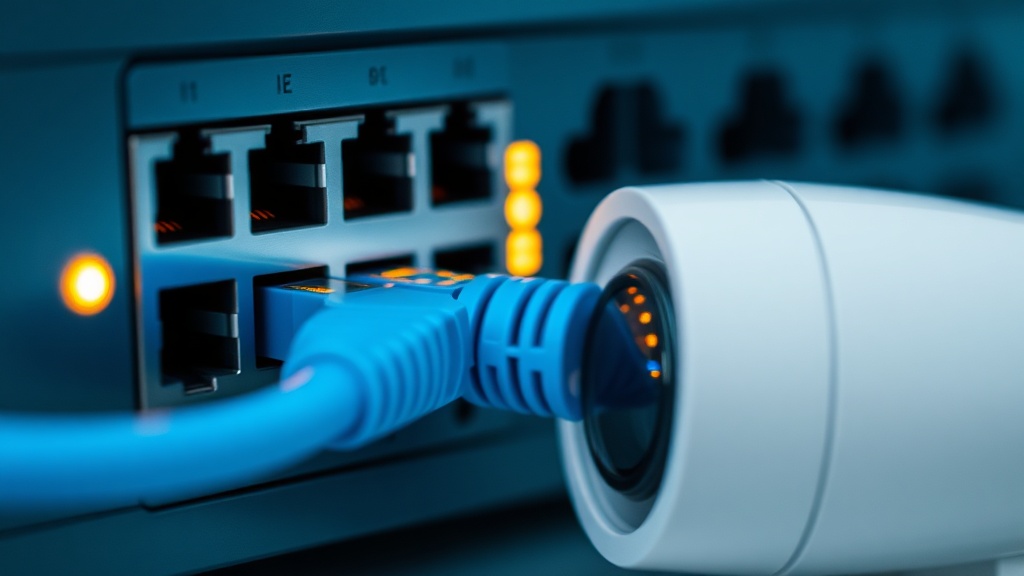
PoE (Power over Ethernet) is a technology that delivers electrical power over the same twisted-pair cable as the data. A camera, access point or IP phone connects with a single cable — no power outlet or adapter needed next to the device.
Power comes from a PoE switch or injector, and the device simply works: power negotiation happens automatically and is safe for non-PoE devices.
Structured Cabling & LAN Installation in Tashkent, Uzbekistan →
Standards and power levels
There are three main standards: 802.3af (up to 15.4 W) — cameras and phones; 802.3at, also known as PoE+ (up to 30 W) — pan-tilt cameras and Wi-Fi 6 access points; 802.3bt, also known as PoE++ (up to 60–90 W) — PTZ cameras with heaters, video terminals, high-power access points.
Every standard reaches 100 meters over Cat5e/Cat6. Beyond that, use PoE extenders or fiber.
The switch power budget
Every PoE switch has two limits: per-port power and the total budget. An 8-port switch with a 65 W budget cannot power eight 12 W cameras — that requires 96 W in total. This is the most common mistake in DIY equipment selection.
The rule: add up the rated power of all devices and allow a 25–30% margin — that gives you the minimum switch budget.
Why CCTV needs PoE
One cable instead of two runs (network + 220 V mains) means half the installation work and half the points of failure. Centralized power: a single UPS in the rack keeps all cameras running through a blackout. And a frozen camera can be rebooted remotely by cycling its PoE port — no site visit required.
That is why modern video surveillance systems are built almost exclusively on PoE.
Injector or switch
A PoE injector is an "adapter" for a single device: a cheap way to power one camera from a regular switch. From three or four devices onward, a PoE switch pays off: fewer boxes, plus centralized monitoring and port management.
There are also devices that work the other way — PoE splitters, which extract power from the cable for devices without PoE support.
Passive PoE and compatibility
Besides the 802.3af/at/bt standards there is passive PoE: voltage goes into the cable with no negotiation with the device. Part of MikroTik and Ubiquiti gear is powered this way — but plugging a standards-based camera into a passive injector is risky: it may receive 24 V instead of the expected 48 V and fail to start or break.
The compatibility rule is simple: a standard PoE switch is safe for any device — before powering it interrogates the consumer and feeds nothing into a non-supporting port. Passive power is acceptable only as a pair of injector and device from one vendor at one voltage. In doubt — send us the models, we will check the specs.
Bottom line
PoE is the de facto standard for cameras, access points and IP phones: fewer cables, a central UPS, remote power management. The SAT Solutions catalog offers 4–48 port PoE switches, injectors and extenders in stock in Tashkent; we will help you calculate the power budget for your project.
FAQ
Can I plug a regular device into a PoE port?
Yes, it is safe: the switch supplies power only after negotiating with a PoE device. A regular laptop or printer will simply receive data.
What is the maximum PoE distance?
Up to 100 meters over Cat5e/Cat6 twisted pair — the same as Ethernet itself. For longer runs, use PoE extenders (+100 m each) or fiber with PoE media converters.
How is PoE+ different from regular PoE?
It is about power: PoE (802.3af) delivers up to 15.4 W, while PoE+ (802.3at) delivers up to 30 W. Pan-tilt cameras, Wi-Fi 6 access points and cameras with heaters need PoE+ or higher.
What happens if the switch runs out of power?
The switch starts shutting down ports by priority — cameras will randomly drop offline. That is why the power budget is always calculated with a 25–30% margin.
Installation works cost calculator
Set the number of points — the calculator lays out a site plan and shows the range from our standard price list. One minute, no phone calls.
Read also


Related services
Catalog on the topic