
Managed or unmanaged
An unmanaged switch is a splitter: plug in and it works — fine for a home or a couple of devices. A managed one adds VLANs (isolating cameras from the office LAN), QoS, port monitoring and loop protection; in an office network it repays the price difference with the first incident you actually diagnose.
The rule of thumb: more than a dozen devices, or cameras and telephony on the network — go managed.
Structured Cabling & LAN Installation in Tashkent, Uzbekistan →
PoE: powering cameras over the data cable
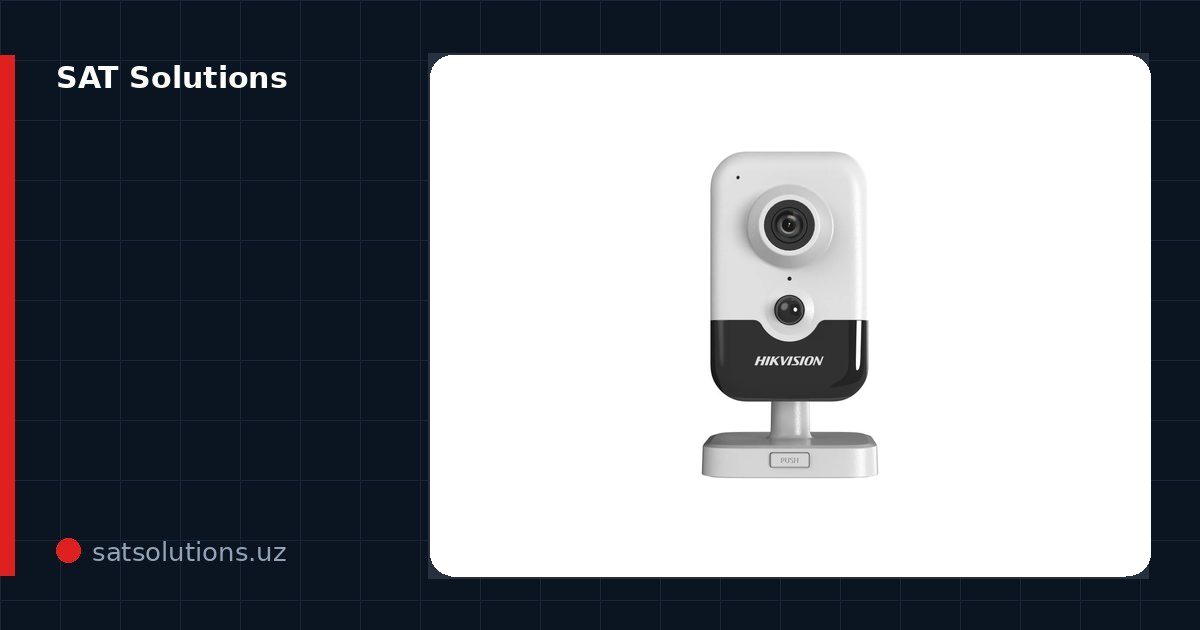
A PoE switch powers cameras, access points and IP phones over the data cable — no sockets at the camera. Count the power budget: a regular camera draws 6–8 W, an IR dome up to 12 W, a PTZ up to 25 W, a Wi-Fi 6 AP up to 20 W. A typical 8-port switch carries 60–120 W — not enough for eight PTZs.
Watch the standard too: 802.3af gives up to 15 W per port, 802.3at (PoE+) up to 30 W, bt up to 60–90 W. Keep 20–30 % headroom — winter camera heating adds load.
L2, L3 and uplinks
An L2 switch lives inside one network — the access layer: a floor, a room, a camera rack. L3 routes between subnets and becomes the enterprise core: departments are isolated, inter-VLAN traffic is controlled. A small office does not need L3 — L2 with a gigabit uplink to the router is enough.
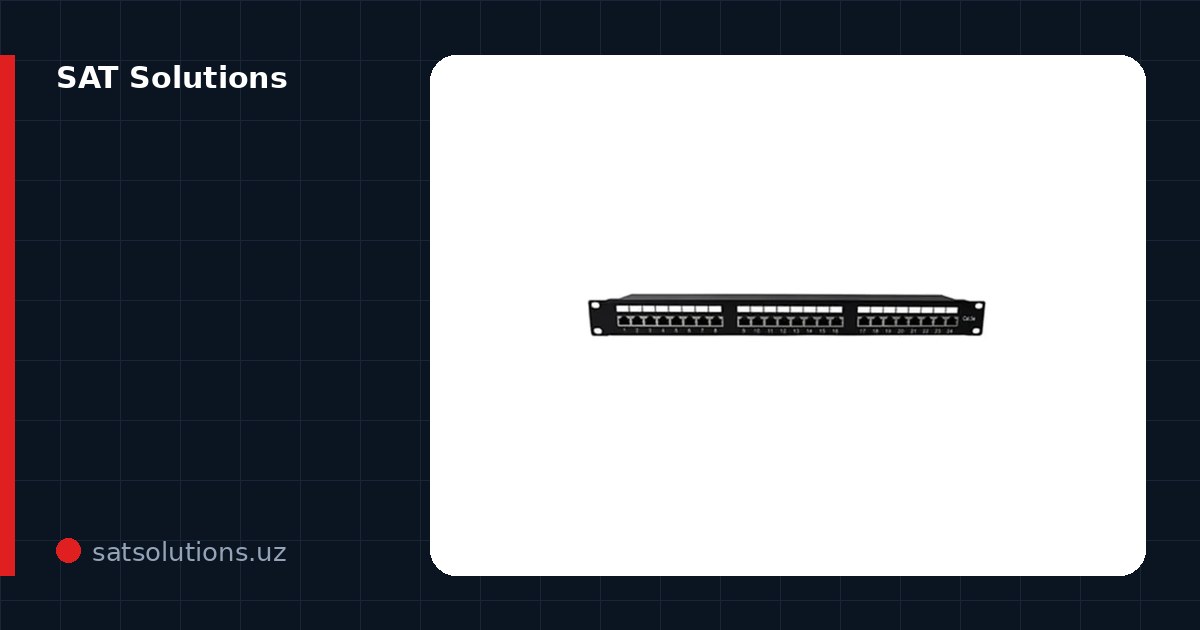
The uplink is the bottleneck: with 24 gigabit ports in use, a 10G SFP+ uplink to the core or server is the sane choice. We match Hikvision, MikroTik, TP-Link, Ruijie and H3C switches to the task, preconfigure VLANs and supply all of it officially; H3C project items are quoted separately.
Three mistakes that surface later
First — a PoE budget "just enough": cameras with winter heating double their draw, and in frost the far ports start dropping. Second — cascades of household switches: loops, bottlenecks and a network impossible to diagnose. Third — a no-name in a serious system: under a dozen streams it hangs, and cameras "blink" for no visible reason.
The recipe is boring but works: a power budget with 30 % margin, a proper core instead of cascades, and a managed brand wherever cameras and tills live. We preconfigure switches at delivery — VLANs and monitoring enabled from day one.
Placement and power supply
A switch belongs in a closed, ventilated cabinet rather than on a shelf by a window. When a server room reaches +45 °C in summer, the power supply degrades first, so heat removal and dust protection matter.
The second factor is electricity. Outages and voltage dips reboot PoE ports, and cameras fall into a reboot loop. A UPS covering 15–20 minutes keeps the switch and the recorder alive until the grid returns.
FAQ
Which switch fits 8 CCTV cameras?
An 8-port PoE unit with a 90 W+ budget and two uplinks — for the NVR and the LAN. Heated and PTZ cameras need their power counted separately.
How is a switch different from a router?
The router connects the network to the internet and hands out addresses; the switch multiplies ports inside the network. A typical office runs both.
What is a VLAN for?
A VLAN splits one physical switch into isolated networks: cameras cannot see accounting, guest Wi-Fi cannot see servers. Configured once on a managed switch.
Installation works cost calculator
Set the number of points — the calculator lays out a site plan and shows the range from our standard price list. One minute, no phone calls.
Read also
Related services
Catalog on the topic