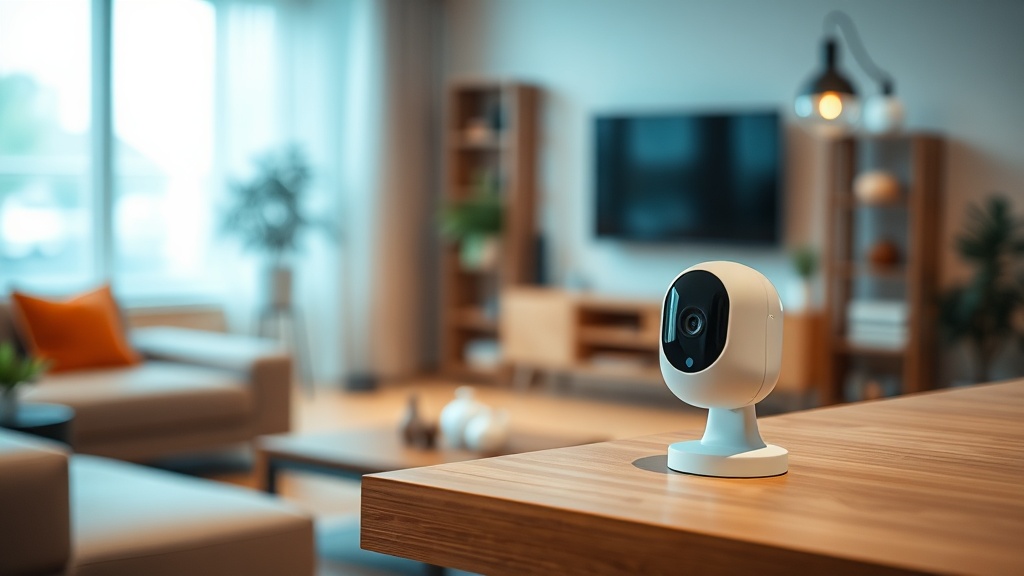
Where to Start
First, define the task: keeping an eye on the house while on vacation, watching a nanny or a renovation crew, covering the yard and entrance of a private home, or a car parked under your windows. Everything follows from the task — camera type, mounting spot and recording method.
For a single room, an inexpensive pan-and-tilt Wi-Fi camera is enough. For the perimeter of a private house you'll need outdoor cameras with IR illumination and, in most cases, a recorder.
Wi-Fi or Wired
A Wi-Fi camera takes five minutes to set up: plug it into an outlet, pair it with the app — done. The downsides are dependence on Wi-Fi quality and the need for a nearby outlet. It's the right pick for an apartment and small-scale tasks.
A wired IP camera powered over PoE runs far more reliably: one cable carries both network and power, with no dropouts from an overloaded router. For a house with a yard and several cameras, wired is the only way to go.
Indoor or Outdoor
An outdoor camera must be dust- and water-proof (IP66/IP67) and rated down to −30…−40 °C. Winters in Uzbekistan are mild, but in direct sun the housing heats up to +60 °C, so temperature headroom matters in both directions.
Indoor cameras are more compact and often track motion by panning. Never mount an indoor camera outside — condensation will kill it within a single season.
Resolution and Night Vision
For a home, 2–4 MP is enough to recognize a face from several meters away. Chasing 8 MP for an apartment is pointless — it only inflates the archive size.
At night, what matters is not megapixels but illumination: IR gives a black-and-white picture, while technologies like ColorVu/Full-Color deliver color. For a yard, color night footage is noticeably more informative.
Where to Record: Card, Recorder or Cloud
A memory card inside the camera is the simplest option for 1–2 cameras: cheap, but the card can be carried off along with the camera. Cloud storage solves that, yet requires a subscription. A recorder with a hard drive is the right choice from 3–4 cameras up: weeks of archive and no monthly fees.
A good practice is to combine both: record to the recorder and push key events to the cloud.
Typical Kits and What They Cost
Apartment: one Wi-Fi camera with a memory card. Private house: 2–4 outdoor cameras, a PoE recorder and a drive sized for a month of archive. An entrance hall or courtyard of an apartment building is arranged together with neighbors and the building management — we'll help with the project.
The catalogue carries Hikvision, Dahua, HiLook and TP-Link Tapo cameras — we will match one to your budget, install it and set up viewing from your phone.
Upkeep and service life
Over one season an outdoor camera in Tashkent collects dust on the glass and on the IR illuminator housing, and night footage turns hazy from glare. Wiping the lens and checking the sun shield twice a year restores the image without calling a technician.
Two components wear out first: the recorder's hard drive and the power supply. Under continuous recording a drive lasts roughly three years, so its health and free space are worth checking once a year.
FAQ
Which camera should I put in my apartment to watch from my phone?
A pan-and-tilt Wi-Fi camera at 2–4 MP with a memory card: five-minute setup, viewing through the app from anywhere in the world. From the catalogue that means TP-Link Tapo: the TC70, C210 or C211 at 234 900 UZS.
Does a home camera need the internet?
Not for recording: the camera writes to a card or a recorder locally. The internet is needed for viewing from your phone and for notifications.
How much does video surveillance for a private house cost?
It depends on the number of cameras and the installation work. For a typical kit — 4 outdoor cameras, a recorder and a drive, installed — we'll calculate the price for free after an engineer's site visit.
Does the camera record sound?
Most home cameras do — a built-in microphone is standard. Many also have a speaker for two-way audio, so you can talk to a visitor through the app.
Installation works cost calculator
Set the number of points — the calculator lays out a site plan and shows the range from our standard price list. One minute, no phone calls.
Read also


Related services
Catalog on the topic