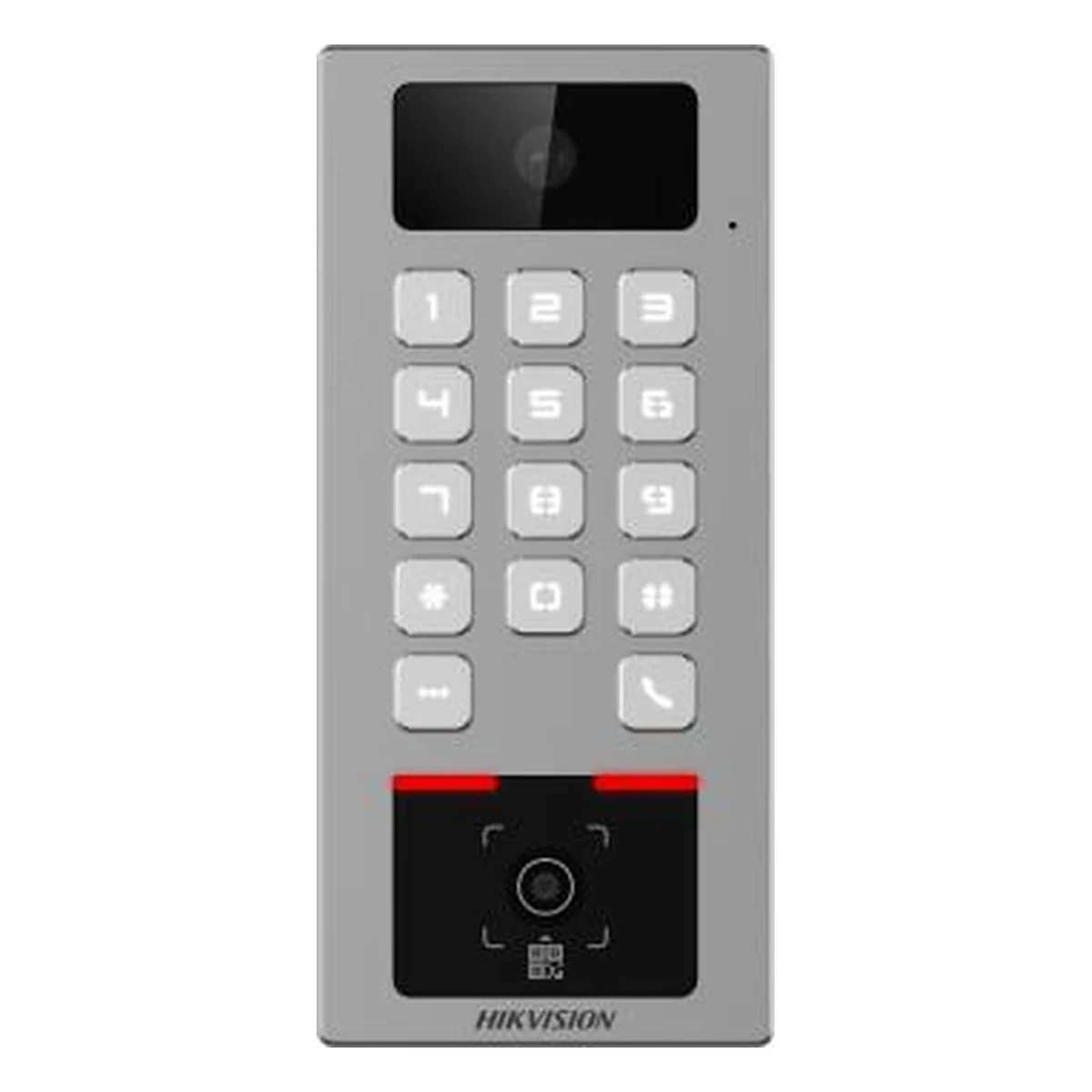
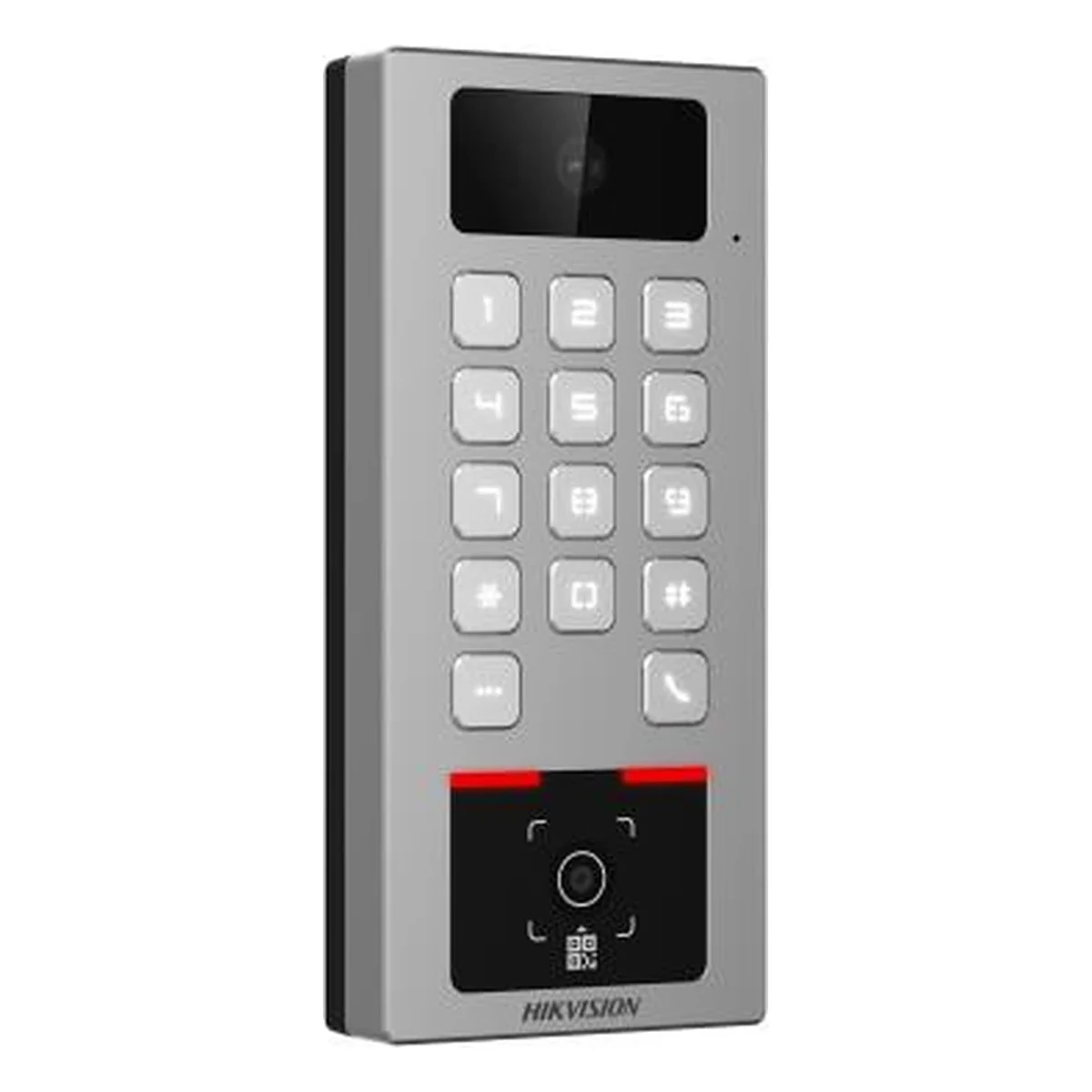
Hikvision DS-K1T502DBWX-CQRE1 Access Terminal
Access terminal: Mifare/DESFire, Bluetooth, dynamic QR
Specifications
- Type
- Access terminal
- Cards
- Mifare, DESFire
- Camera
- built-in
- Housing
- metal, vandal-resistant
- Configuration
- AP mode via smartphone
- Identification
- card, Bluetooth, dynamic QR
Description
The Hikvision DS-K1T502DBWX-CQRE1 access terminal is an access control device with a built-in reader for secure Mifare and DESFire cards, a Bluetooth module and dynamic QR code support. The model is designed for sites that need modern multi-factor access without keys or paper passes: business centers, residential complexes, coworking spaces. The built-in camera records video of every passage, while the vandal-resistant metal housing allows the terminal to be installed in public areas. Initial setup is done from a smartphone: the device brings up its own access point (AP mode), and the entire configuration is available through the web interface without a computer.
The key feature of this model is the combination of ACS and video intercom functions in a single housing. A visitor presses the call button, the operator or resident sees them on screen and opens the door remotely, while staff pass through with a card, smartphone or QR code. The dynamic QR solves guest access: a one-time pass is sent to the visitor's phone and cannot be copied or forwarded. The terminal integrates naturally into the Hikvision ecosystem and works together with the manufacturer's controllers, electric locks and software.
Advantages
- Three identification methods: Mifare/DESFire cards, smartphone Bluetooth and dynamic QR code
- Built-in camera — video recording of all passages
- ACS and video intercom functions in one device
- Smartphone setup via AP mode and web interface
- Vandal-resistant metal housing for public areas
- One-time guest QR passes without issuing cards
Applications
- Business centers and offices
- Residential complexes and entrances
- Coworking spaces and fitness clubs
- Parking lots and entrance groups
- Guest areas with temporary passes
Installation and setup
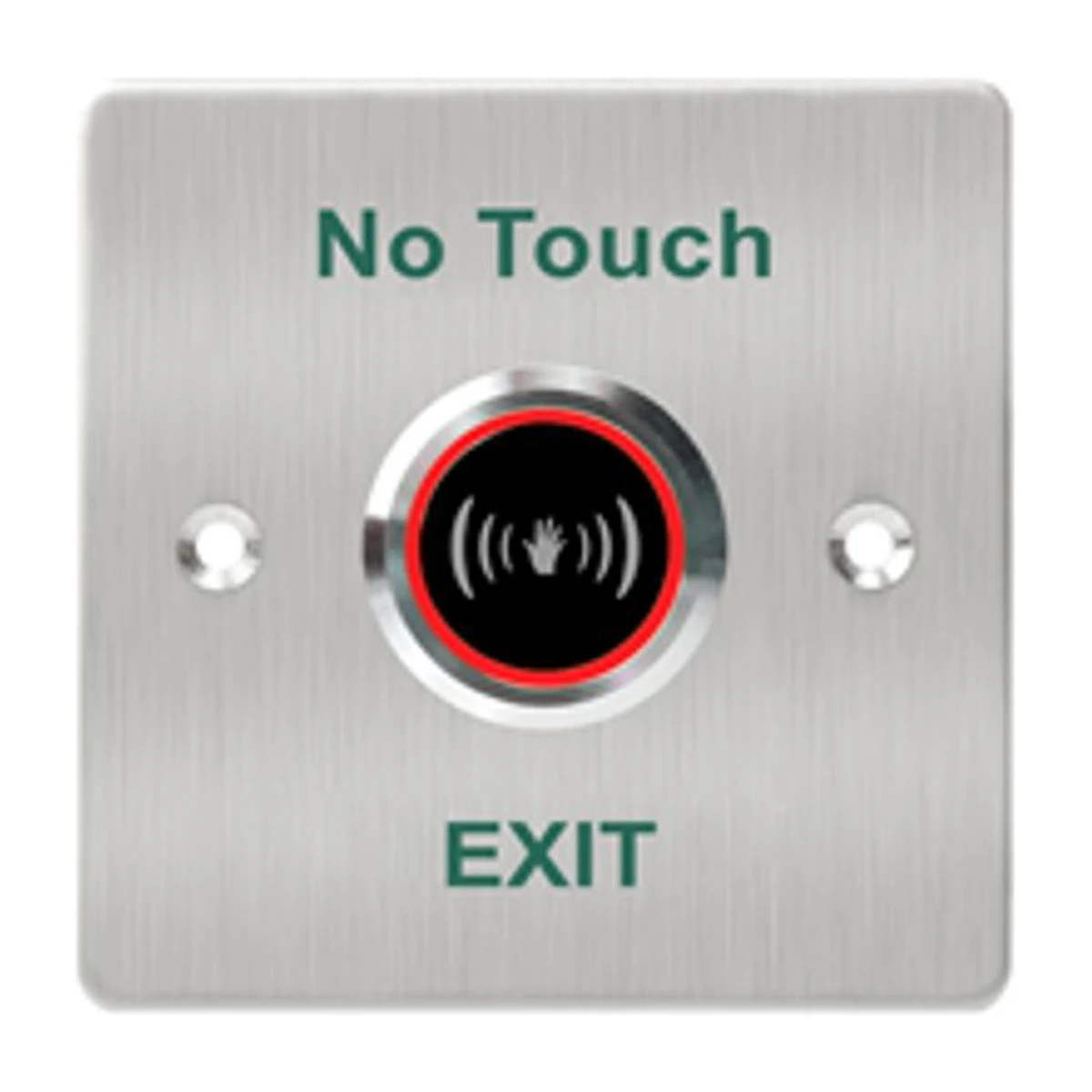
The terminal is mounted next to the door at a height convenient both for presenting a card and for a video call — usually at eye level. Door control is built around an electromagnetic or electromechanical lock, an exit button and a door sensor; power and network cabling is routed in advance. After power-up the device activates AP mode: the installer connects to it with a smartphone and sets the network parameters, cards and access scenarios through the web interface. In larger systems the terminal is connected to Hikvision software, which maintains the user database and passage logs. Specialists at satsolutions.uz in Tashkent will help select the right configuration for your site and carry out turnkey installation.
Frequently asked questions
What is a dynamic QR code?
Can the terminal be used as an intercom?
Which cards are supported?
Is a computer required for initial setup?
Product reviews
Questions & answers