● Wi-Tek In stock
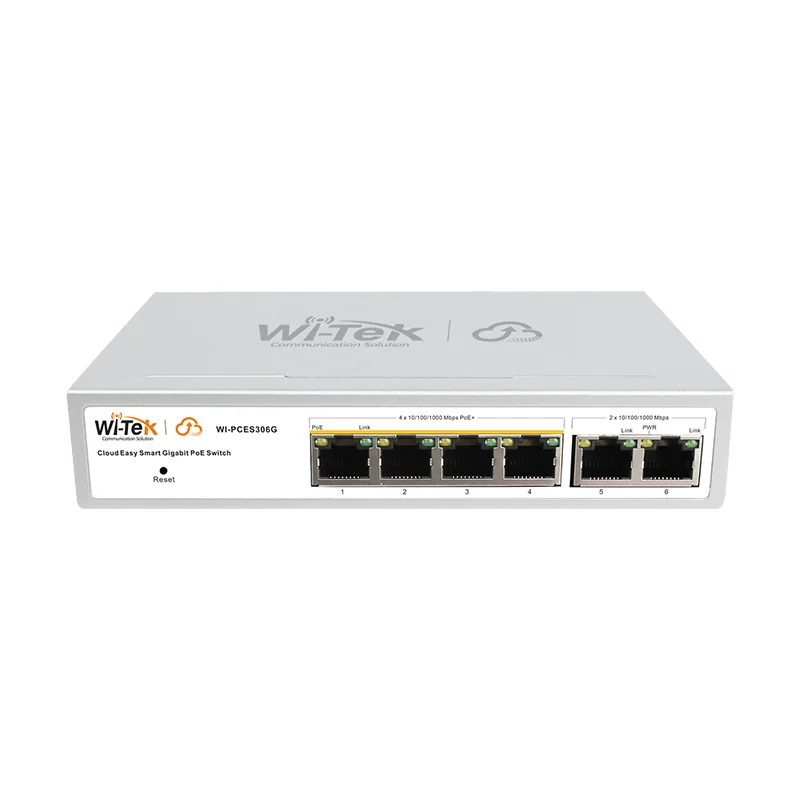
Wi-Tek WI-PCES306G V2 Cloud Poe 4+2 GB PoE switch
Configurable Gigabit Easy Smart series switch with PoE functionality for modern high-speed networks.
⚡
PoE ports
4 × Gigabit Ethernet (802.3af/at)
⚡
PoE budget
60W
▸
Speed
10/100/1000Mbps
▸
Uplink ports
2 × Gigabit Ethernet
Specifications
- PoE ports
- 4 × Gigabit Ethernet (802.3af/at)
- PoE budget
- 60W
- Speed
- 10/100/1000Mbps
- Uplink ports
- 2 × Gigabit Ethernet
Wi-Tek WI-PCES306G V2 is a Gigabit PoE switch of the Easy Smart series with a total PoE budget of 60 W and four ports supporting the 802.3af/at standards. The device is aimed at installers and administrators who need a managed switch with flexible settings without a complex enterprise-level interface. Two Gigabit uplink ports provide a reliable connection to the backbone network.
Advantages
- Full Gigabit on all ports: 10/100/1000 Mbps speed eliminates bottlenecks when transmitting high-resolution video
- 60 W PoE budget: enough to simultaneously power several cameras or access points
- 802.3af/at support: compatible with a wide range of certified PoE devices
- Easy Smart series: a simplified management interface lowers the entry barrier for small sites
- Wi-Tek cloud access: remote diagnostics and management without visiting the site
- Compact solution: 4 PoE + 2 uplink in a small enclosure for cabinet or wall mounting
Applications
- Small business: building an IP video surveillance system with cameras powered over the cable
- Retail stores: connecting cameras and POS terminals with a network interface
- Meeting rooms: powering IP phones and media devices
- Remote sites: monitoring the network without the need for physical presence
Frequently asked questions
Is the 60 W budget enough to connect 4 cameras?
It depends on the cameras' consumption: standard IP cameras consume 5–15 W, so 60 W is usually enough for 4 devices.
Does the switch support VLAN and QoS?
The Easy Smart series provides basic management functions, including typical VLAN settings; check the details with SAT Solutions specialists.
How do I connect the WI-PCES306G V2 to the Wi-Tek cloud?
It is enough to connect the switch to the internet via the uplink port and register the device in the Wi-Tek Cloud app.
💬
Need help choosing?
Our engineer will pick the right equipment for your needs and send a quote within one business day.
Product reviews
Questions & answers
Similar: Switches
Whole category →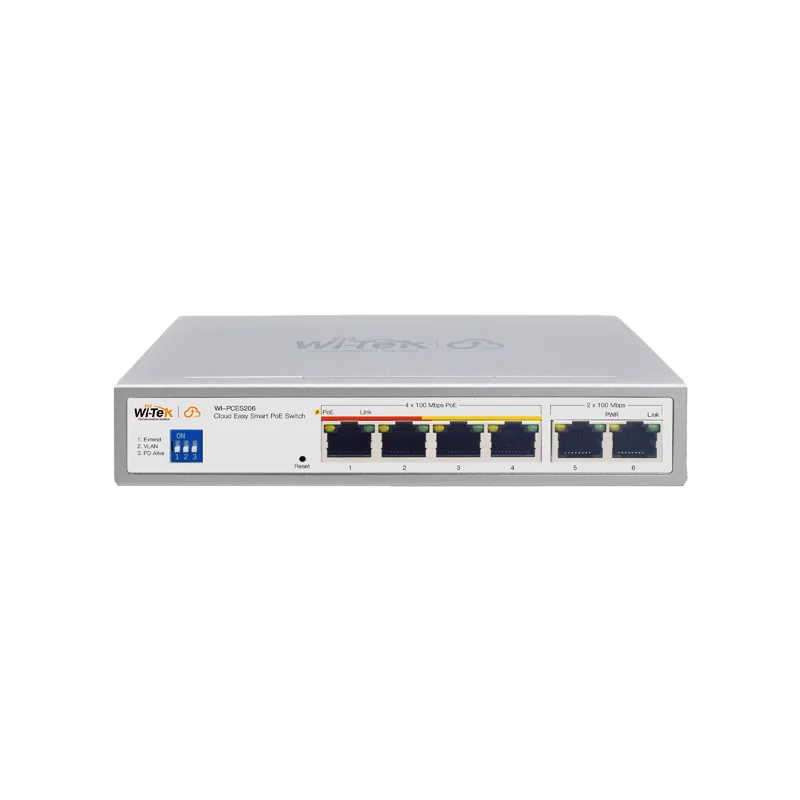
Wi-Tek WI-PCES206 Cloud Poe 4+2 MB PoE switch
from 333 900 UZS
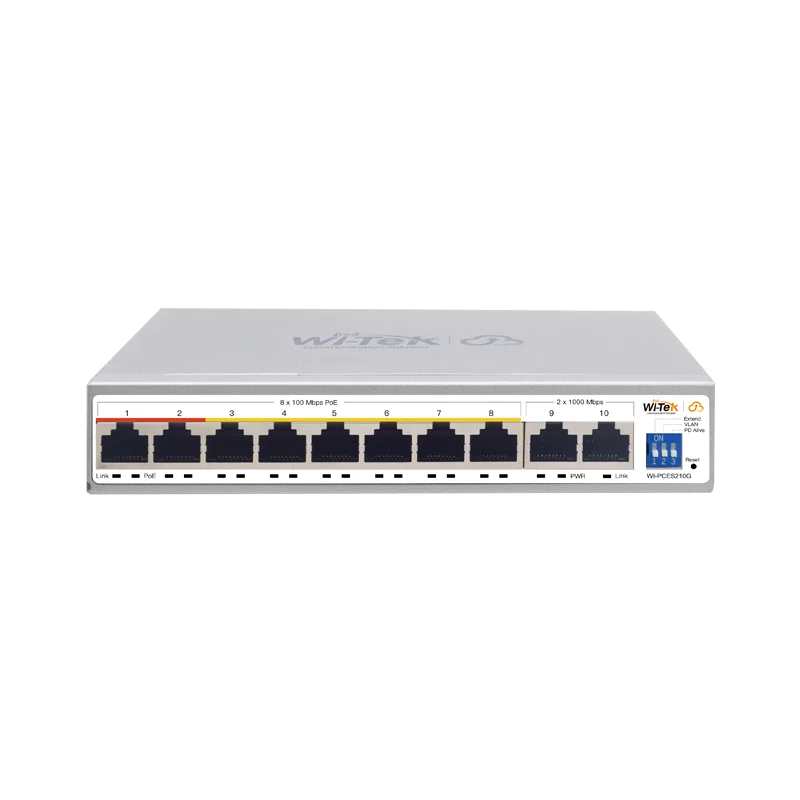
Wi-Tek WI-PCES210G Cloud Poe 8 MB +2 GB PoE switch
from 568 900 UZS
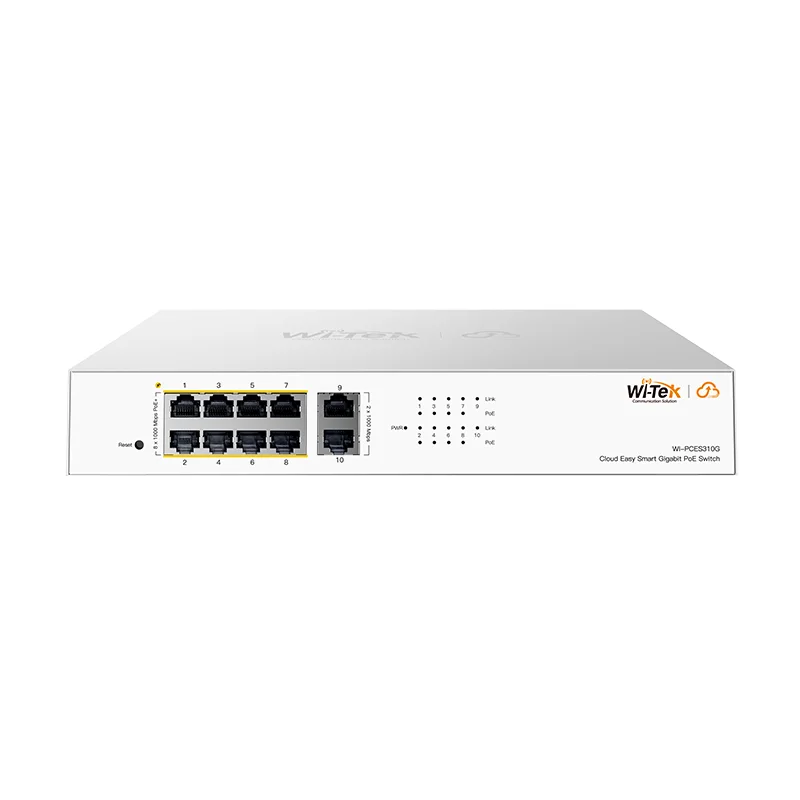
Wi-Tek WI-PCES310G Cloud Poe 8+2 GB PoE switch
from 951 900 UZS
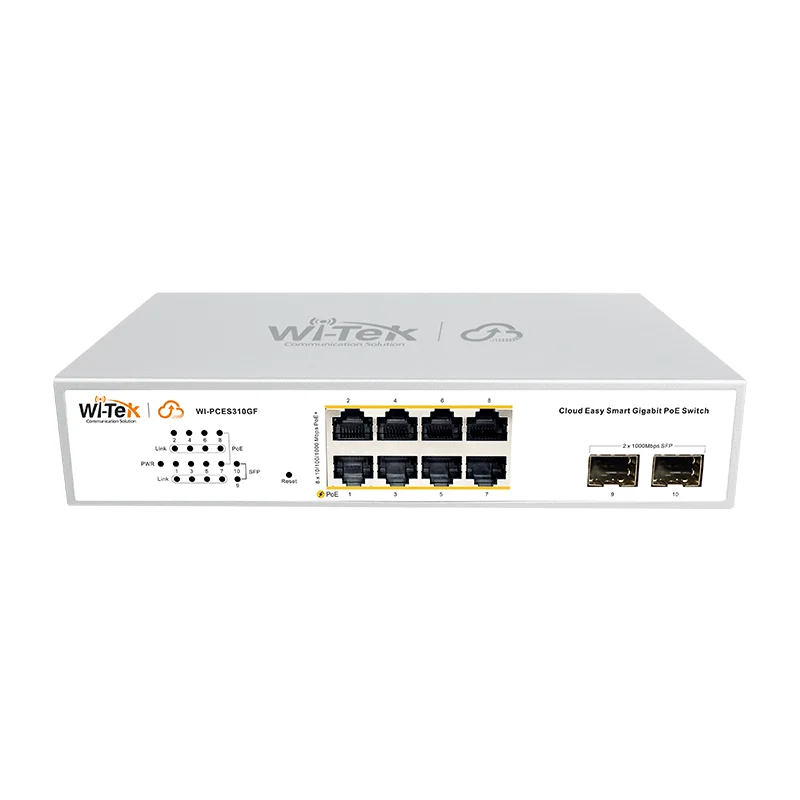
Wi-Tek WI-PCES310GF V2 Cloud Poe 8 Gb+2 SFP PoE switch
from 927 900 UZS

Wi-Tek WI-PCES318GF V2 Cloud Poe 16 Gb+2 SFP PoE switch
from 2 226 900 UZS
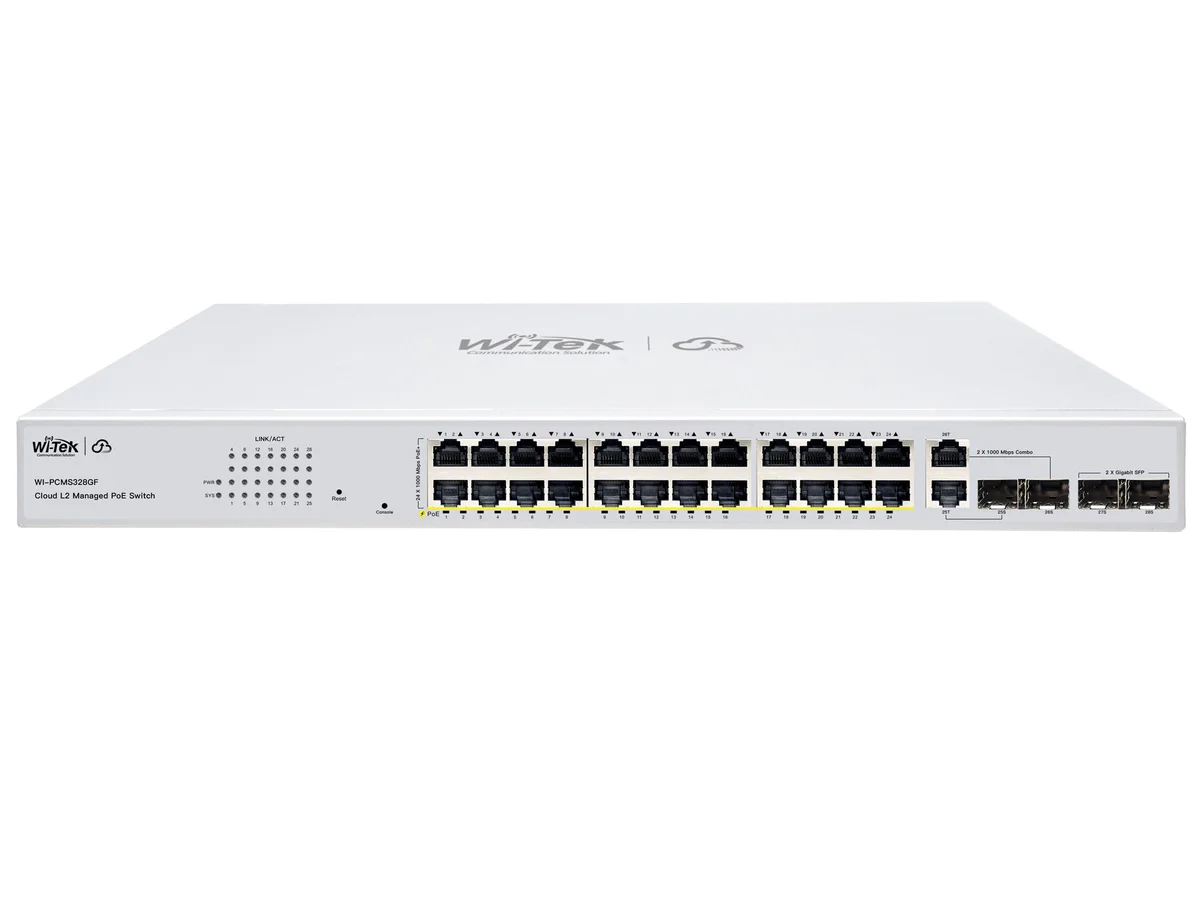
Wi-Tek WI-PCMS328GF V2 Poe 24+2+4SFP PoE switch
from 3 092 900 UZS
Frequently bought together
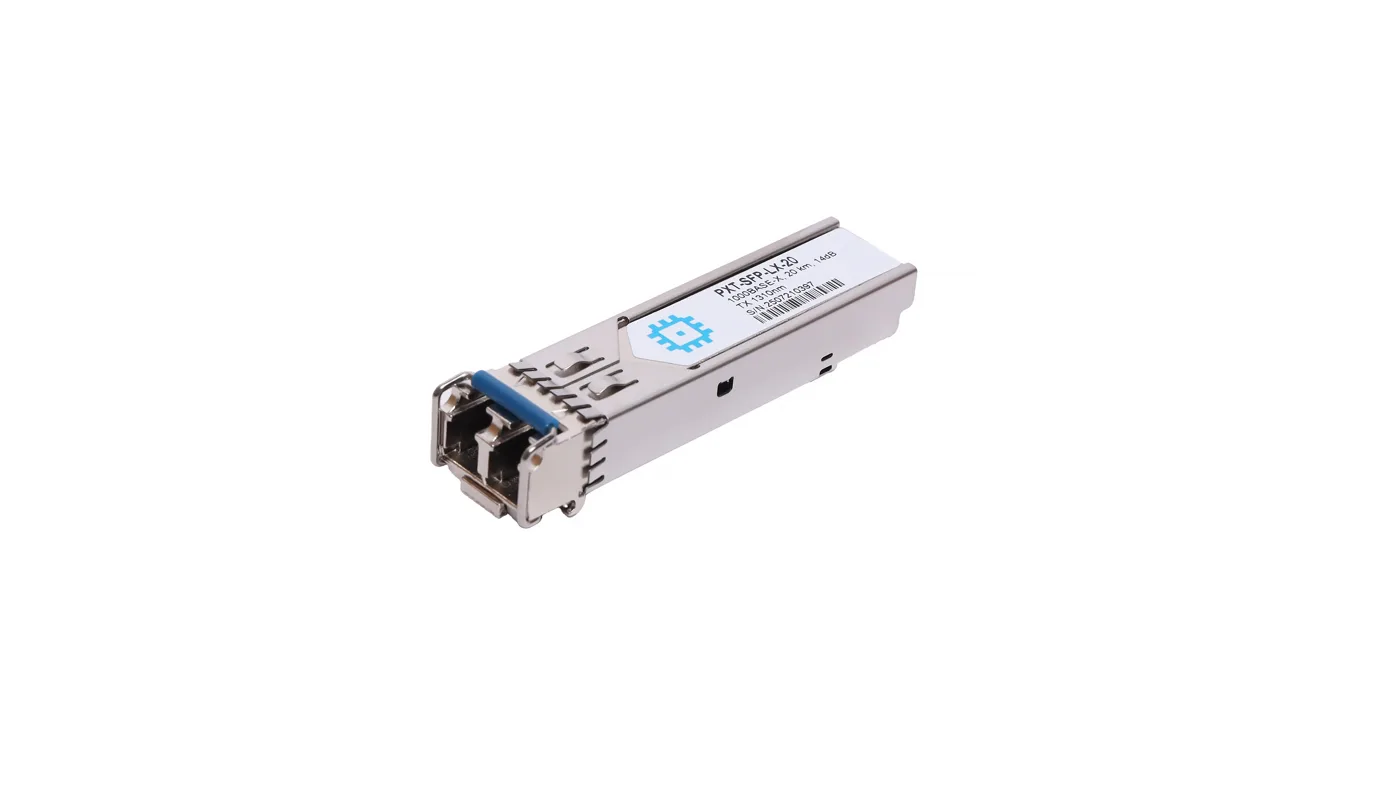
SFP module, range up to 20km (14dB), LC Duplex, 1310nm
from 234 900 UZS
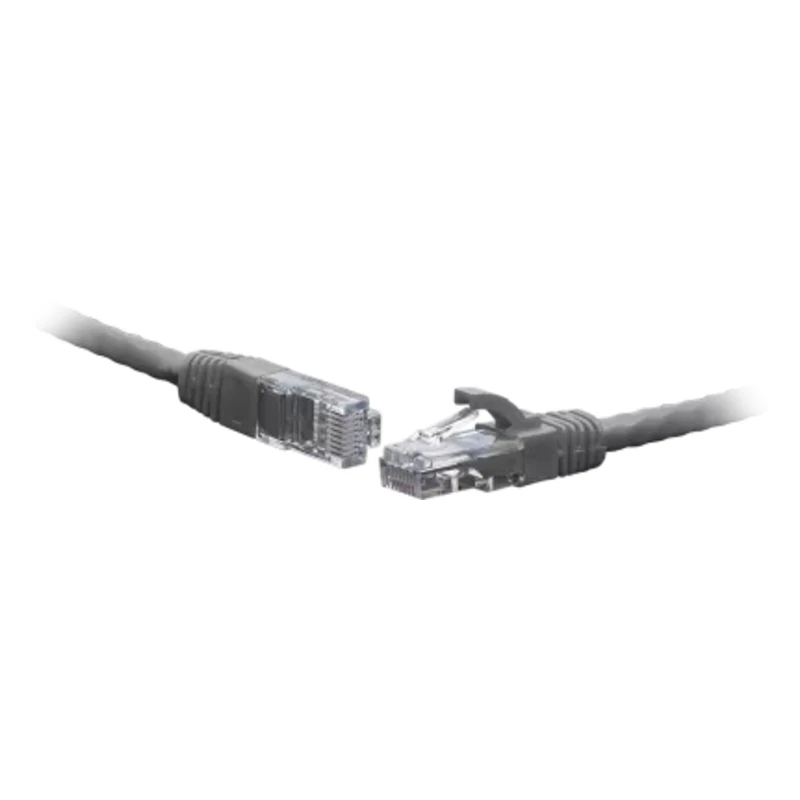
Patch cord F/UTP Cat.6 10.0 m gray
from 119 900 UZS
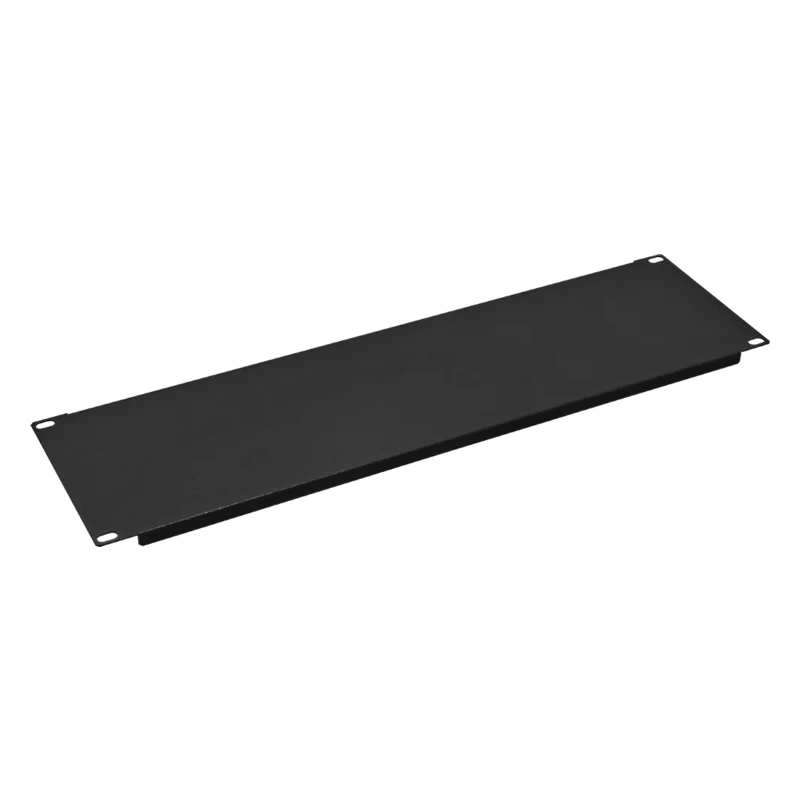
4U Blanking Panel for 19" Telecom Cabinet
from 93 990 UZS
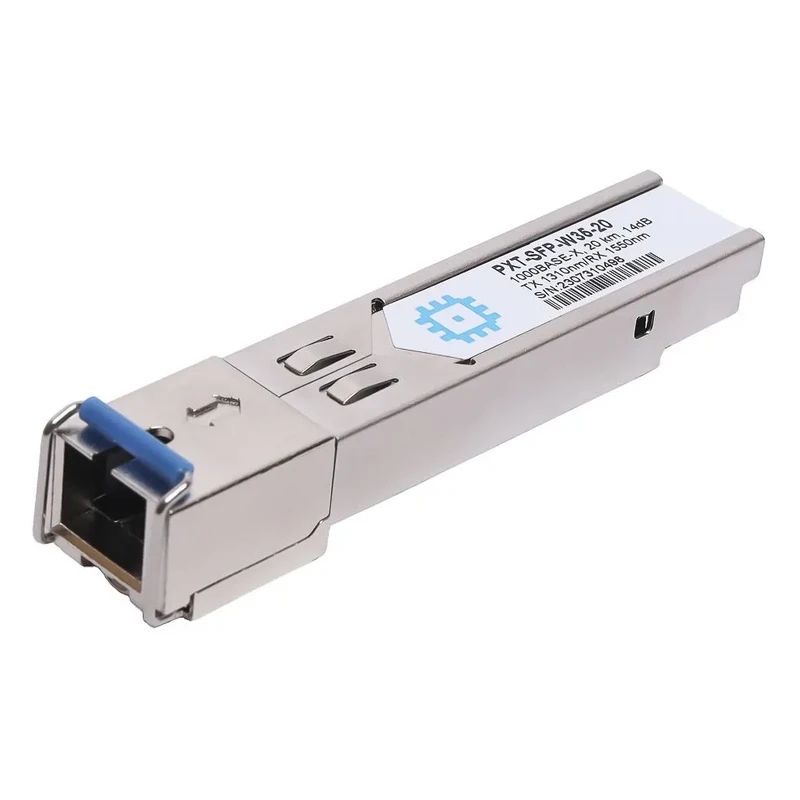
SFP WDM module, range up to 20km (14dB), 1310nm
from 239 900 UZS
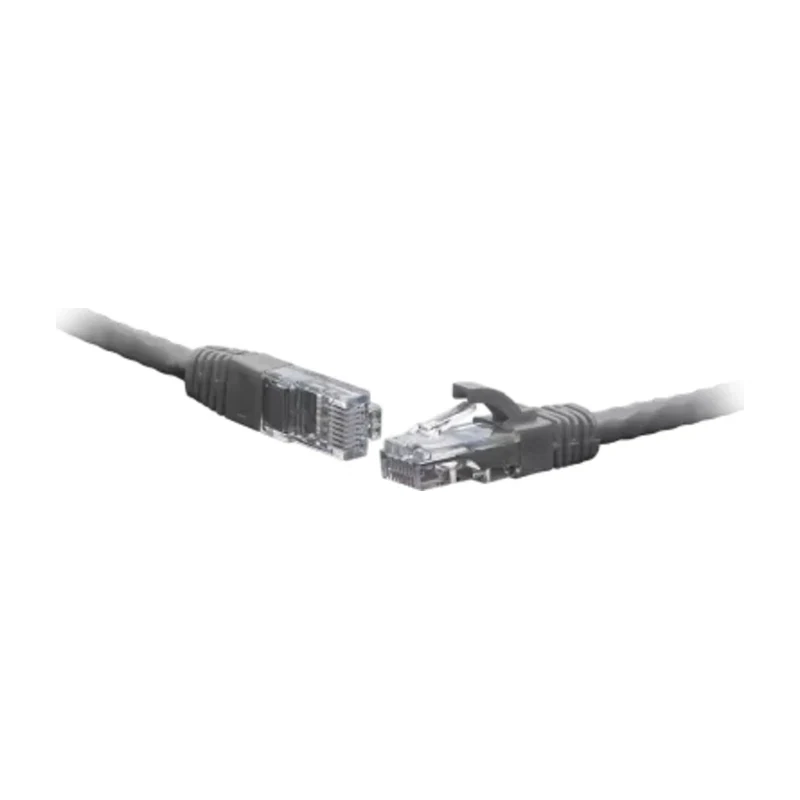
Patch cord F/UTP Cat.6 2.0 m gray
from 31 590 UZS

5U Blanking Panel for 19" Telecom Cabinet
from 108 900 UZS