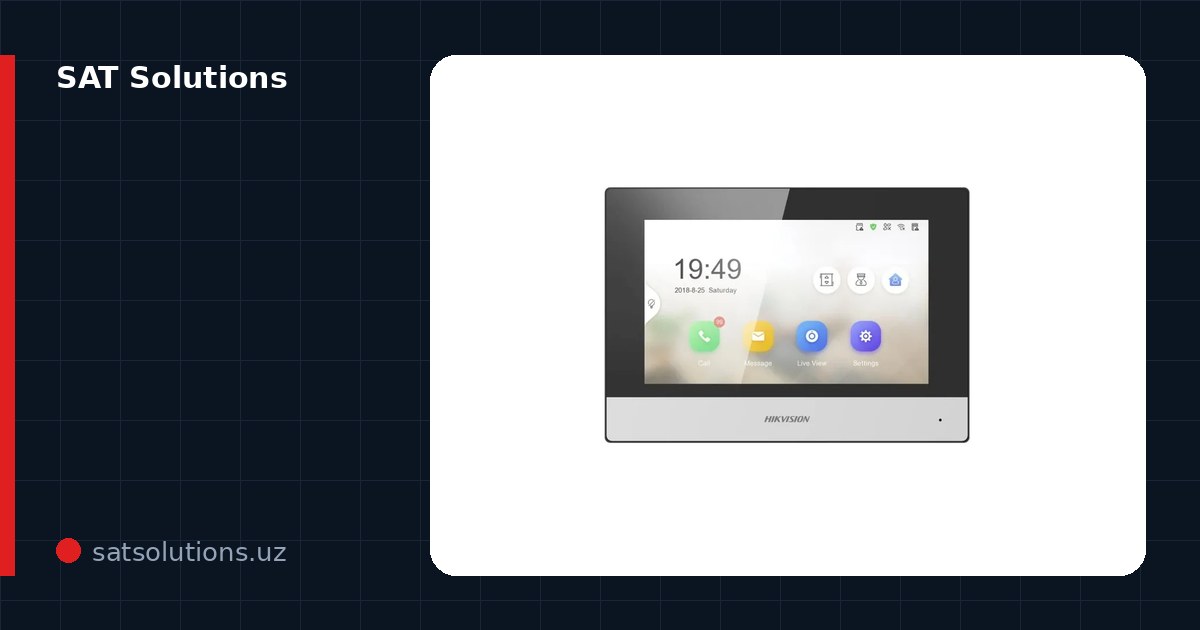
How an IP intercom differs from a regular one
A classic intercom is a closed 'panel–handset' pair: it rings only where the handset hangs. An IP intercom lives on the network: the door station and monitors are network devices, so a call can be answered on an indoor monitor, at the guard's computer, or on a smartphone anywhere in the world.
The second difference is expandability. Monitors, cameras and access control join an IP system without re-cabling: a Hikvision station doubles as a card reader or a face recognition terminal. One cable — twisted pair, often with PoE power — and no separate power brick at every door.
How the call reaches your smartphone
The bridge between the intercom and the phone is the Hik-Connect cloud. The station and monitor are linked to an account, and on a call the cloud wakes the app with a push notification: you see the station's video, talk and open the door. It works over P2P — no public IP address or port forwarding needed, an ordinary home connection is enough.
Understand the call order: the call first goes to the indoor monitors, and in parallel or with a delay — to the app. If someone is home, they answer at the monitor; if not, the call catches you on the phone. The door itself stays autonomous: without internet the station, monitor and lock keep working locally.
Setup step by step
Step one — activation: new Hikvision devices get a strong password, and this is the moment to link a recovery e-mail (it saves days if the password is ever lost). Step two — the network: the station and monitor land in one segment, over cable or PoE.
Step three — Hik-Connect: install the app, create an account, add the device by the QR code on the body or by serial number. Step four — test the scenario: a call from the station, answering on the monitor and the phone, opening the lock from the app. At this step add family members or colleagues: in Hikvision it is done by sharing the device to their accounts, and each can get trimmed rights — viewing without door release, for example.
Scenarios: apartment, house, office
In an apartment an IP intercom usually complements the building one: your own station at the floor door plus calls to the phone. In a private house it is the 'gate station + monitor + the whole family's smartphones' combination — covered in detail in our private-house video intercom article.
In an office IP intercoms merge with access control: the entrance station works as an access terminal (card, face, PIN), the receptionist answers guests from a monitor or PC, and rights are assigned per department. Hikvision multi-tenant stations serve whole business centers — each tenant with their own monitor and phones.
If push notifications do not arrive
Nine out of ten 'the call does not reach my phone' complaints are Android battery saving: the system puts Hik-Connect to sleep, and the push wakes it late or not at all. The cure is in the phone settings: exclude the app from battery optimization, allow autostart and background work. On iPhone check that notifications are allowed banners and sound.
The remaining cases are the network: a station without internet (check its status in the app), congested Wi-Fi, or carrier networks with strict NAT. And the classic: after a router or Wi-Fi password change the device stayed in the old network — it just needs to be reconnected.
Selection and installation
Our Tashkent stock carries Hikvision's core intercom IP line: door stations from compact to vandal-proof with face recognition, indoor monitors, apartment and house kits. We will help choose for your door, network and budget.
We install turnkey: station, monitor, lock, network, the whole family's phones linked, plus a walkthrough. We supply the equipment ourselves, so the warranty covers both hardware and configuration, and the classic 'everything is installed but the phone never rings' problem is closed at handover. We reply to requests within the working day.
FAQ
Does an IP intercom work without internet?
Locally — fully: the station rings the monitors, the lock opens, events are logged. Only calls to a smartphone outside the home need the internet — and they resume by themselves once the connection is back.
Do I need a public IP or port forwarding?
No. Hik-Connect works over cloud P2P: the device makes an outgoing connection itself and the app finds it from anywhere. A regular home plan is enough.
How many phones can one intercom serve?
Practically unlimited for a family or office: the device is shared to other Hik-Connect accounts, each with its own rights — from full control to viewing without unlocking.
Installation works cost calculator
Set the number of points — the calculator lays out a site plan and shows the range from our standard price list. One minute, no phone calls.
Related services
Catalog on the topic