433 MHz Receiver Board for Barrier Remote
remote 433
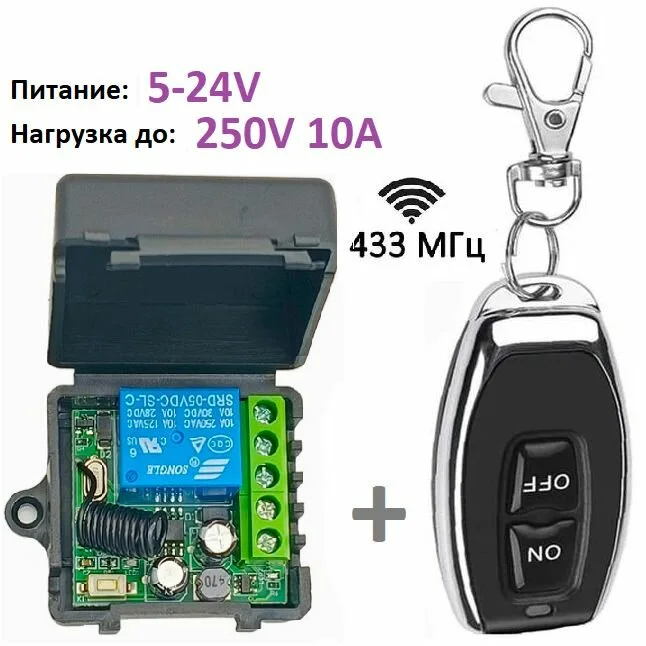
433 MHz receiver module: adds remote-control operation to a barrier or gate that lacks it.
▸
Output
Relay contact
⚡
Power
5–24 V
▸
Frequency
433 MHz
▸
Application
Barriers, gates, roller shutters
Specifications
- Output
- Relay contact
- Power
- 5–24 V
- Frequency
- 433 MHz
- Application
- Barriers, gates, roller shutters
The receiver board picks up the signal from key-fob remotes at 433 MHz and closes a relay output — that is enough to start a barrier, gate or roller shutter opening at the press of a button. The module is fitted in two cases: when the original receiver has failed, and when the automation is only button-controlled and radio control needs adding.
Advantages
- Adds radio control to automation that did not originally have it
- Replaces a failed original receiver without changing the whole drive board
- Remotes are paired on site by learning, with no special equipment
- A wide 5–24 V supply range suits most drives
- The relay output is compatible with typical control circuits
Applications
- Repairing and restoring radio control of barriers
- Upgrading gates with button control
- Roller shutters and rolling systems
- Sites with a mixed fleet of automation
Frequently asked questions
Will the board fit my barrier?
It works through a relay output, which is compatible with most drives. Tell us the model and we will check the wiring diagram.
How many remotes can be paired?
Capacity depends on the board model. For a typical site there is plenty of headroom.
What do I do if a fob is lost?
The receiver's memory is cleared and the remaining remotes are re-learned. The lost one stops working.
💬
Need help choosing?
Our engineer will pick the right equipment for your needs and send a quote within one business day.
Product reviews
Questions & answers
Similar: Turnstiles & barriers
Whole category →New
AU-WNKG-WIFI Wi-Fi Barrier Control Module (Smartphone)
from 247 900 UZS
New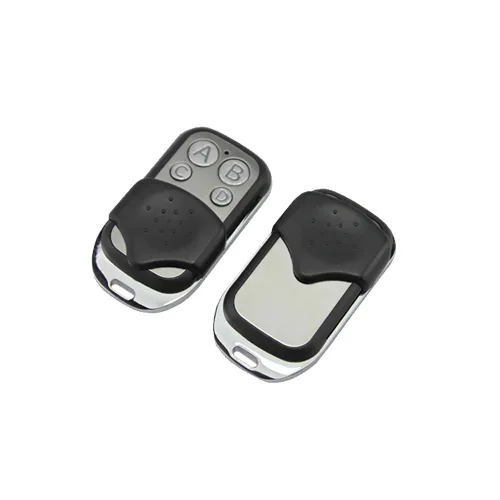
AU-MJ02E Remote + AU400-2JX Receiver (Kit)
from 122 900 UZS
New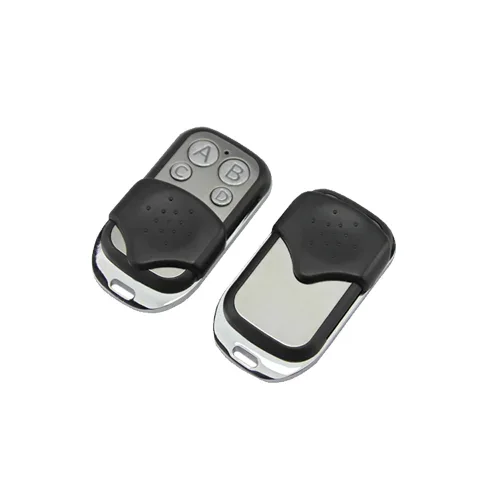
AU-RK06SC Remote + AU1003-6XX Receiver (6 Channels)
from 246 900 UZS
New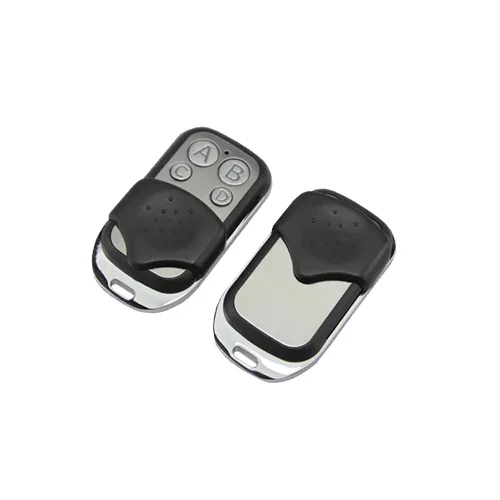
AU-RX04S-12 Remote + AU400-4JX Receiver (4 Channels)
from 184 900 UZS
New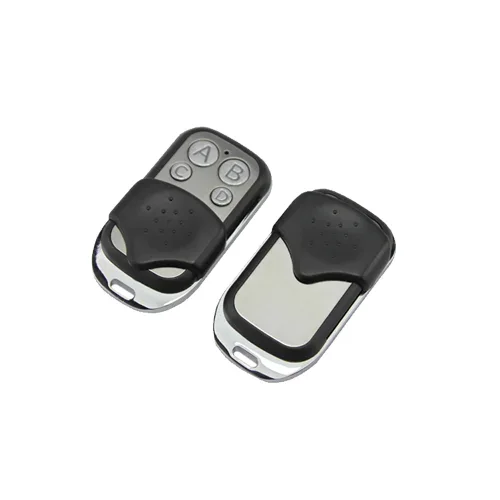
AU1003-4XX Barrier Remote (4 Buttons)
from 43 290 UZS
New
LD-B503 Swing Gate Turnstile (Single Lane)
from 6 186 900 UZS