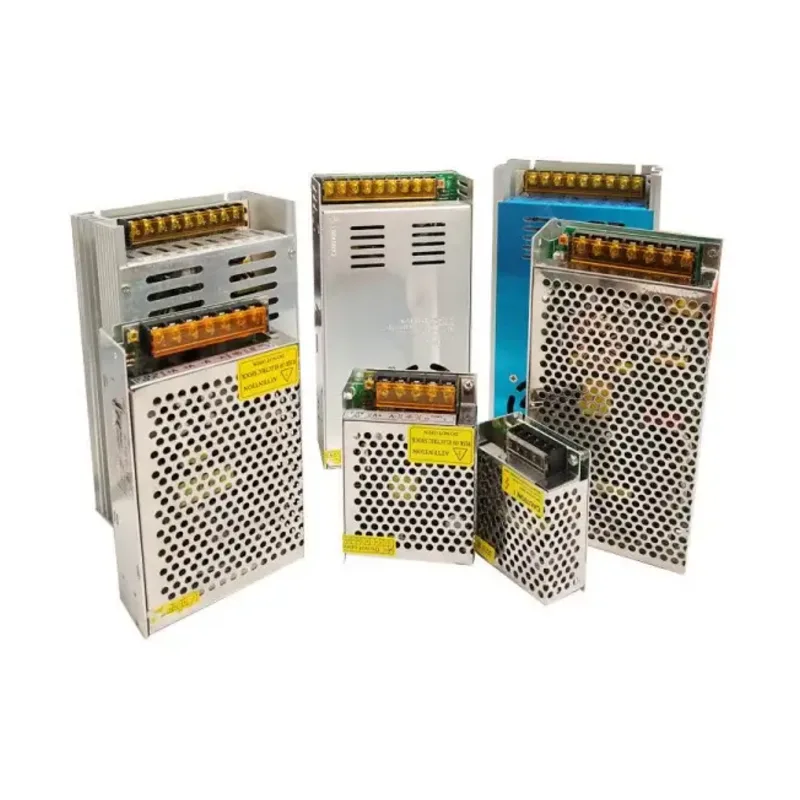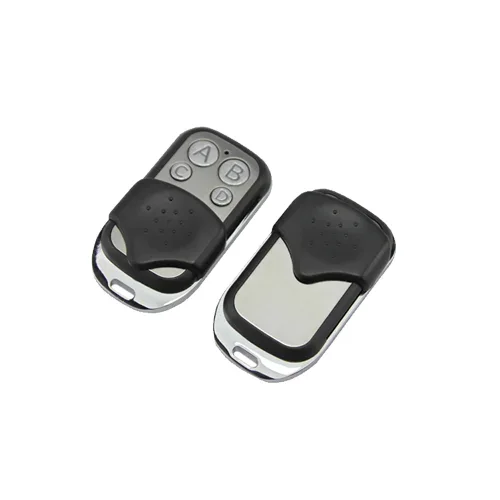
AU-WNKG-WIFI Wi-Fi Barrier Control Module (Smartphone)
Wi-Fi module: the barrier opens from a phone — no fobs, access is granted in the app.
▸
Output
Relay contact
▸
Access
Multiple users
▸
App
Mobile
▸
Application
Barriers, gates
Specifications
- Output
- Relay contact
- Access
- Multiple users
- App
- Mobile
- Application
- Barriers, gates
- Management
- From a smartphone over Wi-Fi
The AU-WNKG-WIFI barrier control module replaces fobs with a phone: it connects to the drive board and to the site's Wi-Fi network, and users open the barrier from an app. There is no need to order and hand out physical remotes, and when an employee leaves their access is revoked in a couple of taps.
Advantages
- A phone instead of a fob — nothing to issue and nothing to lose
- Access is revoked instantly, with no collecting remotes from departing staff
- The user list is kept in the app, not in a drawer at the security desk
- Several users with individual access
- Simple connection to the drive board through a relay output
Applications
- Residential complexes with a changing set of residents
- Offices and business centers with tenants
- Staff car parks of enterprises
- Sites where fobs are often lost
Frequently asked questions
What happens if the Wi-Fi goes down?
The module stops accepting commands from the app, which is why a backup method — a fob or a card — is always kept.
How many people can be connected?
The module is designed for several users. For a large site with hundreds of vehicles a full access control system is a better fit.
Can it be used together with plate recognition?
Yes, the methods combine: plates for regular vehicles, the app for guests and staff.
💬
Need help choosing?
Our engineer will pick the right equipment for your needs and send a quote within one business day.
Product reviews
Questions & answers
Similar: Turnstiles & barriers
Whole category →New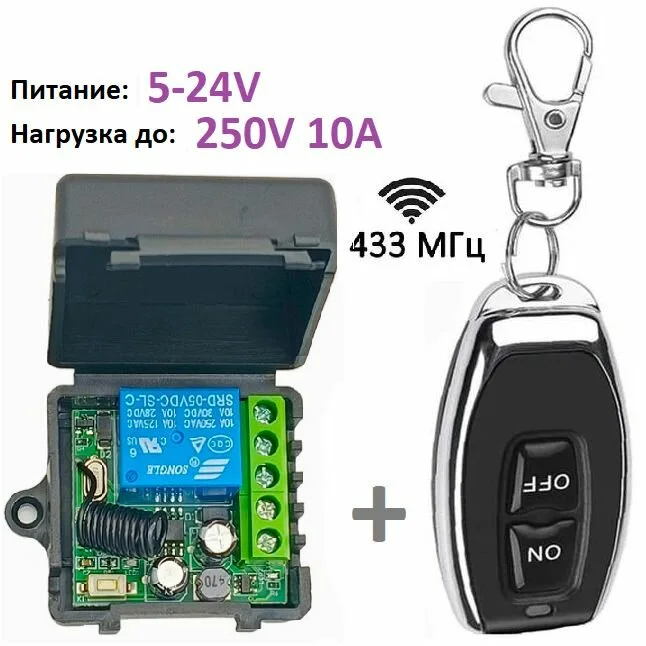
433 MHz Receiver Board for Barrier Remote
from 123 900 UZS
New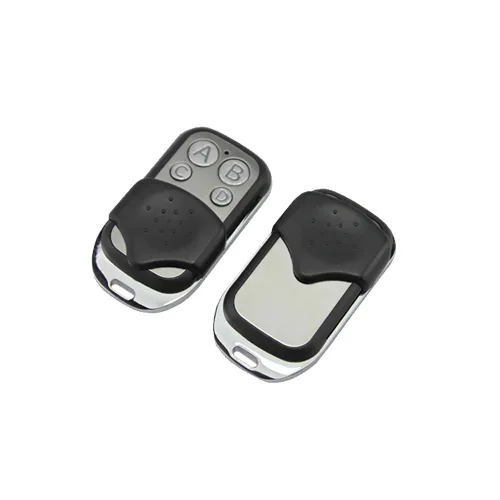
AU-MJ02E Remote + AU400-2JX Receiver (Kit)
from 122 900 UZS
New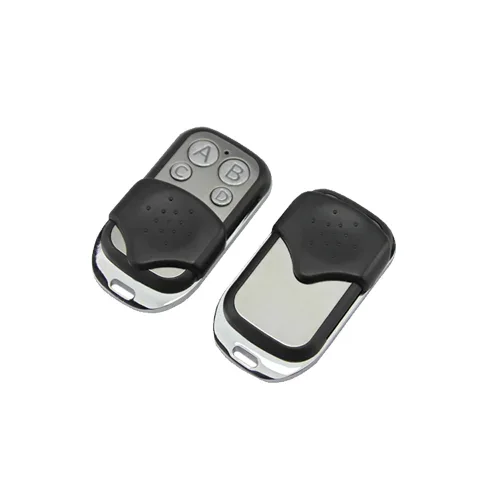
AU-RK06SC Remote + AU1003-6XX Receiver (6 Channels)
from 246 900 UZS
New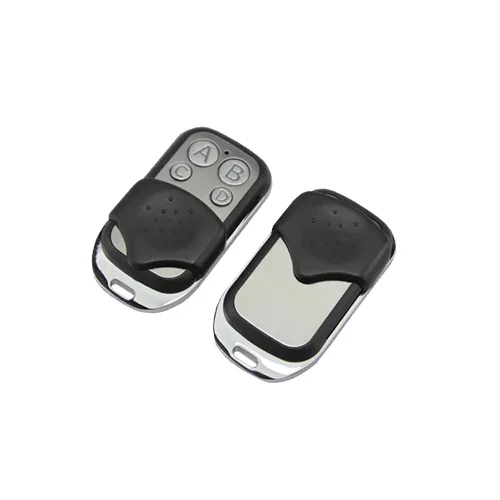
AU-RX04S-12 Remote + AU400-4JX Receiver (4 Channels)
from 184 900 UZS
New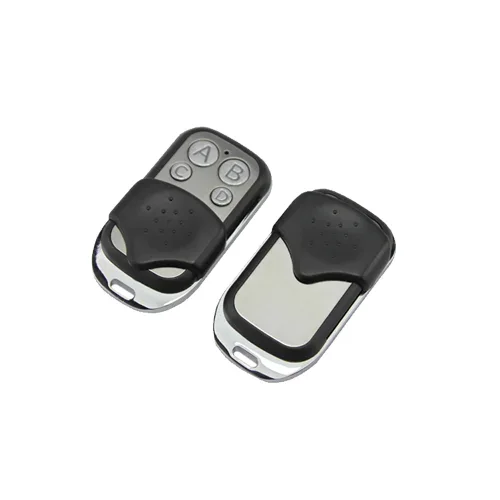
AU1003-4XX Barrier Remote (4 Buttons)
from 43 290 UZS
New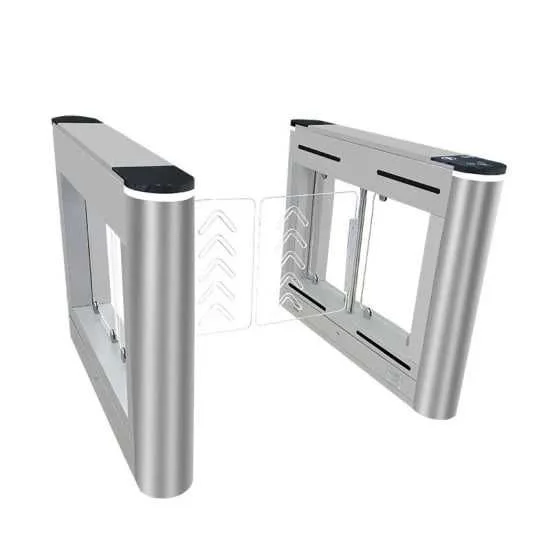
LD-B503 Swing Gate Turnstile (Single Lane)
from 6 186 900 UZS