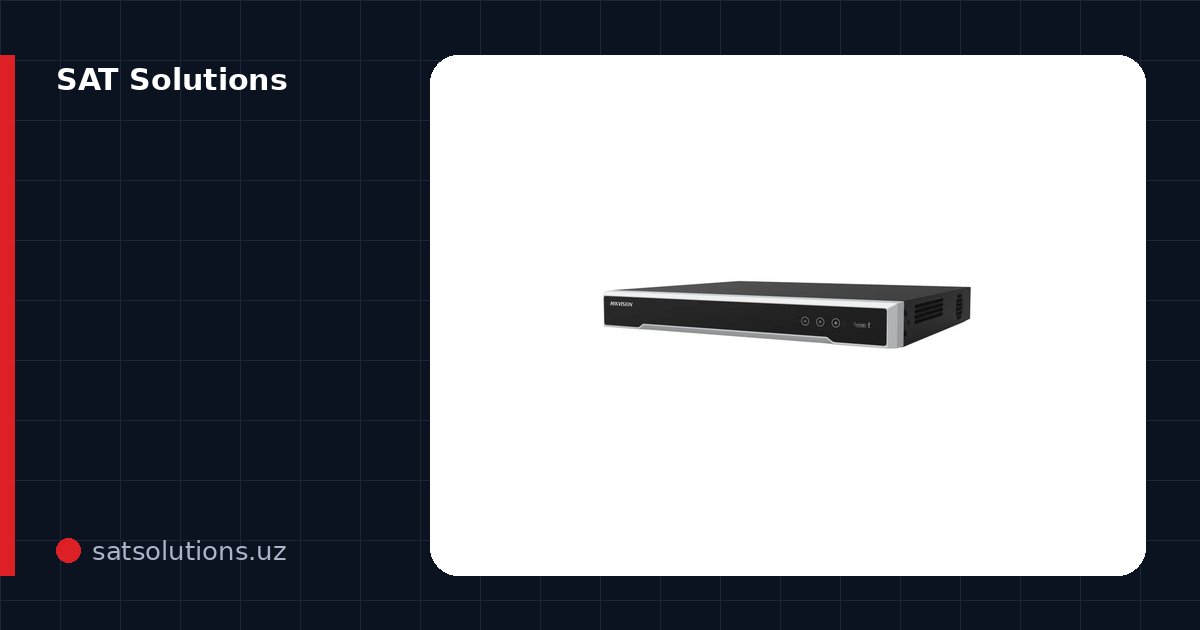
What Hik-Connect is
Hik-Connect is Hikvision's official free app for iPhone and Android. It lets you view Hikvision and HiLook cameras and recorders from anywhere with internet access: live video, playback from the recorder's drive, motion alerts, and control of PTZ cameras and intercoms. No static IP or port forwarding is needed — the device connects to Hikvision's cloud service on its own, and the phone finds it through your account.
Where to download it and how to sign up
Download the app only from the App Store or Google Play by searching for Hik-Connect. When signing up, choose your country (Uzbekistan), enter a phone number or email and set a password: the account is tied to a regional Hikvision server, so pick the right country from the start. Hikvision also publishes Hik-Partner Pro for installers, but the system owner needs Hik-Connect.
How to enable Hik-Connect on the recorder
In the recorder menu open Configuration → Network → Advanced Settings → Platform Access, enable it, choose Hik-Connect as the access type and set a verification code of 6–12 characters — the app will ask for it later. Within a minute the status should change to Online. If it stays Offline, check the gateway and DNS (for example 8.8.8.8) in the network settings: without them the device cannot reach the internet. Cameras connected to the recorder do not need to be added separately — they appear in the app together with it.
How to add the device to the app
In Hik-Connect tap "+" and scan the QR code from the label on the recorder or camera, or the QR code shown in the same Platform Access menu. If the device is not at hand, add it manually: the serial number (the last 9 digits of the full serial) and the verification code — six capital letters on the label, or the code you set when enabling access. Once added, the device can be shared with family or staff through the Share function, with limited permissions and without handing over the password.
Hik-Connect on a computer
There is no separate Hik-Connect program for Windows: on a computer you use iVMS-4200, Hikvision's free client. Sign in to iVMS-4200 with the same Hik-Connect account and all your devices load automatically: multi-screen view, playback and export of recordings. Detailed iVMS-4200 setup is covered in a separate article on our blog.
Common errors and what to do
"Device offline" — the recorder has no internet or platform access is disabled: check the cable, gateway, DNS and the Platform Access status. "Device has been added by another account" — the previous owner or installer linked it; it must be removed from that account, and if that is impossible, contact Hikvision support with proof of purchase. "Video is encrypted" — the app is asking for the verification code set on the device. If the recorder's own password is forgotten, it is reset through Hikvision's official procedure — we have an article on that too.
If you simply want everything to work, SAT Solutions sets up remote access turnkey: we connect the recorder to the internet, enable Hik-Connect, add the devices to the owners' and staff phones and configure alerts. The Hikvision and HiLook cameras and recorders you need are in our catalogue, in stock in Tashkent.
FAQ
Is Hik-Connect paid?
No, the app and adding devices are free. Only optional cloud services may be paid, and the system works fully without them: recordings are stored on the recorder's drive.
Can I view HiLook cameras in Hik-Connect?
Yes, HiLook is a Hikvision line; its recorders and cameras are added to Hik-Connect the same way, by QR code or serial number.
How do I view the cameras on several phones?
Add the device to the main account and share it with other users via Share — each user's rights can be limited, for example to live view without playback.
Why is there no playback in the app?
Recordings are stored on the recorder's hard drive. If there is no drive, it is not formatted, or recording is not enabled in the schedule, there is nothing to play back — check this in the Storage menu.
Installation works cost calculator
Set the number of points — the calculator lays out a site plan and shows the range from our standard price list. One minute, no phone calls.
Read also
 iVMS-4200: how to download and set up Hikvision's PC viewing software
 Forgot the password to a Hikvision camera or recorder: what to do
 SADP Hikvision: how to download the tool, find a camera on the network, activate it and change its IP
 Cameras and intercoms in new buildings: what decree PP-48 requires
Catalog on the topic