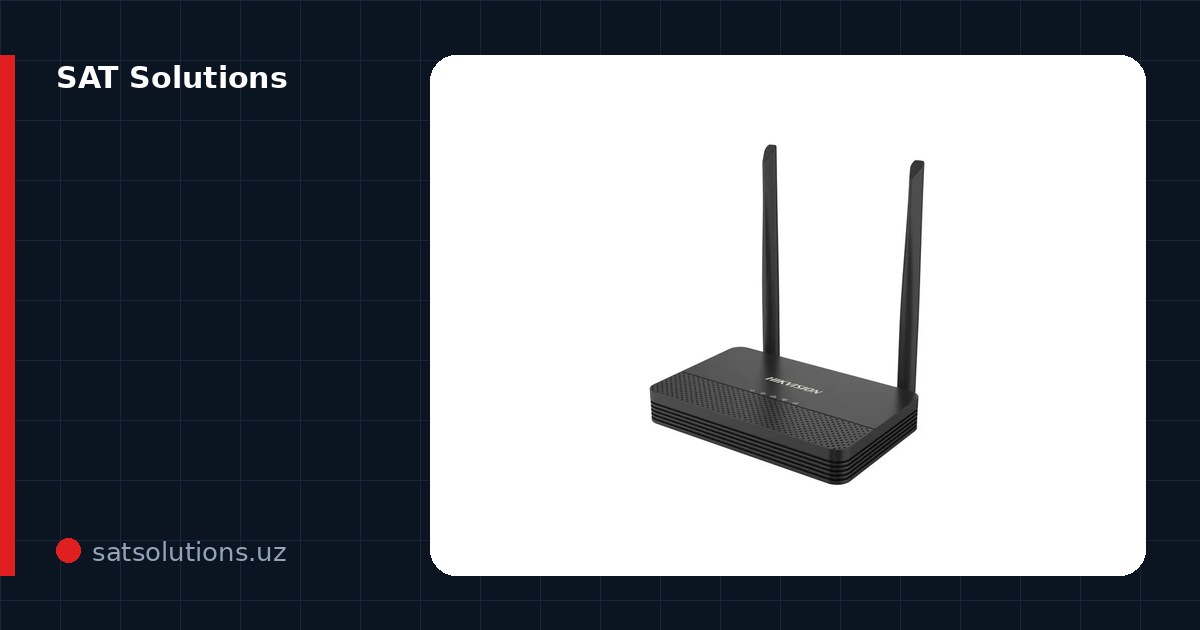
The main thing first
Modern Hikvision devices have no button that hands back a forgotten password while leaving everything else in place: that is deliberate, so a stranger cannot take over your cameras in a minute. Password recovery always goes through proving the device is yours, while the hardware Reset returns the camera to its factory state together with every setting.
Every method below is official, from the manufacturer, and works only with physical access to the device on the same network as your computer. This is strictly about your own equipment: accessing someone else's cameras is a criminal offense.
Method 1: a code to the linked email
If you entered a recovery e-mail when activating the device, this is a five-minute task. In the web interface or SADP click 'Forgot password': the device offers to send a verification code to the linked email.
Enter the code — set a new password. It is the fastest path, which is why we always link an email during installation: check, your installer may have done the same.
Method 2: a request file via SADP
Download the SADP utility from the Hikvision site and put your computer on the same network as the device. SADP finds it and shows a 'Forgot password' button: the device generates a request file (XML) or a QR code.
That file goes to Hikvision support or the official distributor together with a photo of the device label and proof of purchase. A reset file comes back — import it in SADP and set a new password. Usually takes from a few hours to a couple of days.
Method 3: security questions and the GUID file
When activating a recorder, Hikvision offers to set security questions and export a GUID file to a flash drive. If that was done, the reset happens locally from the recorder's monitor: answer the questions or supply the file.
The moral for the future: those three minutes at setup save days at recovery. When configuring a system, always fill in the email and the questions, and keep the GUID file somewhere safe.
What not to do
Do not flash 'reset' firmware from forums: it regularly bricks cameras, and sometimes a stranger's backdoor arrives with it. Do not buy 'reset services' from anonymous accounts in messengers — they will need full access to your network.
The Reset button on the camera body is not a password reminder, but it is not useless either: holding it for 10 seconds or more returns a Hikvision device to factory defaults, after which it goes to the Inactive state and the administrator password is set anew during activation via SADP or the web interface. The price is a complete loss of configuration: IP address, accounts, detection zones, recording schedules and the cloud binding are erased, and the camera has to be set up from scratch. Most recorders have no such button at all, and on some cameras it sits under the housing and requires disassembly — which is why Reset is the last step, not the first.
If nothing helped
The vendor's official path remains: proof of ownership and a reset performed by the authorised Hikvision distributor — you go to whoever sold the device, with the invoice and the serial number. For equipment we supplied and installed ourselves we handle that correspondence with the distributor: we hold both the delivery papers and the serials recorded in the system passport.
And the systemic conclusion: CCTV passwords belong in the owner's system passport, not in the installer's head. At handover we give the client documentation with all credentials — ask your contractor for yours.
FAQ
How much does a distributor reset cost?
It depends on the device and the way ownership is proven — the price is quoted by the distributor that sold the equipment. The cheapest option is not losing access at all: a linked email makes the reset free and instant.
Will reflashing help?
No: a firmware update does not reset the admin password, and 'special' firmware from forums is dangerous. Use only the official methods.
I have a Dahua or another brand — same logic?
Similar: Dahua also offers email linking and a request file via ConfigTool. The principle is the same — manufacturers leave no loopholes, recovery goes through proof of ownership.
Installation works cost calculator
Set the number of points — the calculator lays out a site plan and shows the range from our standard price list. One minute, no phone calls.
Read also

Related services
Catalog on the topic