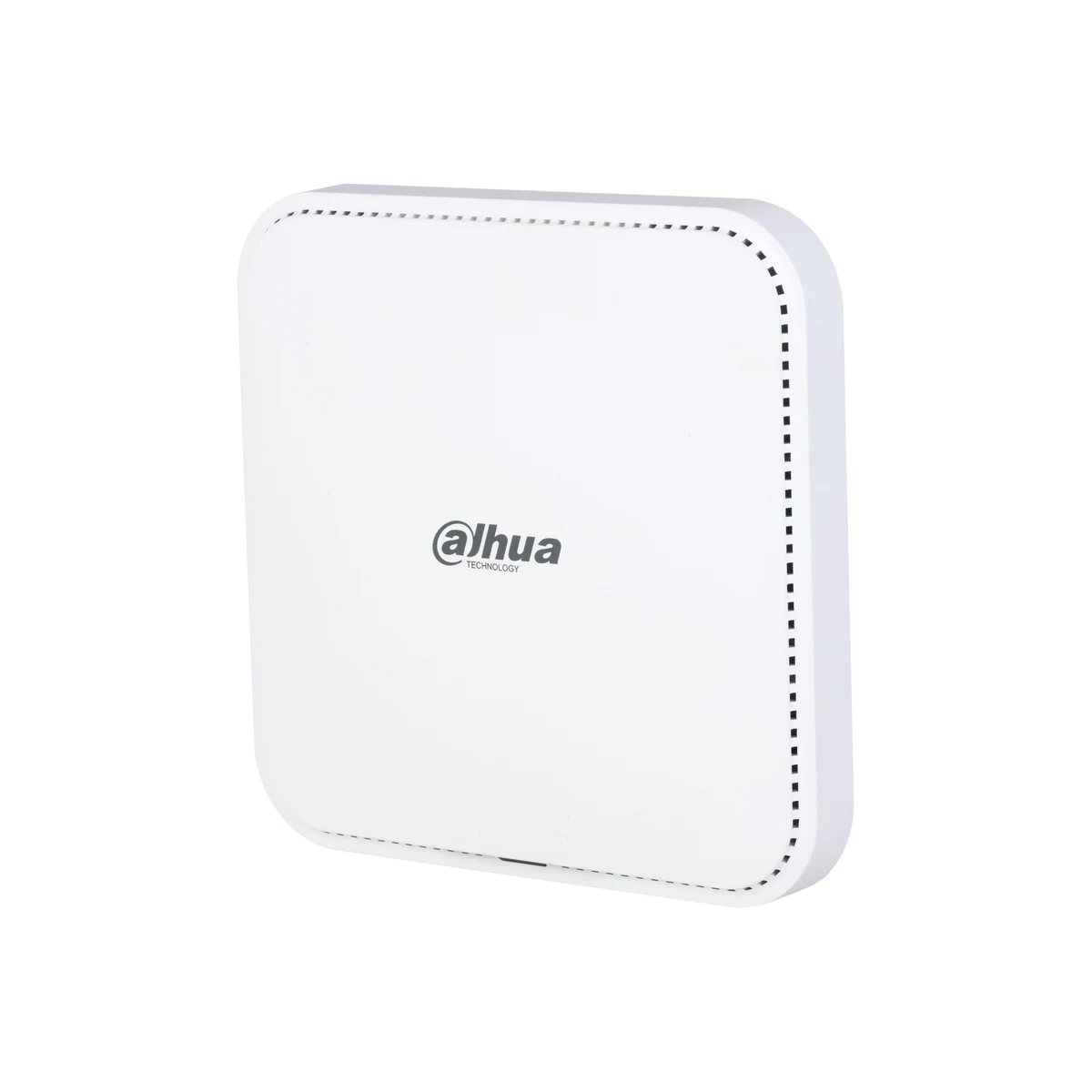
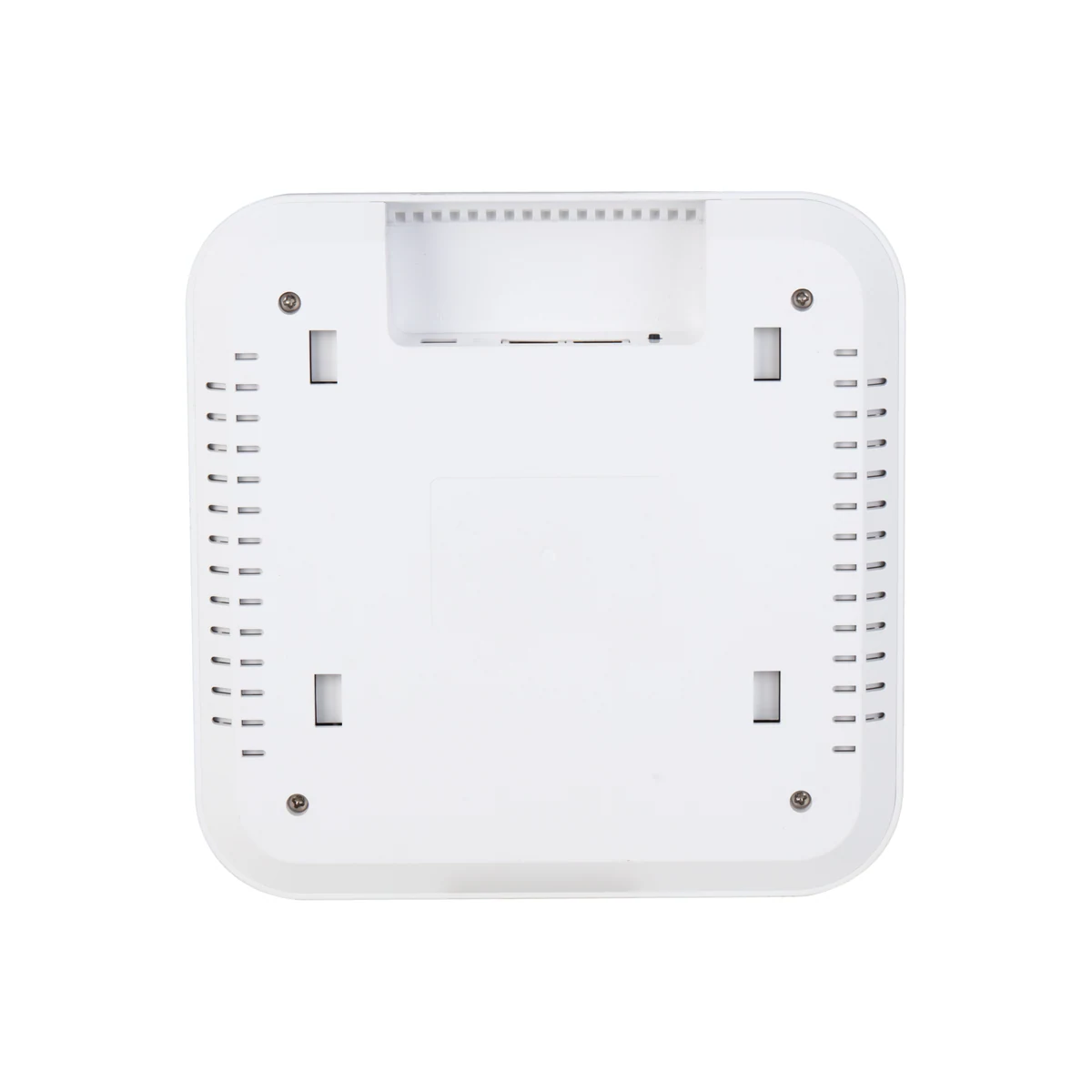
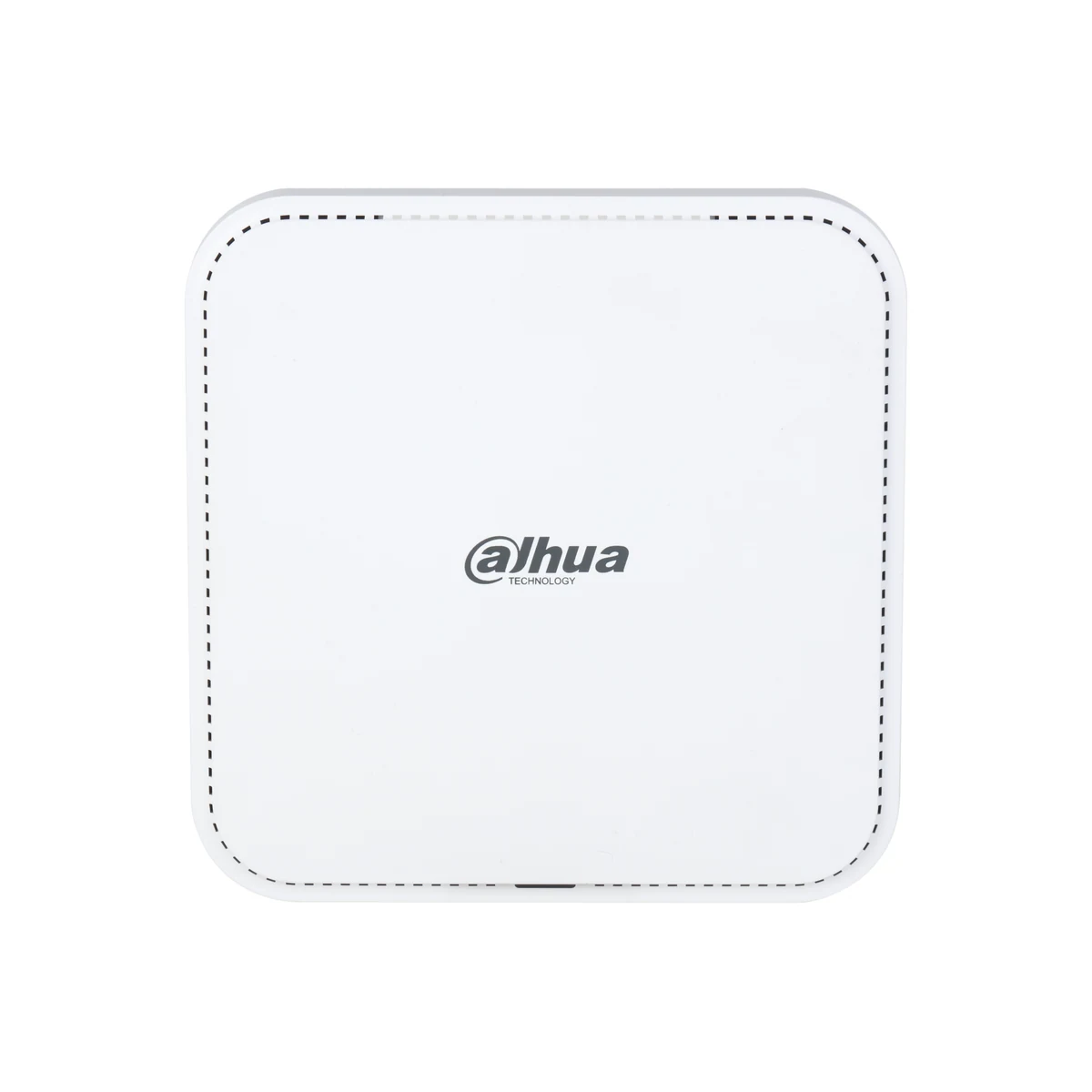
Dahua EAP6230-C Wi-Fi 6 Ceiling Access Point
DH-EAP6230-C
Dahua EAP6230-C ceiling access point, Wi-Fi 6 AX3000: 574 Mbps on 2.4 GHz and 2402 Mbps on 5 GHz, PoE powered, seamless roaming. In stock in Tashkent.
▸
Class
AX3000
▸
Ports
1 × Gigabit RJ-45 with PoE in
▸
Mounting
ceiling, indoor
⚡
Power
PoE 802.3af/at
Specifications
- Class
- AX3000
- Ports
- 1 × Gigabit RJ-45 with PoE in
- Mounting
- ceiling, indoor
- Power
- PoE 802.3af/at
- Roaming
- seamless, 802.11r/k/v
- Standard
- Wi-Fi 6, 802.11ax
- Technologies
- MU-MIMO, OFDMA, Beamforming
- Management
- standalone or through DoLynk Care
- 5 GHz speed
- up to 2402 Mbps
- 2.4 GHz speed
- up to 574 Mbps
Description
Dahua EAP6230-C ceiling access point, Wi-Fi 6 AX3000: 574 Mbps on 2.4 GHz and 2402 Mbps on 5 GHz, PoE powered, seamless roaming. In stock in Tashkent.
Advantages
- Wi-Fi 6 differs from 802.11ac less in peak speed than in behavior under load: OFDMA serves several clients at once, so the network holds up when a hall is full of phones.
- Three gigabits of combined throughput are split across two bands, and the point steers modern devices to 5 GHz while leaving 2.4 GHz for distant and older clients.
- Seamless roaming under 802.11r/k/v hands a client between points without a break — a video call survives the walk from office to corridor.
- PoE power removes the question of a socket in the ceiling: one twisted pair carries both data and power.
- Management through DoLynk Care lets a whole estate of access points be configured and updated remotely, without a ladder.
Applications
- Offices and coworking spaces with dense seating and several devices per person.
- Hotels, cafés and classrooms where roaming between rooms matters.
- Retail floors serving both customers and point-of-sale equipment.
Frequently asked questions
What does Wi-Fi 6 actually give me over Wi-Fi 5?
Behavior in a crowd. OFDMA divides the channel between several clients at the same moment instead of queueing them. With ten devices the difference is slight; with a hundred, a Wi-Fi 6 network stays responsive.
How many access points does a floor need?
It depends on layout and density. A working figure for an office is one point per 100–150 m² of open space; concrete walls and large metal structures call for closer spacing.
Is a controller required?
No. The point runs standalone and is configured through its web interface. A controller or DoLynk Care becomes useful once there are many points to manage from one place.
💬
Need help choosing?
Our engineer will pick the right equipment for your needs and send a quote within one business day.
Product reviews
Questions & answers
Similar: Wi-Fi access points
Whole category →
Frequently bought together
UTP cat.5e patch cord 10.0 m blue
from 87 290 UZS
Hikvision DS-3WR4G12C 4G Wi-Fi Router (SIM, LTE)
from 370 900 UZS
Angle bracket 90 degrees 50cm
from 122 900 UZS
Pixietech patch panel, 19" unshielded, 0.5U, 24 ports, Cat.6
from 401 900 UZS
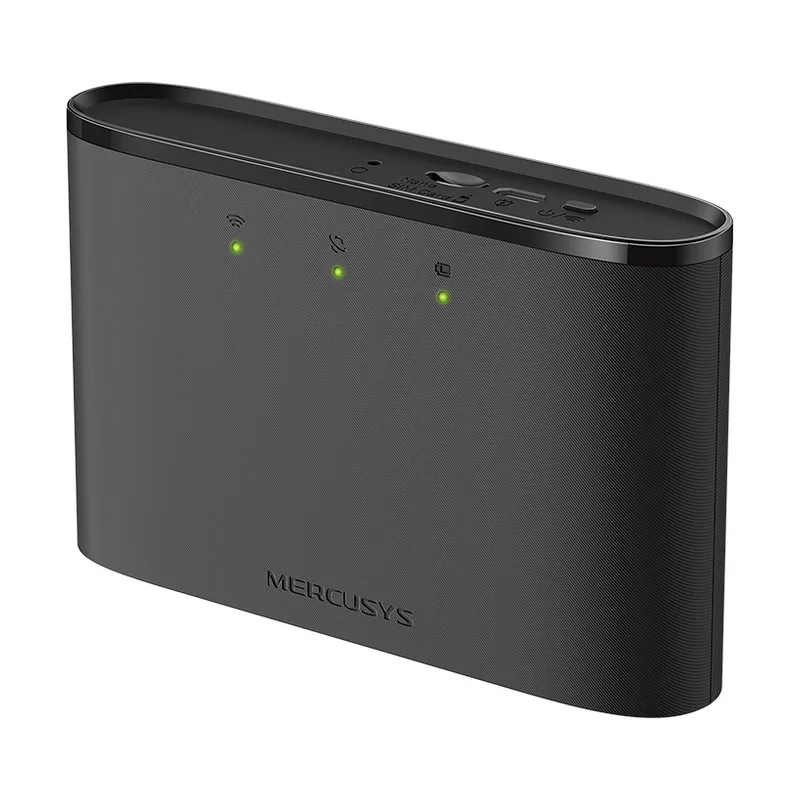
4G Router Mercusys MT110
from 370 900 UZS
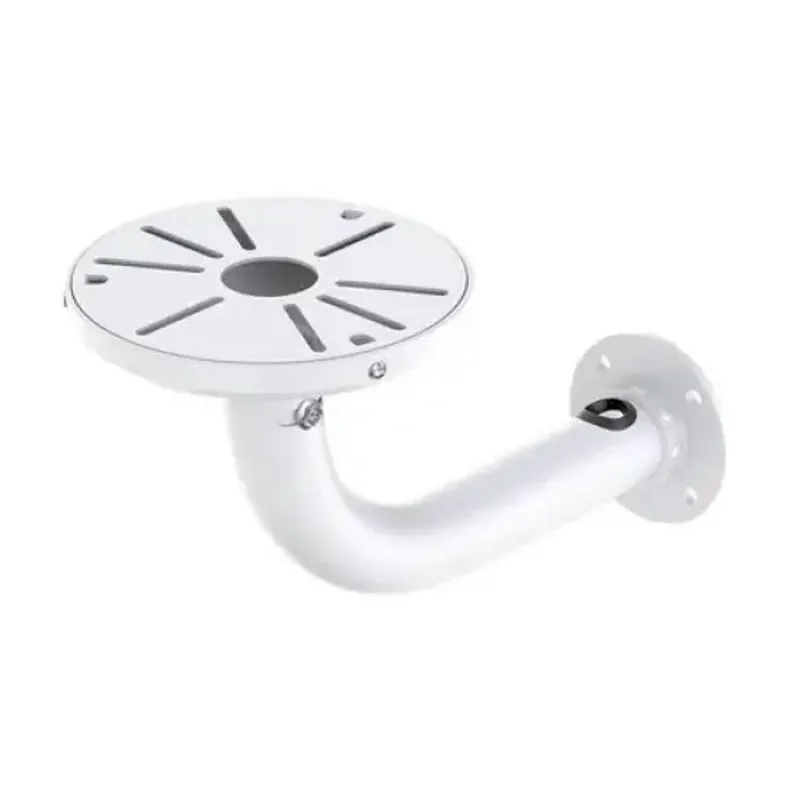
Angle bracket 90 degrees 30-60cm
from 153 900 UZS