
● MikroTik In stock
MikroTik RB951Ui-2HnD access point
MikroTik RB951Ui-2HnD: a router with 5 ports, 2.4 GHz Wi-Fi and a USB port for extending RouterOS functions. Delivery across Uzbekistan, in stock.
▸
Type
Access point
▸
Part number
RB951Ui-2HnD
✅
Warranty
1 year
Specifications
- Type
- Access point
- Part number
- RB951Ui-2HnD
- Warranty
- 1 year
MikroTik RB951Ui-2HnD — a compact router with five Ethernet ports, built-in 2.4 GHz Wi-Fi, and a USB port for additional expansion of functionality. The RouterOS-based device combines the capabilities of a router, switch, and access point in a single enclosure. A USB port advantageously distinguishes this model from basic solutions and allows connecting modems, drives, and other USB devices.
Advantages
- The USB port opens up the possibility of connecting a 3G/4G modem for a backup internet connection
- Five Ethernet ports provide a wired connection for computers, cameras, and other equipment
- The built-in 2.4 GHz Wi-Fi allows serving wireless clients without additional devices
- RouterOS provides a complete toolkit: routing, firewall, VPN, VLAN, QoS
- The compact form factor is convenient for installation in small rooms
- A 1-year warranty from the supplier provides confidence in the reliability of the equipment
Applications
- A small office, store, or cafe with combined wired and wireless access
- A home network with support for backup mobile internet via a USB modem
- Organizing a guest Wi-Fi network in hotels and hostels
- A network for small retail outlets with the connection of cash register equipment and terminals
Frequently asked questions
Which USB devices are supported?
RouterOS supports USB 3G/4G modems for backup internet, as well as USB drives for storing logs and configuration backups.
How does the RB951Ui-2HnD differ from the RB951G-2HnD?
The main differences of the Ui model are a USB port and one port with support for a PoE output to power external devices; in other respects the capabilities are similar.
Is the Wi-Fi power sufficient to cover an entire office?
For small rooms, the built-in Wi-Fi module is usually sufficient; for large offices it is recommended to add additional MikroTik access points managed by CAPsMAN.
💬
Need help choosing?
Our engineer will pick the right equipment for your needs and send a quote within one business day.
Product reviews
Questions & answers
Similar: Wi-Fi access points
Whole category →
MikroTik cAP XL ac (RBcAPGi-5acD2nD-XL)
from 1 436 900 UZS
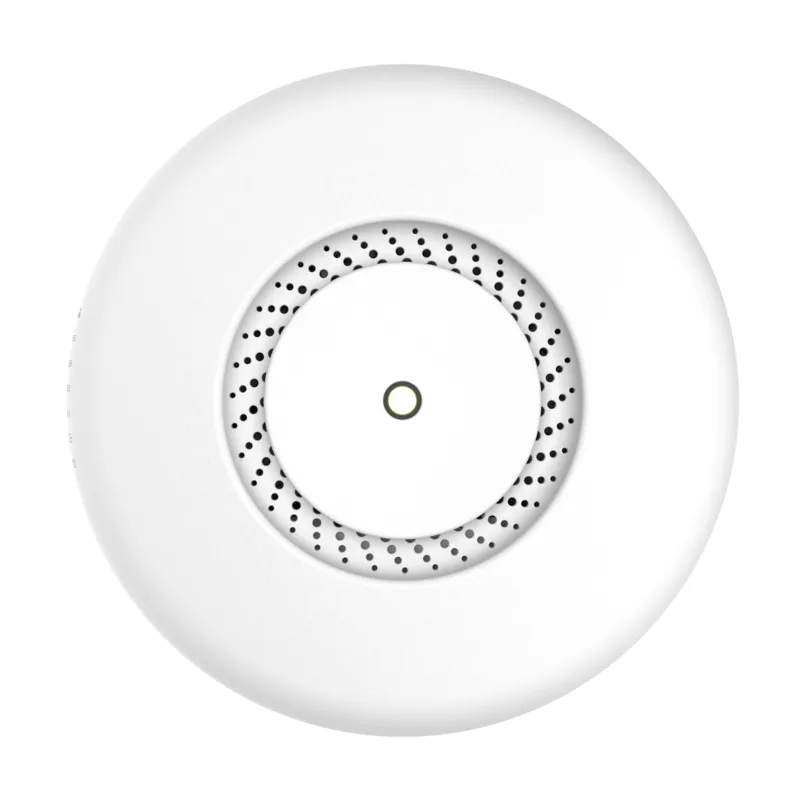
MikroTik cAP ac (RBcAPGi-5acD2nD)
from 1 059 900 UZS

MikroTik wAP ac (RBwAPG-5HacD2HnD)
from 1 198 900 UZS
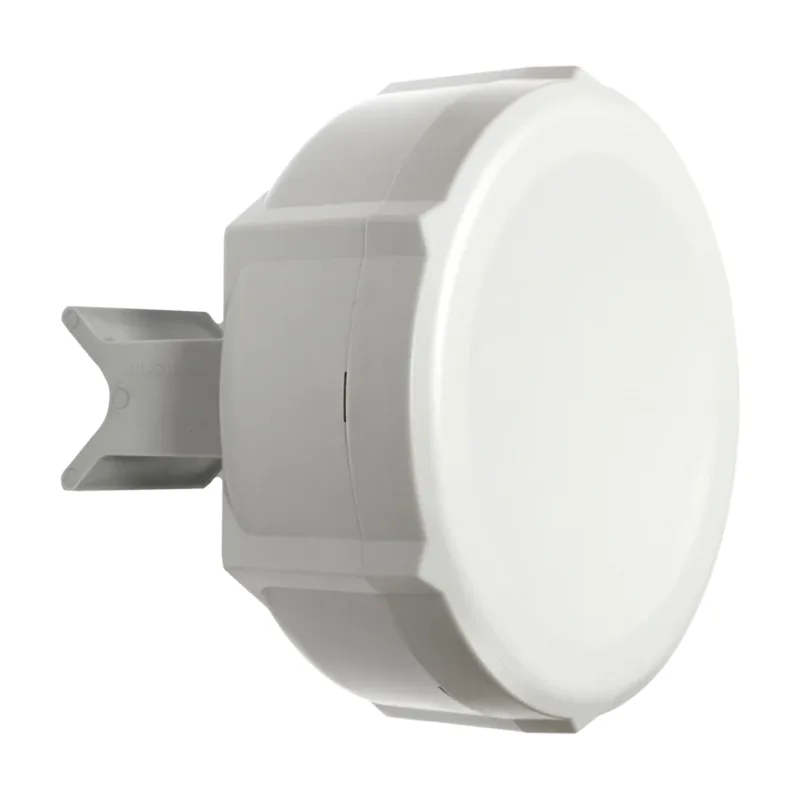
Access point MikroTik Disc Lite5
from 993 900 UZS

Access point MikroTik RB951G-2HnD
from 1 303 900 UZS

MikroTik SXTsq Lite5 access point
from 760 900 UZS
Frequently bought together
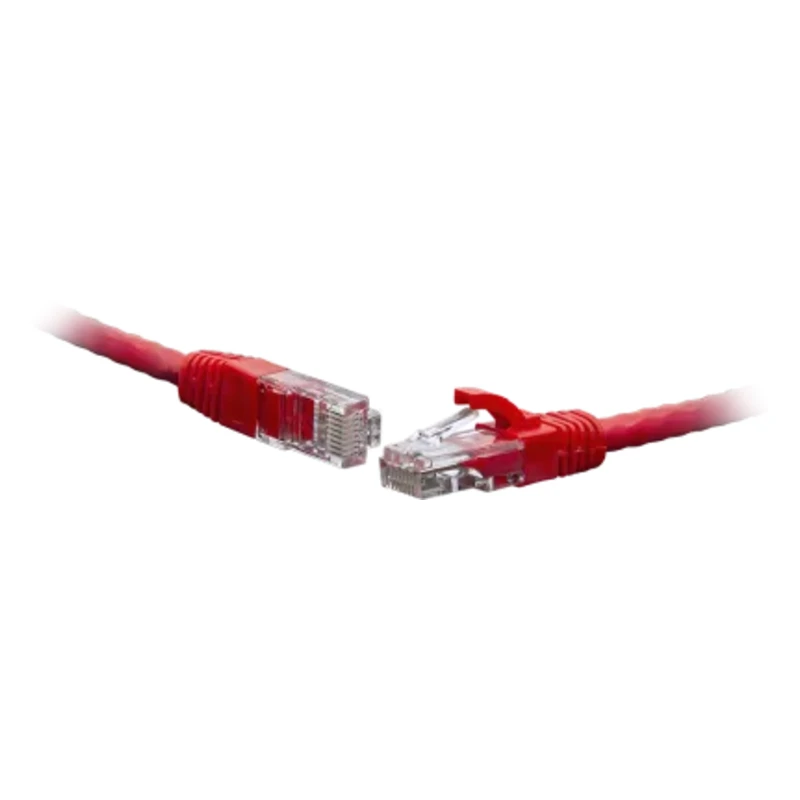
UTP cat.5e patch cord 10.0 m red
from 87 290 UZS
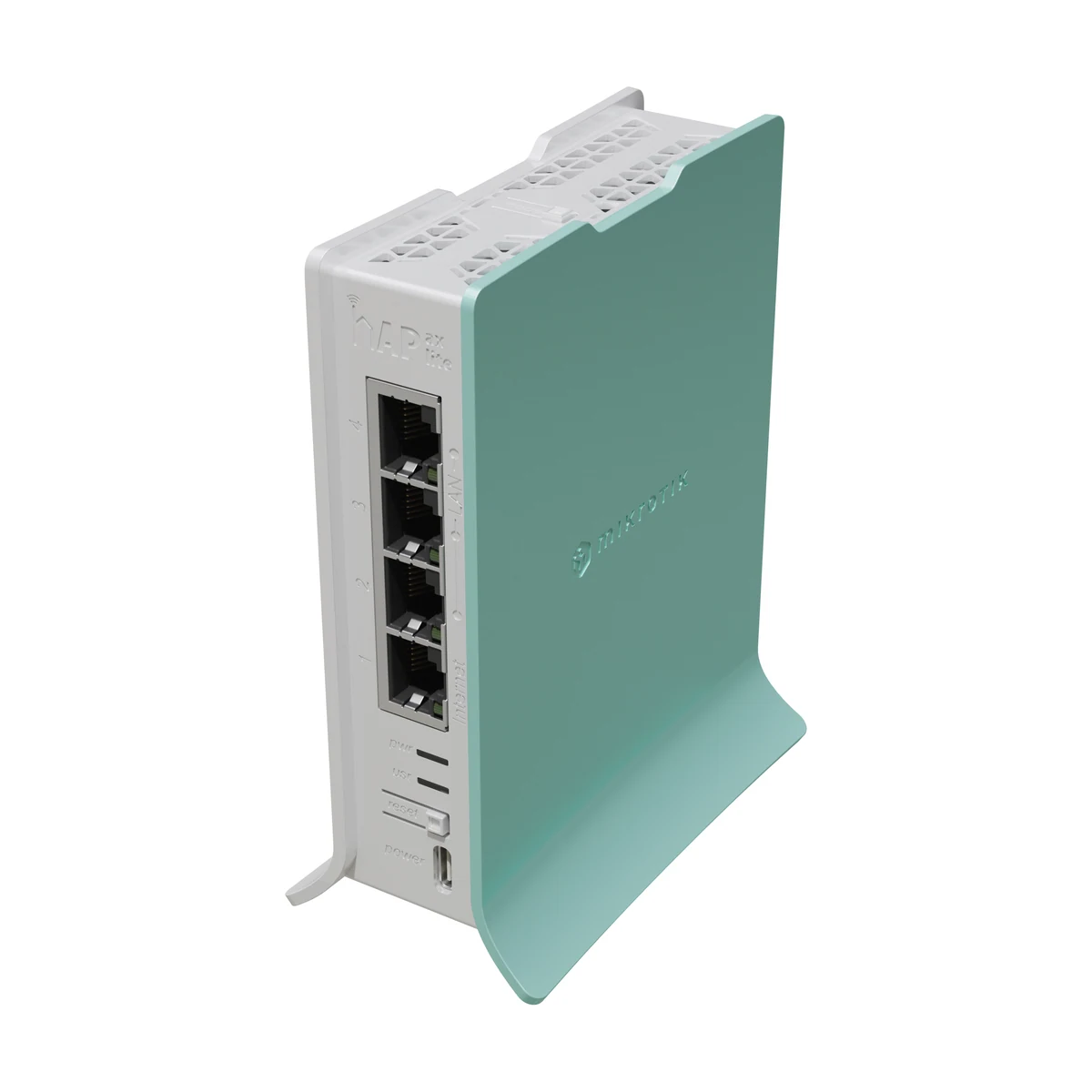
MikroTik hAP ax lite (L41G-2axD)
from 811 900 UZS
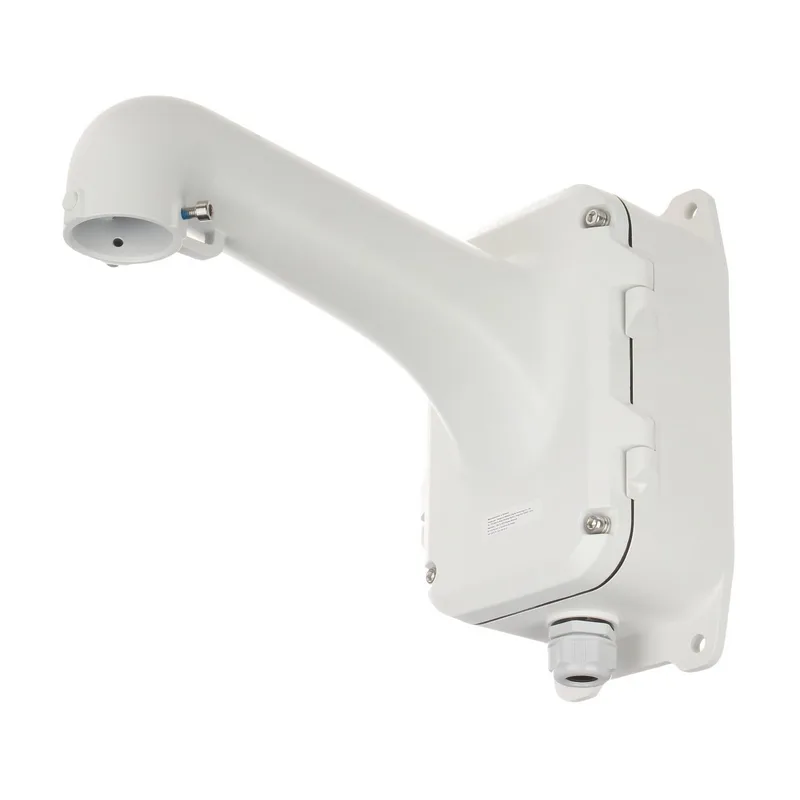
Corner mount for PTZ camera Hikvision DS-1604ZJ-BOX-CORNER
from 741 900 UZS
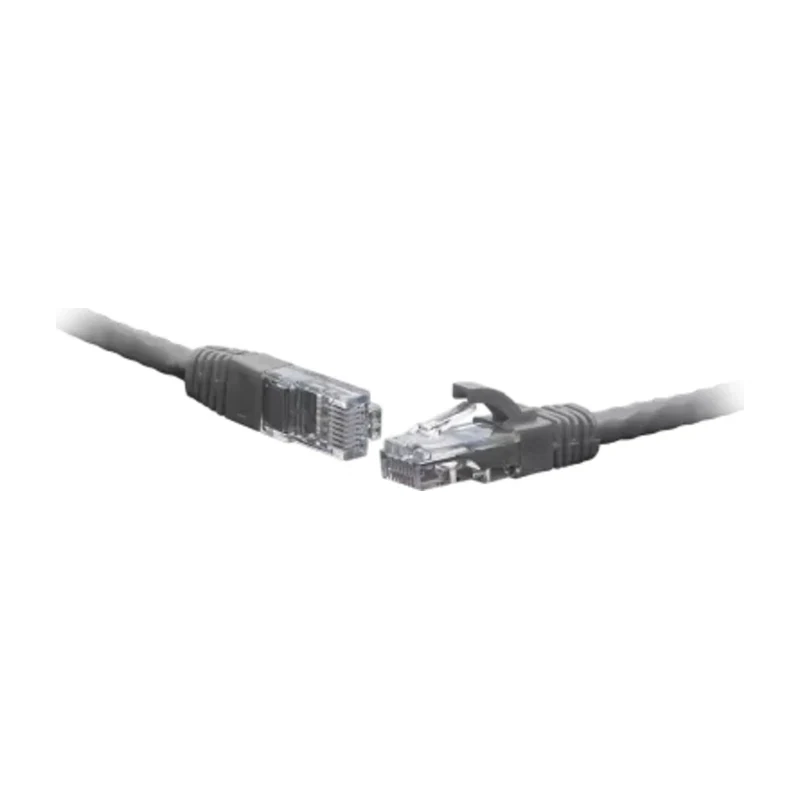
UTP cat.5e patch cord 10.0 m gray
from 87 290 UZS
New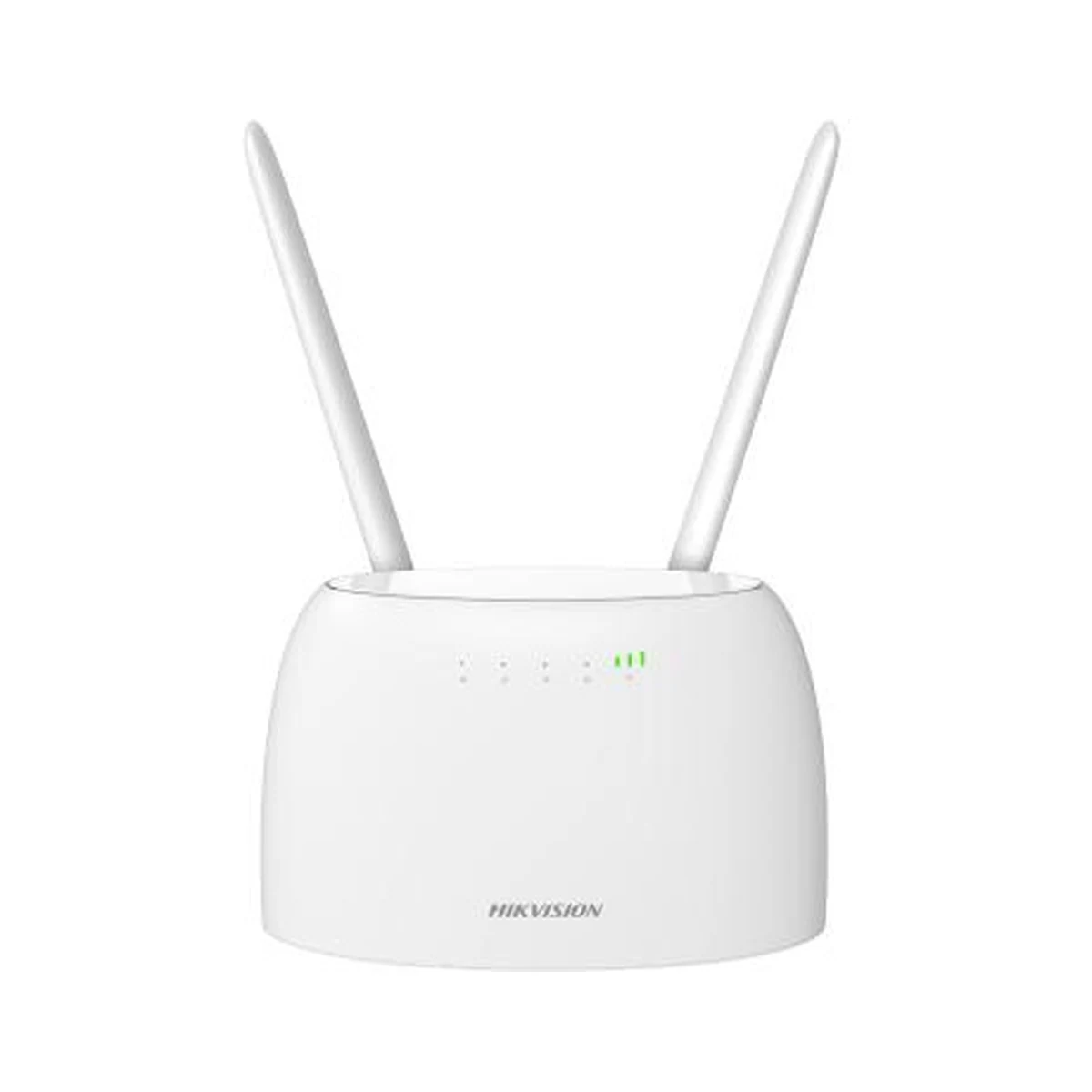
Hikvision DS-3WR4G12C 4G Wi-Fi Router (SIM, LTE)
from 370 900 UZS
New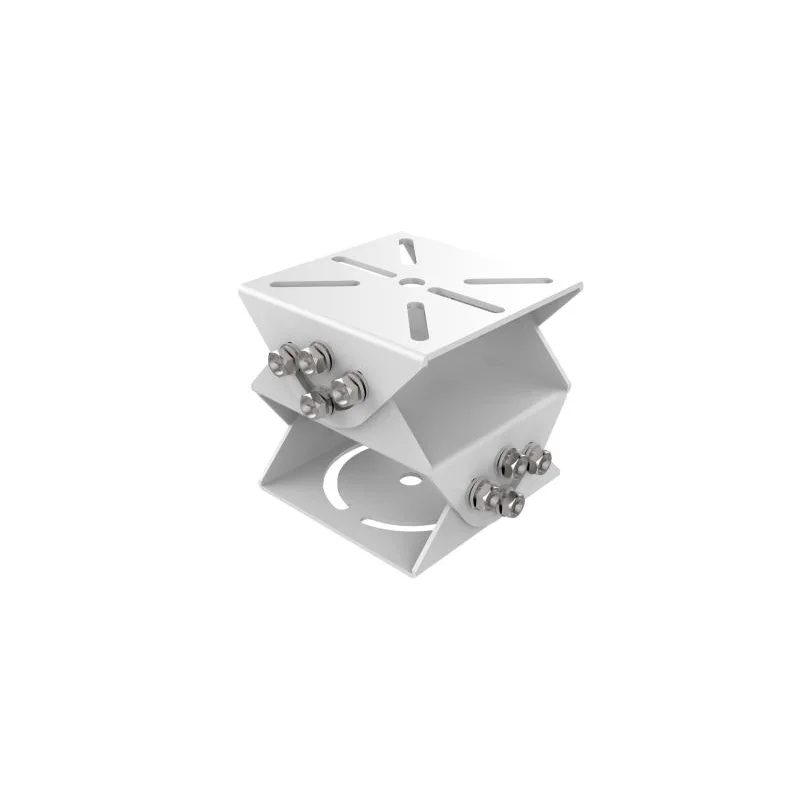
Hikvision DS-1232ZJ-T/BJH Corner Mount
from 432 900 UZS