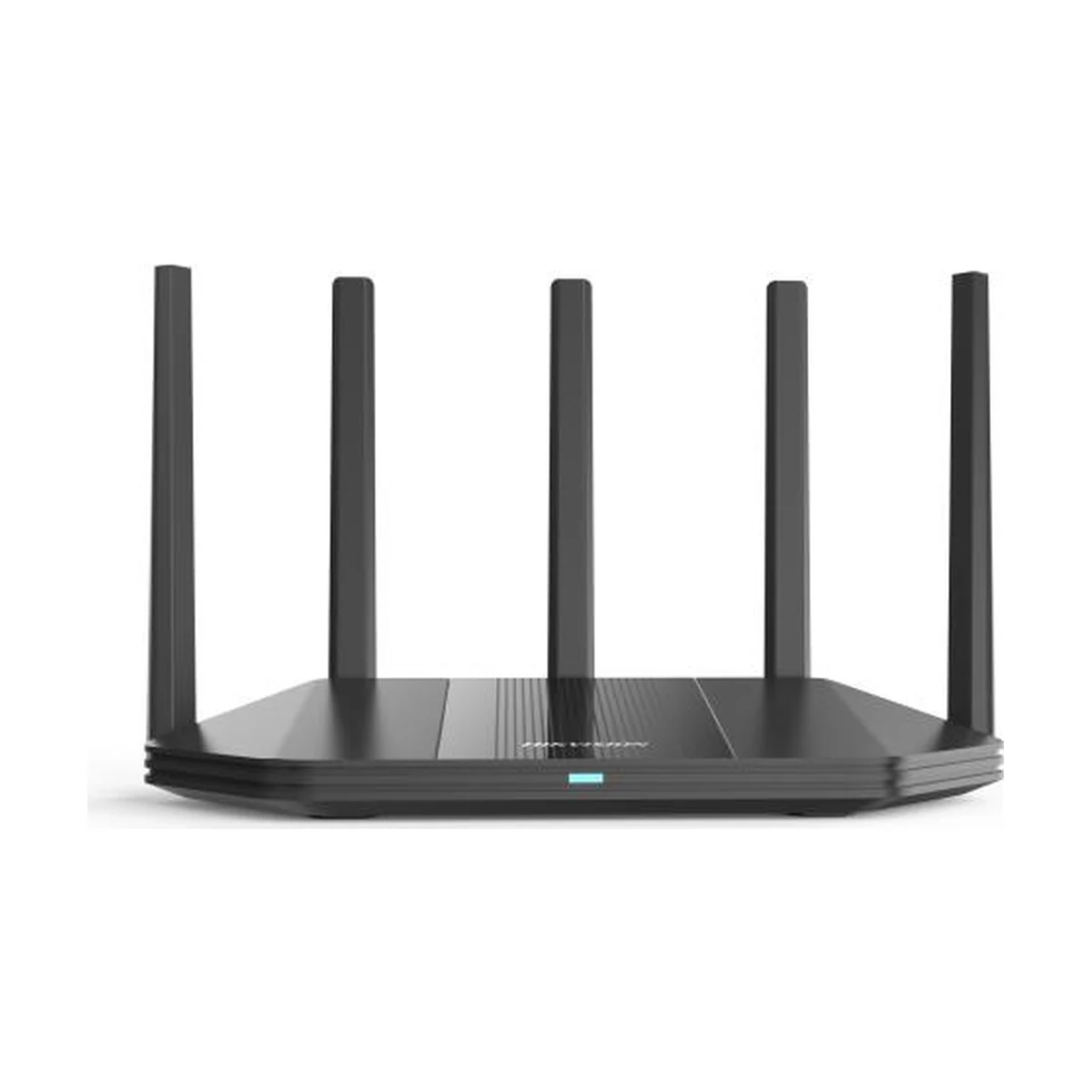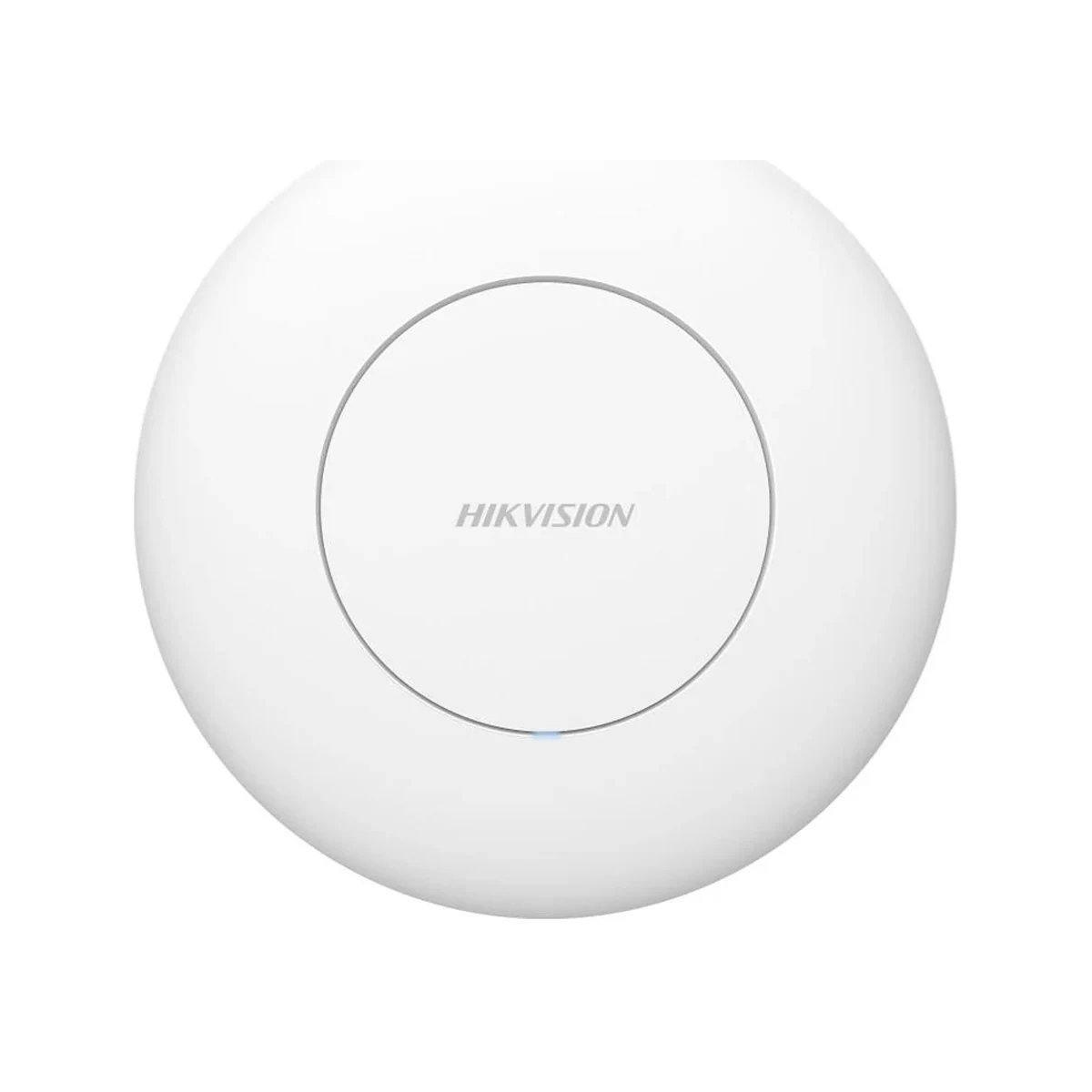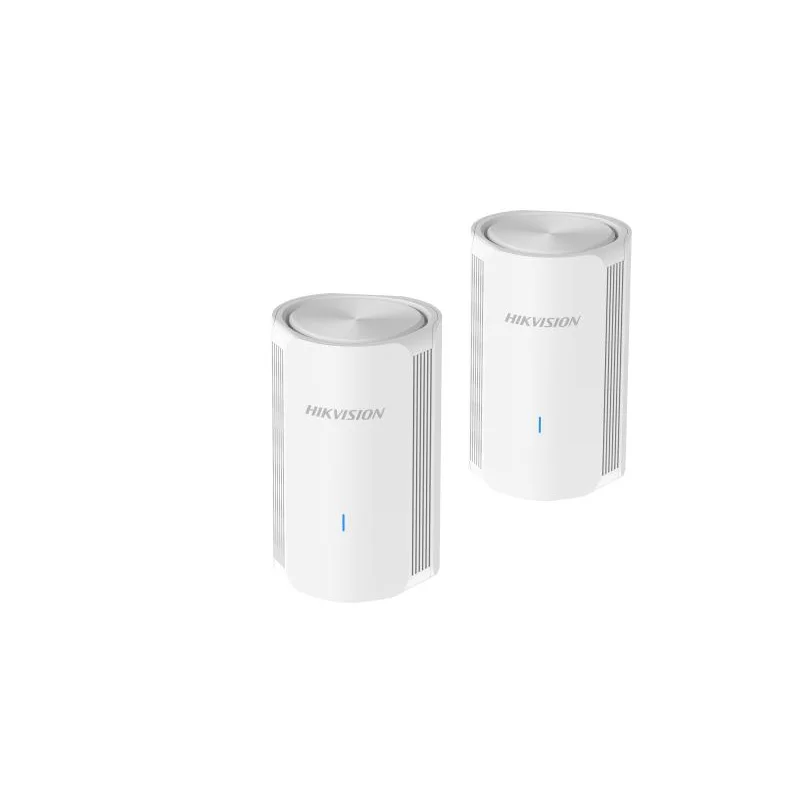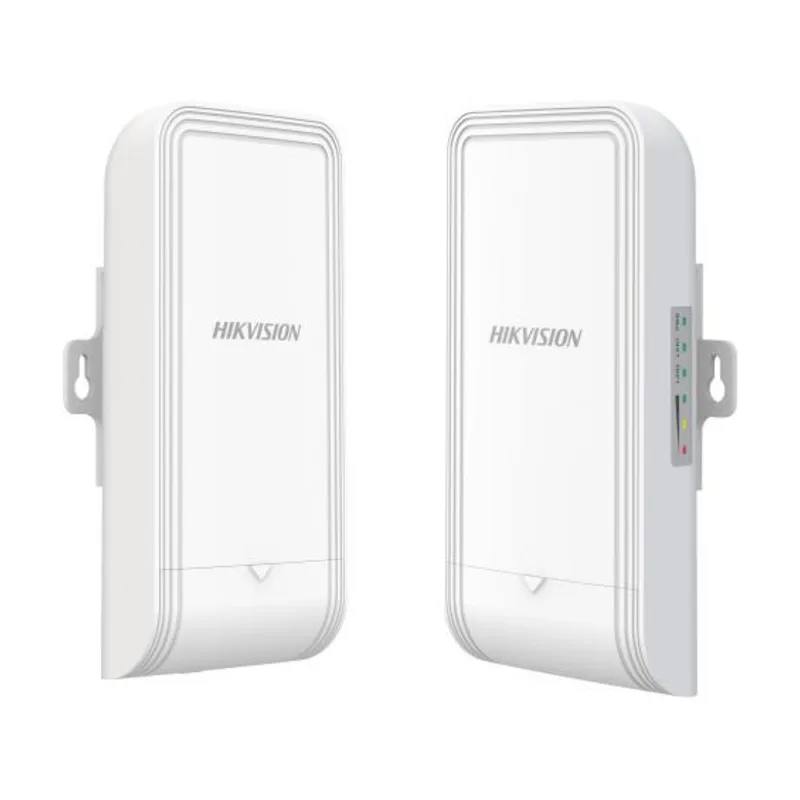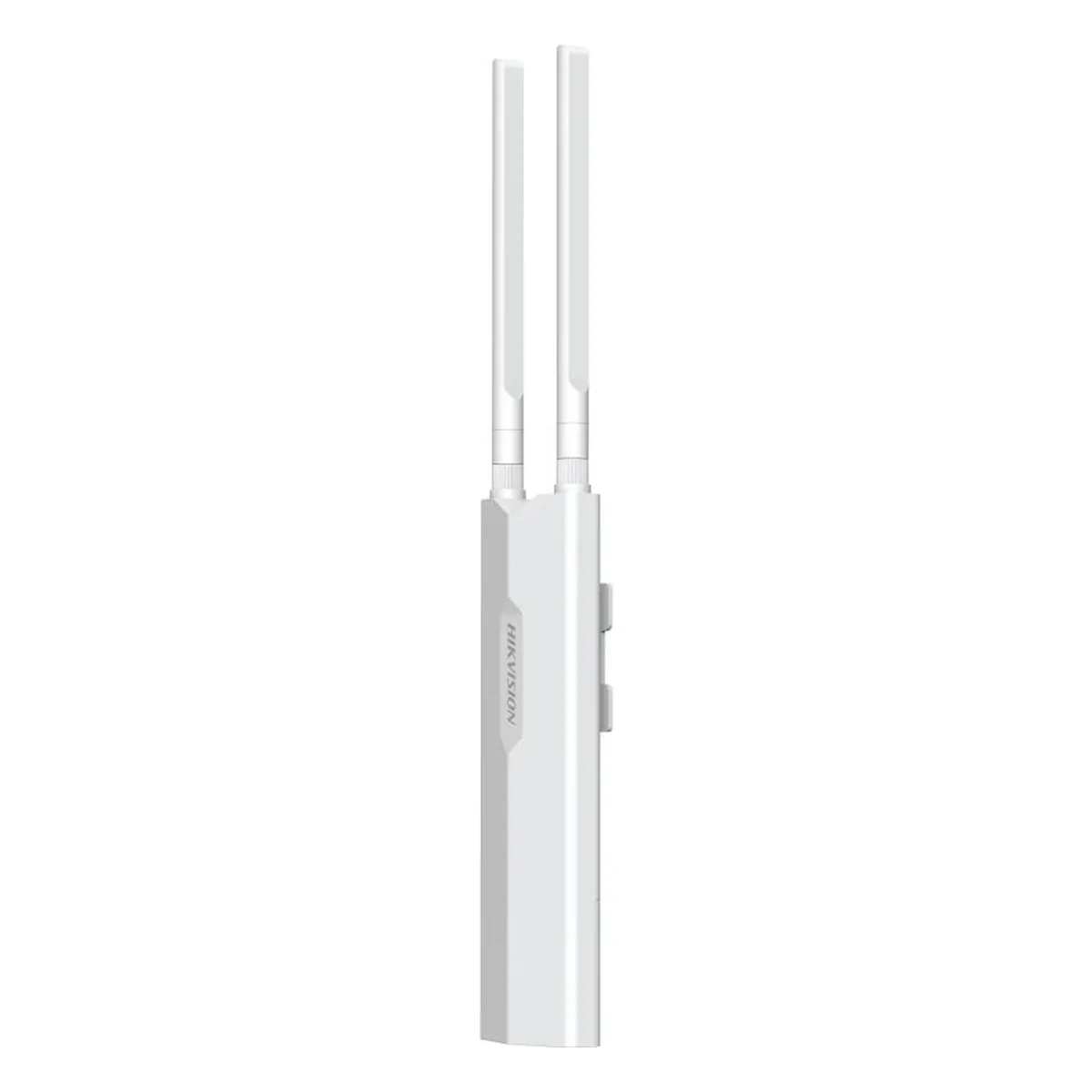
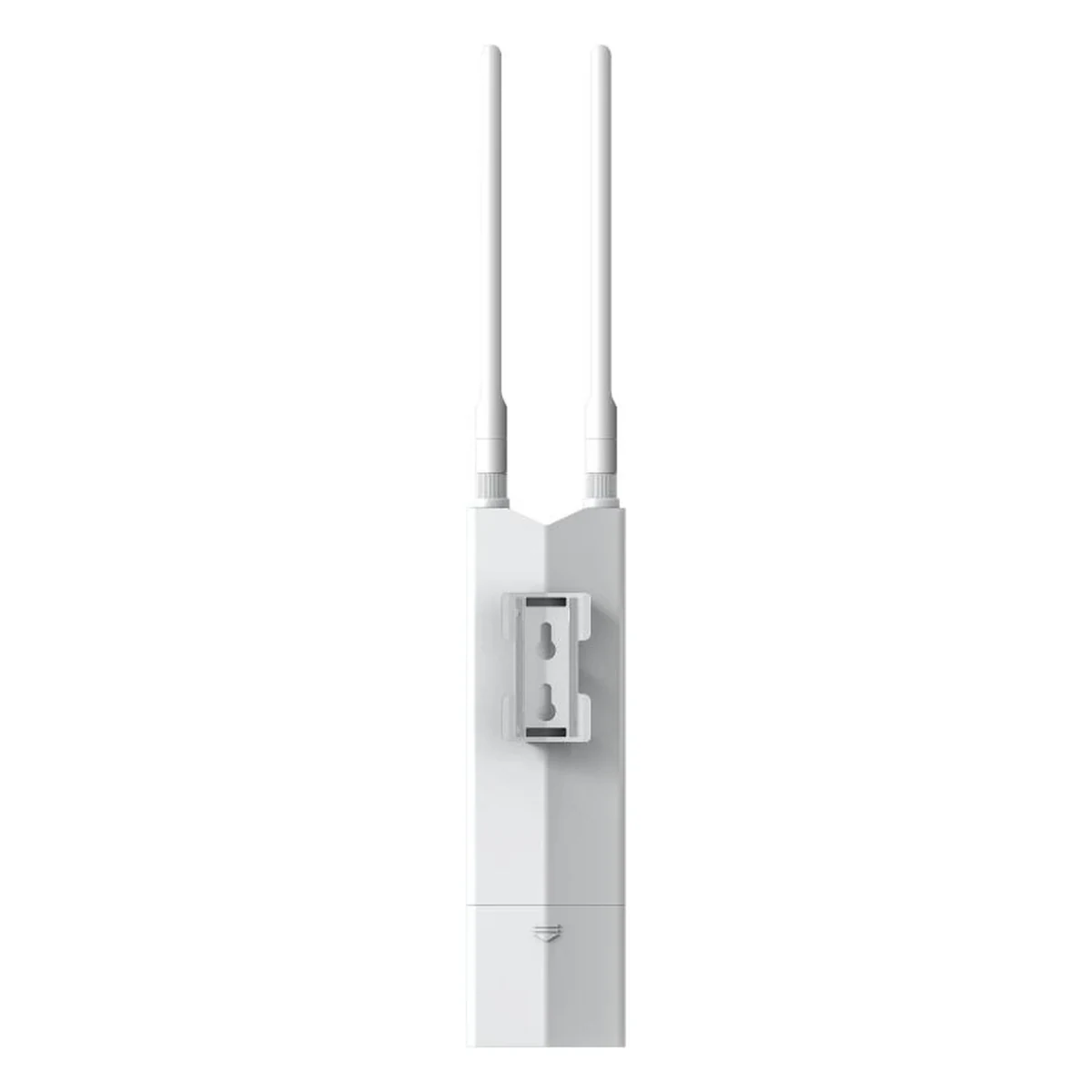
Hikvision DS-3WAP5312-EI Outdoor Wi-Fi Access Point
Outdoor AP, Wi-Fi 5 AC1200, 2×2 MIMO, IP65, PoE
Specifications
- MIMO
- 2×2
- Type
- Outdoor access point
- Ports
- 2× gigabit, PoE input
- Standard
- Wi-Fi 5 (AC1200)
- Management
- cloud-based
- Connections
- up to 128 clients
- Protection class
- IP65
Description
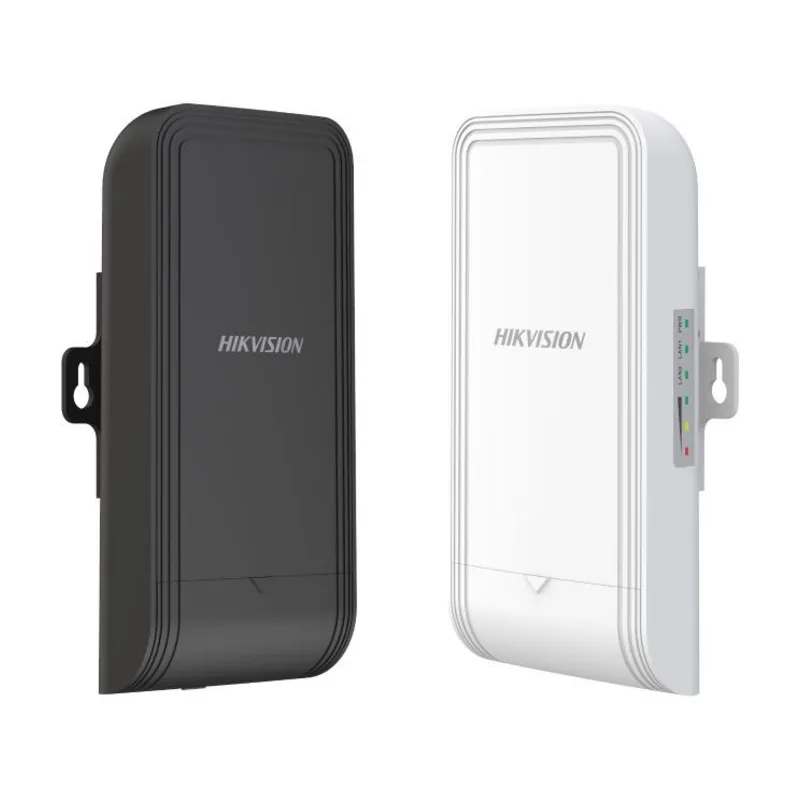
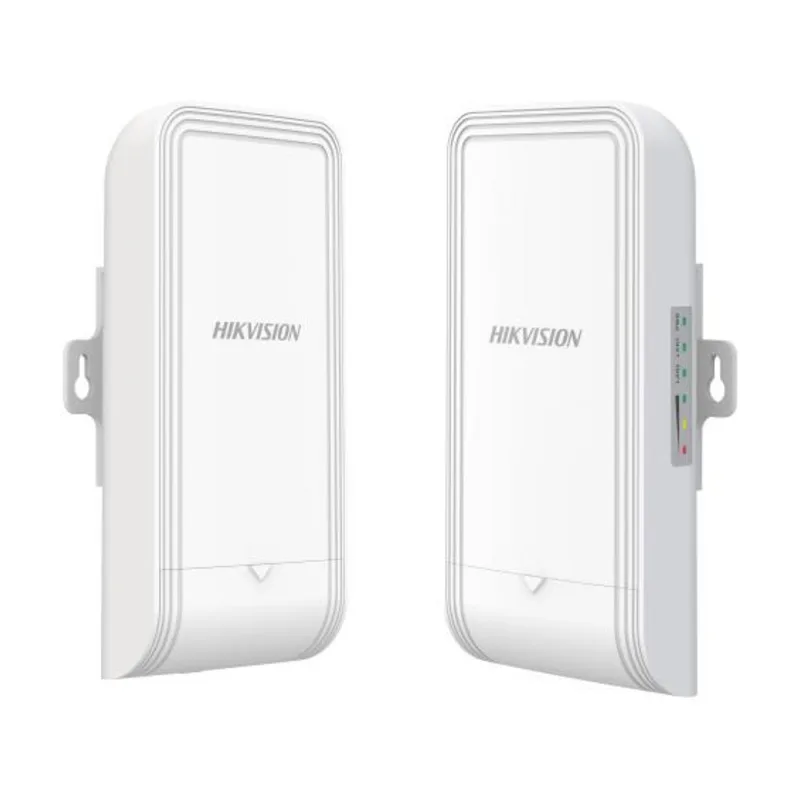
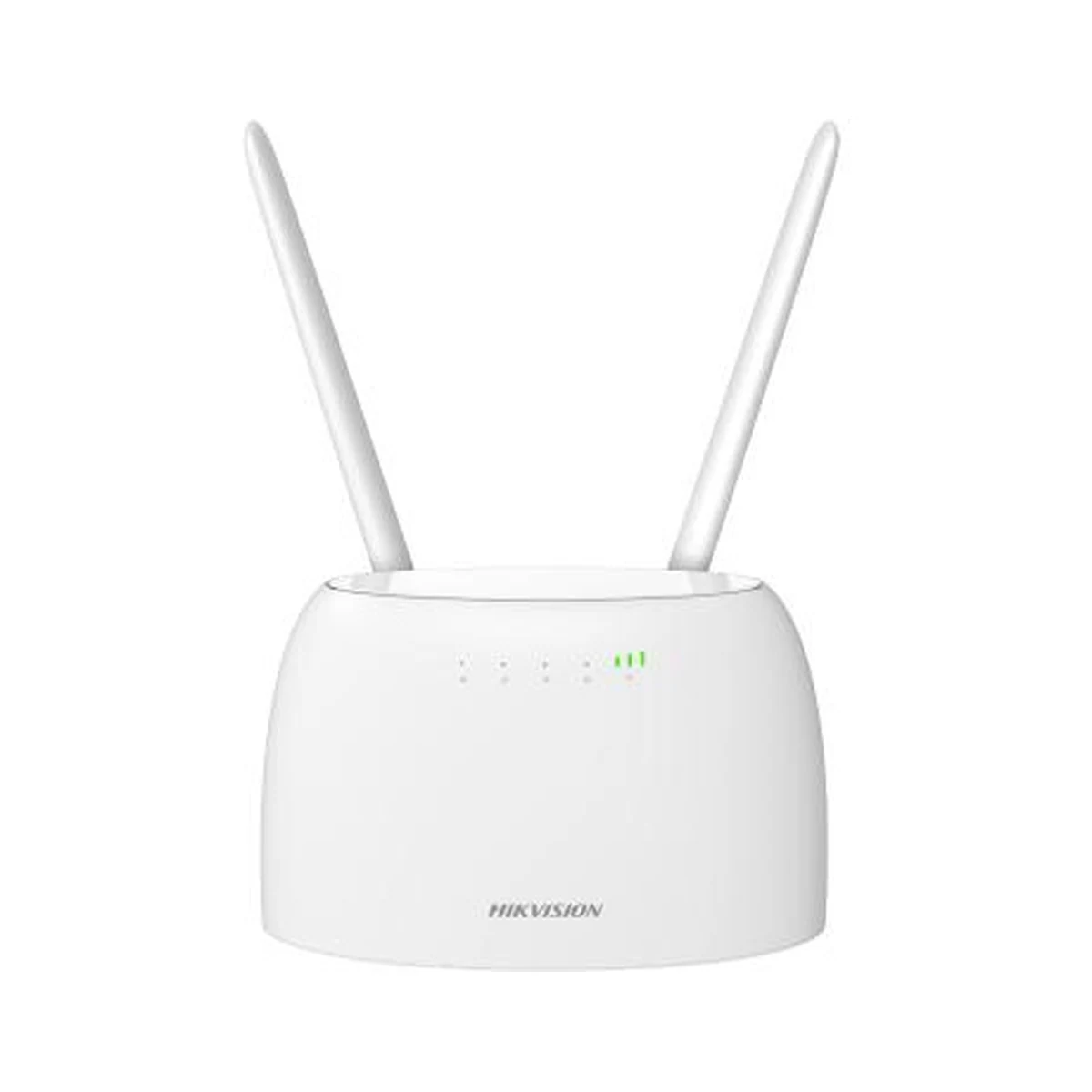
The Hikvision DS-3WAP5312-EI is an outdoor Wi-Fi 5 (AC1200) access point built for wireless coverage in places where ordinary office models do not survive: courtyards, parking lots and warehouse hangars. The 2×2 MIMO radio delivers a combined throughput of up to 1200 Mbps, while the IP65-rated enclosure keeps out dust and water jets. The access point handles up to 128 concurrent connections, so it copes with guest networks under a dense flow of users. Power is supplied over PoE through a gigabit port, and the second gigabit port stays free for cascading or connecting a wired device.
On site, this access point solves a typical task — extending Wi-Fi beyond the building without running separate power lines. A single twisted-pair cable from a PoE switch or injector carries both data and power, which simplifies mounting on a mast, pole or facade. Cloud management through the vendor app lets you configure the network, monitor clients and update firmware remotely, without visiting the site. Several access points join a common network with unified coverage — convenient for territories that a single antenna cannot cover entirely.
Advantages
- Outdoor IP65 design — protected from dust and rain
- Wi-Fi 5 (AC1200) with a 2×2 MIMO antenna scheme
- Up to 128 concurrent client connections
- Two gigabit ports, PoE power — one line for data and energy
- Cloud management via a mobile app
- Coverage scaling with several access points in one network
Applications
- Residential courtyards and open areas
- Parking lots, fuel stations and enterprise grounds
- Warehouses, hangars and logistics yards
- Summer cafes and recreation zones
- Guest Wi-Fi on hotel grounds
Installation and setup
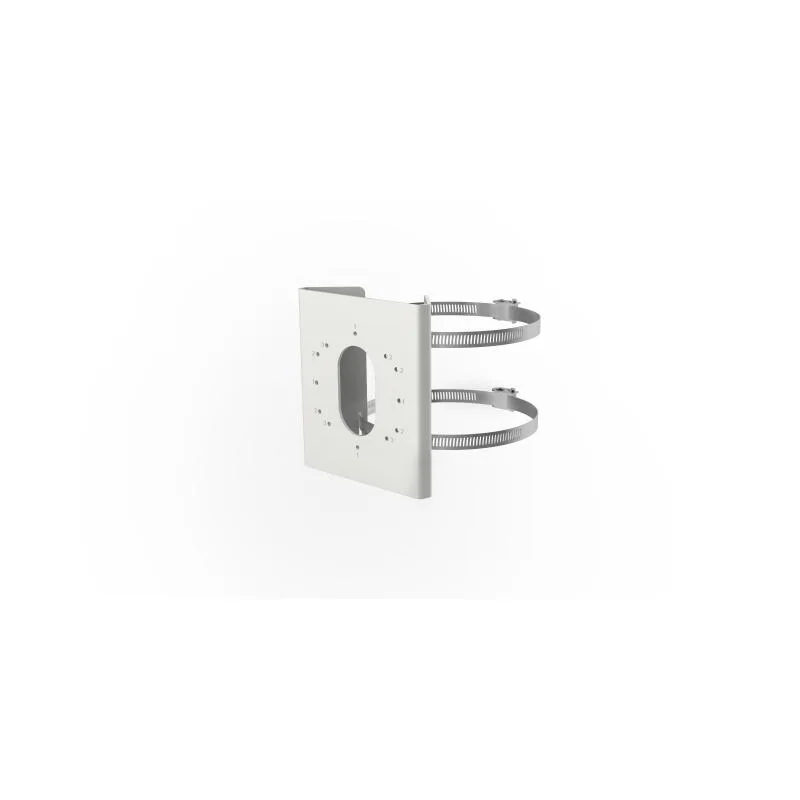
Choose a mounting spot with as few metal obstacles as possible between the access point and the coverage zone: containers, racks and machinery weaken the signal noticeably. The unit is fixed to a mast, pole or wall several meters up, with a twisted-pair cable run from a PoE switch — no separate power is needed for lines up to 100 meters. The outdoor cable section should be protected with surge arresters and brought into the building through a sealed entry. Initial setup is done in the cloud app: the access point is bound to an account, after which the network name, passwords and limits are managed remotely. A typical bundle pairs it with a Hikvision PoE switch and surveillance cameras on the same site; the equipment is stocked in Tashkent, and SAT Solutions engineers assist with radio planning and turnkey installation.
Frequently asked questions
Can the access point be installed in the open air?
How is power supplied?
How many users can the access point handle?
Can a network be built from several access points?
Product reviews
Questions & answers