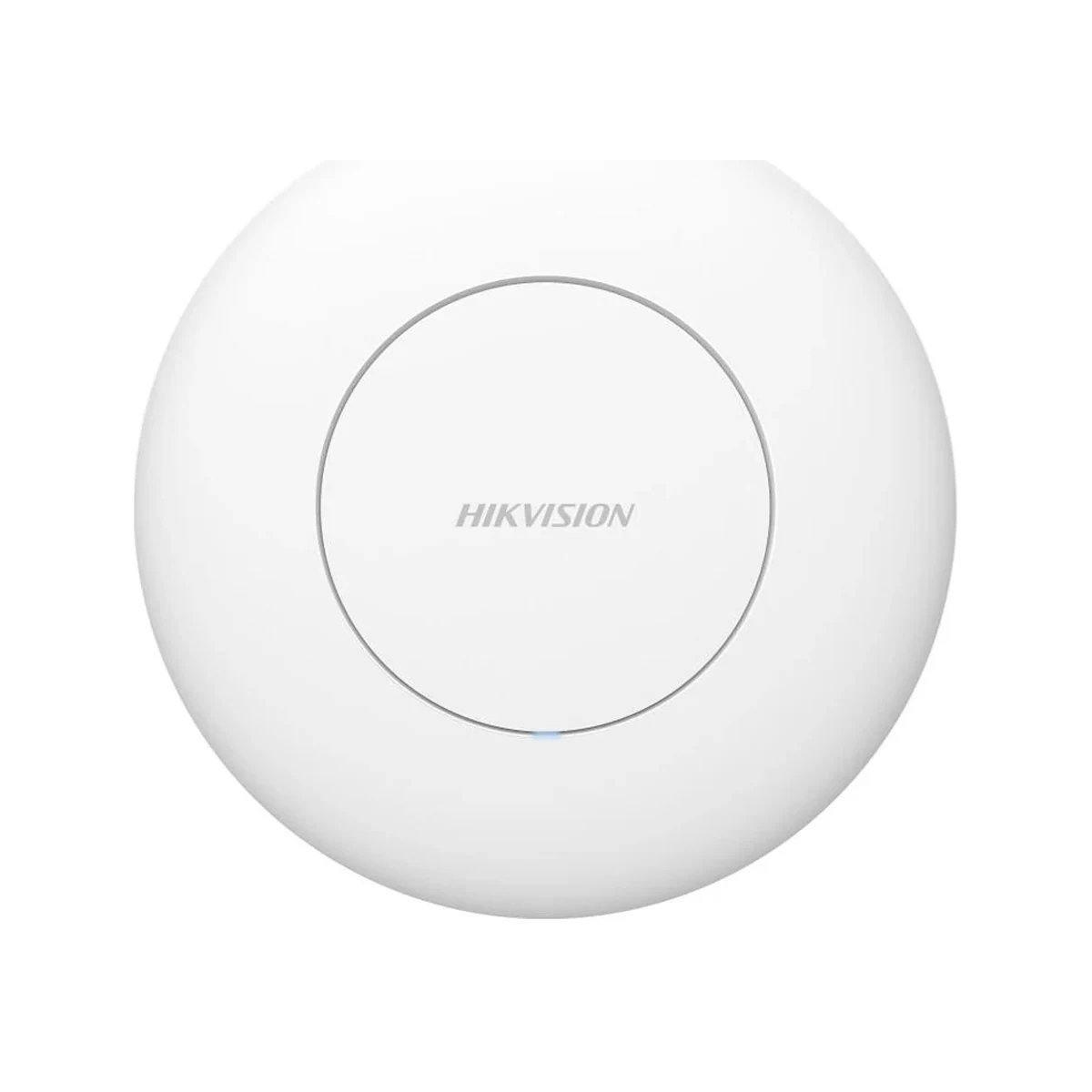
Hikvision DS-3WAP6230-EI Ceiling Wi-Fi 6 Access Point
Ceiling AP, Wi-Fi 6 AX3000, 2×2 MIMO, up to 256 clients, PoE
Specifications
- MIMO
- 2×2
- Type
- Ceiling access point
- Ports
- 2× gigabit, PoE input
- Standard
- Wi-Fi 6 (AX3000)
- Management
- cloud-based
- Connections
- up to 256 (110 recommended)
Description
The Hikvision DS-3WAP6230-EI is a ceiling-mount Wi-Fi 6 access point of the AX3000 class built for networks with high client density. The unit runs a 2×2 MIMO scheme, handles up to 256 concurrent connections (110 recommended) and carries two gigabit ports with PoE input. The low-profile ceiling housing blends into the interior of an office, hall or classroom. The model is designed for sites where dozens of laptops, smartphones and IP devices connect to a single access point at once.
Wi-Fi 6 with OFDMA and MU-MIMO shares the airtime among many clients without speed degradation — most noticeable in meeting rooms and open-space offices at peak hours. The second gigabit port lets you attach a nearby wired device: a camera, a SIP phone or a signage panel. Cloud management gathers all access points of a site into a single console: SSID templates, monitoring and updates are applied centrally. The unit is available from our Tashkent warehouse, and satsolutions.uz engineers can handle site survey and turnkey installation.
Advantages
- Wi-Fi 6 AX3000 — up to 3000 Mbps and stability under heavy airtime load
- Up to 256 connections per AP, 110 active clients recommended
- OFDMA and MU-MIMO share the channel among clients without speed loss
- Two gigabit ports, power over a single PoE cable
- Ceiling form factor with an unobtrusive design
- Centralized cloud management of the whole AP fleet
Applications
- Open-space offices and meeting rooms
- Conference halls and classrooms
- Hotels and restaurants
- Retail floors and showrooms
- Coworking spaces and waiting areas
Installation and setup
Mount the AP on the ceiling near the center of the coverage zone, keeping away from massive metal structures and ventilation ducts. Power and data run over a single twisted-pair cable from a PoE switch, so no separate power outlet is needed. In a dense network, neighboring APs are assigned non-overlapping channels, and transmit power is tuned so clients roam between them correctly. Configuration is done through the Hikvision cloud platform or the DS-3WG2510-EI controller and replicated to every AP on the site. A typical setup is a Hikvision PoE switch, a router and several APs sharing one SSID.
Frequently asked questions
Why is Wi-Fi 6 better for an office?
How do I manage several APs at once?
Do I need a specialist for installation?
Is one AP enough for the whole office?
Product reviews
Questions & answers