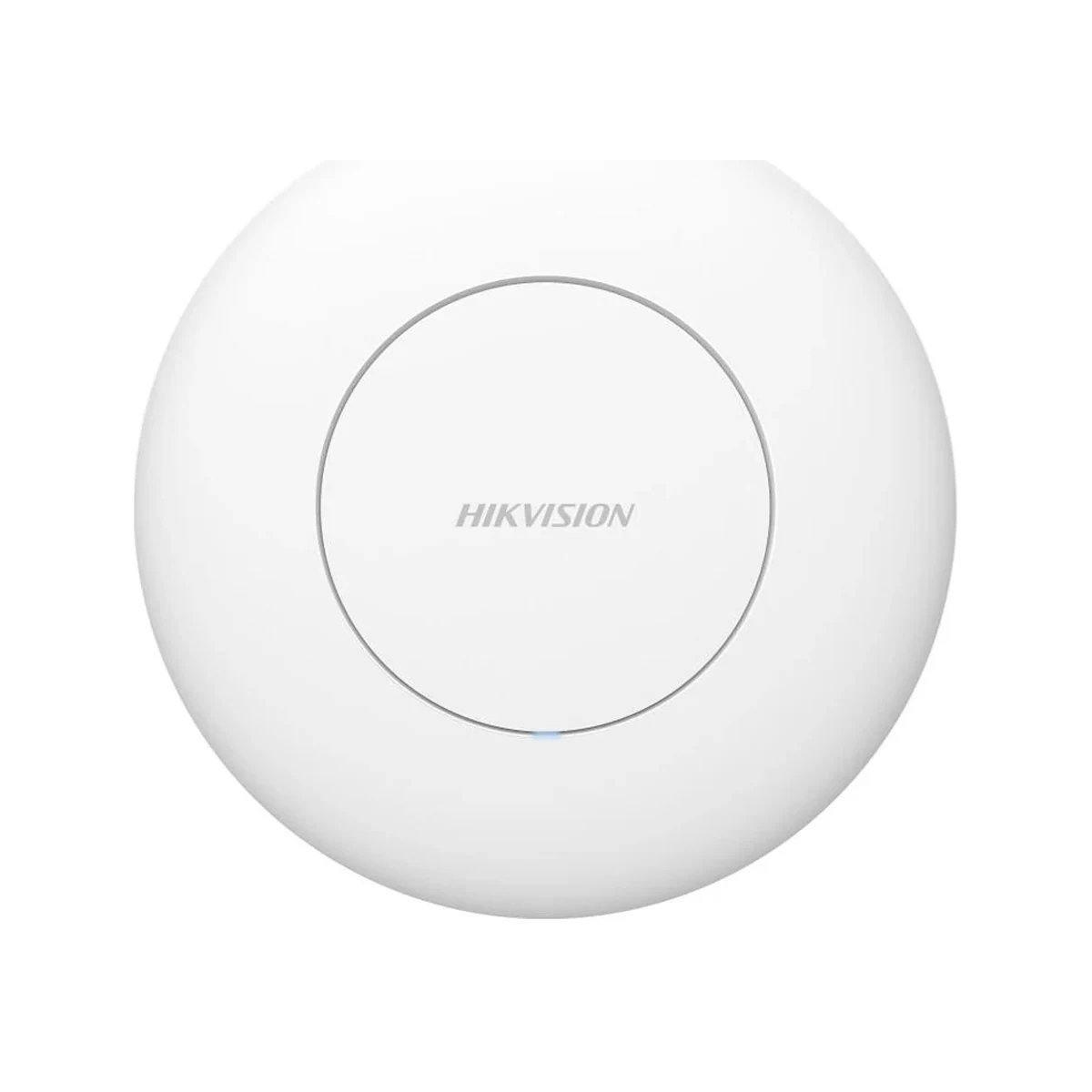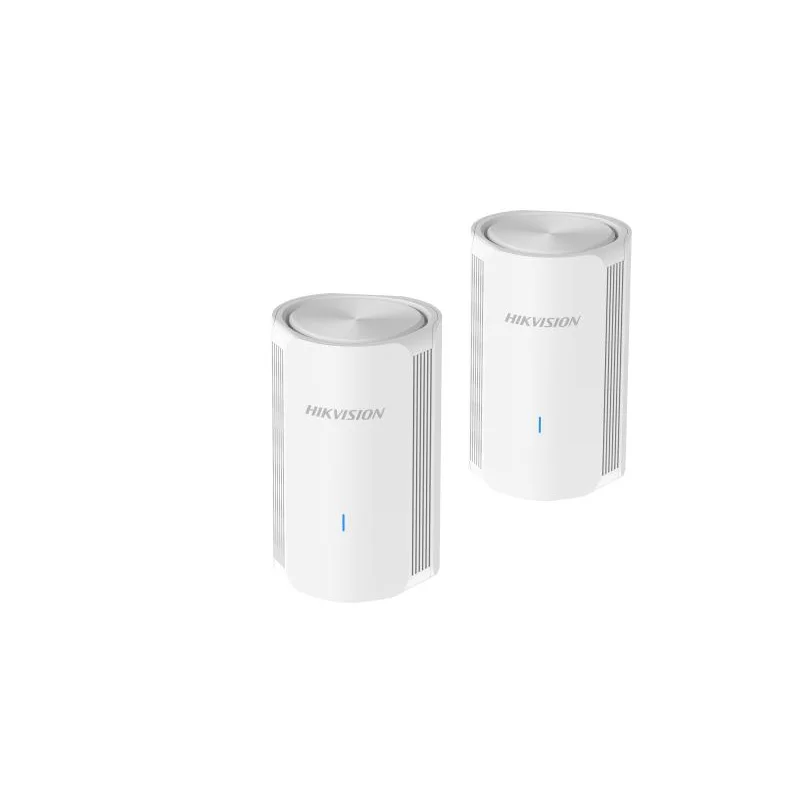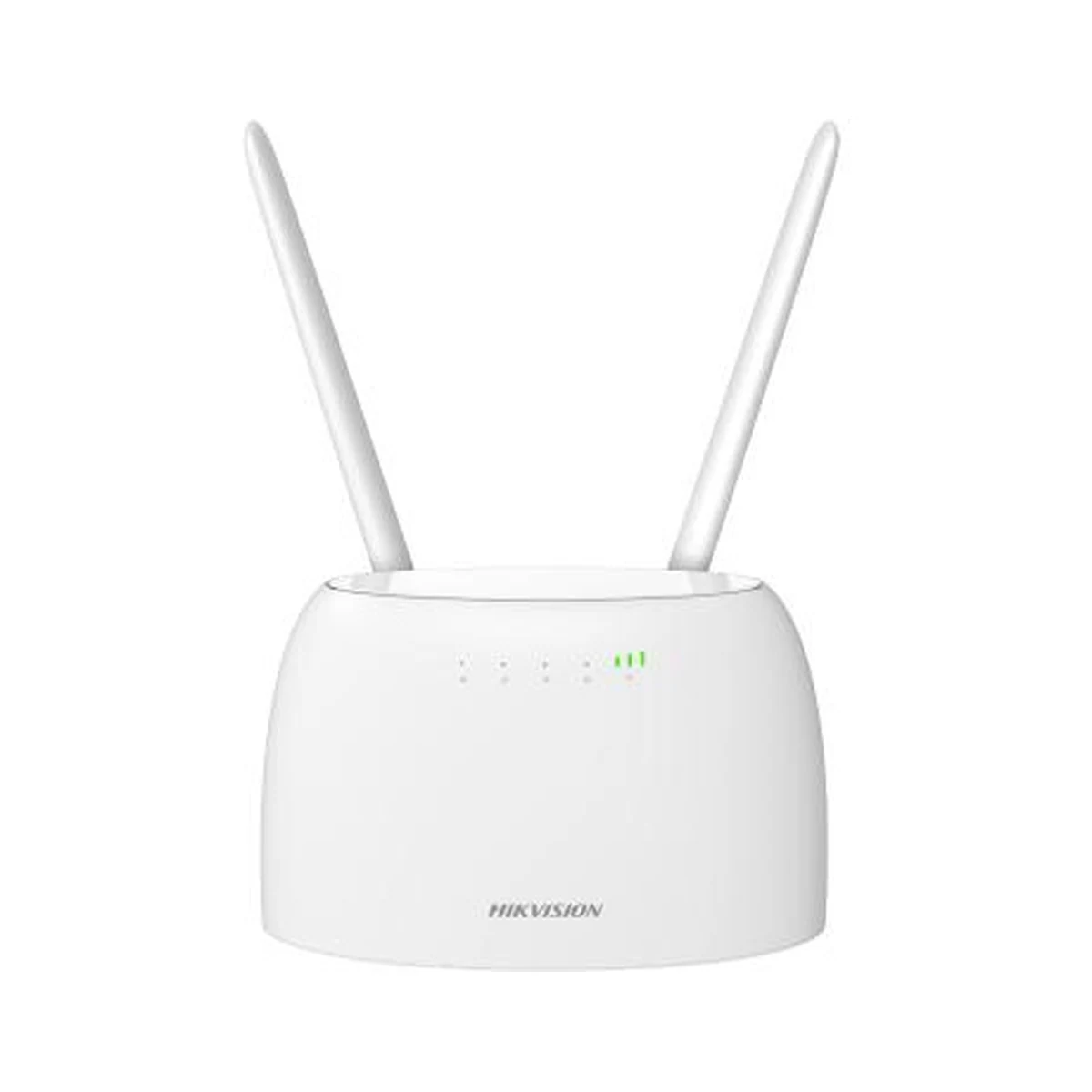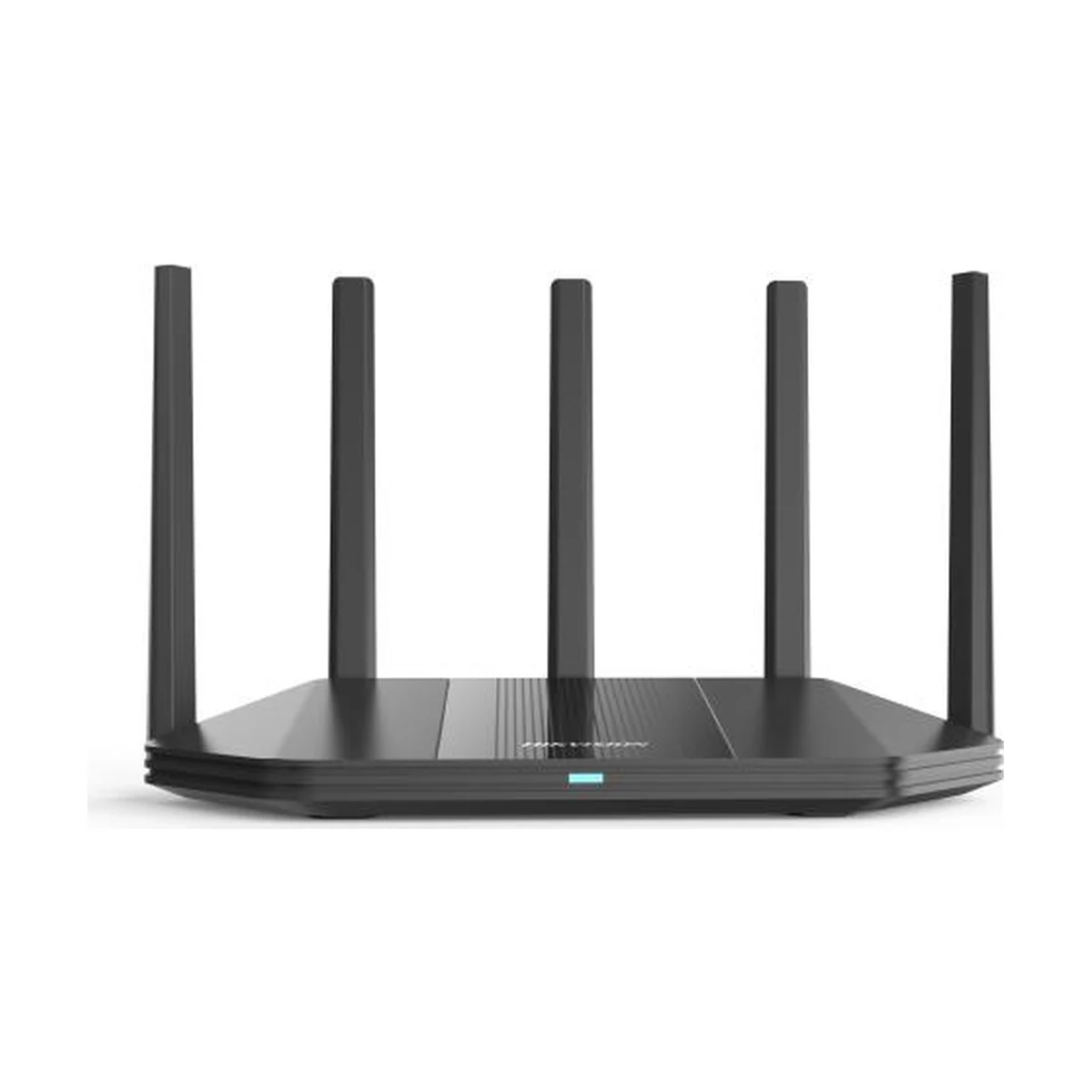
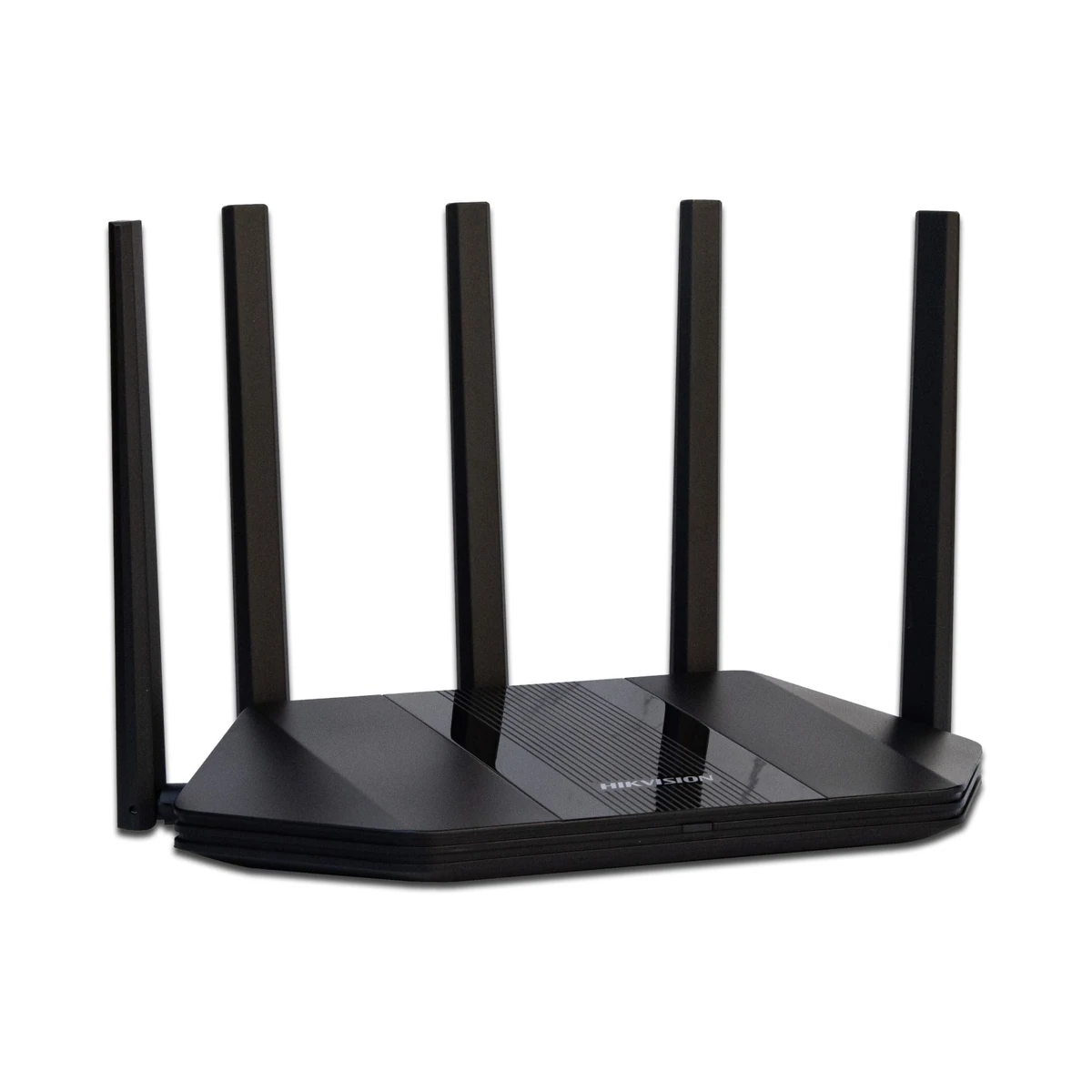
Hikvision DS-3WR30X Wi-Fi 6 Router
AX3000 router, Wi-Fi 6, dual band, Mesh, gigabit ports
Specifications
- Mesh
- with Hikvision APs
- Type
- Wi-Fi 6 router
- Ports
- gigabit WAN/LAN
- Bands
- 2.4 + 5 GHz
- Management
- mobile app
- Wi-Fi speed
- up to 3000 Mbps (AX3000)
Description
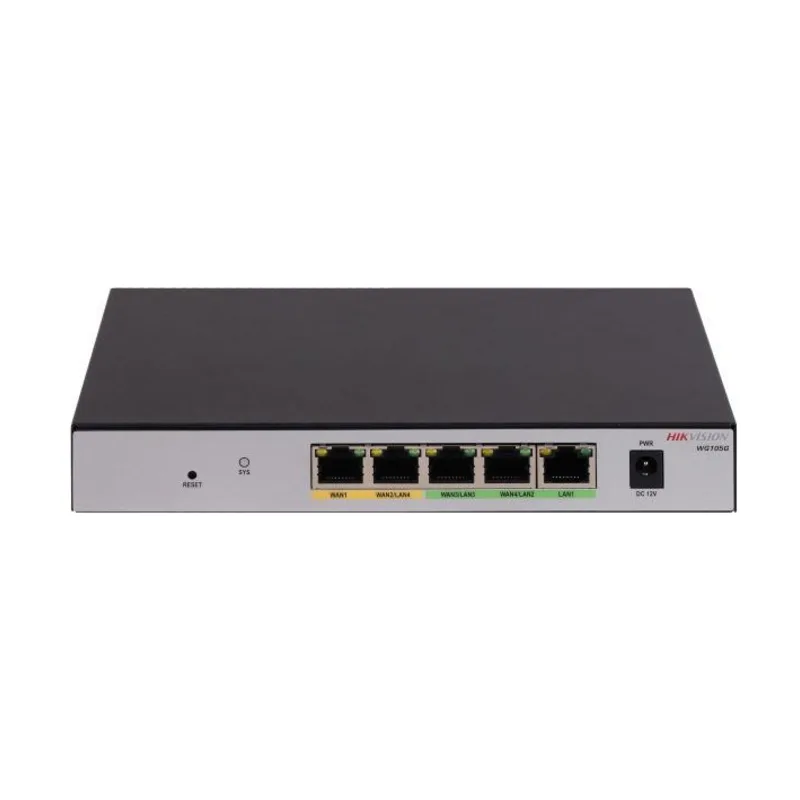
The Hikvision DS-3WR30X is a dual-band Wi-Fi 6 router of the AX3000 class with a combined speed of up to 3000 Mbps. It is designed for apartments, houses and small offices where dozens of clients go online at once: smartphones, laptops, TVs, IP cameras and smart-home sensors. The 2.4 and 5 GHz bands are merged into a single network with 5 GHz priority, so fast devices automatically get the quicker channel. Gigabit WAN/LAN ports remove bottlenecks on the wired side.
The Wi-Fi 6 standard shares airtime between many clients more efficiently, so latency stays low even under dense network load. The router joins a Mesh with other Hikvision units: coverage extends across a large house or office without laying cable, and clients roam between nodes seamlessly. Management is done from the mobile app — from initial setup to guest network and updates. The device is available from our warehouse in Tashkent, and we can help pick a Mesh kit to match your floor plan.
Advantages
- AX3000-class Wi-Fi 6 — up to 3000 Mbps combined
- Two bands, 2.4 + 5 GHz, in one network with 5 GHz priority
- Mesh with Hikvision units and seamless client roaming
- Gigabit WAN/LAN ports with no bottlenecks
- Management and monitoring from the mobile app
- Reliable operation with dozens of simultaneous connections
Applications
- Apartments and private houses
- Small offices
- Shops and cafes with guest Wi-Fi
- Small video surveillance nodes
Installation and setup
Place the router close to the center of the coverage area, in an open spot: concrete walls and metal cabinets noticeably weaken the 5 GHz signal. The ISP cable goes into the WAN port, wired clients — an NVR, a TV, a PC — into the gigabit LAN ports. Initial setup takes a few minutes in the app: network name, password, guest access. In a large house, coverage is extended with Hikvision Mesh units placed in zones of solid reception. IP cameras and video recorders are best connected by cable, leaving the airtime to mobile devices.
Frequently asked questions
How many devices can the router handle?
Can coverage be extended across a large house?
Is it suitable for surveillance cameras?
Are older Wi-Fi 4 and Wi-Fi 5 devices supported?
Product reviews
Questions & answers