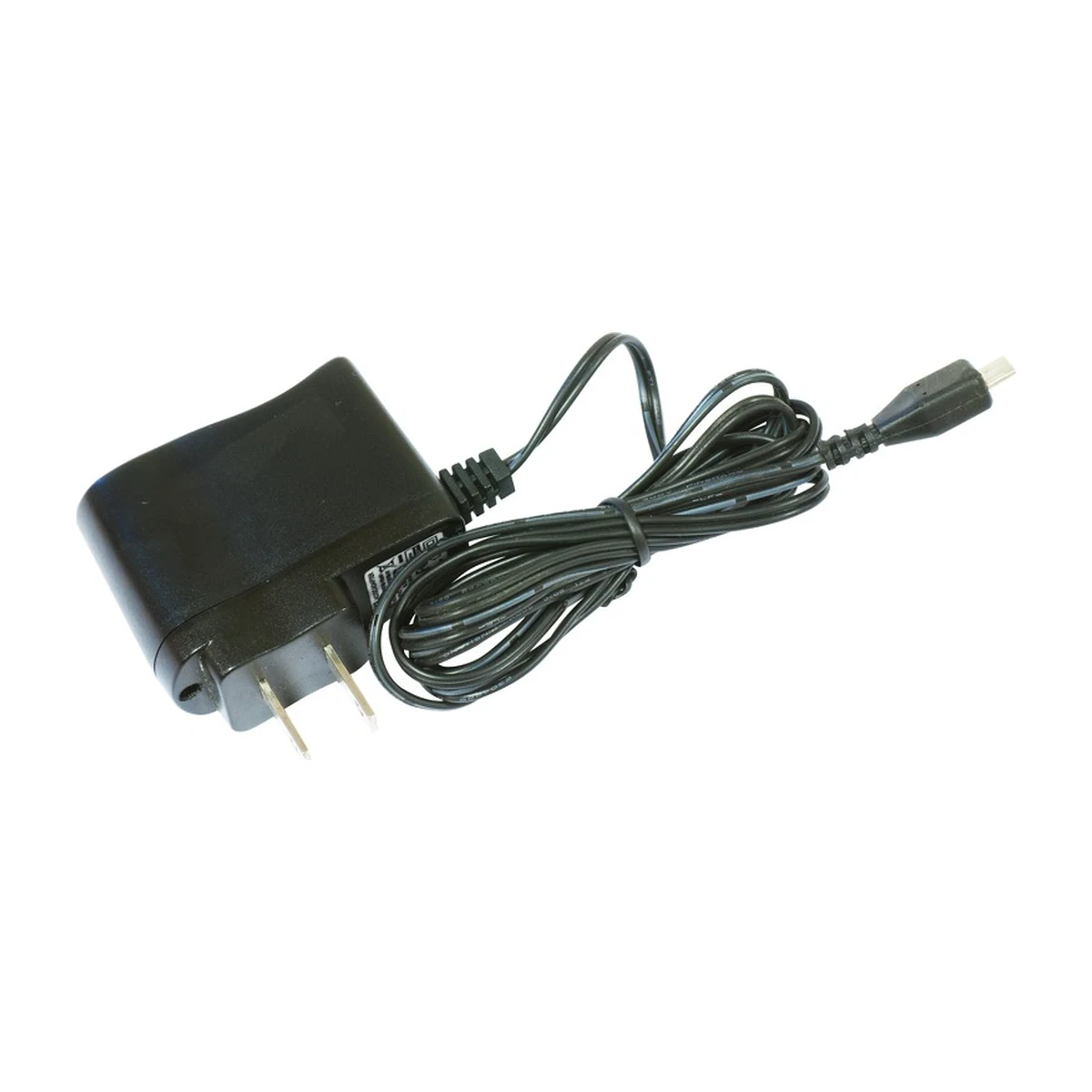
MikroTik hAP lite (RB941-2nD) Wi-Fi router
MikroTik hAP lite RB941-2nD in a flat case: 2.4 GHz Wi-Fi up to 300 Mbit/s, 4 × 10/100 ports, RouterOS L4, 5 V microUSB power.
Specifications
- Model
- RB941-2nD (hAP lite)
- Form factor
- Desktop, wall mounting
- Processor
- QCA9533, 650 MHz
- Memory
- RAM 32 MB, Flash 16 MB
- Wi-Fi
- Wi-Fi 4 (802.11b/g/n), 2.4 GHz, up to 300 Mbit/s (2×2)
- Antennas
- 2 built-in, 1.5 dBi
- RJ45 ports
- 4 × 10/100 Mbit/s
- Power
- microUSB 5 V, up to 3.5 W; 5 V 1 A adapter included
- RouterOS license
- L4
- Operating temperature
- −20…+60 °C
Description
MikroTik hAP lite (RB941-2nD) is a compact home access point and router with dual-chain 2.4 GHz Wi-Fi (802.11b/g/n, up to 300 Mbit/s) and 4 Ethernet 10/100 ports. Inside are a QCA9533 650 MHz CPU, 32 MB of RAM and 16 MB of flash, and the device runs RouterOS with an L4 license: firewall, bandwidth shaping and user access control. Power comes via 5 V microUSB, consumption is up to 3.5 W, and a 5 V 1 A power adapter is included. This version has a flat case: the router sits on a desk or hangs on a wall using the mounting holes in the case. The same hardware is also made in a vertical tower case — the hAP lite TC (RB941-2nD-TC).
Advantages
- Dual-chain 2.4 GHz Wi-Fi (2×2) up to 300 Mbit/s with built-in 1.5 dBi antennas
- 4 Ethernet 10/100 ports for wired devices
- RouterOS L4: firewall, bandwidth shaping, user access control
- WPS button for quick guest connection and cAP mode for CAPsMAN networks
- 5 V microUSB power: a 5 V 1 A adapter is included, and any 5 V USB source of at least 1 A also works
- Flat case with wall mounting and passive cooling
Applications
- Apartments and private houses: Wi-Fi plus wired connection of a computer, TV box or IP camera
- Small offices and shops: a router with firewall and bandwidth shaping
- An additional access point in a MikroTik network managed by CAPsMAN
- Temporary sites where USB power is convenient
- Getting to know RouterOS and training labs
Frequently asked questions
How does the RB941-2nD differ from the RB941-2nD-TC?
Can the router run from a power bank?
How is the hAP lite configured?
Related articles
- GPON: How a Passive Optical Network Works and What Makes Up Its Cost
- How to order a low-voltage systems fit-out for a facility in Uzbekistan: specification, BOQ, documents and stages
- SAT Solutions price index, September 2026: what makes up the budget for video surveillance, access control and fire alarms
Product reviews
Questions & answers