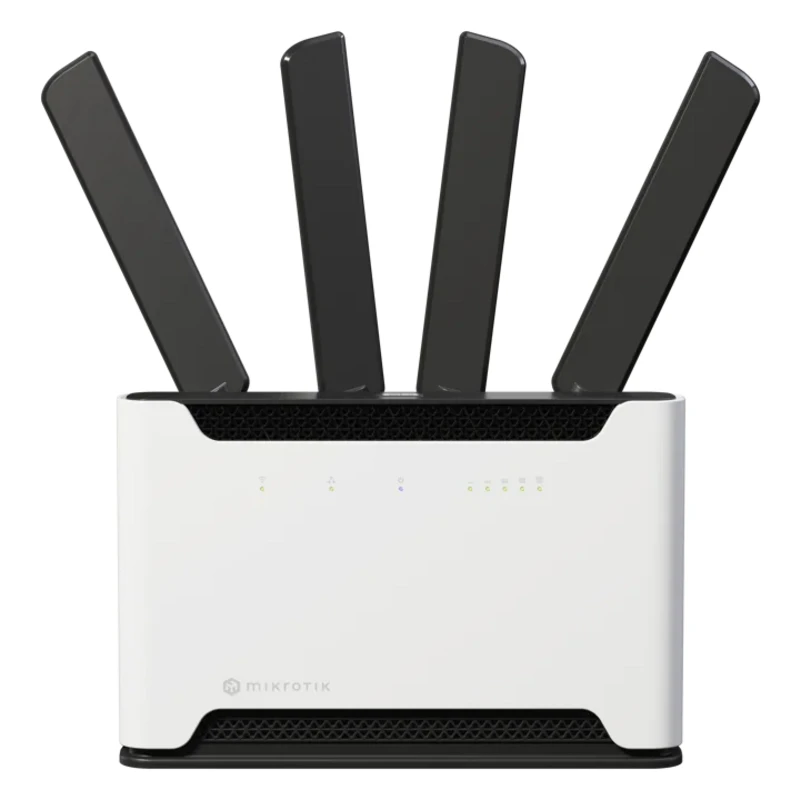
MikroTik hAP ac³ (RBD53iG-5HacD2HnD)
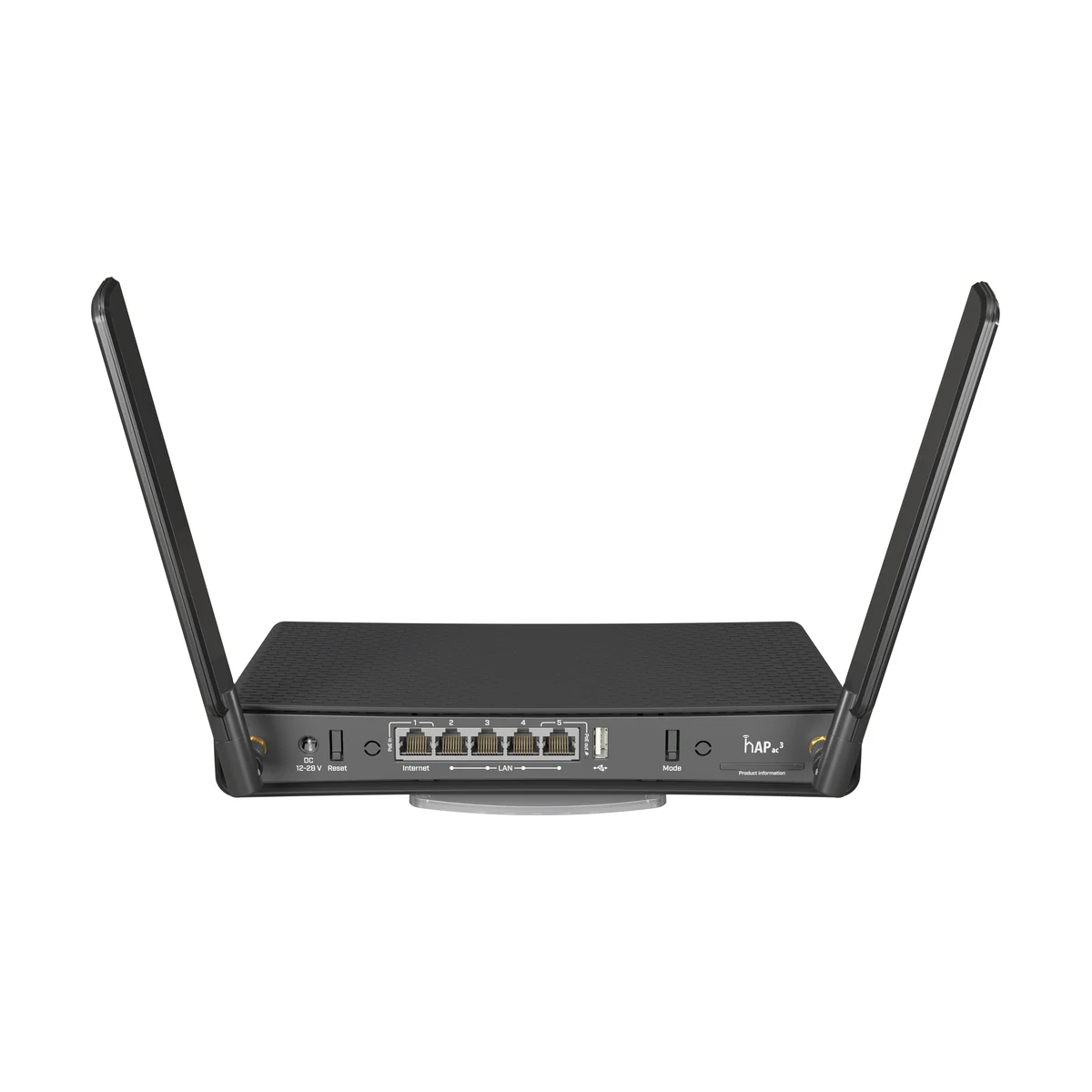
MikroTik hAP ac³ — a dual-band (2.4/5 GHz, 802.11ac) router with 5 gigabit ports and USB.
- Wi-Fi
- Wi-Fi 5 (802.11ac)
- RJ45 ports
- 5
- Form factor
- Desktop
- Wi-Fi bands
- 2.4/5 GHz
- Port speed
- 1 Gbps
The MikroTik hAP ac³ (RBD53iG-5HacD2HnD) is a dual-band Wi-Fi 5 (802.11ac) router with five gigabit RJ45 ports and a USB port. The model targets apartments, houses and small offices where the signal has to punch through load-bearing walls. Compared to the hAP ac², it has a stronger radio section and external antennas, so the zone of solid coverage is noticeably wider. This is often cheaper than installing a second access point and configuring roaming.
Inside is full RouterOS: VPN, firewall, VLAN, per-device speed limits, traffic statistics. The USB port accepts an LTE modem and turns it into a backup internet channel in case the main one goes down. The 2.4 and 5 GHz bands work simultaneously: slow IoT devices stay on 2.4 GHz while laptops and TVs use the fast 5 GHz. The result is a flexible platform an engineer tunes for a specific site.
Advantages
- External antennas and a boosted radio section — the signal passes walls with more confidence
- Two bands, 2.4/5 GHz, working simultaneously
- Five gigabit RJ45 ports for wired clients
- RouterOS: VPN, firewall, VLAN, shaping and statistics
- USB for an LTE modem — a backup internet channel
- Guest and IoT networks separated via VLAN
Applications
- Apartments and houses with concrete partitions
- Small offices and retail points
- Smart homes with separate networks for automation
- Sites that need a backup channel over LTE
Installation and setup
Place the router in an open spot close to the center of the apartment or office — this is where the external antennas unlock their coverage potential. The ISP cable goes into the first port; the remaining four serve wired clients: a TV, an NVR, workstations. Basic configuration is done with the Quick Set wizard, fine-tuning via WinBox or the web interface: guest network, VLAN for the smart home, speed limits. An LTE modem in the USB port is configured as a backup route with automatic failover. From our warehouse in Tashkent we can pick a modem and tune RouterOS for the site's needs.
Frequently asked questions
How is the ac³ better than the ac²?
Does it have USB?
Is it suitable for a smart home?
Is RouterOS hard for a beginner to configure?
Product reviews
Questions & answers