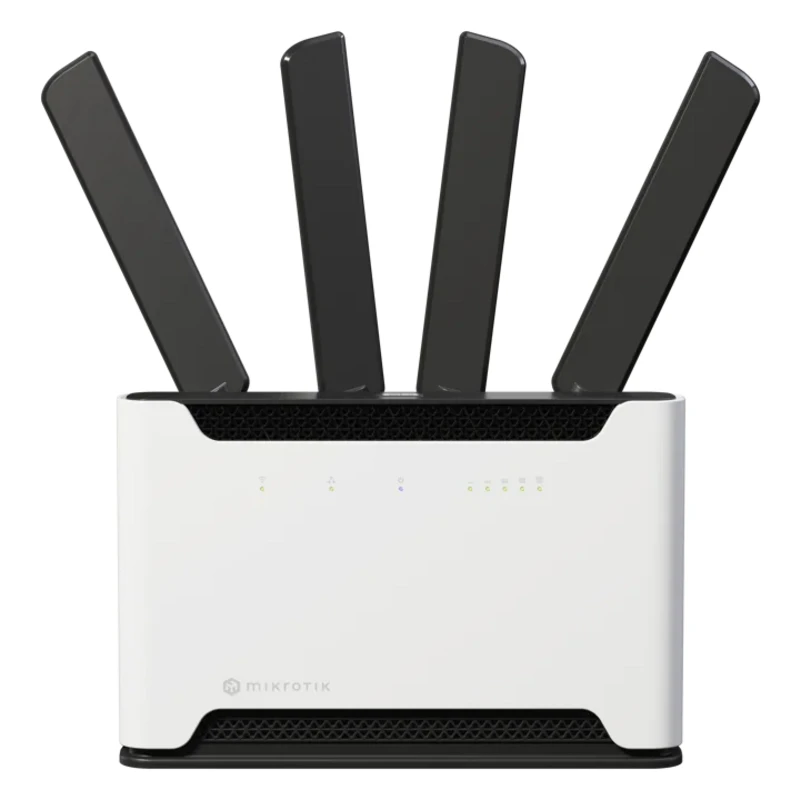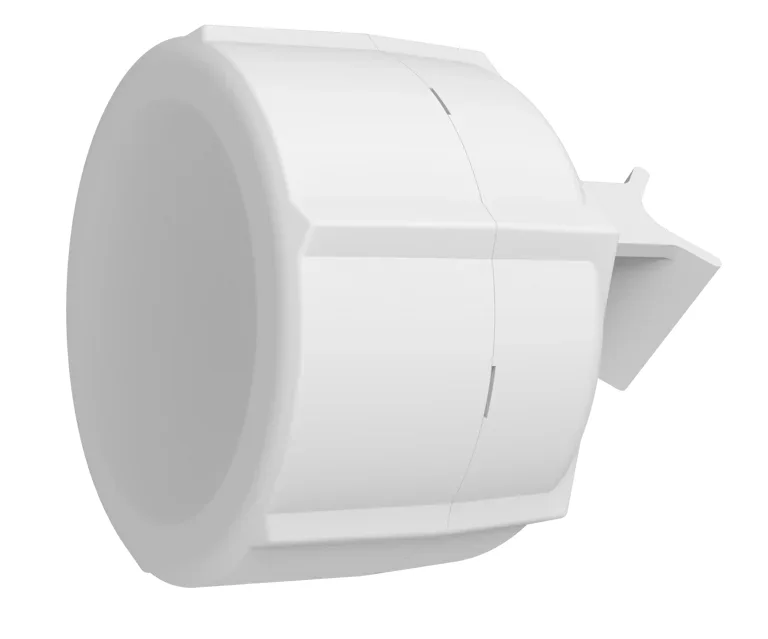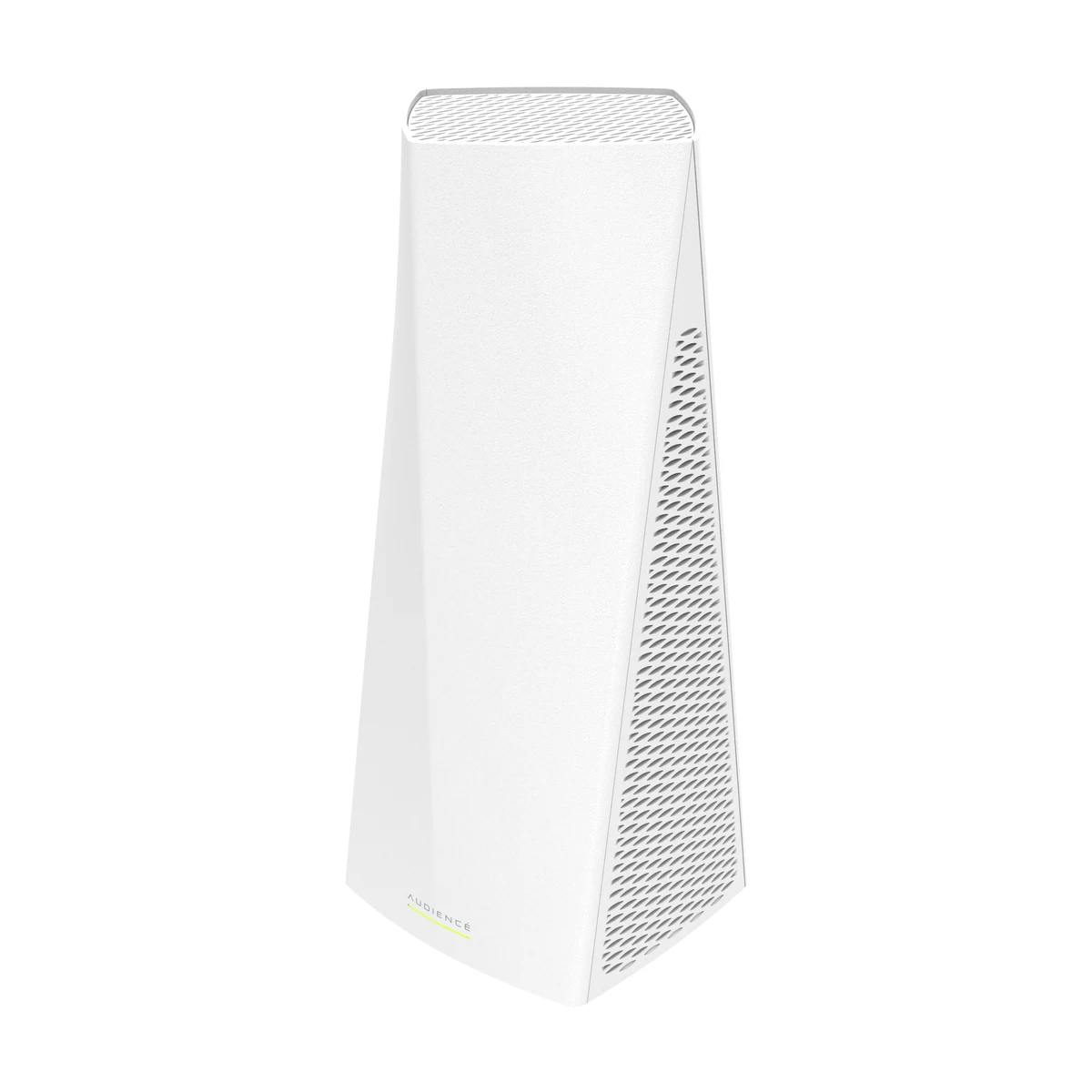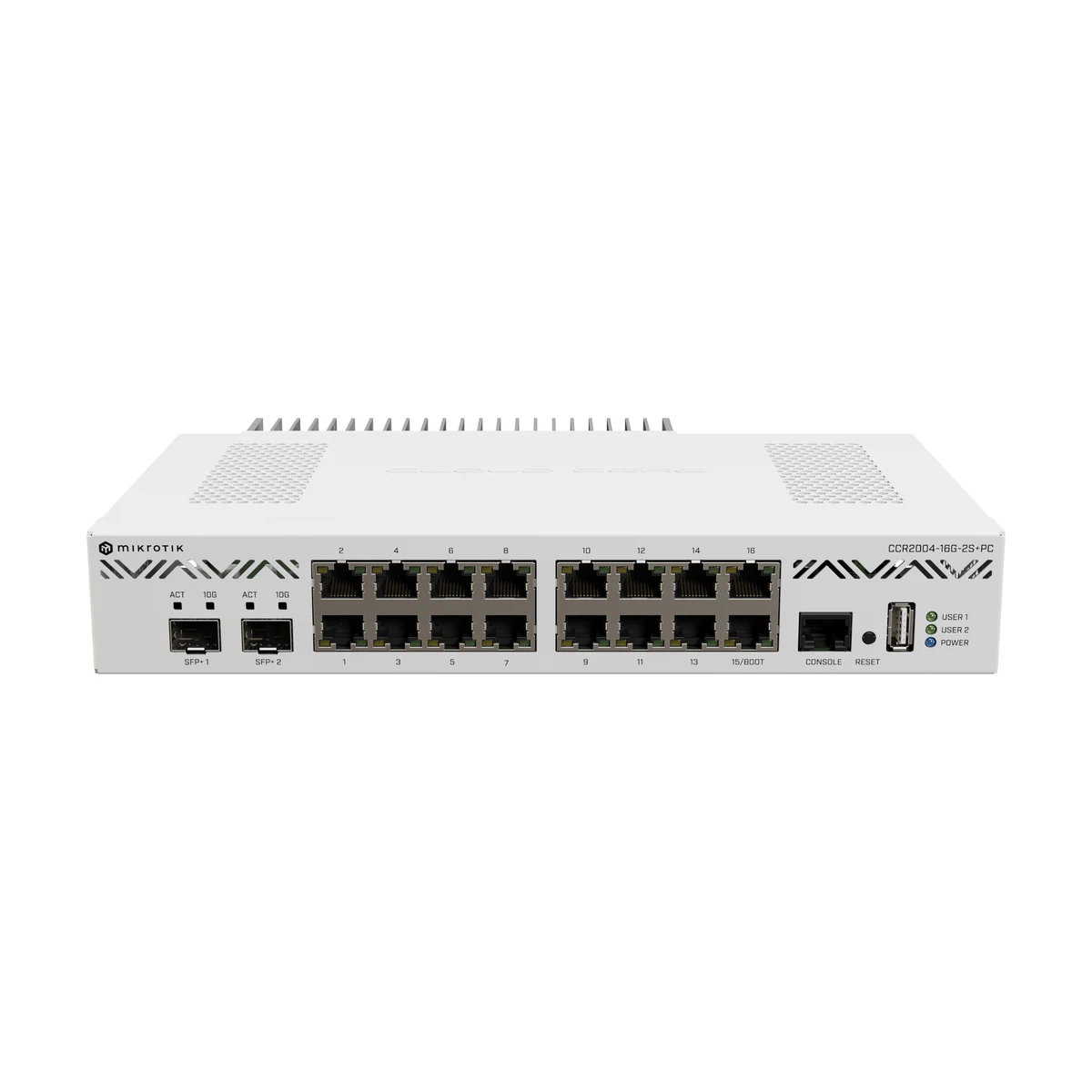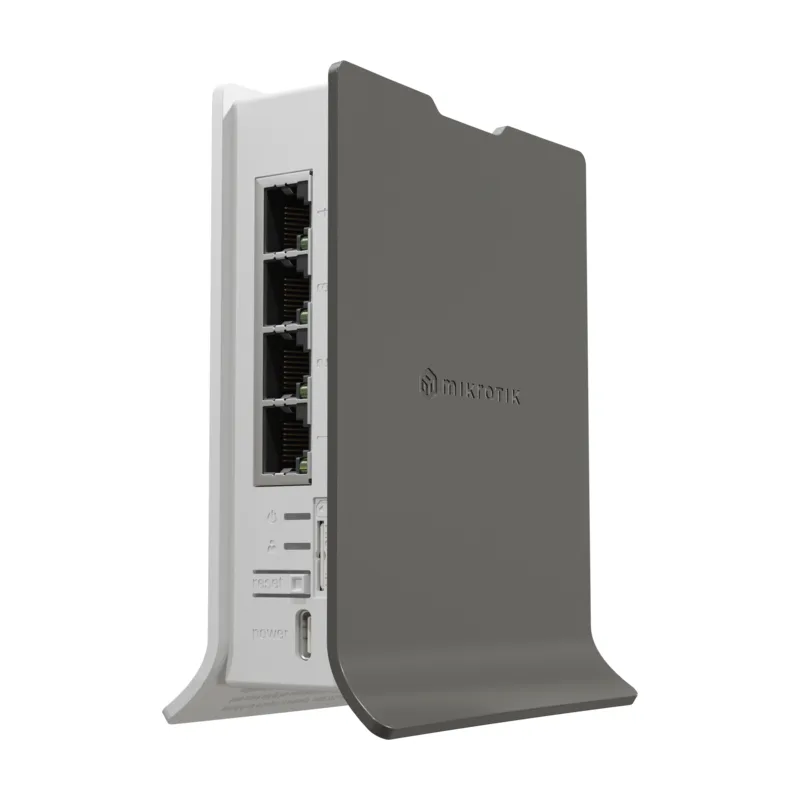
MikroTik hAP ax lite LTE6 (L41G-2axD&FG621-EA)
MikroTik hAP ax lite LTE6 — an affordable compact home LTE access point (CAT6 modem) with Wi-Fi 6.
- Wi-Fi
- Wi-Fi 6 (802.11ax)
- RJ45 ports
- 4
- Form factor
- Desktop
- Wi-Fi bands
- 2.4 GHz
- Mobile network
- LTE CAT6
- Port speed
- 1 Gbps
The MikroTik hAP ax lite LTE6 (L41G-2axD&FG621-EA) is a compact desktop router with Wi-Fi 6 (802.11ax) in the 2.4 GHz band and a built-in LTE CAT6 modem. The device solves a common task: internet where there is no cable provider yet, while modern Wi-Fi is needed right now. Four RJ45 ports at 1 Gbps take wired devices — a POS terminal, an NVR, a workstation. The model targets country houses, rented apartments, kiosks and small offices.
The CAT6 modem with carrier aggregation delivers enough speed for video calls, streaming and cloud services, while Wi-Fi 6 properly serves a dozen client devices. Under the hood is full RouterOS: firewall, VPN, link failover and flexible routing, just like on the larger MikroTik models. Basic launch via the mobile app takes minutes; fine tuning is available through WinBox and the web interface. The router is in stock at our Tashkent warehouse; we can help choose a carrier plan by coverage and configure the device for the task.
Advantages
- Built-in LTE CAT6 modem with carrier aggregation — internet from a SIM card
- Wi-Fi 6 (802.11ax) in the 2.4 GHz band for a dozen client devices
- Four 1 Gbps RJ45 ports for wired connections
- Full RouterOS: firewall, VPN, link failover
- Compact desktop case — placement without a rack or brackets
- Quick start through the mobile app
Applications
- Country houses without a cable provider
- Rented apartments and temporary offices
- Kiosks, pavilions and points of sale
- Backup link for a shop or a mini-office
- Connecting CCTV at remote sites
Installation and setup
Place the router near a window or an outer wall facing the carrier's base station — the LTE signal level is easy to monitor right from the RouterOS interface. Insert the SIM card before powering on, then start the device and run the quick wizard in the MikroTik mobile app. Wired devices — a POS terminal, an NVR, a PC — go into the RJ45 ports; when a cable provider arrives, one port is assigned as WAN and LTE becomes the backup. For stable operation, check carrier coverage at the site before buying a plan. A typical bundle is the hAP ax lite LTE6 plus IP cameras or a PoE injector for a surveillance point.
Frequently asked questions
What is this model made for?
What speed does LTE provide?
Will it work with cable internet later?
How complex is setup for a non-technical user?
Product reviews
Questions & answers