
● MikroTik In stock
MikroTik RB952Ui-5ac2nD-TC Wi-Fi router
A dual-band access point 2.4/5 GHz, 802.11ac, five Ethernet ports, PoE-out on port 5, USB for 3G/4G, universal vertical enclosure.
⚡
PoE
Yes
▸
Wi-Fi
Wi-Fi 5 (802.11ac)
▸
RJ45 ports
5
▸
Form factor
Desktop
Specifications
- PoE
- Yes
- Wi-Fi
- Wi-Fi 5 (802.11ac)
- RJ45 ports
- 5
- Form factor
- Desktop
- Wi-Fi bands
- 2.4/5 GHz
- Port speed
- 100 Mbps
MikroTik RB952Ui-5ac2nD-TC is a dual-band 802.11ac access point in a versatile vertical case, combining support for the 2.4 and 5 GHz bands with a practical set of ports. Five Ethernet interfaces, a PoE-out on the fifth port, and USB for a 3G/4G modem allow deploying a full-fledged network even where there is no fixed provider. The vertical case simplifies desktop and wall installation without additional brackets.
Advantages
- Dual-band Wi-Fi 802.11ac: parallel operation on the 2.4 and 5 GHz frequencies for a larger number of clients
- Vertical case: stable desktop placement or wall mounting without extra accessories
- PoE-out: powering connected devices directly from the router port
- USB port: backup mobile internet via a 3G/4G modem
- Five Ethernet ports: flexible division into WAN and LAN segments
- RouterOS: rich functionality of routing, VPN, QoS, and traffic monitoring
Applications
- Small and medium business offices: a reliable wireless network for employees
- Security system sites: powering IP cameras via PoE and connection backup
- Retail outlets: Wi-Fi for customers and POS terminals
- Remote sites: backup internet via a mobile modem
Frequently asked questions
How does this model differ from the RB952Ui-5ac2nD?
The main difference is the vertical TC case, which is more convenient for desktop installation and provides better natural ventilation.
Can a storage drive be connected to the USB port?
RouterOS supports USB drives for storing logs and configuration backups, however the main purpose of the port on this model is mobile internet.
Is operation in bridge mode supported?
Yes, RouterOS allows switching the device to bridge mode to extend an existing network.
💬
Need help choosing?
Our engineer will pick the right equipment for your needs and send a quote within one business day.
Product reviews
Questions & answers
Similar: Routers
Whole category →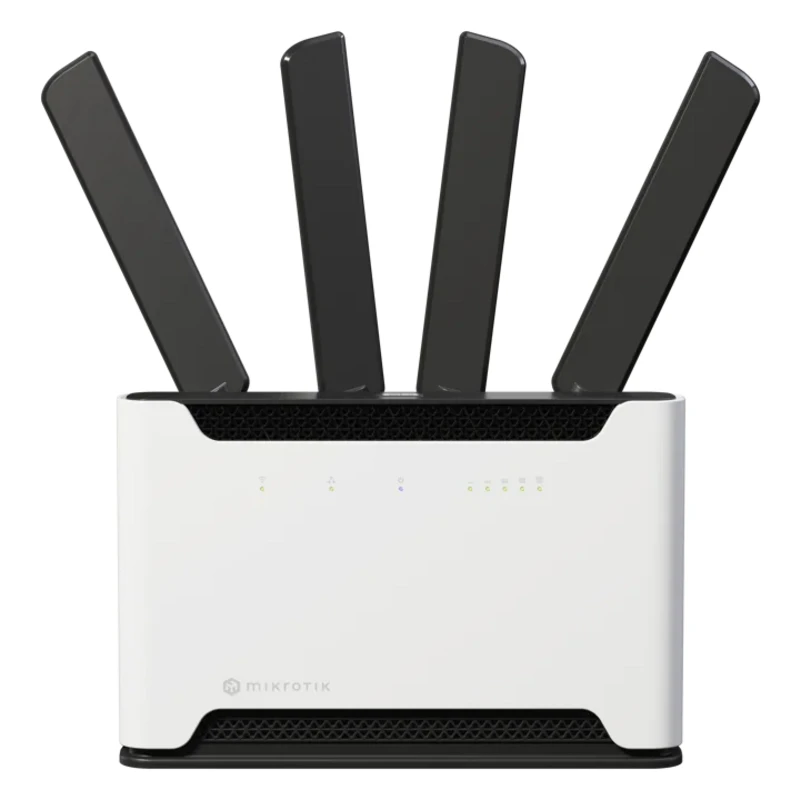
LTE Router MikroTik S53UG+5HaxD2HaxD-TC&FG621-EA
from 2 735 900 UZS
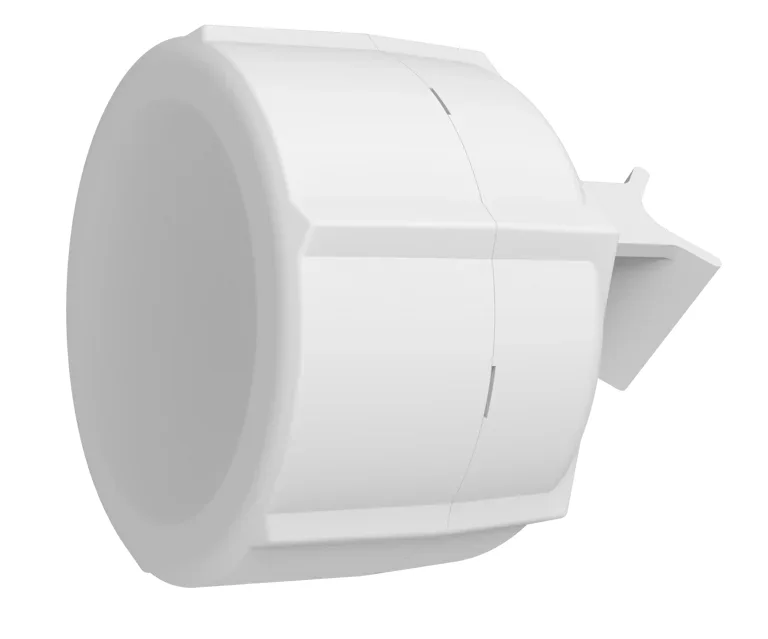
LTE Router MikroTik SXTR&R11e-LTE7
from 1 623 900 UZS
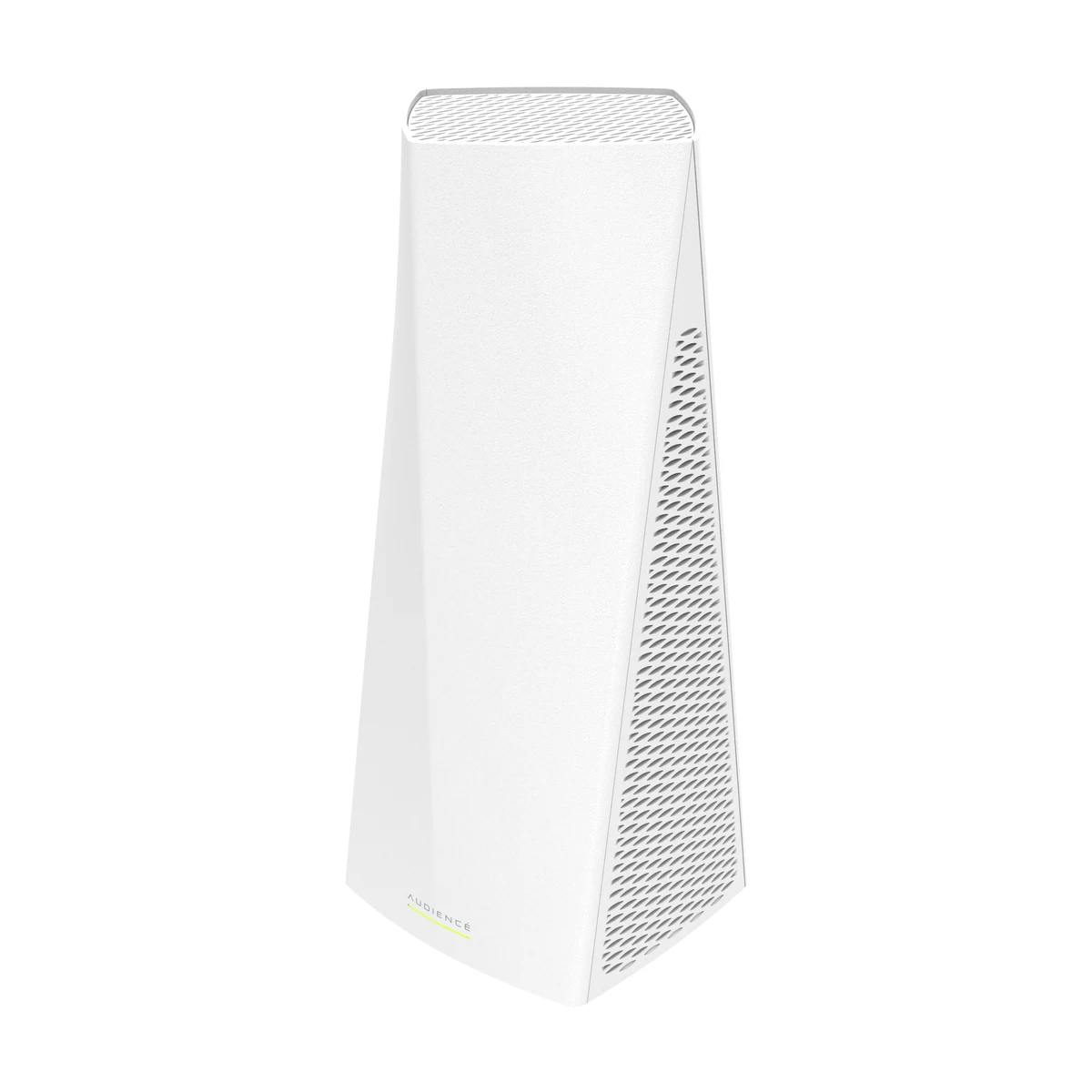
MikroTik Audience LTE6 kit (RBD25GR-5HPacQD2HPnD&R11e-LTE6)
from 3 137 900 UZS
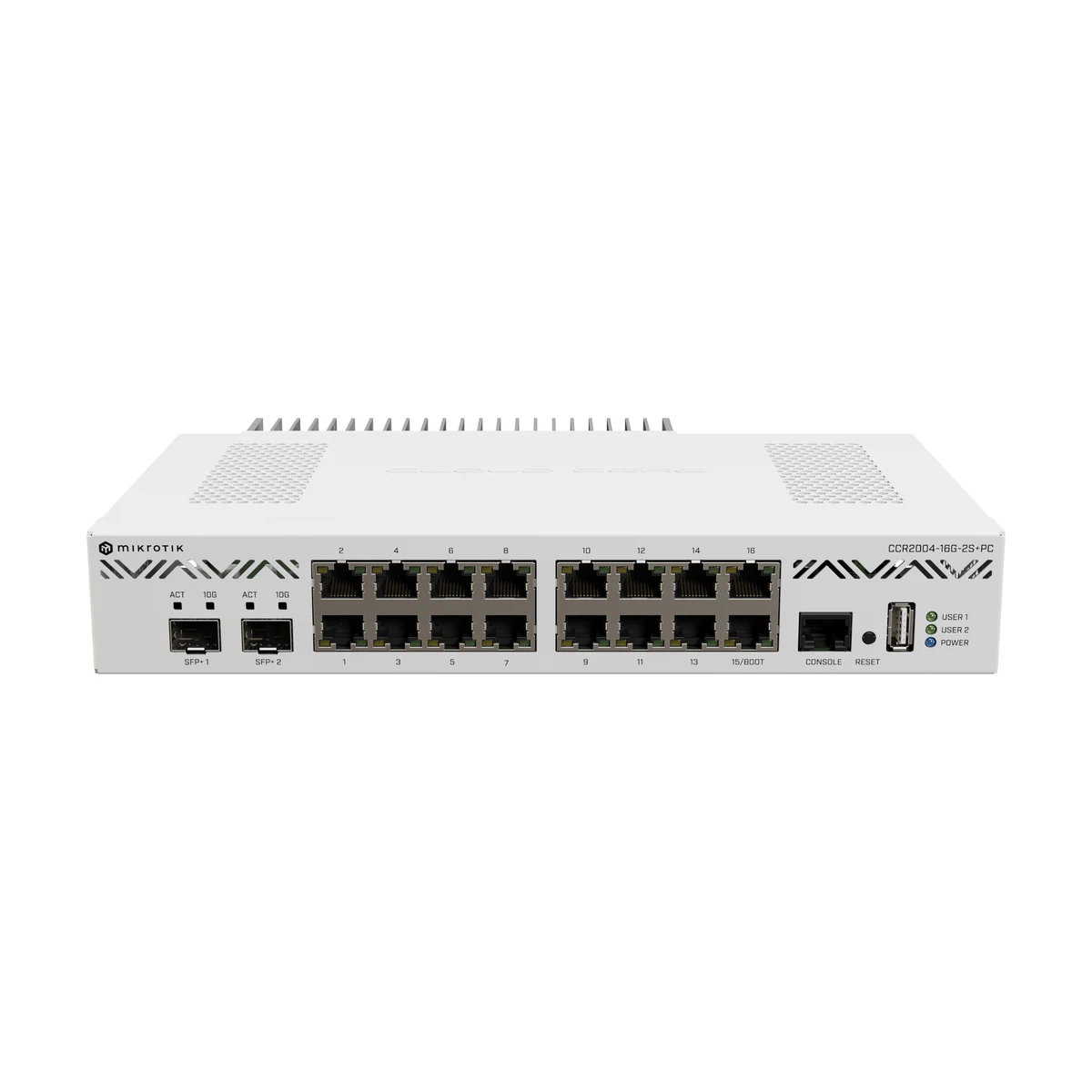
MikroTik CCR2004-16G-2S+PC
from 6 305 900 UZS

MikroTik CCR2004-1G-12S+2XS
from 8 148 900 UZS
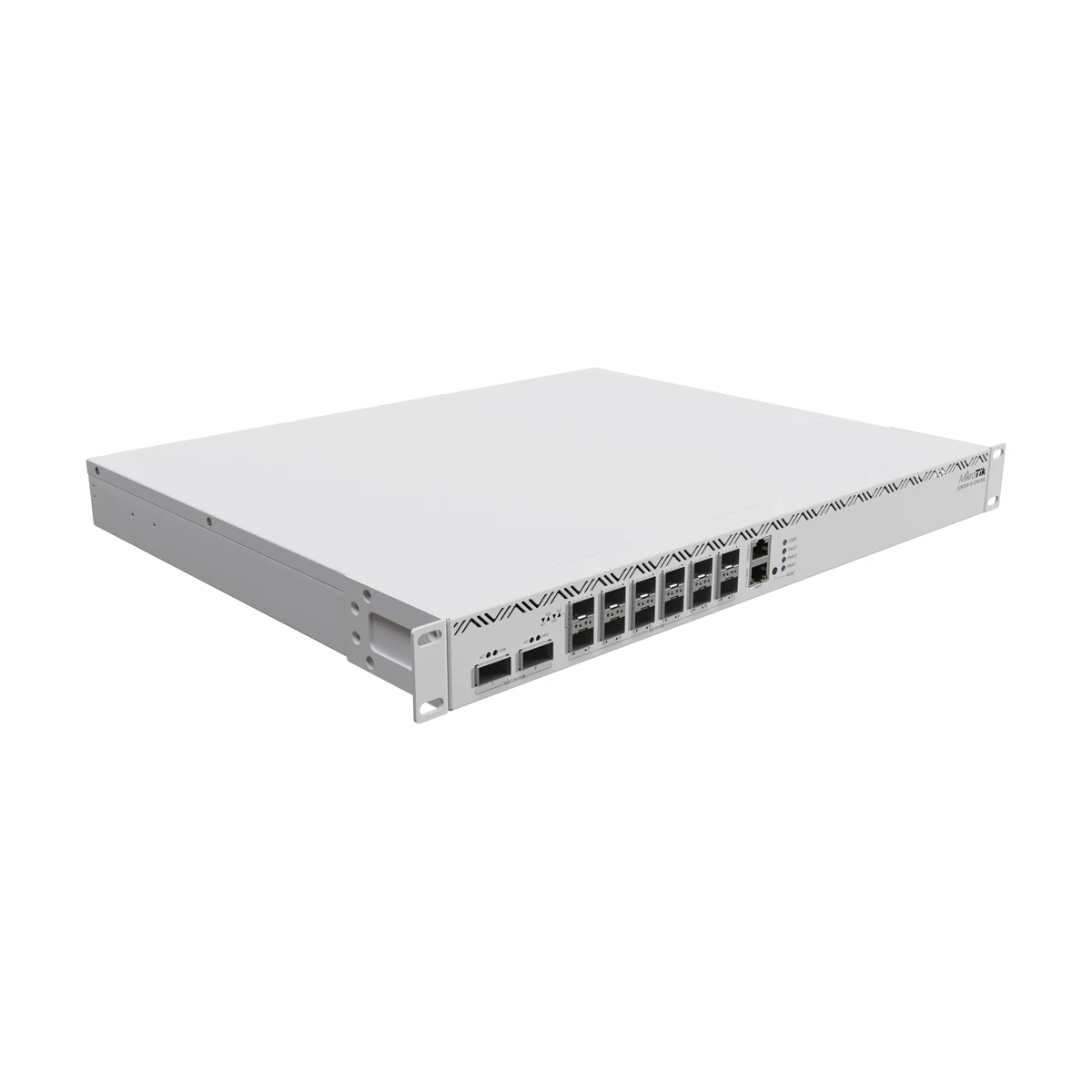
MikroTik CCR2216-1G-12XS-2XQ
from 36 139 900 UZS
Frequently bought together

SFP module MikroTik S-RJ01
from 460 900 UZS
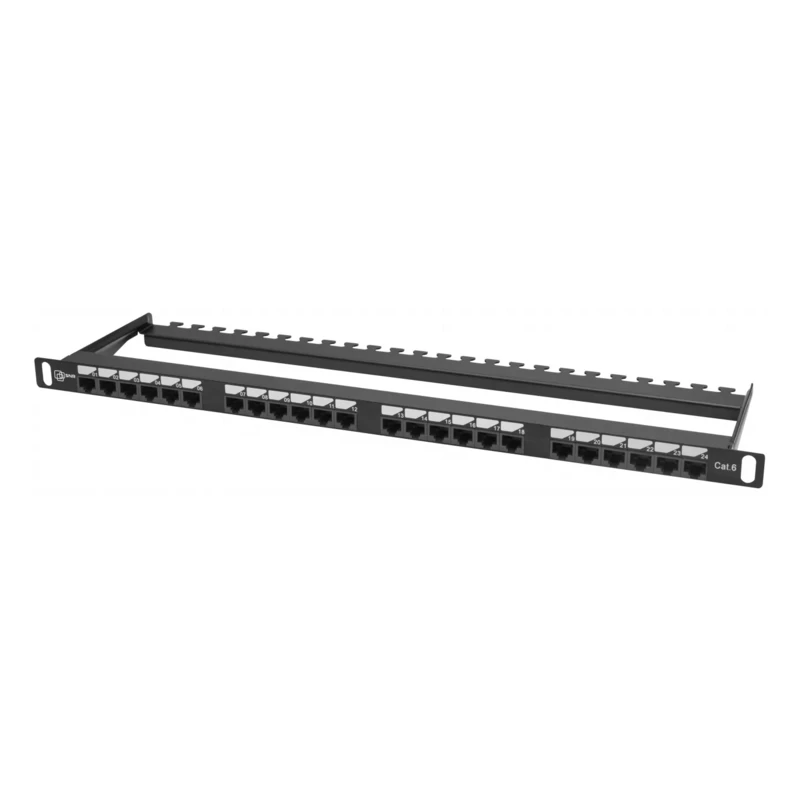
Pixietech patch panel, 19" unshielded, 0.5U, 24 ports, Cat.6
from 401 900 UZS
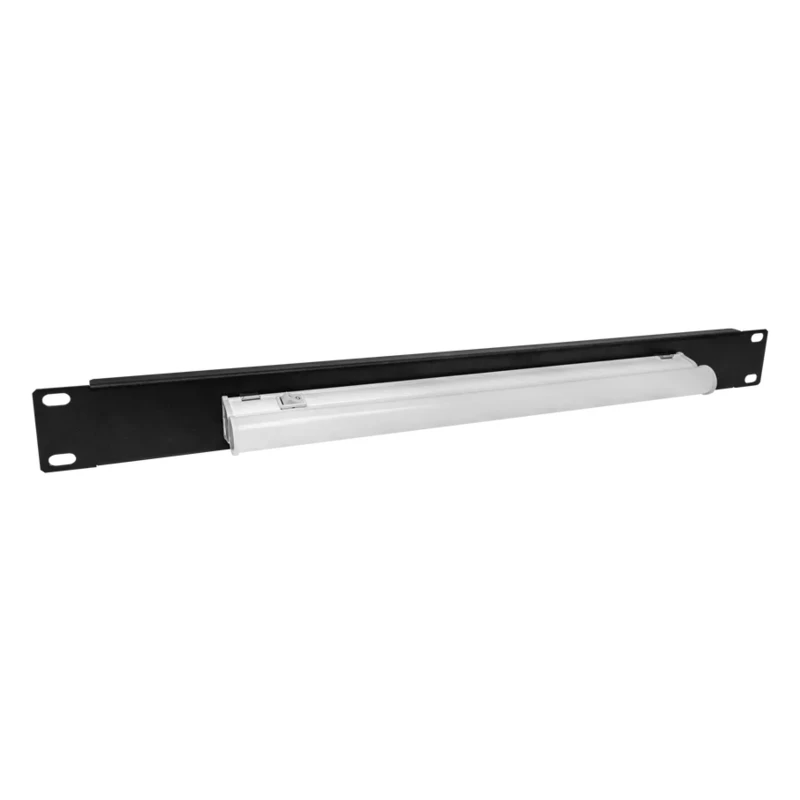
Cabinet Lighting Unit, 1U 19"
from 149 900 UZS

MikroTik XS+DA0001
from 435 900 UZS
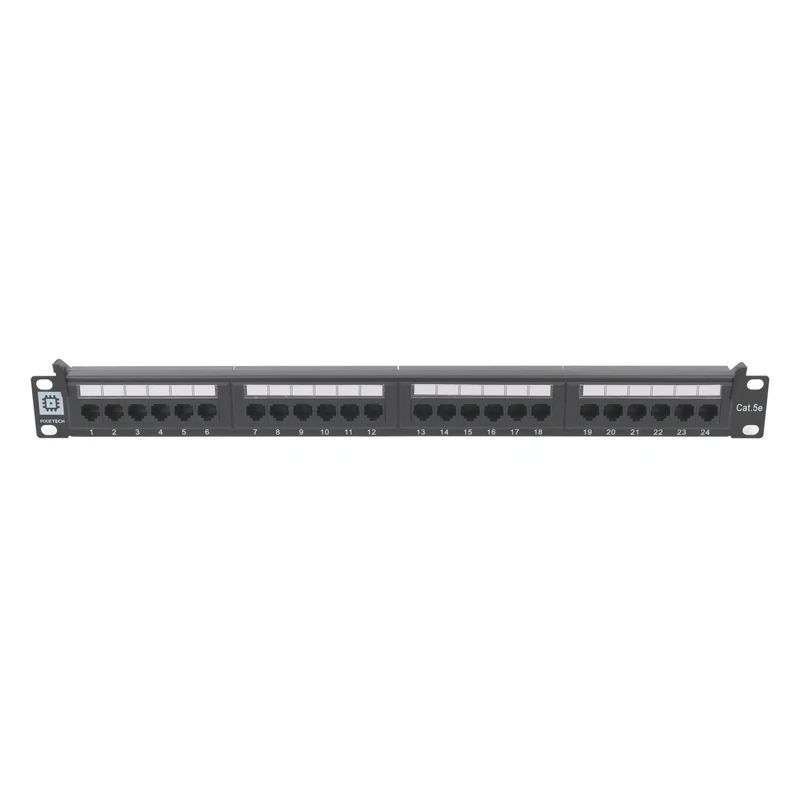
Pixietech patch panel, 19" unshielded, 1U, 24 ports, Cat.5e
from 270 900 UZS
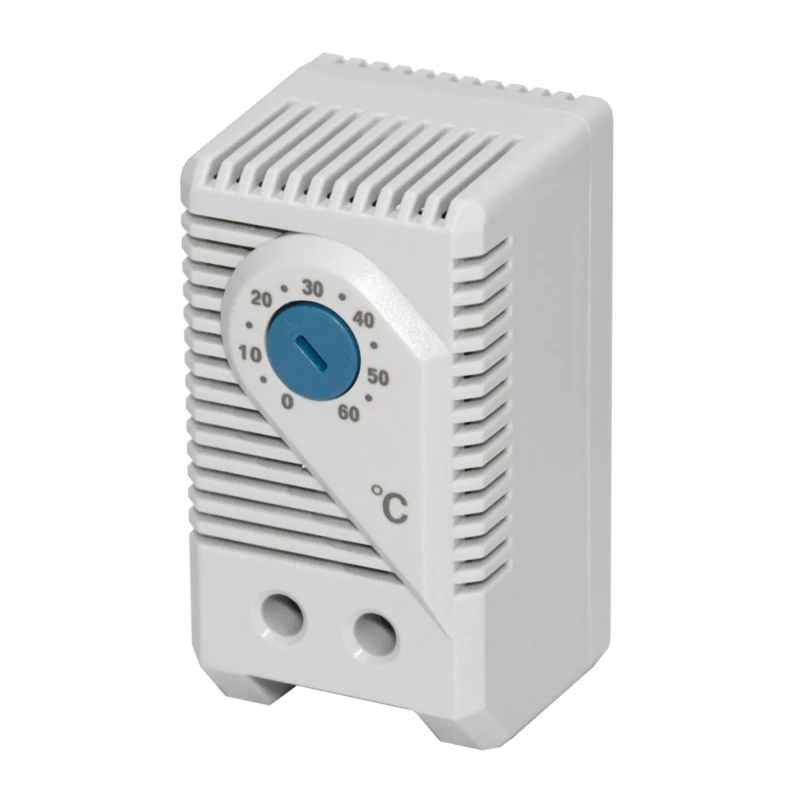
Climate Control Unit (Thermostat) for Fans and Fan Trays
from 99 900 UZS