
● TP-Link In stock
TP-Link DS110GMP PoE switch
10-port desktop Gigabit switch with PoE+ support.
▸
Ports
10 (8 PoE+, 2 standard)
▸
SFP ports
1 Combo
⚡
PoE budget
123W
▸
Speed
Gigabit
Specifications
- Ports
- 10 (8 PoE+, 2 standard)
- SFP ports
- 1 Combo
- PoE budget
- 123W
- Speed
- Gigabit
- PoE standard
- 802.3af/at
- PoE range
- 250m
- PoE auto-recovery
- Yes
The TP-Link DS110GMP PoE switch is a ten-port gigabit solution for video surveillance systems and access networks where several cameras must be powered over PoE+ at once. Eight PoE+ ports with a shared 123 W budget power IP cameras and access points, while two additional ports and a combo SFP slot serve to connect a recorder and an optical backbone.
Advantages
- 8 PoE+ ports (802.3at/af), 123 W budget — powering cameras and access points over twisted pair
- Gigabit speed on all ports — bandwidth headroom for multi-megapixel cameras
- Combo SFP slot — optical uplink or connection to the network core
- Extended range up to 250 m — power and data to remote cameras over a single cable
- PoE auto-recovery — the switch restarts a frozen camera by itself without a site visit
- Desktop or wall mounting — flexible placement on site
Applications
- Video surveillance systems for 6–8 cameras in stores, offices and warehouses
- Networks with Wi-Fi access points powered over PoE
- Sites with remote cameras thanks to the range mode of up to 250 m
Frequently asked questions
How many cameras can be connected?
Up to 8 PoE+ devices within the shared 123 W budget.
What does PoE auto-recovery do?
It automatically reboots a frozen camera by cycling its power, without a technician visit.
Is there an optical port?
Yes, a combo SFP slot is provided.
💬
Need help choosing?
Our engineer will pick the right equipment for your needs and send a quote within one business day.
Product reviews
Questions & answers
Similar: Switches
Whole category →
PoE++ switch L2+ Tp-Link SX3206HPP
from 5 846 900 UZS
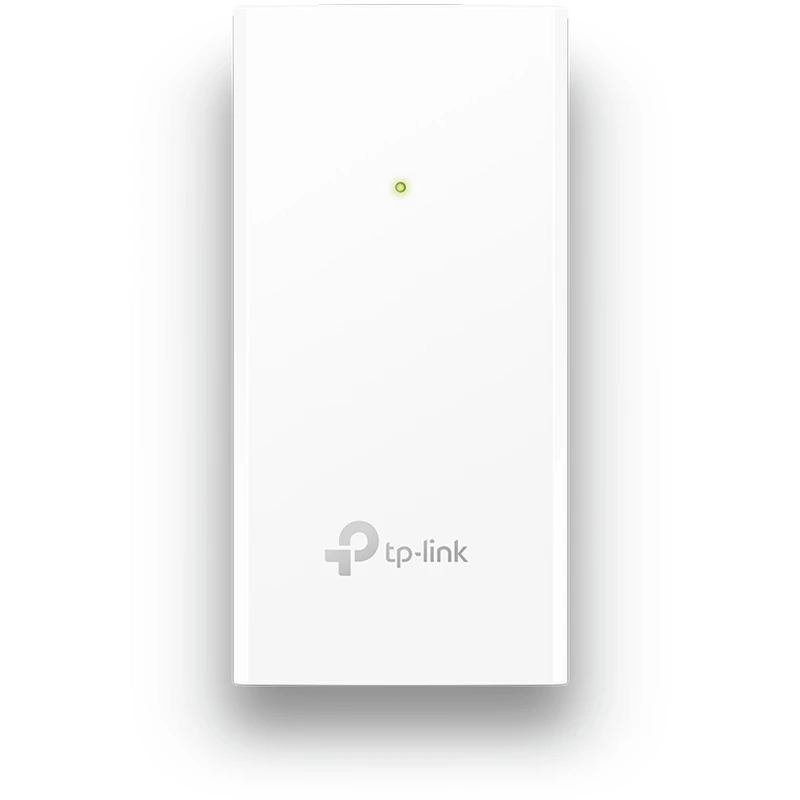
PoE injector Passive Tp-Link POE2412G
from 135 900 UZS

PoE injector Passive Tp-Link POE4818G
from 147 900 UZS

PoE injector Passive Tp-Link POE4824G
from 197 900 UZS

PoE injector Tp-Link POE150S
from 234 900 UZS

TP-Link SG3428MP L2+ PoE switch
from 4 636 900 UZS
Frequently bought together

SFP module MikroTik XS+DA0003
from 581 900 UZS
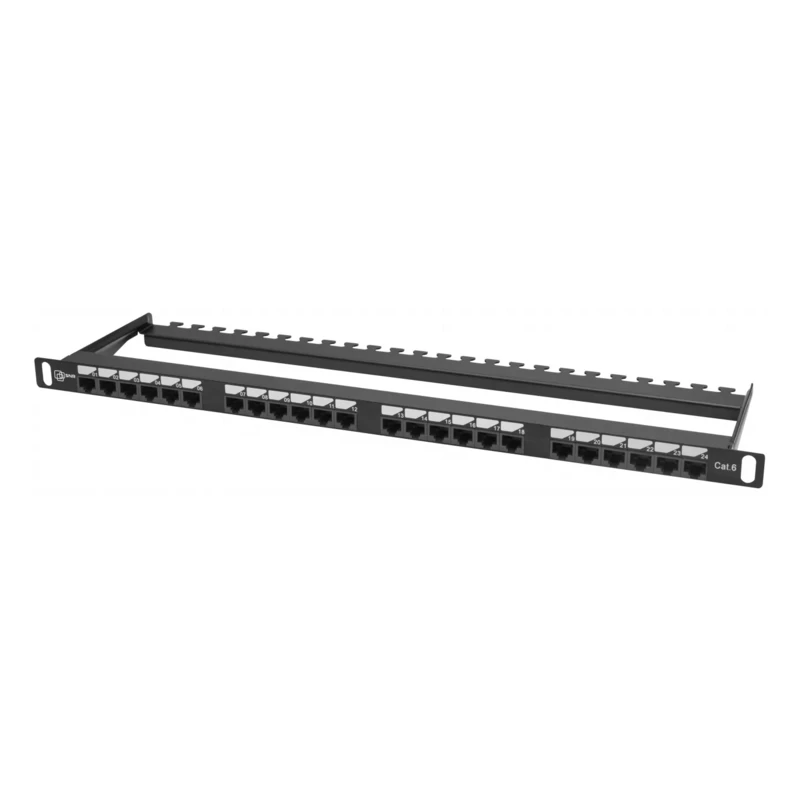
Pixietech patch panel, 19" unshielded, 0.5U, 24 ports, Cat.6
from 401 900 UZS
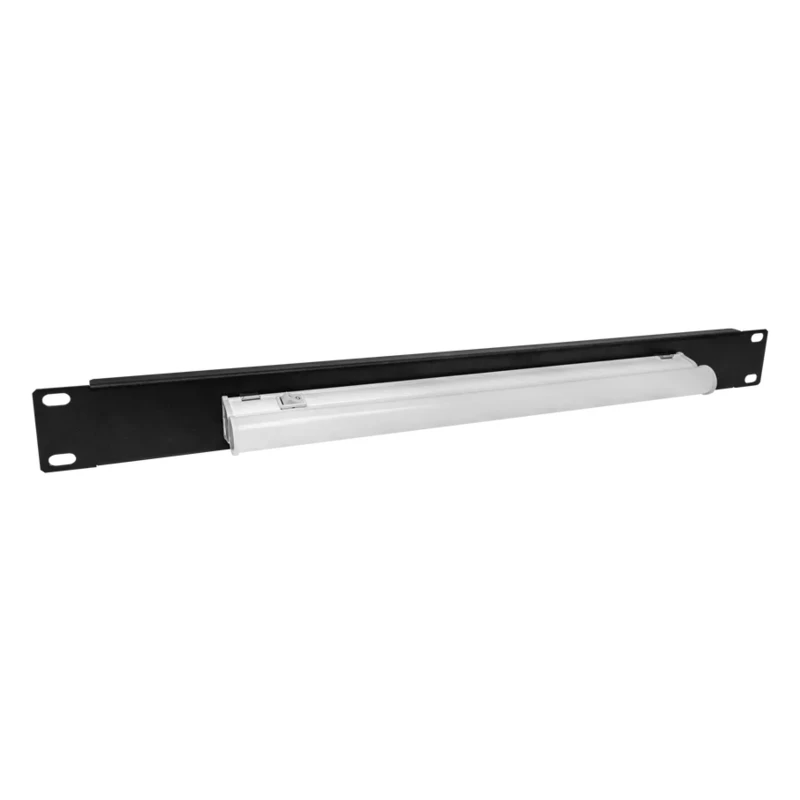
Cabinet Lighting Unit, 1U 19"
from 149 900 UZS
New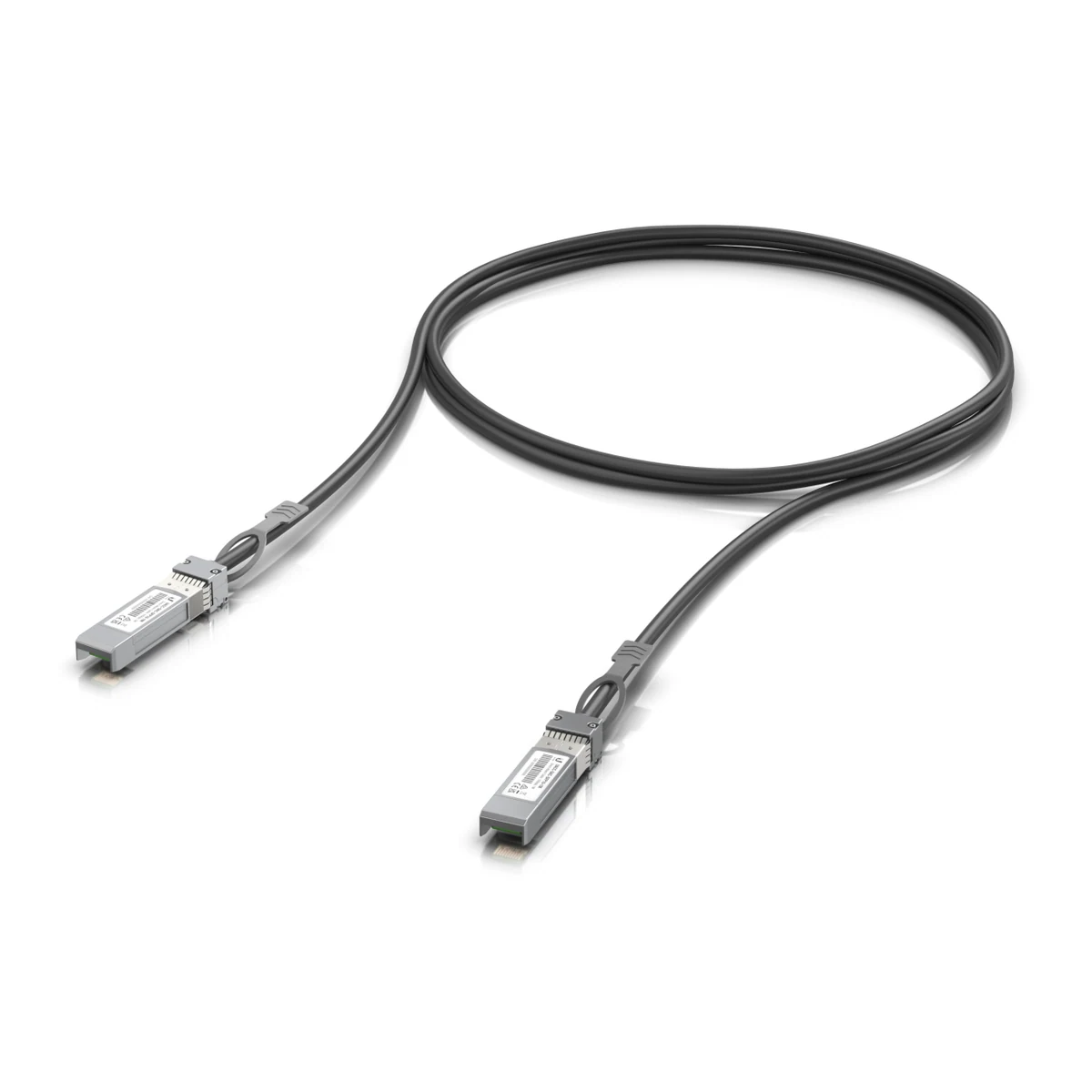
10G SFP+ DAC Cable, 1 m
from 293 900 UZS
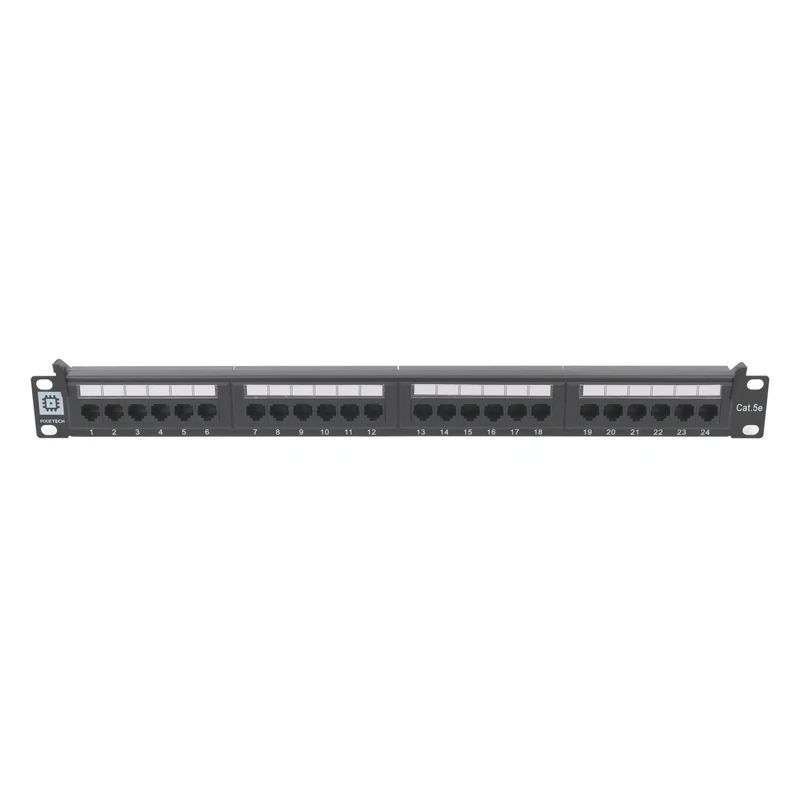
Pixietech patch panel, 19" unshielded, 1U, 24 ports, Cat.5e
from 270 900 UZS
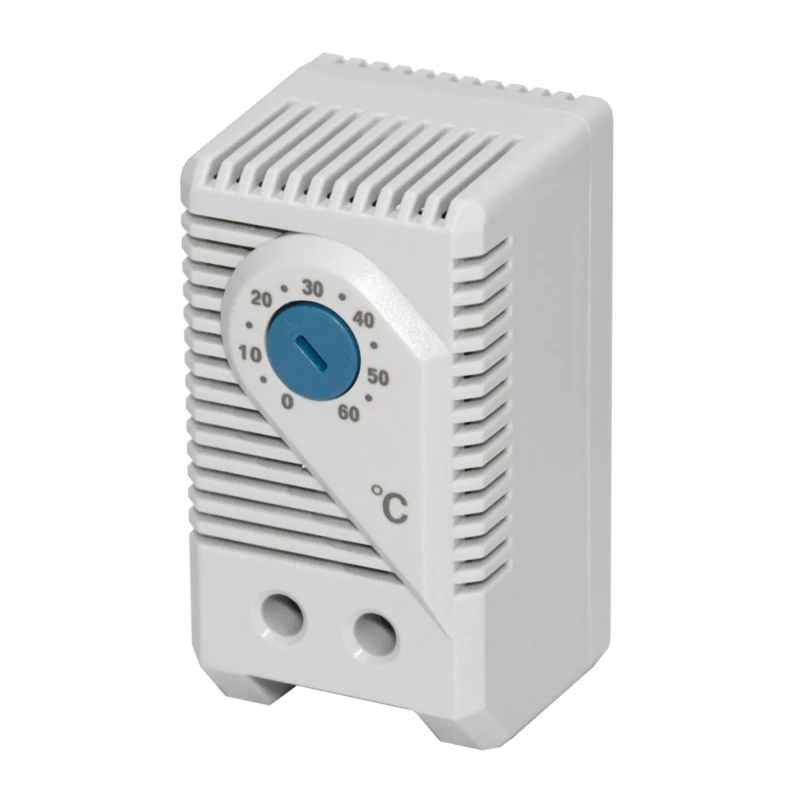
Climate Control Unit (Thermostat) for Fans and Fan Trays
from 99 900 UZS