
● TP-Link In stock
Wall-mount Wi-Fi access point Tp-Link EAP655-Wall
AX3000 dual-band wireless wall Wi-Fi 6 access point
▸
Ports
1 × 1Gbps uplink + 3 × 1Gbps downlink
▸
Antennas
2 × internal
⚡
Power
802.3at/af PoE
▸
Features
MU-MIMO, Band Steering, Beamforming, Load Balance
Specifications
- Ports
- 1 × 1Gbps uplink + 3 × 1Gbps downlink
- Antennas
- 2 × internal
- Power
- 802.3at/af PoE
- Features
- MU-MIMO, Band Steering, Beamforming, Load Balance
- Speed
- 574Mbps (2.4GHz) + 2402Mbps (5GHz)
- Wi-Fi standard
- Wi-Fi 6 (802.11ax)
TP-Link EAP655-Wall is an AX3000 Wi-Fi 6 wall-plate access point that mounts in place of a standard outlet and provides wireless coverage in every room or office zone without running cables through the ceiling. A combined speed of up to 3 Gbit/s, one gigabit uplink port and three downlink ports for wired devices turn the access point into a full-fledged mini switch with Wi-Fi. MU-MIMO, Beamforming and Band Steering technologies ensure a stable connection even with a high density of connected clients.
Advantages
- Wi-Fi 6 (AX3000): high throughput and low latency in the 802.11ax standard
- 3 wired 1 Gbit/s ports: connect PCs, printers and IP phones without an additional switch
- MU-MIMO and Beamforming: precise signal directivity and parallel operation with multiple clients
- Band Steering: automatic shifting of clients to the faster 5 GHz band
- 802.3at/af PoE power: a single cable provides both power and data transmission
- Wall mounting: tidy installation into a standard wall box — Wi-Fi where it is needed
Applications
- Hotels: one access point in every room for the fastest possible Wi-Fi for guests
- Office meeting rooms: Wi-Fi 6 and wired ports simultaneously in a single device
- Educational institutions: Wi-Fi in every classroom with wired connection of computers
- Medical clinics: reliable coverage of offices without ceiling mounting
- Coworking spaces: a dense wireless network with dedicated wired ports at each workstation
Frequently asked questions
Does the EAP655-Wall replace a standard RJ-45 outlet or is it installed separately?
The access point is mounted into a standard wall box on the wall — instead of a regular outlet or next to it, using a routed Ethernet cable.
Is a separate Omada controller required for management?
The access point supports both standalone operation and management via an Omada SDN controller for centralized administration of multiple devices.
Do all three downlink ports work when powered by 802.3af?
It is recommended to use 802.3at PoE+ for the full operation of all ports and functions; with 802.3af there may be limitations — check the technical documentation.
💬
Need help choosing?
Our engineer will pick the right equipment for your needs and send a quote within one business day.
Product reviews
Questions & answers
Similar: Wi-Fi access points
Whole category →New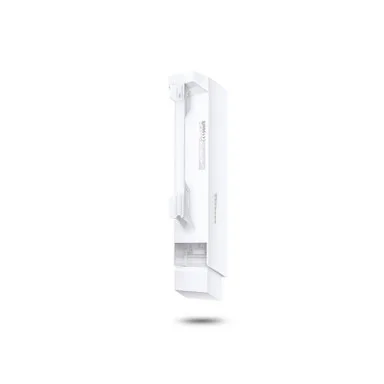
TP-Link CPE220 Wi-Fi Bridge (2.4 GHz, 12 dBi)
from 741 900 UZS
New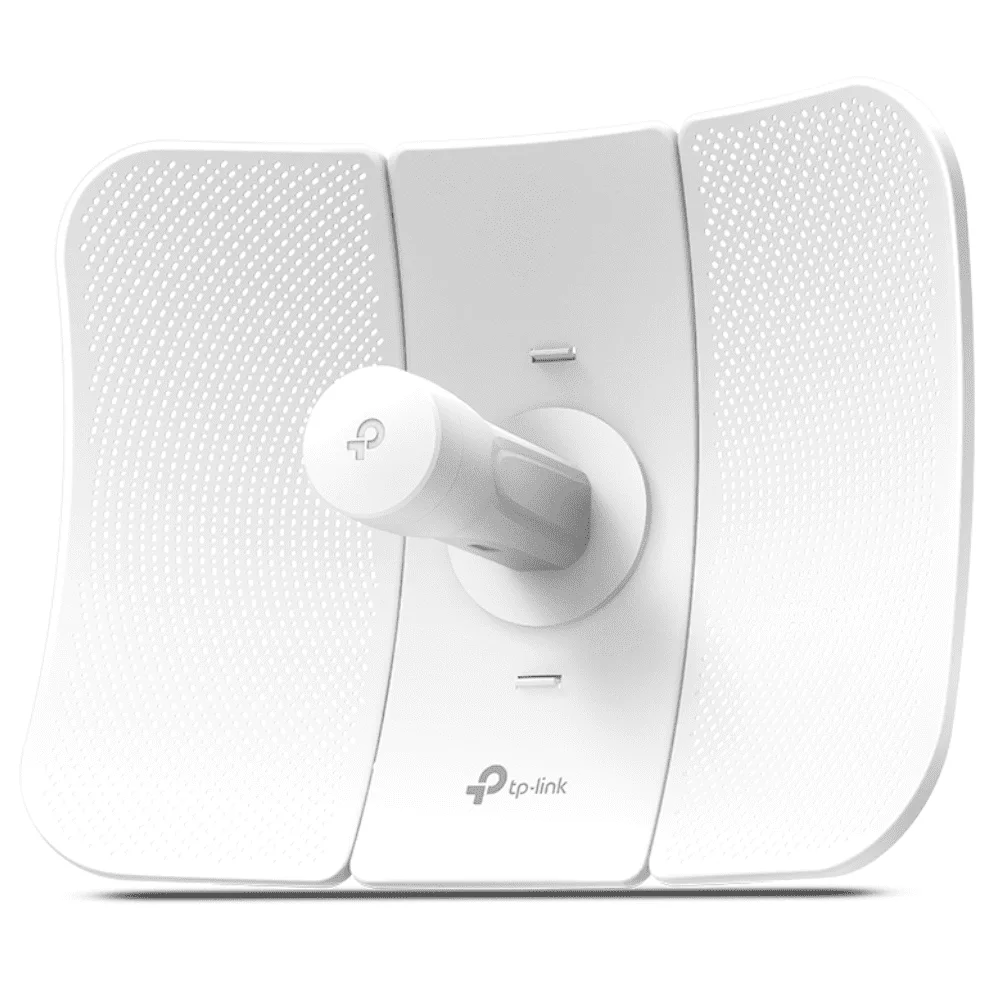
TP-Link CPE610 Wi-Fi Bridge (5 GHz, 23 dBi, up to 15 km)
from 828 900 UZS
New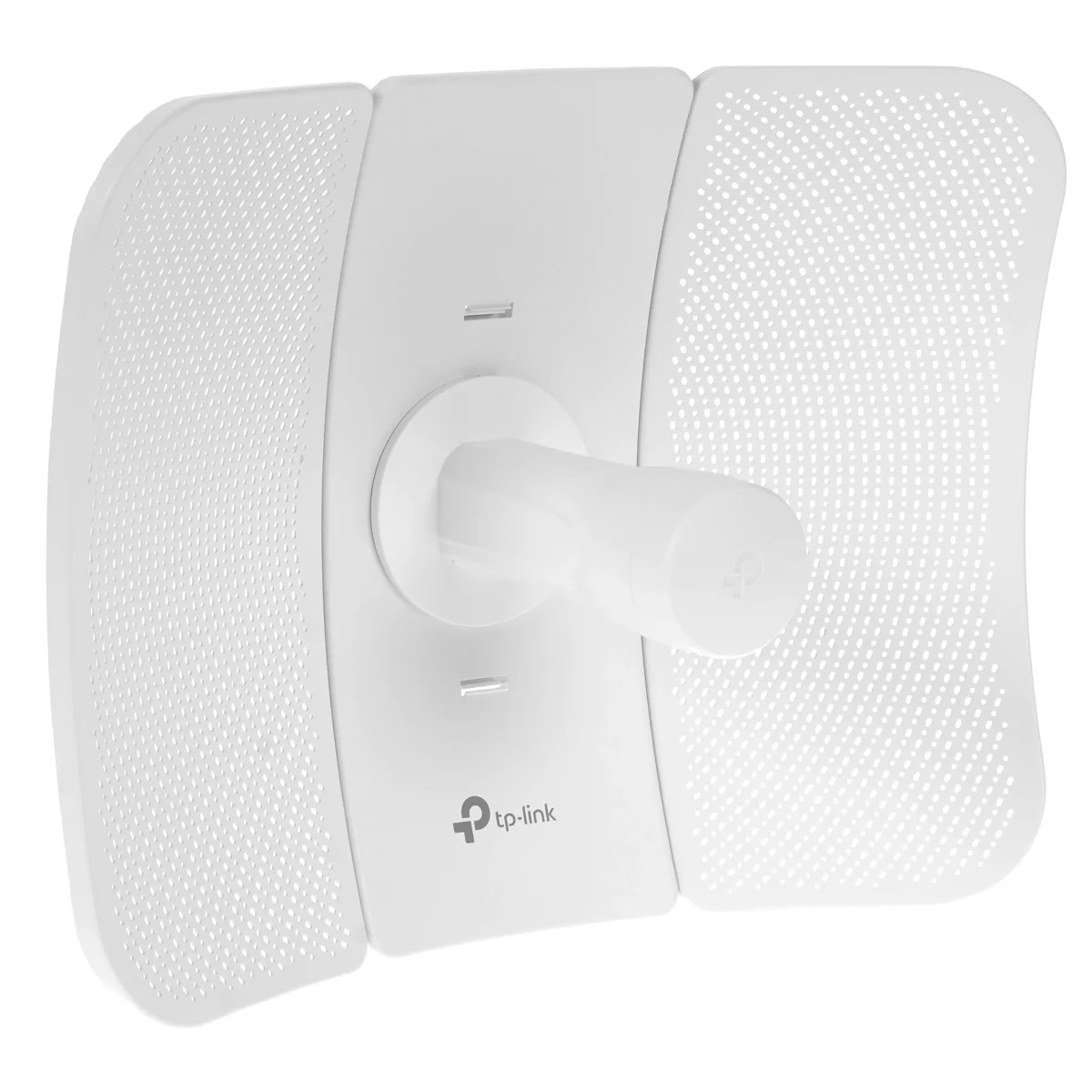
TP-Link CPE710 Wi-Fi Bridge (5 GHz, 23 dBi, AC867)
from 1 013 900 UZS

Wi-Fi Extender/Repeater Tp-Link EAP673-Extender
from 1 174 900 UZS

Wi-Fi Access Point (Wi-Fi 6) Tp-Link EAP610
from 1 224 900 UZS

Wi-Fi Access Point (Outdoor) Tp-Link EAP225-Outdoor
from 729 900 UZS
Frequently bought together
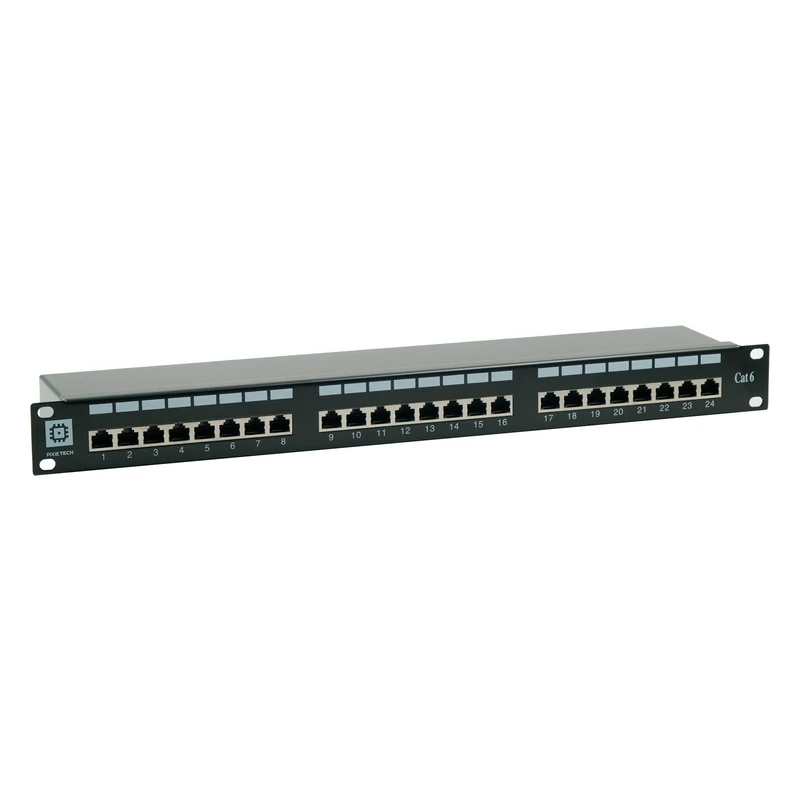
Pixietech patch panel, 19" shielded, 1U, 24 ports, Cat.6
from 547 900 UZS
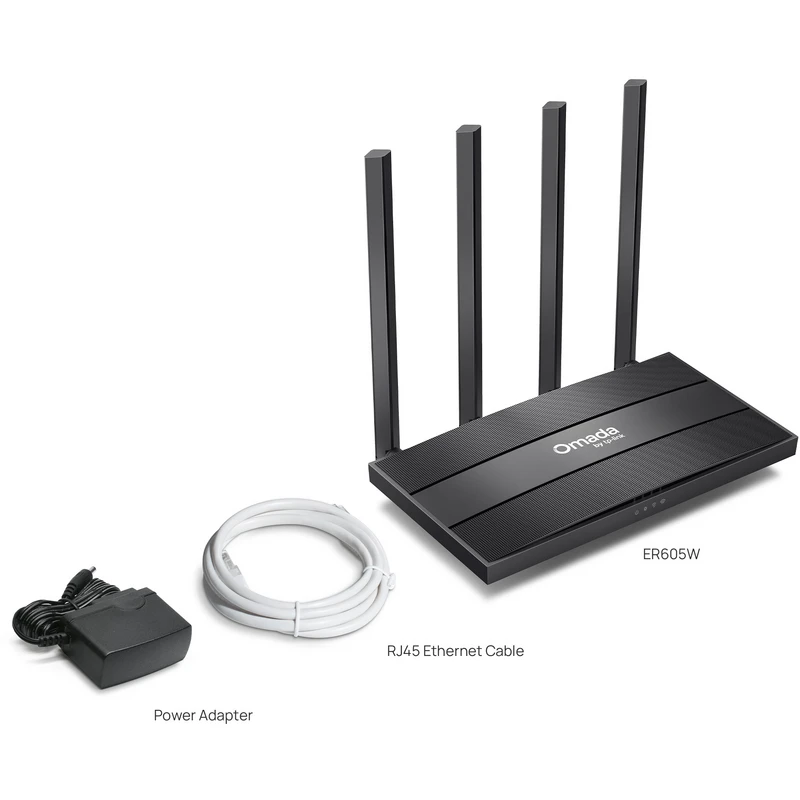
TP-Link ER605W VPN router
from 584 900 UZS
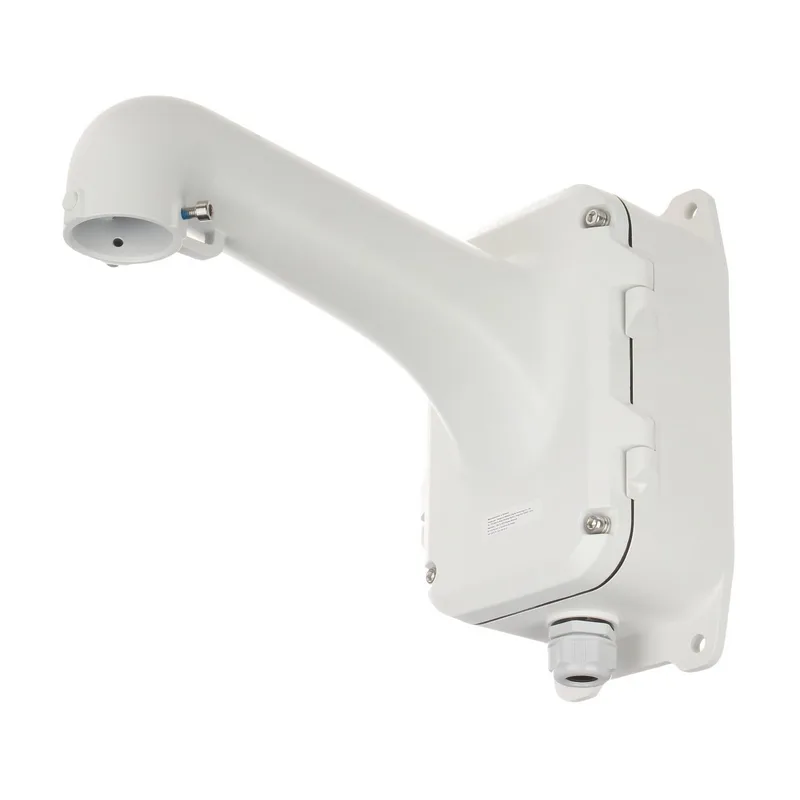
Corner mount for PTZ camera Hikvision DS-1604ZJ-BOX-CORNER
from 741 900 UZS
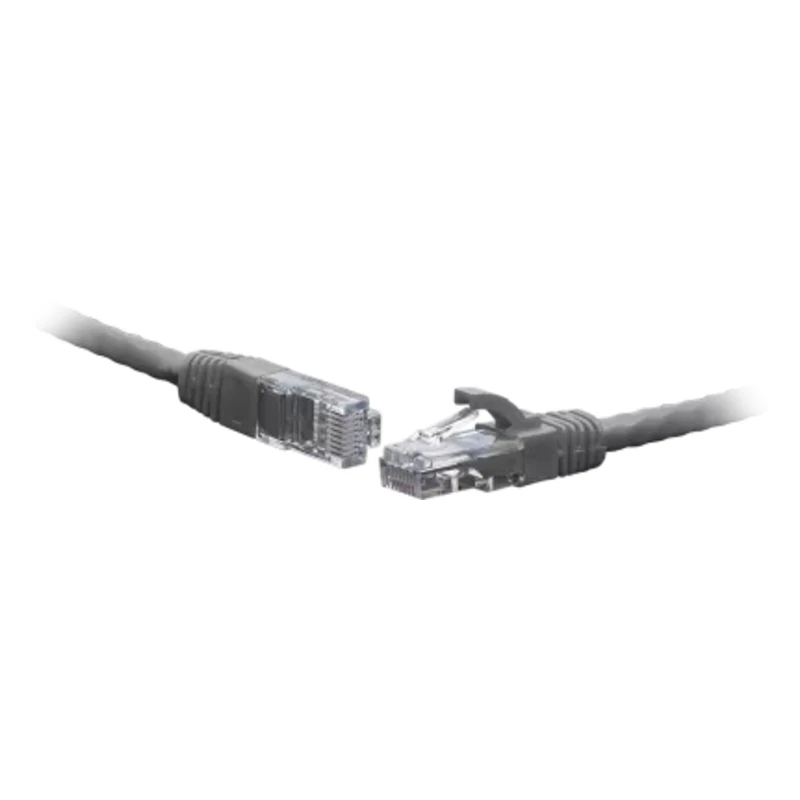
Patch cord F/UTP Cat.6 10.0 m gray
from 119 900 UZS

TP-Link ER605 VPN router
from 679 900 UZS
New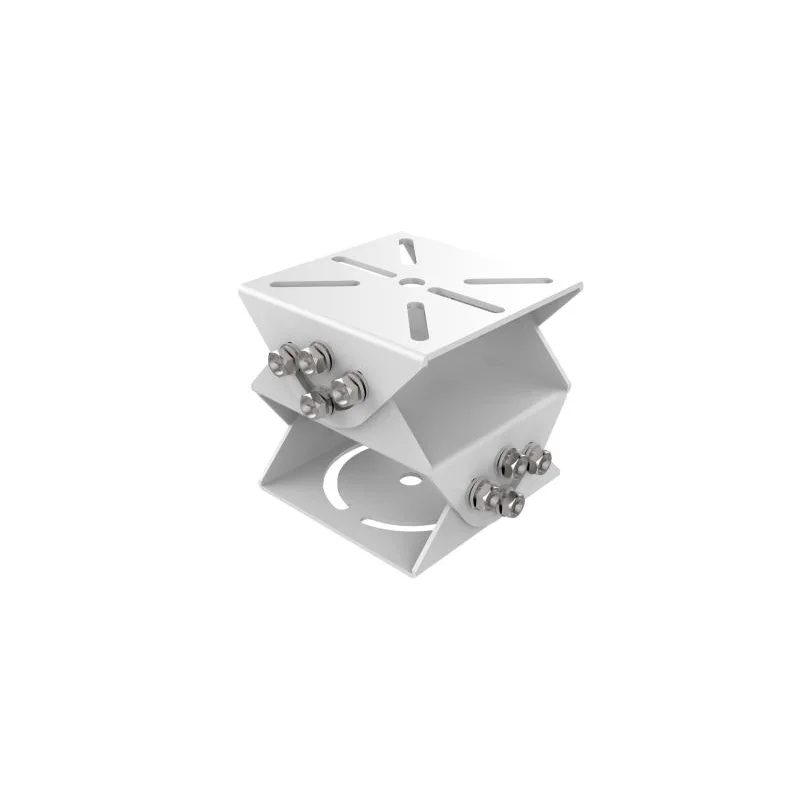
Hikvision DS-1232ZJ-T/BJH Corner Mount
from 432 900 UZS